A:AnswerYes it is compatible I bought and used with Xfinity but took it back because Band steering tried to force my Apple 5 ghz and 2.4 devices on the wrong band and I couldn’t change that. Otherwise it was fast and provided the needed coverage of my home. No weak spots any where.
A:AnswerYes, but no need to plug the printer into the router if your printer is wifi capable. I have an Epson WF3640 and was able to connect to the Orbi with no issues at all. The signal is so much better now.
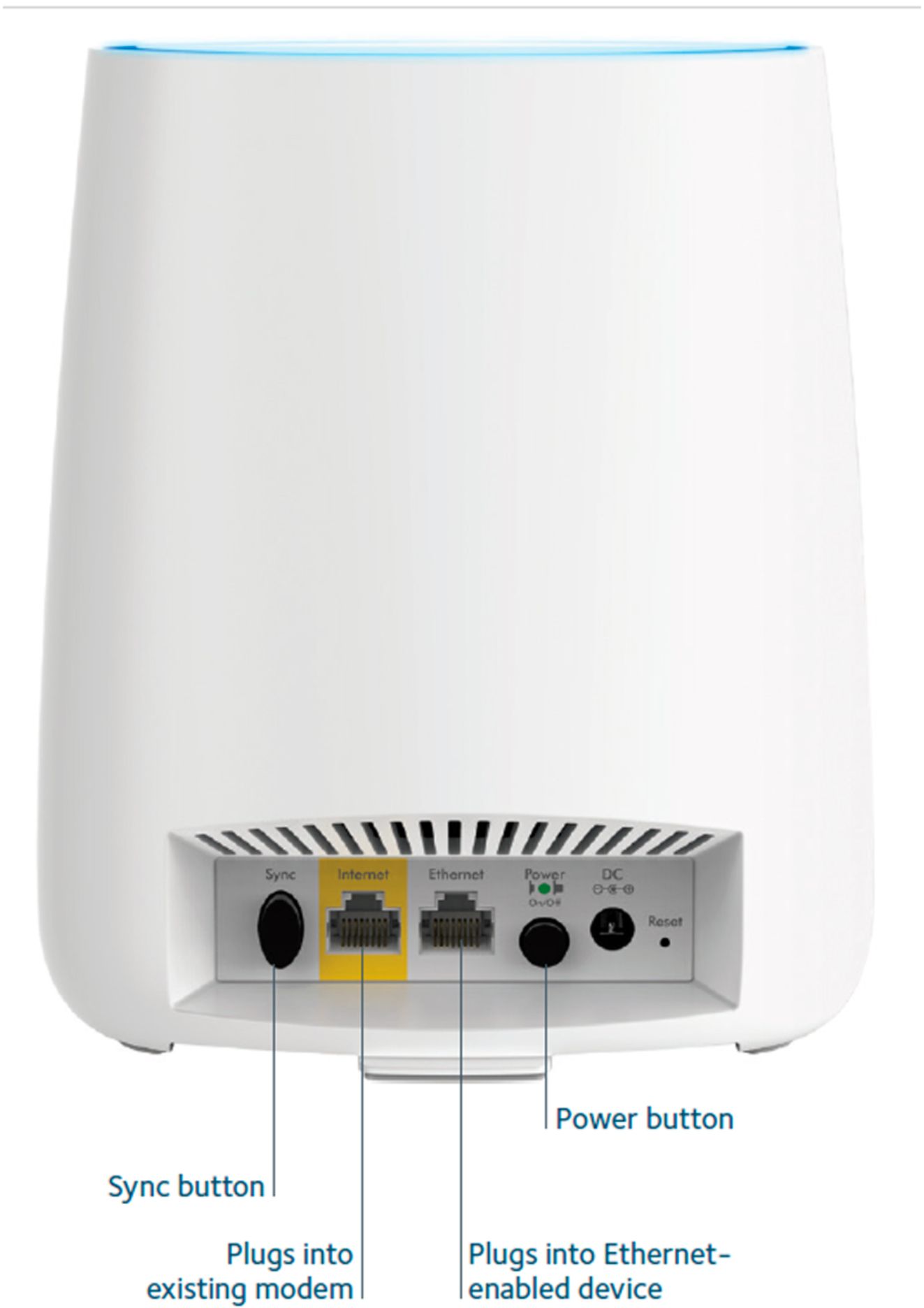
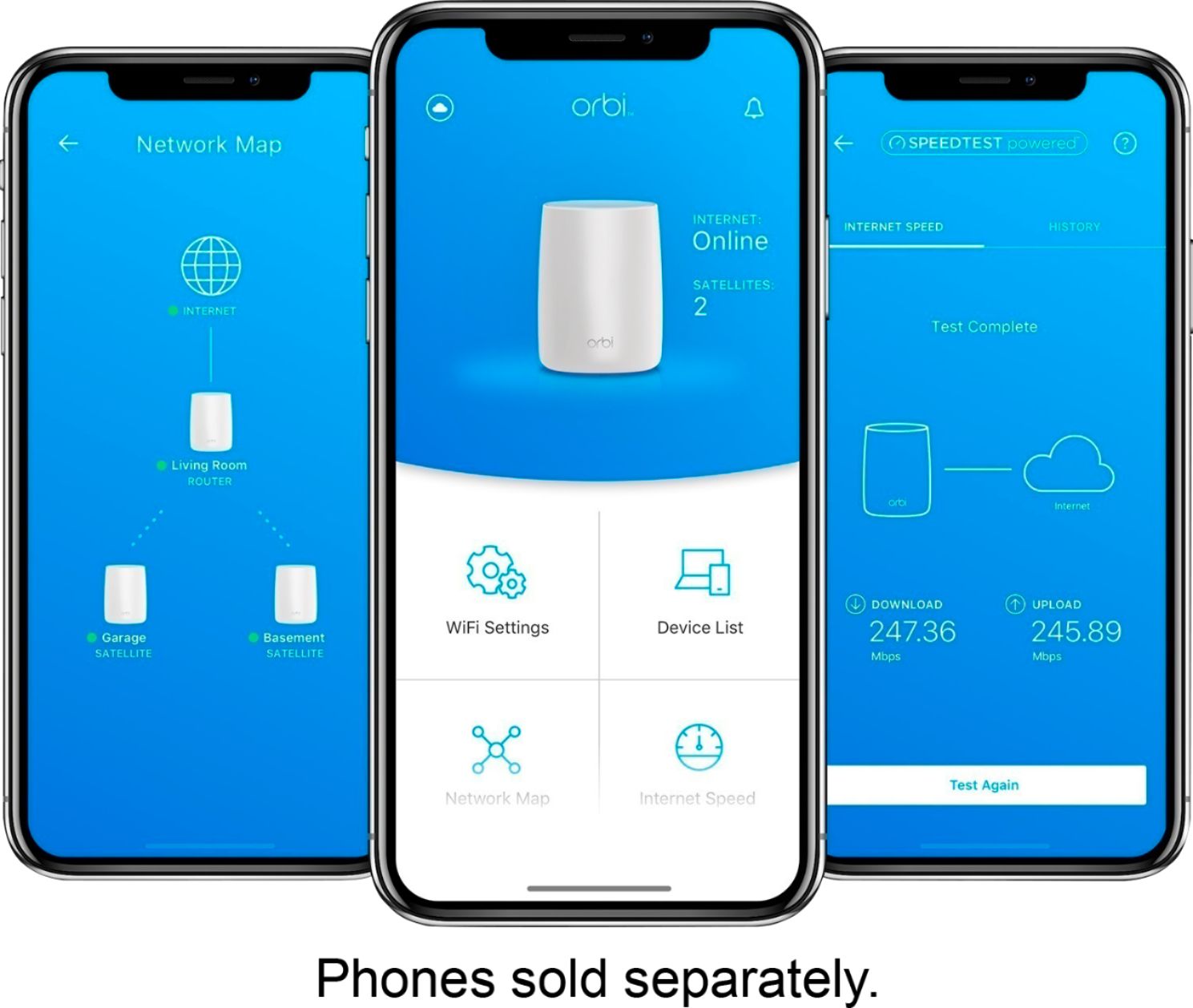
A:AnswerCheck the connection on the non lit satellite and click the sync button on the back of the main unit and then click the sync button on the dark satellite. It takes a good 5 min to sync the system. It will go through the color sequence and should go dark when it's done.
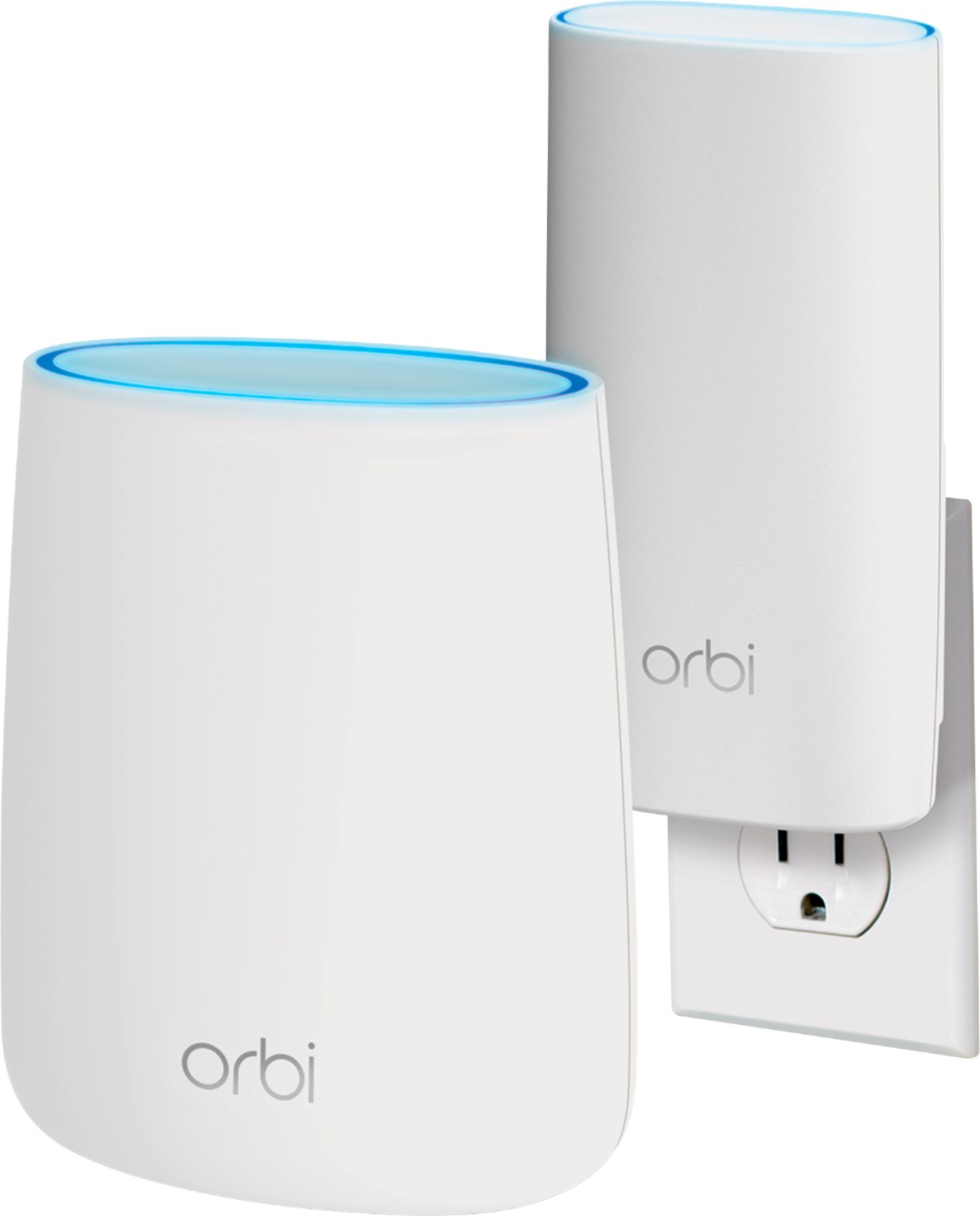
A:AnswerNot sure what your asking about but this unit acts as your wifi router. The only cost involved is to buy this item. It will extend and enhance your wifi signal throughout your home.
A:AnswerThe ISP (Internet Service Provider) is necessary for you to your wifi network be able to connect to the internet. You may use your mobile service provider to get a wifi hotspot without the need for the cable provider, however I suppose the speed and reliability of the internet connection will make you change your mind quickly, specially when we compare the actual fiber channel cable technology to the actual 4G speeds. Good luck!
A:AnswerI have a local cable provider fiber internet and works well with it. I have 500mps coming into the house and between 150 & 260mps throughout the house WiFi (2200sq ft house)