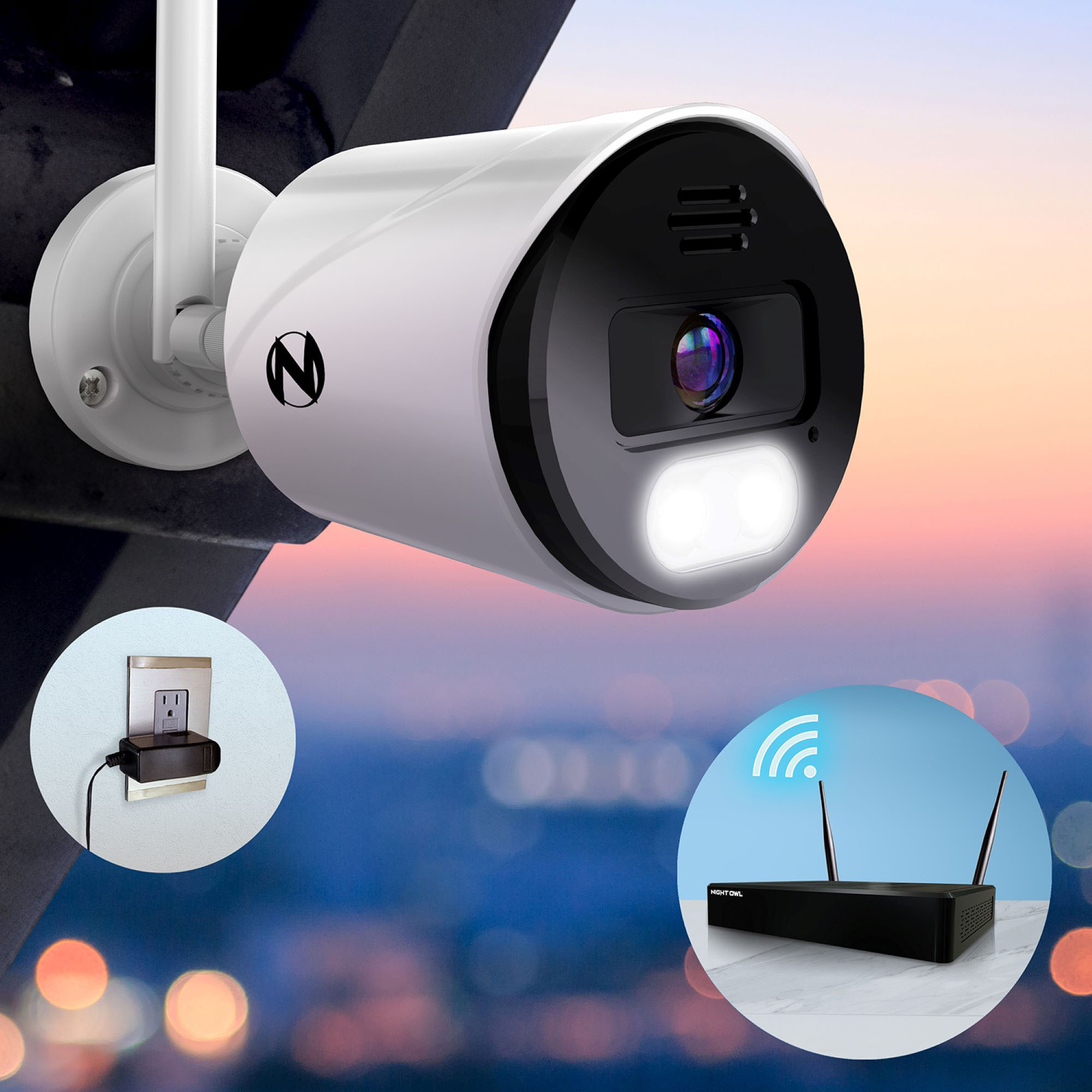
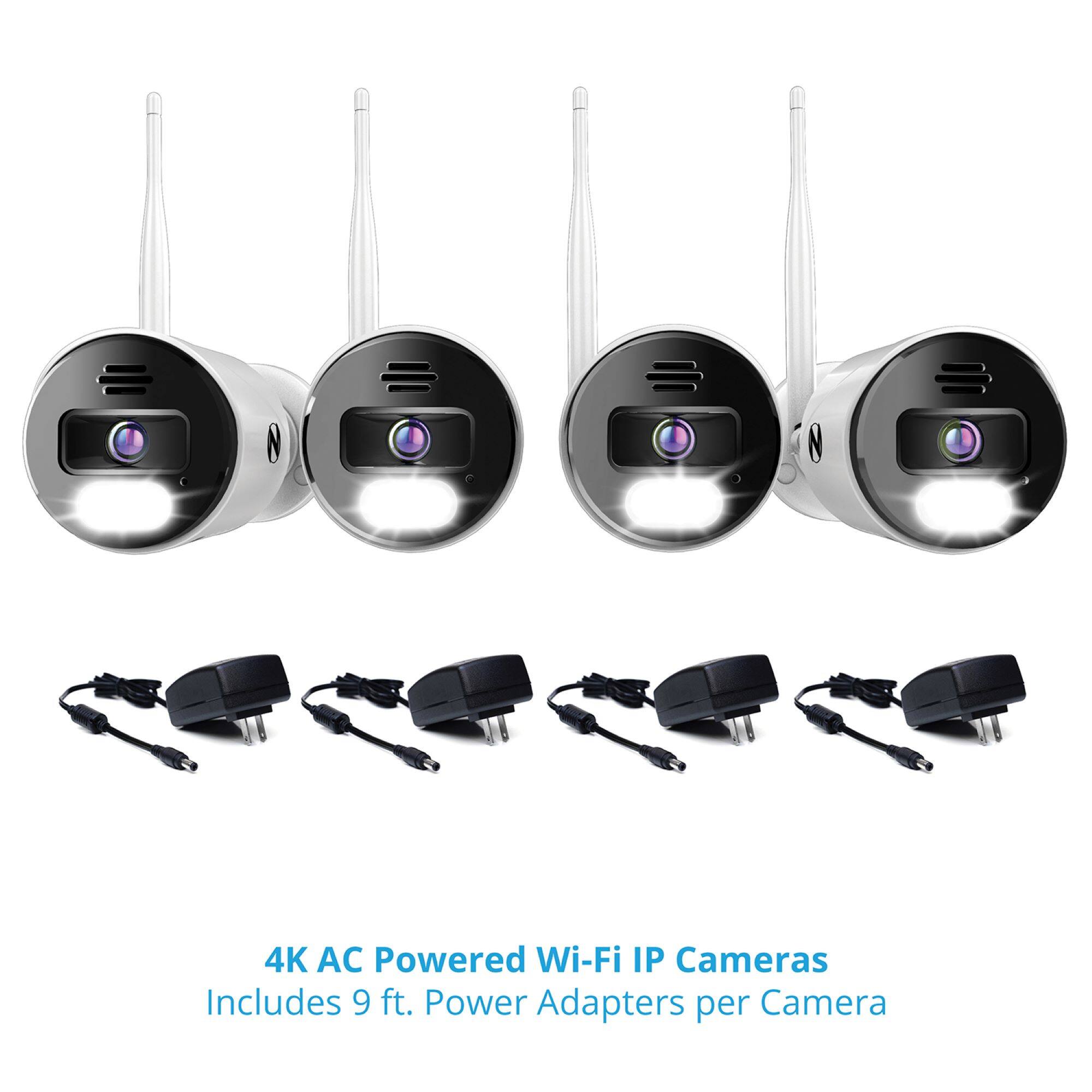
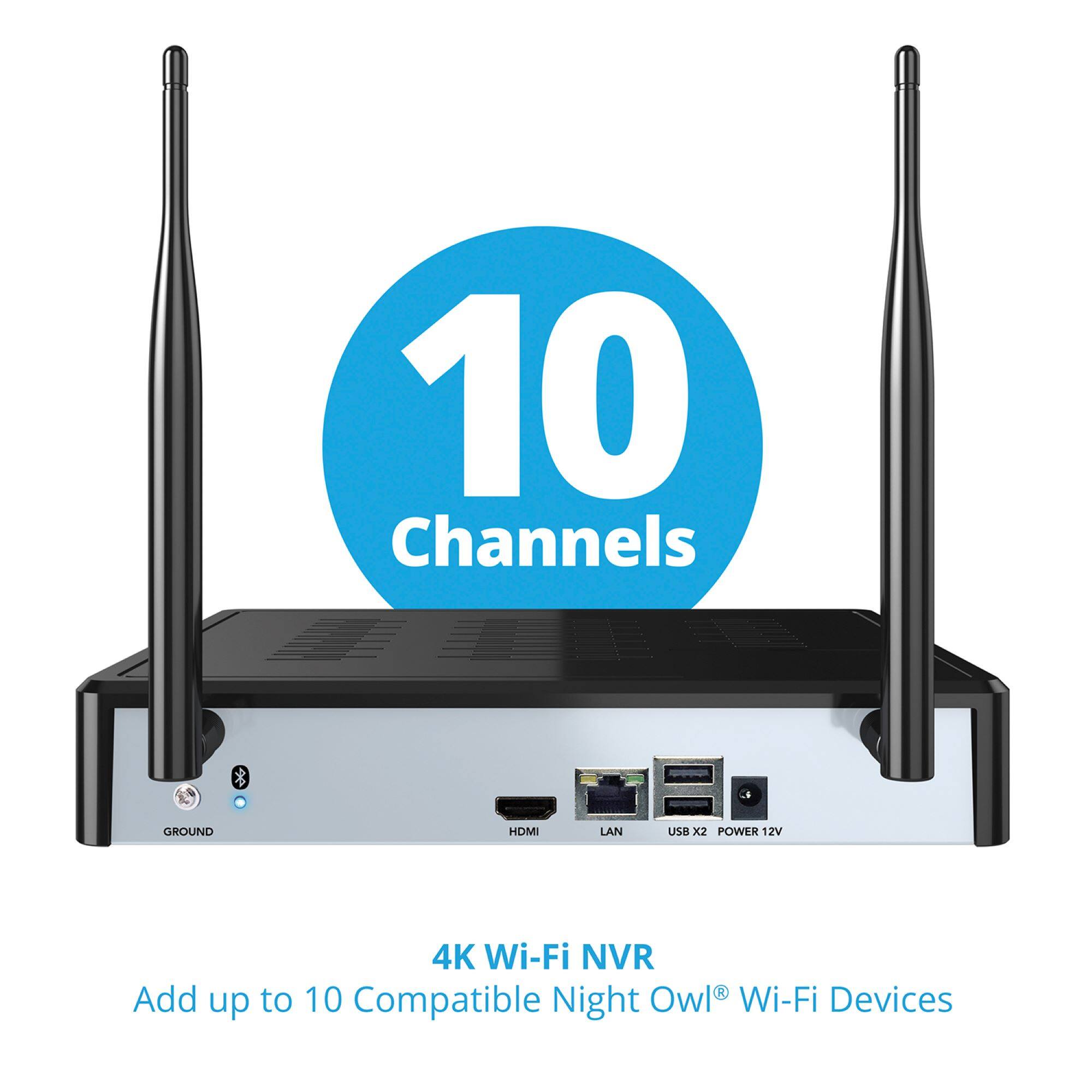
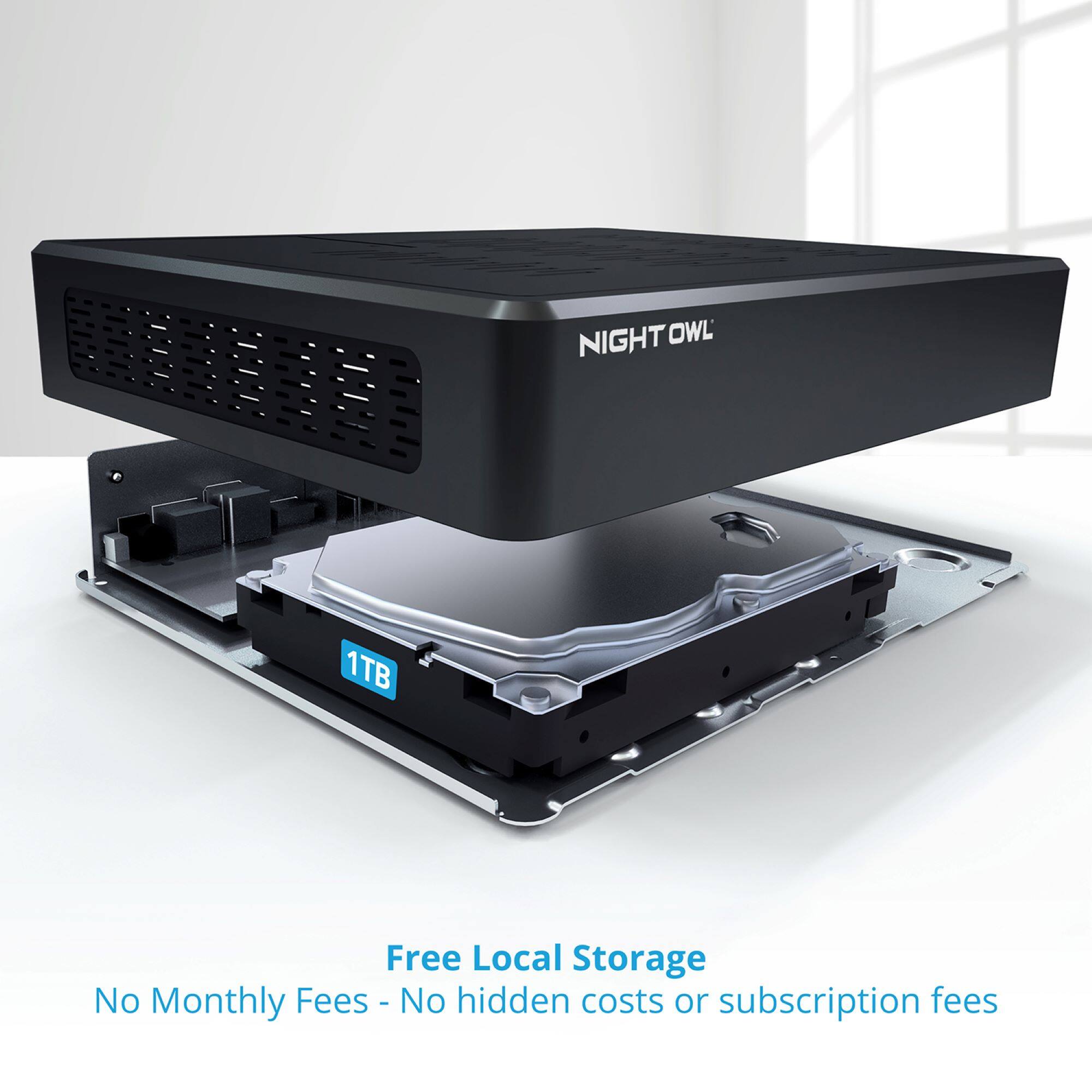
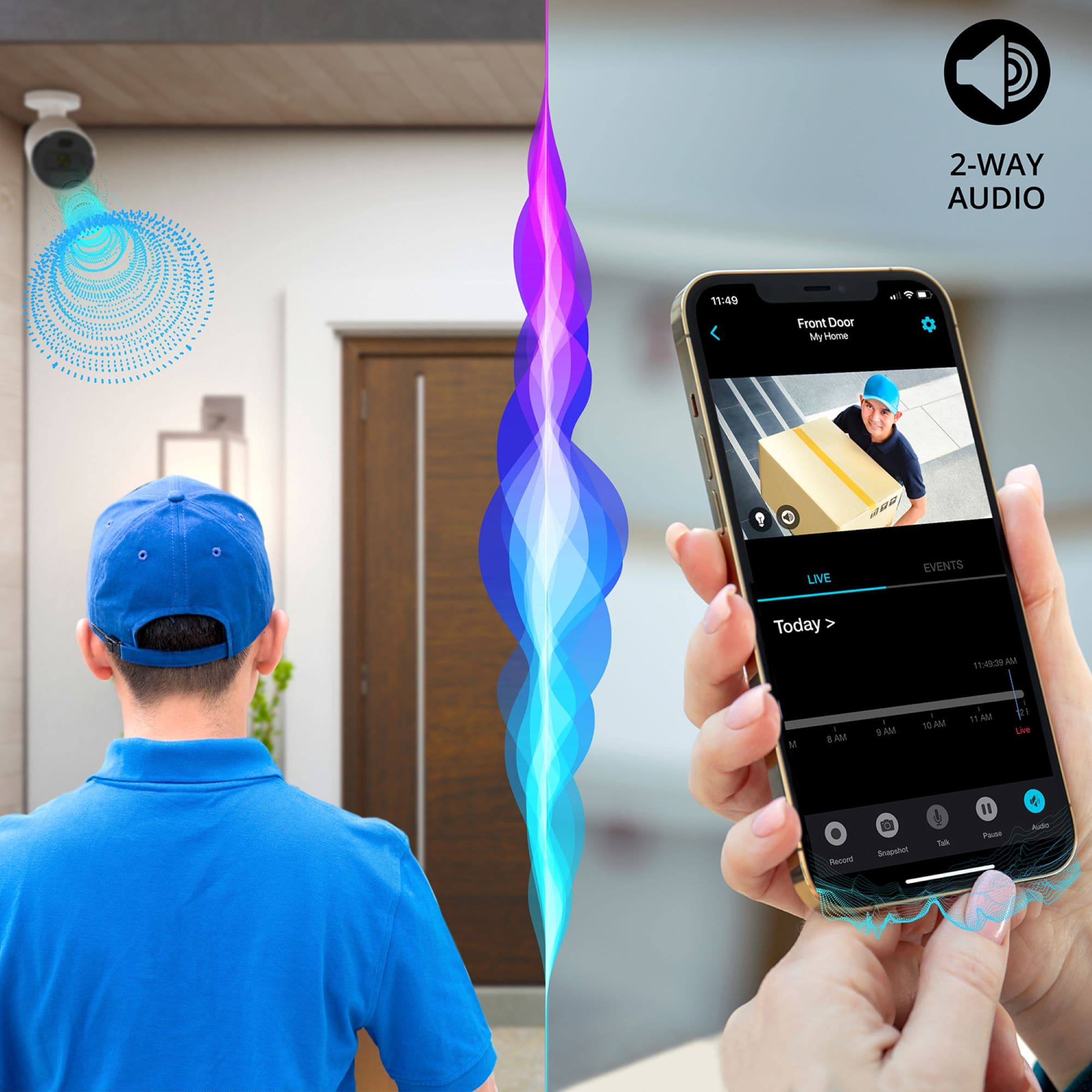
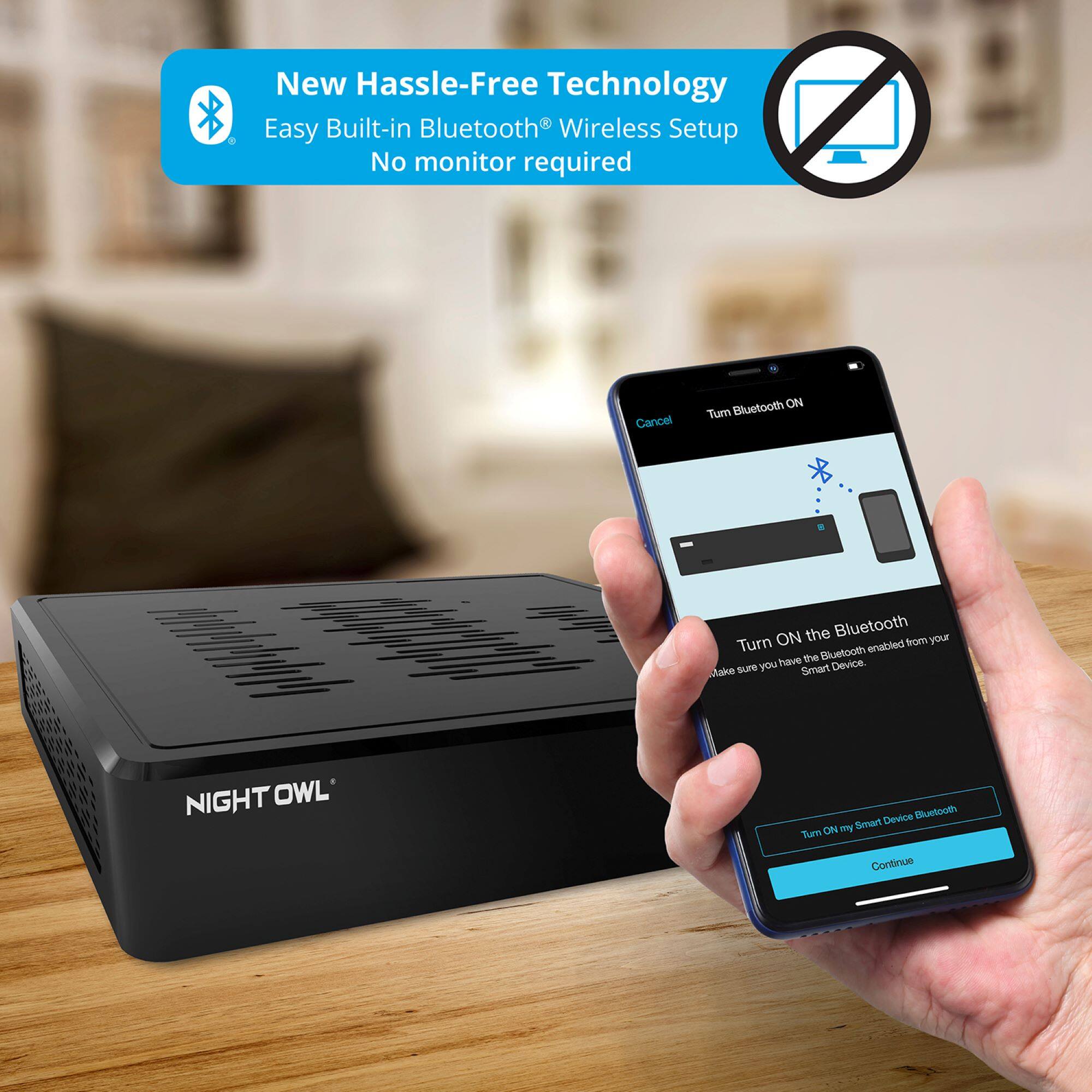
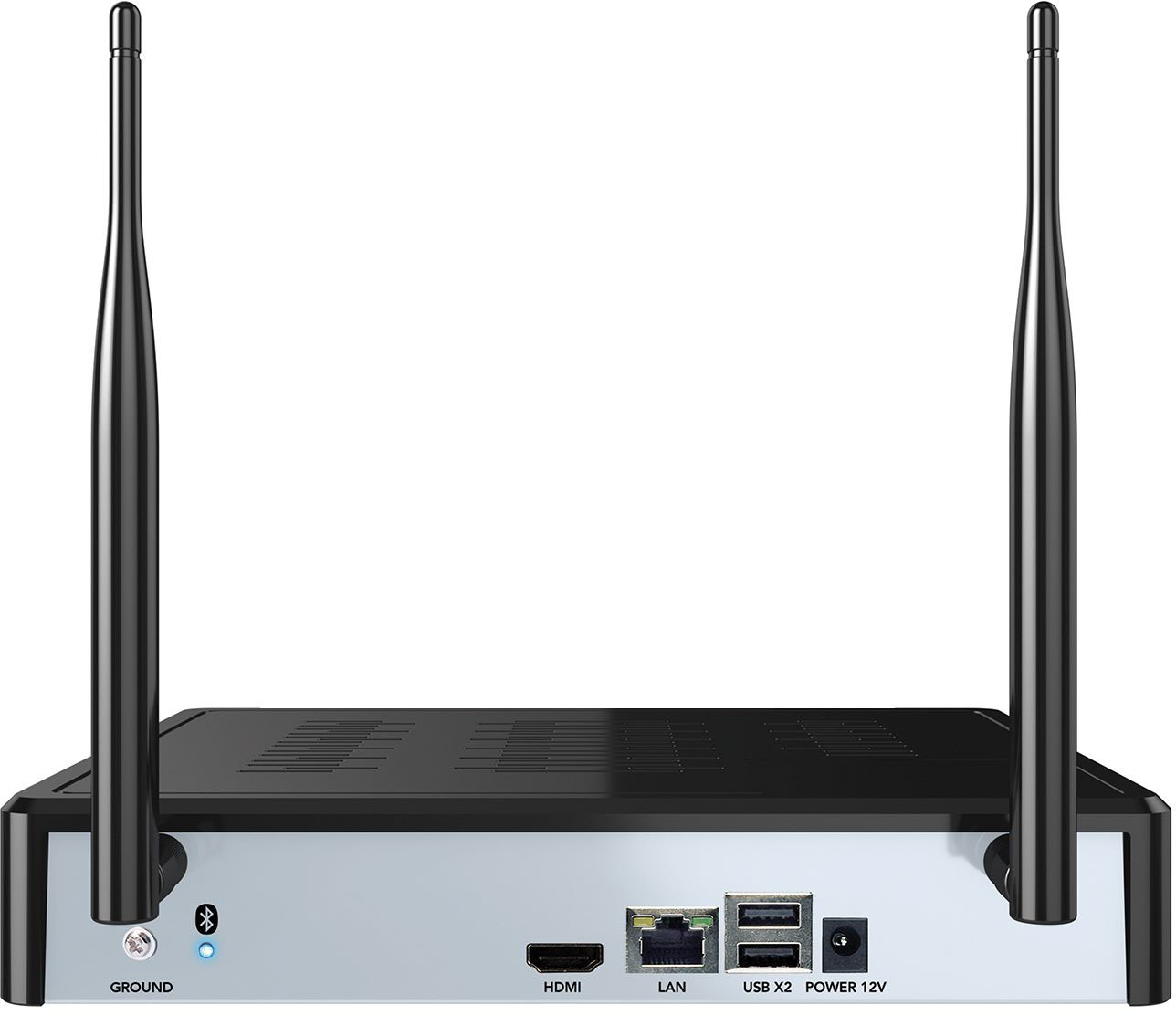
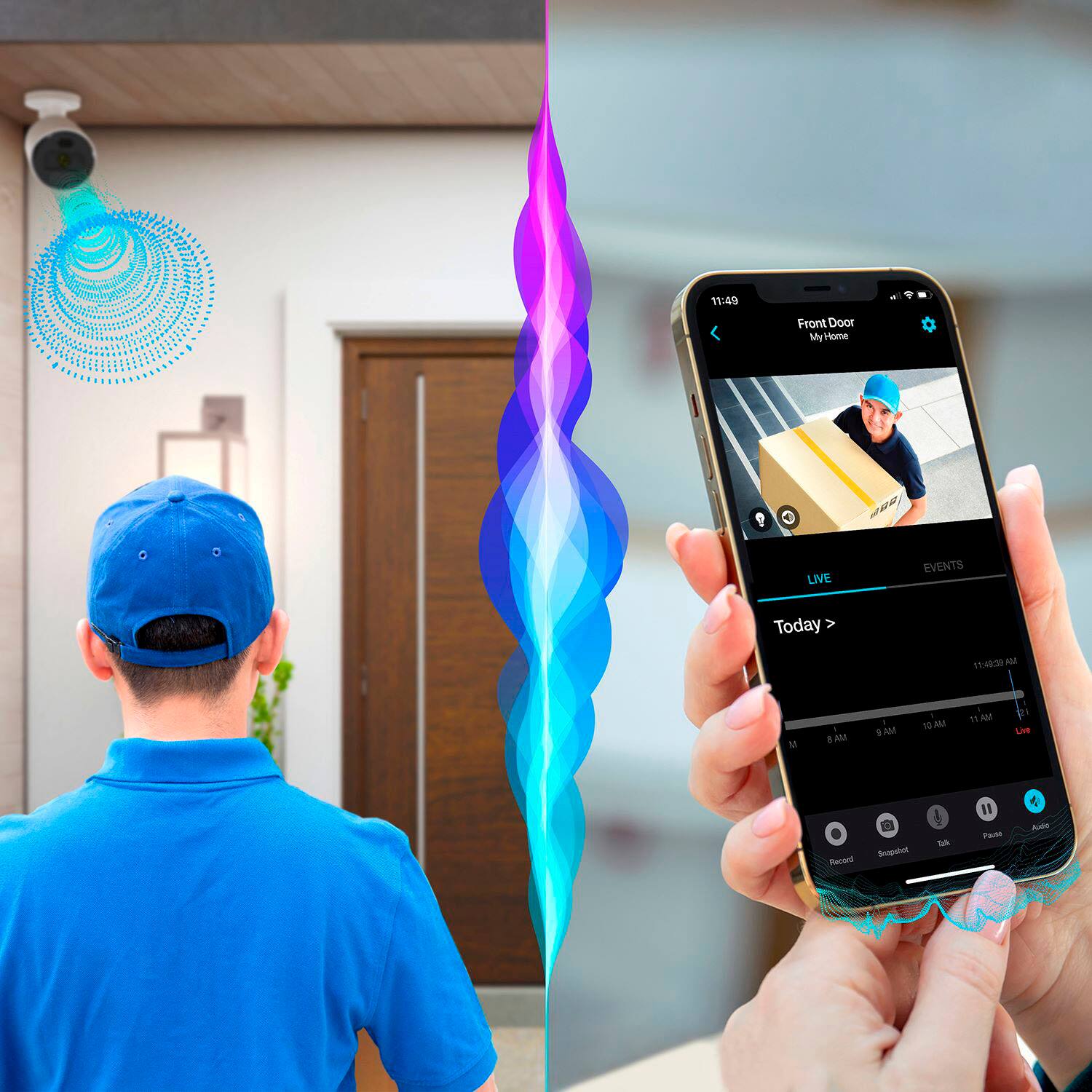
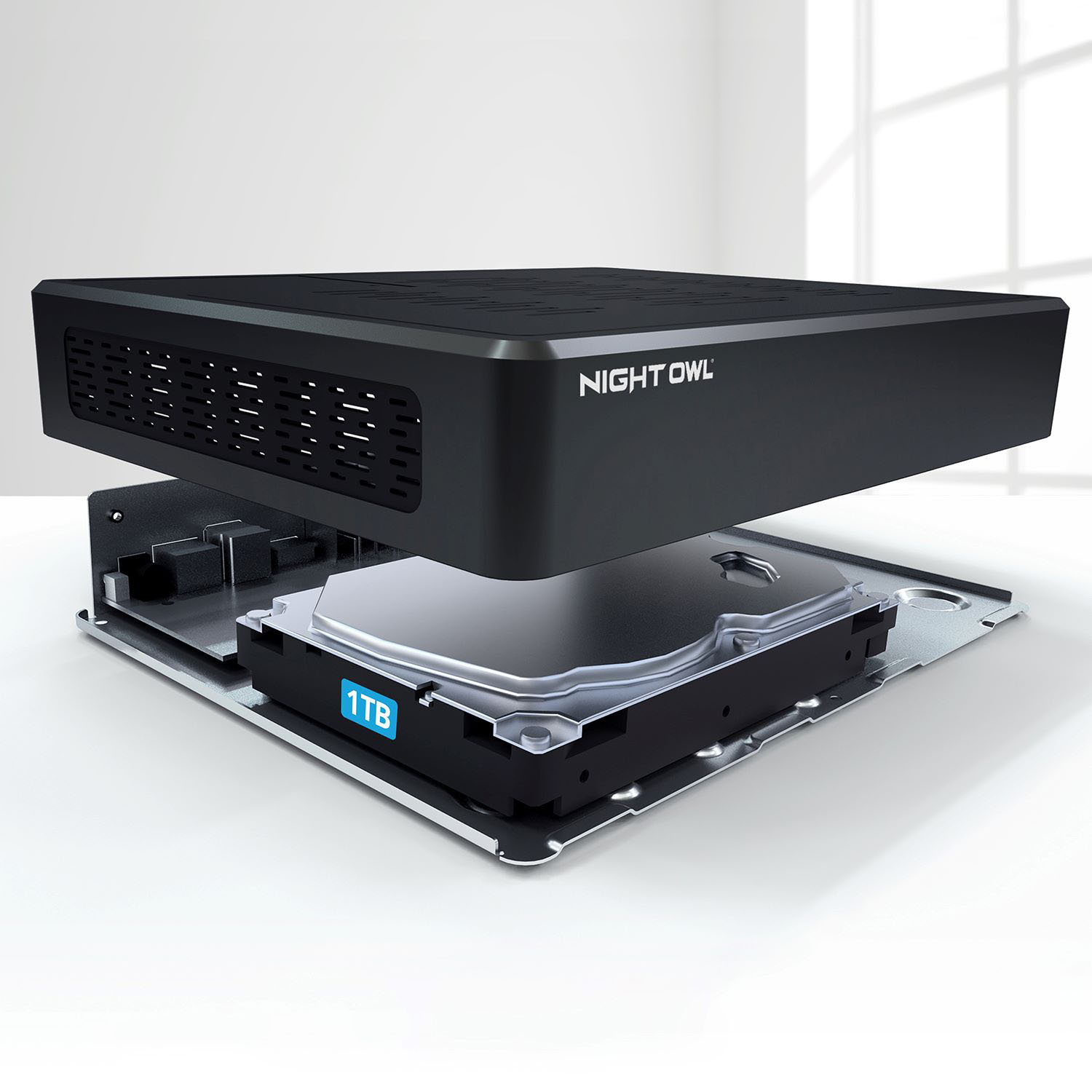
A:AnswerYour Night Owl device only needs to be connected to a modem/router if you wish to view it remotely on a PC/MAC or a Smart Device. To remotely view your system, you must manually connect an Ethernet cable from your modem/router to the DVR/NVR. If you do not want remote viewing, you can connect the system to a TV or monitor to view live video feed and recordings. Thanks for choosing Night Owl!
A:Answer1. They probably could be run from a solar panel, but I think it would be a hassle, and advise against it.
2. Yes they have adjustible activity zones, but pay attention clearly to the directions, as the area you want watched needs to be filled in with squares.
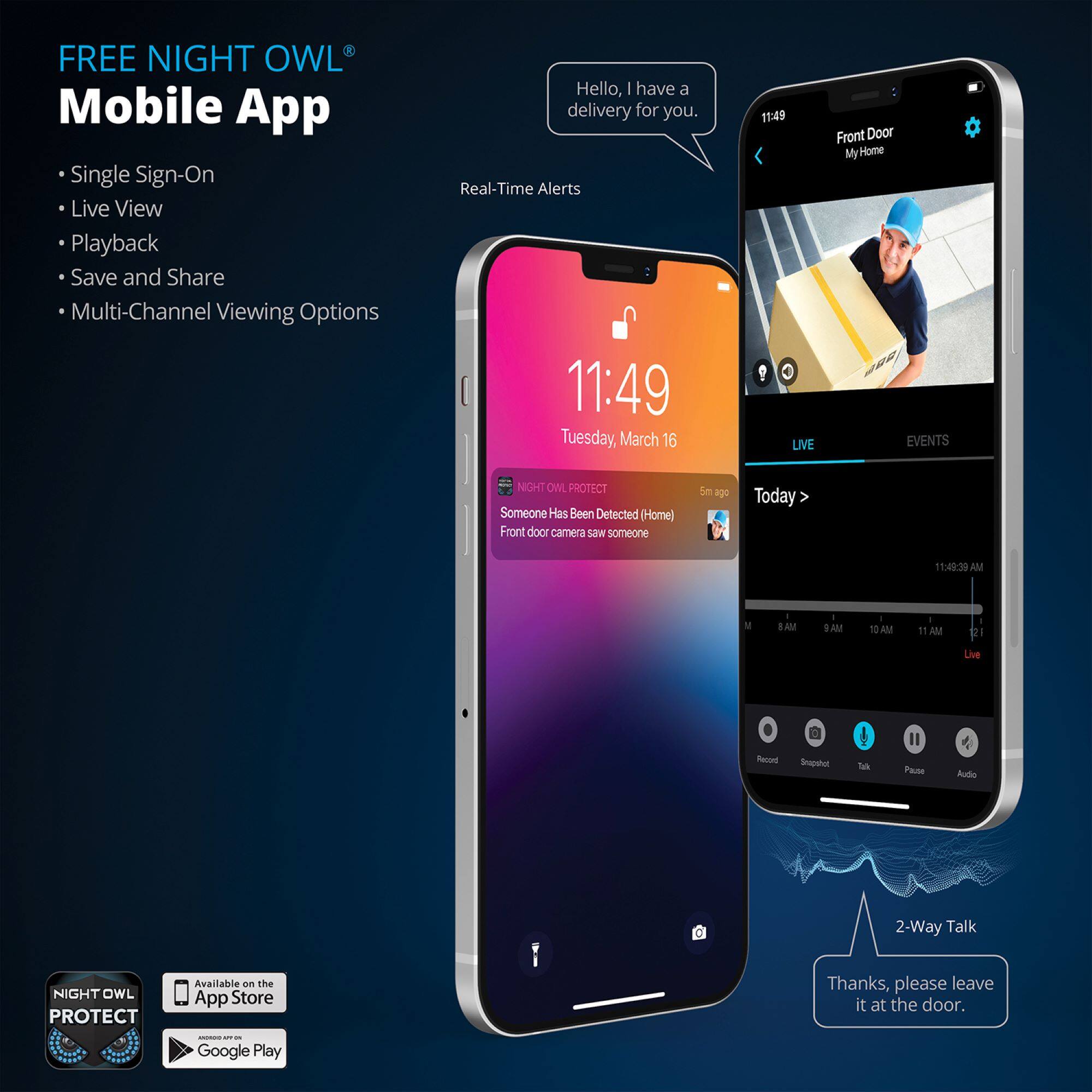
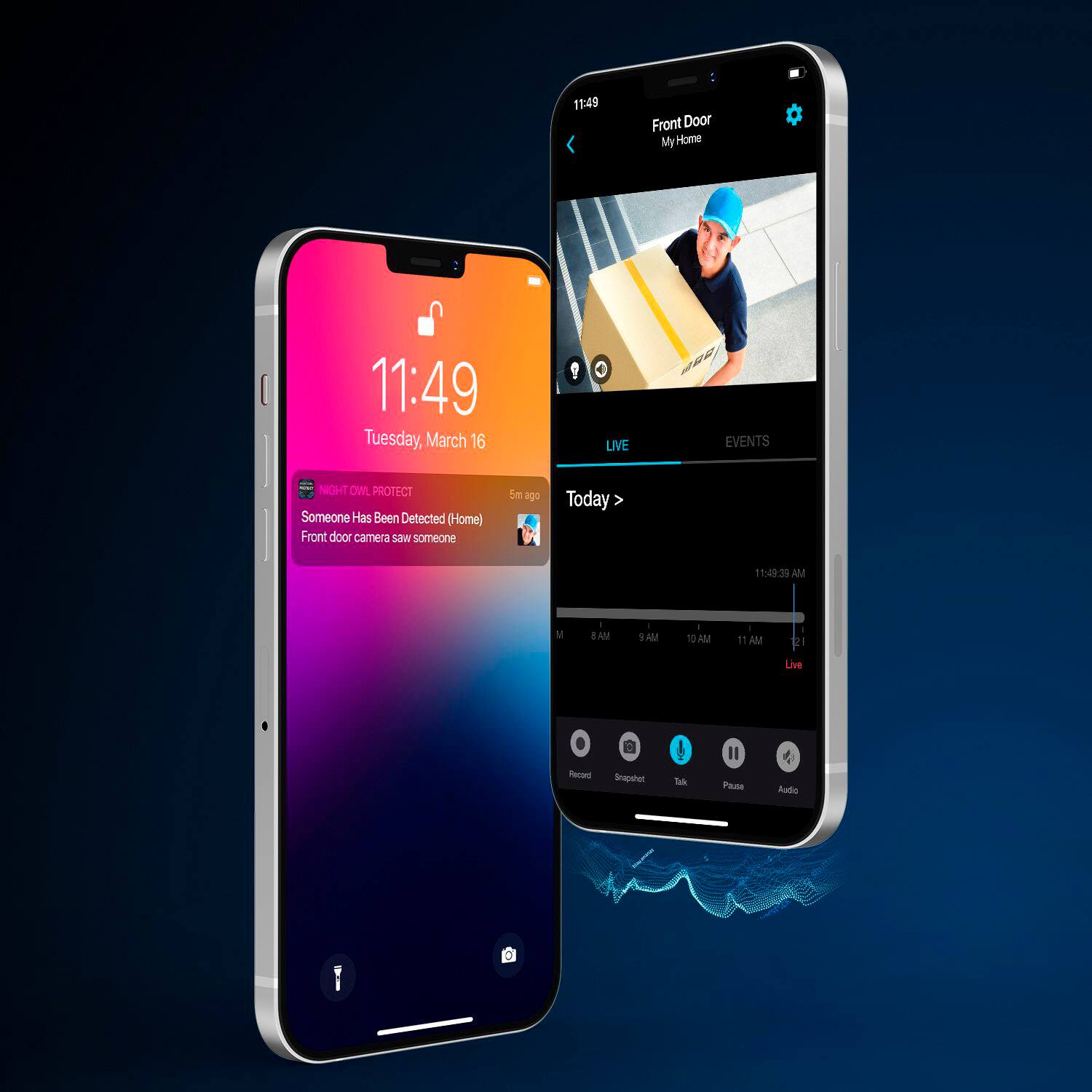
A:AnswerIdk about IPOD, but you can hook it up with a hdmi cord to a desk top computer. The app allows live feed as long as the dvr is connected to the internet as well.
A:AnswerPlease contact Technical Support for troubleshooting and a possible warranty claim. All Night Owl products come with a 1-yr Manufacturer Warranty.
A:AnswerNo, you will want to verify the area you want watched is at the proper orientation at installation. You can zoom in and out of the area you are watching to an extent, but the camera does not move on its own.
A:AnswerYes, your cables will work with our old 5.0 recorder, but they will not work properly or at all with our 4K systems (which is the product you have selected for this question).
A:Answeryes, you can add more cameras, but the resolution of the cameras is not real, the specs say 4k but is 2mp (1080p), this product I don't recommend
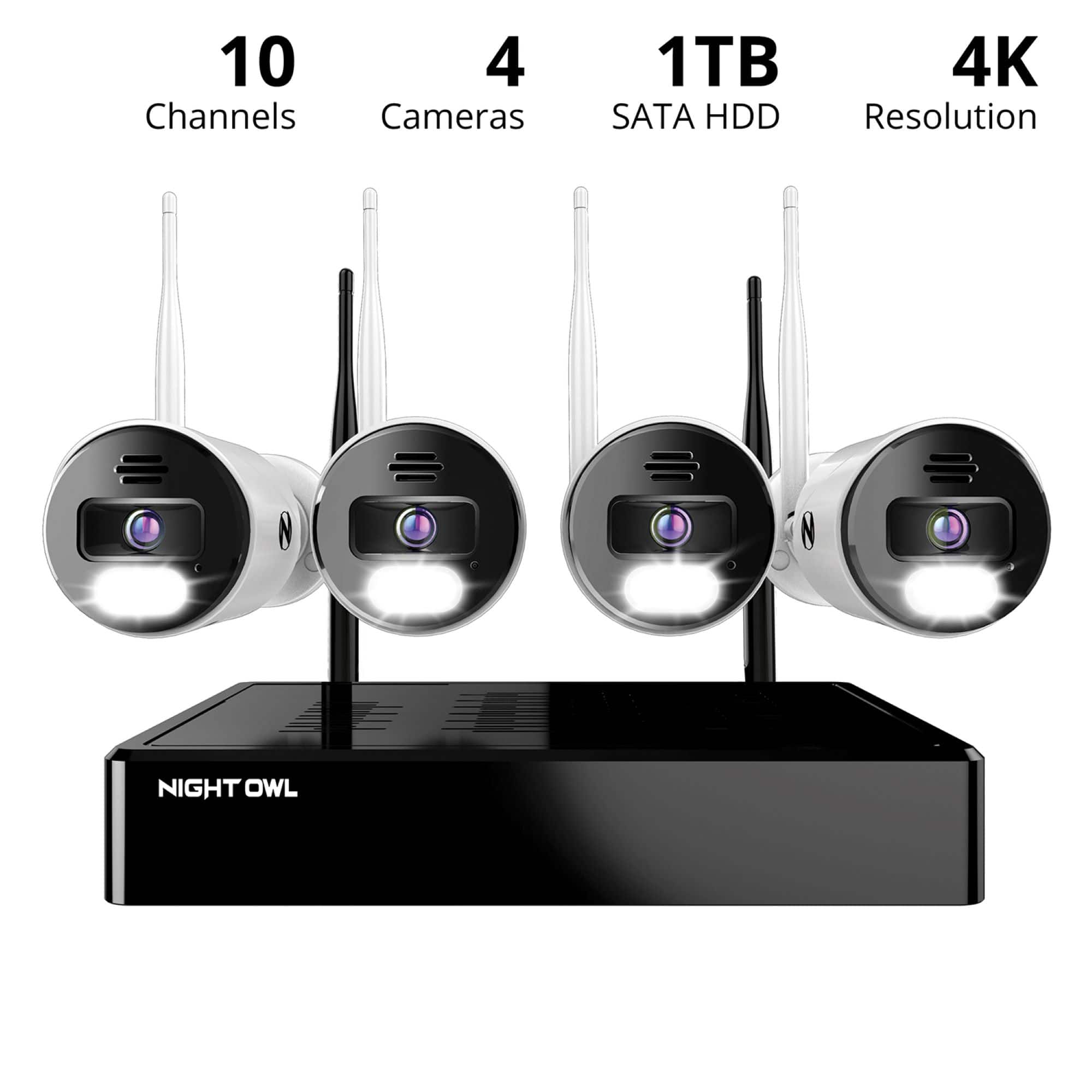
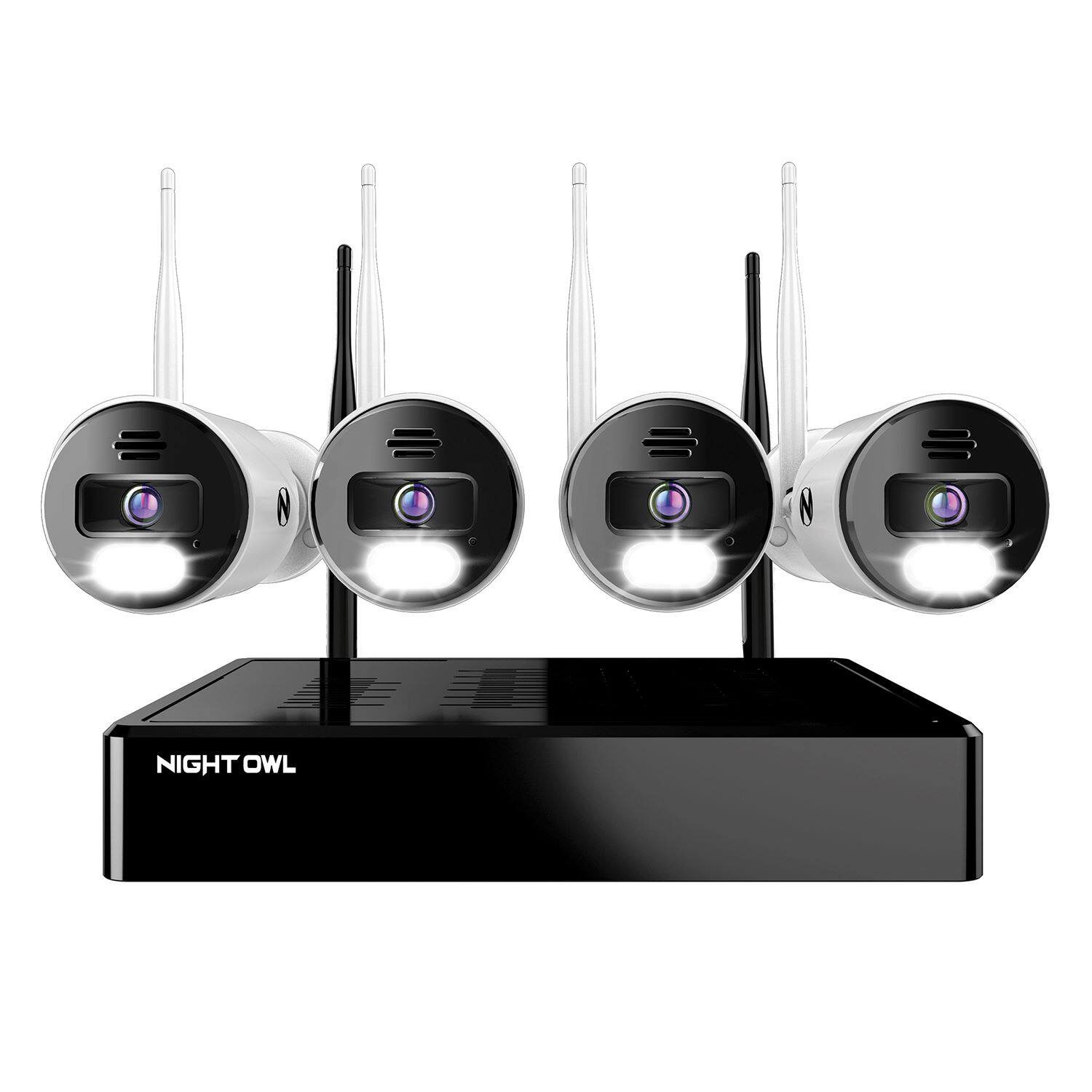
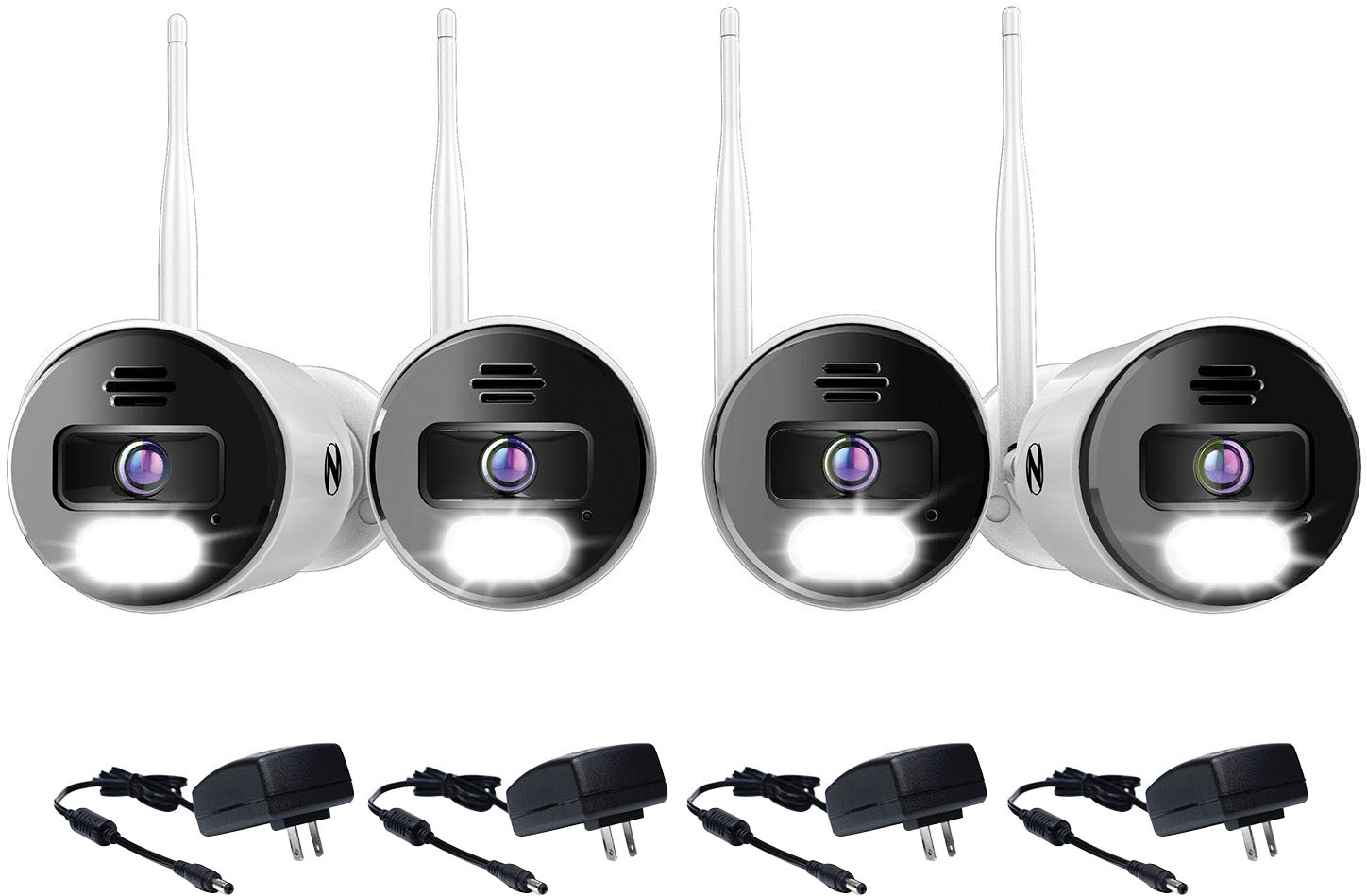
A:AnswerYou can start with these 4, and add up to 6 more cameras, unfortunately its cheaper to buy the same system with more cameras than individual cameras.