A:AnswerYes you can change it in the settings. I turned mine off for in the house as well. I would recommend turning the motion detection down too. You will get ALOT of notifications lol
A:AnswerIt will only send a push notification to your mobile device but you it doesnt off a sound or chime notification like a text message. So if you never see the push notification on your phone or looking at your phone the time the notification is sent you will never know til you look at your phone at a later time.
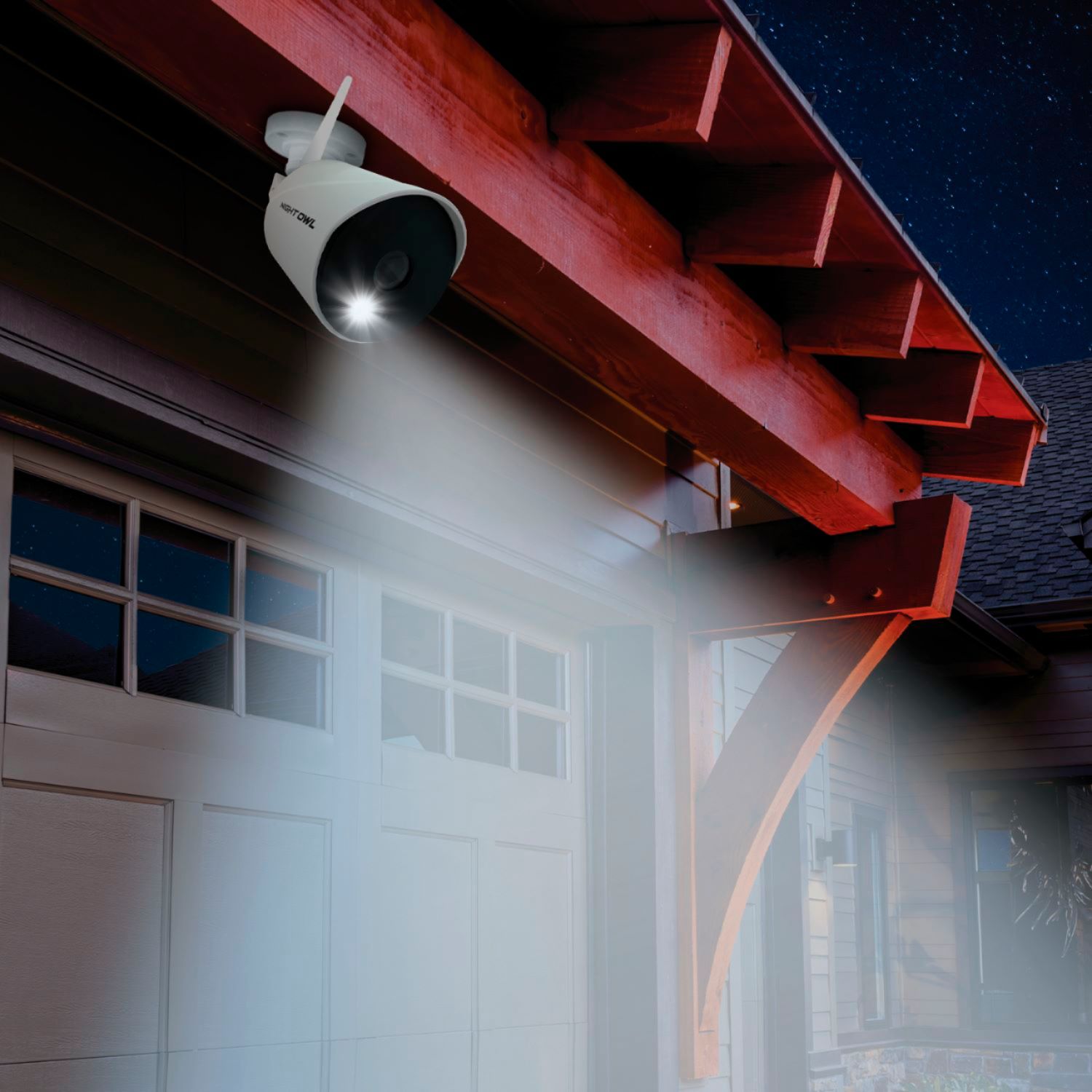
A:AnswerI wouldn't recommend mounting a camera to "look" through a window trying capture outdoor motion because of possible glare/reflection issues. However, if you do, please make sure you have sufficient exterior lighting.
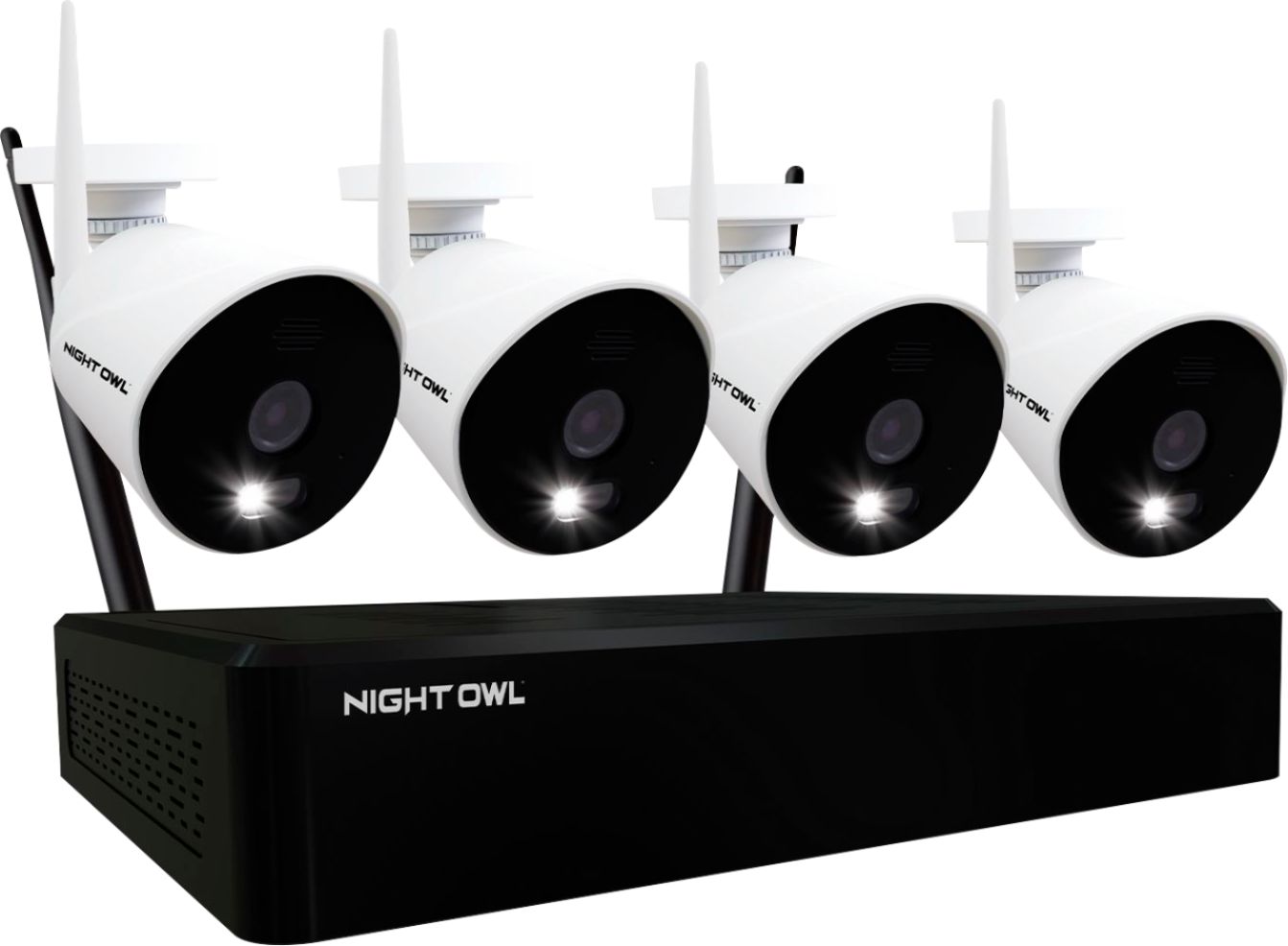
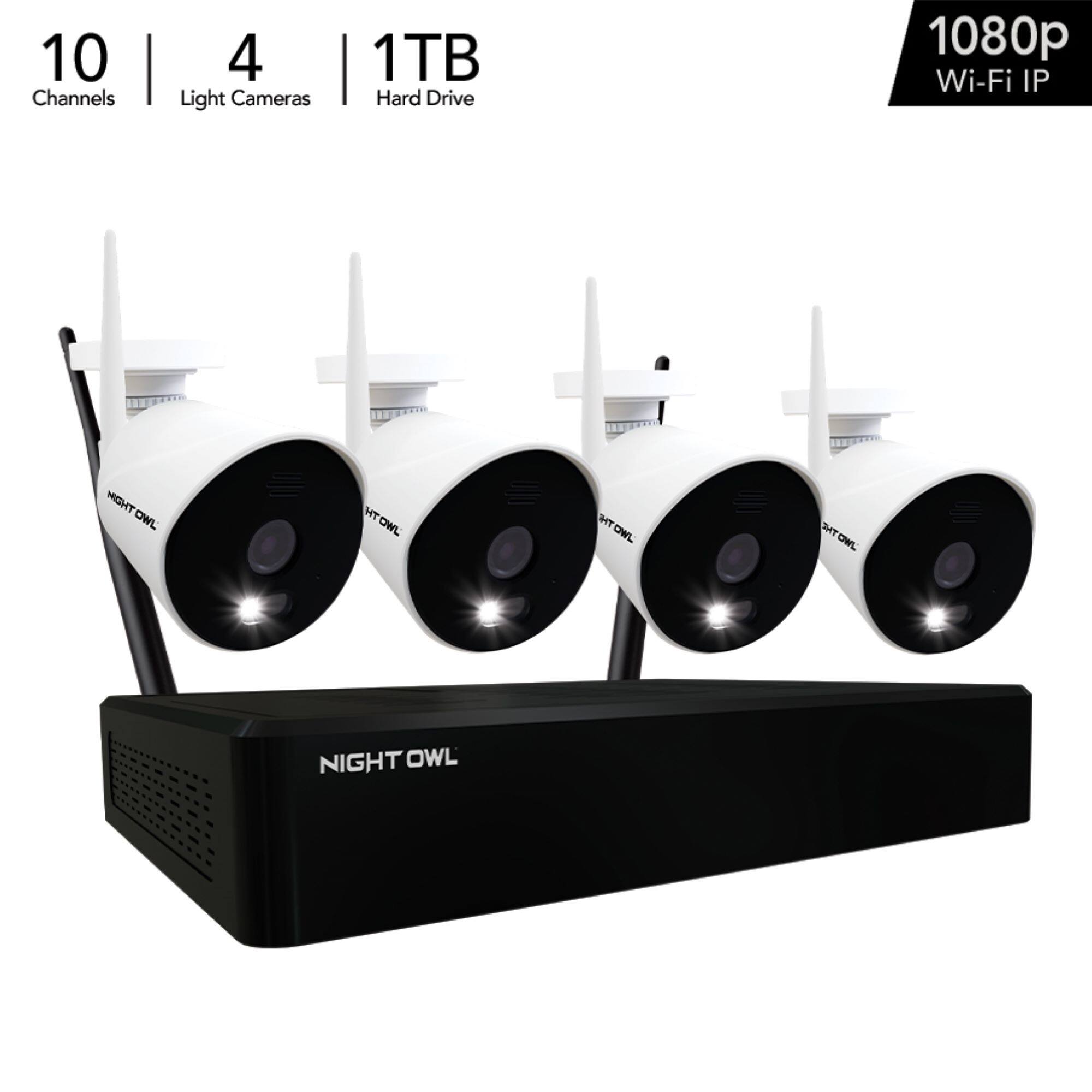
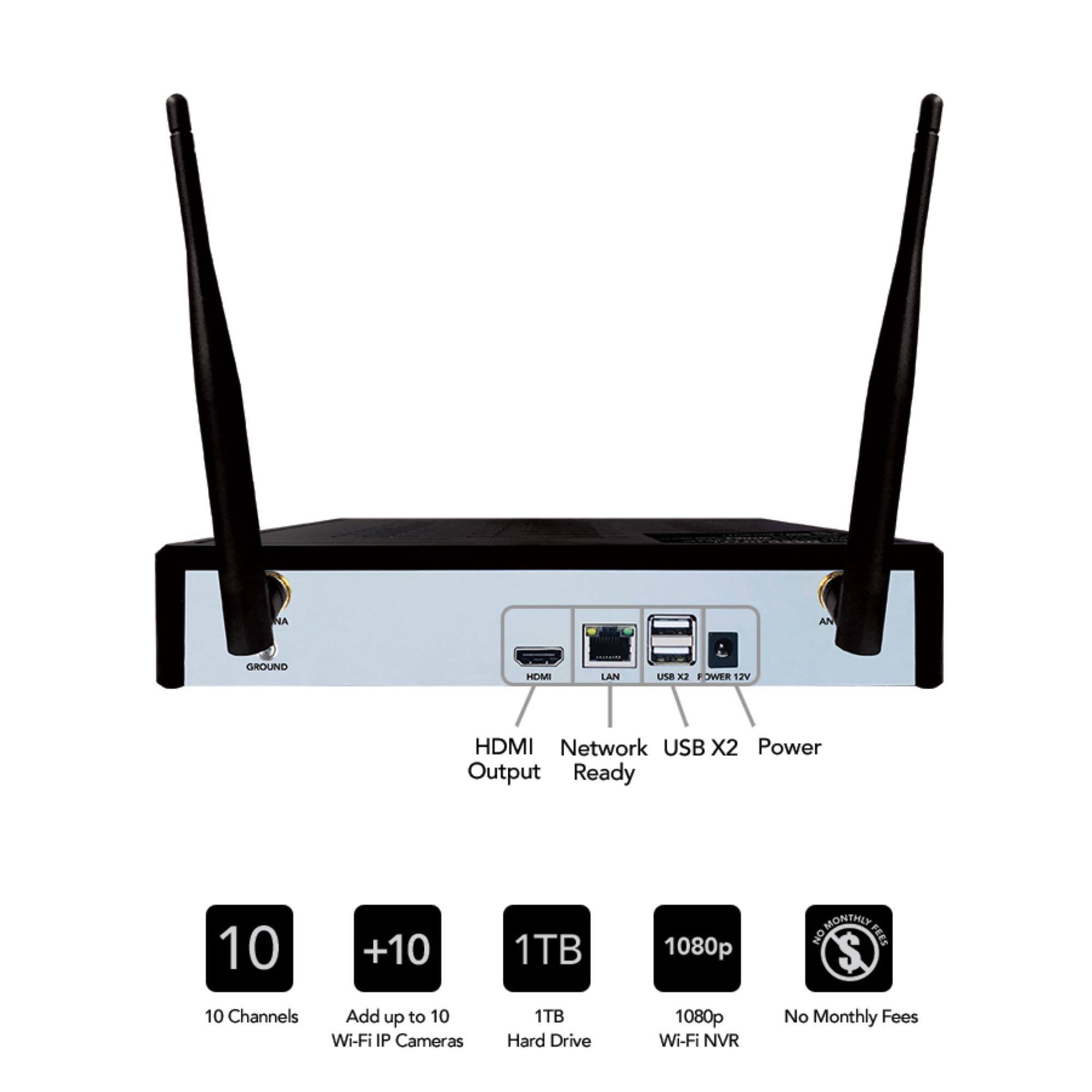
A:AnswerThe receiver will require power and an ethernet hook up to Wi-Fi router. I don’t know if the signal from the router and box will get to the cameras through the safe wall
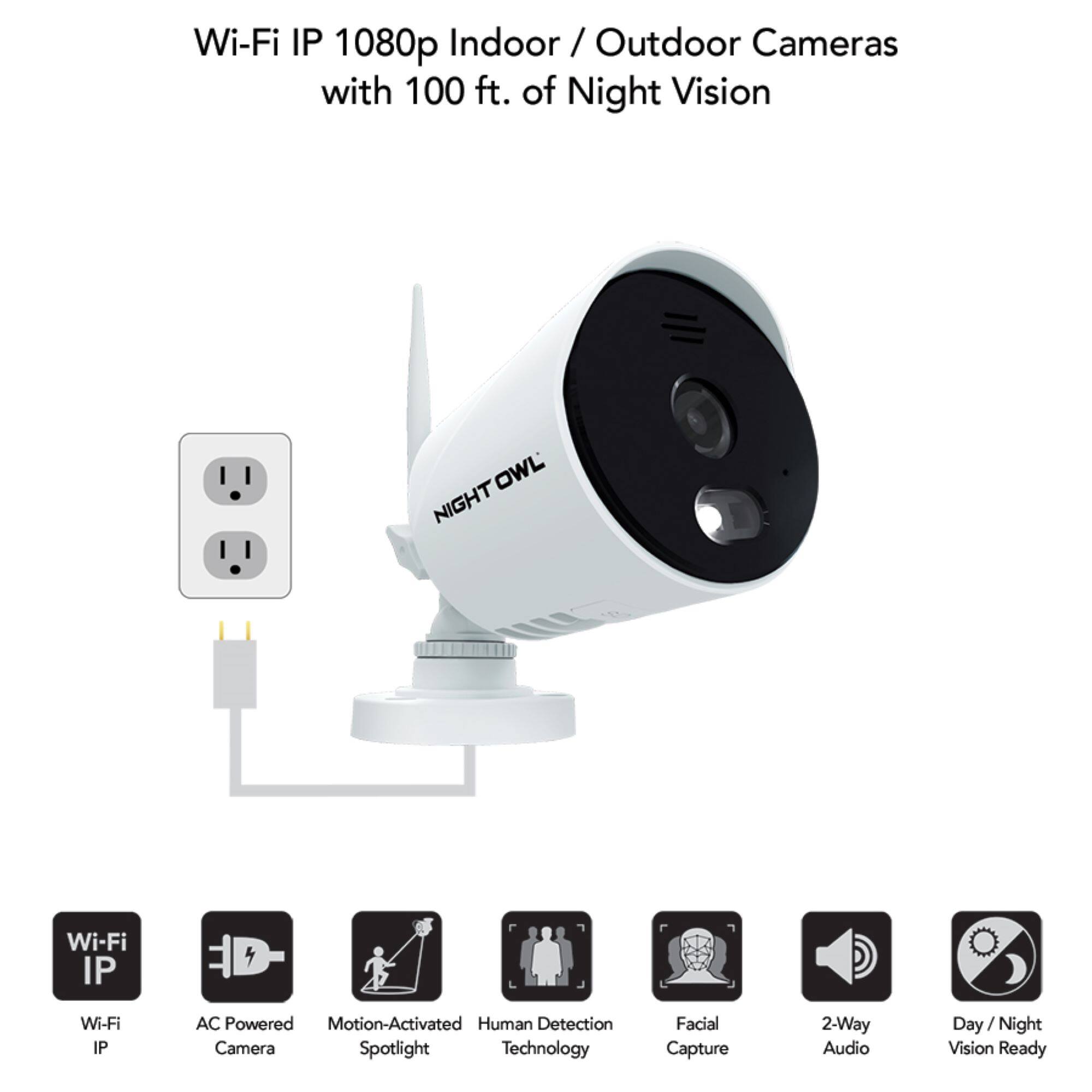
A:AnswerHi Jen. There are no batteries with this system. These are AC Powered Wi-Fi IP cameras and must be connected to an outlet using the provided camera power adapters. We do sell a compatible wire free battery powered add-on camera that has up to a 1-year battery life, but it is not included with this kit. Please view this link to learn more. https://nightowlsp.com/cam-bwnip2lbu-b.html
A:AnswerHi Ben. Unfortunately in this event, you would have to contact the previous owner to 1) acquire their login information and then perform a factory reset or 2) have them assist you with a password reset followed by a factory reset. Our technical support team would be unable to assist with this request. Below is a link to our password reset site. You can provide it to the previous owner and work with them to perform a password reset to access the device. Thank you. https://www.no-protect.com/landing/
A:AnswerI can record continuously or by event or both. If both, the event recordings are in separate files but line up with the continuous recording part. This is set on a camera by camera basis. The "not truly wireless" comes from the fact that the cameras need power. Each camera comes with an AC to 12V DC power adapter. The cords are about 9ft so I ran 12V extension cords I made for my place for most of my cameras.
A:AnswerThe cameras will need to be paired to the Wi-Fi NVR for functionality. However, we do have a standalone Wi-Fi IP camera that can be connected directly to your network and viewed on your Smart Device using our free app. Please view the link below for more information. Thank you for choosing Night Owl!
https://www.bestbuy.com/site/night-owl-1080p-hd-wi-fi-ip-camera-with-built-in-spotlight-white/6432203.p?skuId=6432203
A:AnswerNo. The system has to be hard wired to the internet. I have massive wifi and it won't connect unless I connect to a router with a cable. I was very disappointed.
A:AnswerNot compatible with Alexa at this time, though the system does work with Google Assistant. The operating temperature range of the cameras is -4 to 140 degrees F. We do not recommend exceeding that range. Thank you!
A:AnswerI found thelimitation to be the distance from the controller. I was disappointed that I could not extend the range by going through my WIFI which is on a 30ft Maddy and had am 800ft range.
A:AnswerNo, this system comes with AC Powered Wi-Fi IP cameras which wirelessly connect to the NVR's built-in Wi-Fi. Each camera must be powered on using the provided camera power adapter, not using PoE (Power over Ethernet). Thank you!