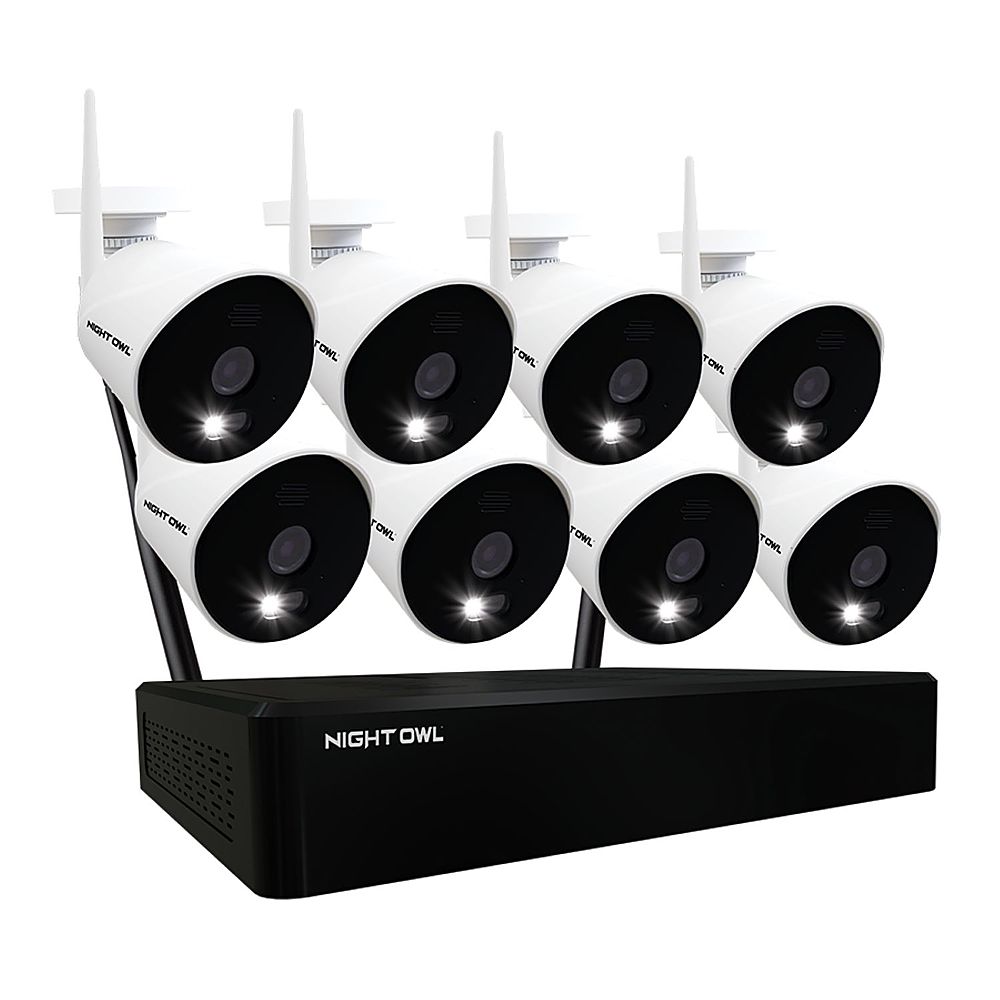
A:AnswerYour Night Owl Wi-Fi NVR only needs to be connected to a modem/router if you wish to view it remotely on a PC/MAC or a Smart Device. To remotely view your system, you must manually connect an Ethernet cable from your modem/router to the NVR. If you do not want remote viewing, you can connect the system to a TV or monitor to view live video feed and recordings. Thanks for choosing Night Owl!
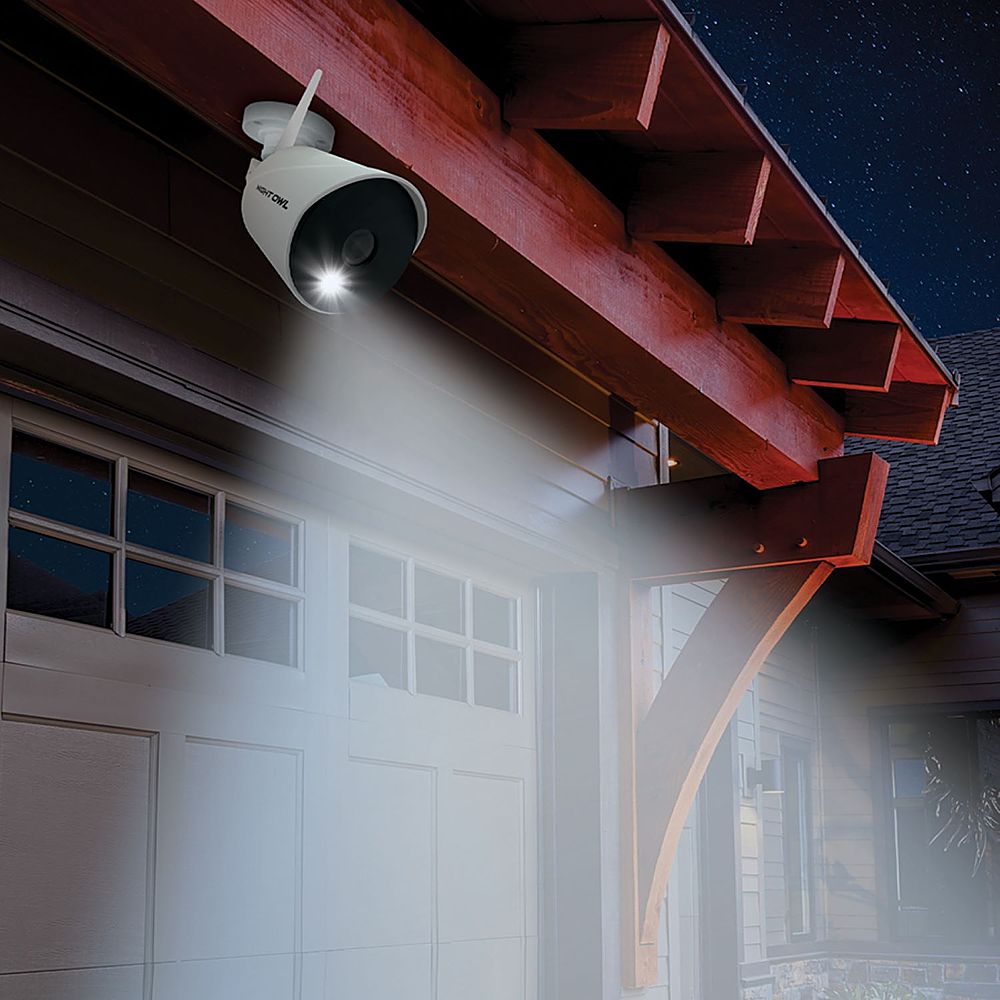
A:AnswerHi Mike. There should be no issue with a metal roof. Each camera has a built-in motion-activated spotlight that will turn on anytime human motion is detected. Thank you for choosing Night Owl!
A:AnswerNo. If the cameras are used outside of what is recommended and suffer damage, that damage will not be covered under warranty. We can only ensure the cameras will function when used as instructed and due care is taken. Thank you for understanding and for choosing Night Owl!
A:AnswerHi there. The add-on camera is currently available at BestBuy.com. Please view the link below. Thank you. https://www.bestbuy.com/site/night-owl-1080p-hd-wi-fi-ip-camera-with-built-in-spotlight-white/6432203.p?skuId=6432203
A:AnswerGreat question. If you exceed the recommended operating temperature range of the cameras, you risk damaging the cameras internal components which will cause the cameras to stop functioning and potentially void your warranty. Thank you for asking and for shopping Night Owl!
A:AnswerThere are many different view layouts to choose from. You can view all of your connected cameras on screen at the same time. Additionally, you can choose slide sequences that filter through different view layouts. Please reference your manual at the link below for more information. Thank you. https://support.nightowlsp.com/hc/en-us/articles/360046925813
A:AnswerYour Night Owl Wi-Fi NVR has built-in Wi-Fi to wirelessly communicate with the cameras. It only needs to be connected to a modem/router if you wish to view it remotely on a PC/MAC or a Smart Device. To remotely view your system, you must manually connect an Ethernet cable from your modem/router to the NVR. If you do not want remote viewing, you can connect the system to a TV or monitor to view live video feed and recordings. Thanks for choosing Night Owl!
A:AnswerThe cameras use Color Night Vision to continue recording in color even in low-light settings, only switching to Night Vision if necessary. Night Vision up to 100 ft. and wide-angle viewing provides extreme coverage for your home or business. Thank you for choosing Night Owl!
A:AnswerNo. This WNIP2 Series is only compatible with our WNIP2 Series cameras and devices. It will not be backward compatible with any other wireless devices. We will be selling add-on cameras and a Smart Doorbell for this system shortly! Thank you for choosing Night Owl!
A:AnswerYour cameras have an operating temperature range of -4° F to 140° F. We do not recommend exceeding these temperatures as doing so may cause harm to the cameras and reduce their lifespan. Thank you for choosing Night Owl!
A:AnswerHi Ronnie. Is the NVR in a well ventilated area? There is no way to disable the IR LEDs built into the camera for Night Vision. They activate automatically when the camera senses a lack of light, so that the camera can continue to provide a crisp and clear image. Please contact our support team at support.nightowlsp.com [enter your product Series into the search bar (WNIP2)] to troubleshoot if you are having concerns. An agent will be happy to assit.
A:AnswerYes, you can switch the recording mode from motion to continuous, to record 24/7. Keep in mind, this will eat through your available hard drive space at a much quicker rate. Once the hard drive becomes full, it is set to auto-overwrite old footage. Thank you for choosing Night Owl!
A:AnswerInstallation is not included with your product purchase, or otherwise offered through Night Owl. There are many 3rd party companies that provide installation, but that would be at the owners expense. Our systems are sold as DIY (Do-it-Yourself) kits. Thank you for choosing Night Owl!
A:AnswerCameras will only work when in reasonable distance from the dvr/base station.They can only use the wifi from this unit,not general wifi. But dont buy this system anyway.