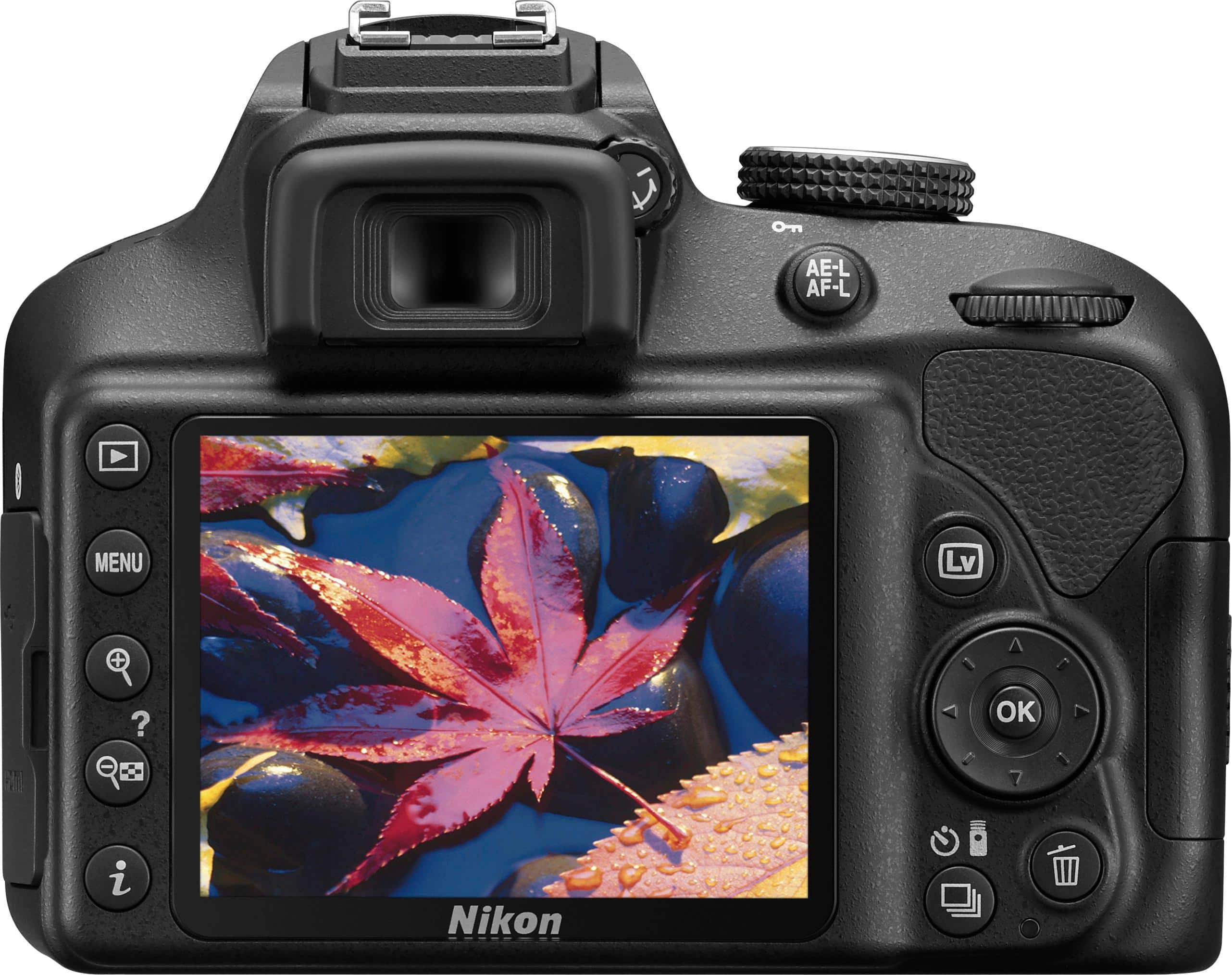
A:AnswerYes, you can use the Scene Mode "Close Up", to get close-up shots of flowers, insects, and other small objects with the Nikon D3400 camera, however, to get truly amazing close ups with this camera you will want to use a macro lens. This allows you to get much closer and images will have a more real-size feel to them. To learn more about macro photography check out the following link: http://www.nikonusa.com/en/learn-and-explore/a/products-and-innovation/macro-lenses.html
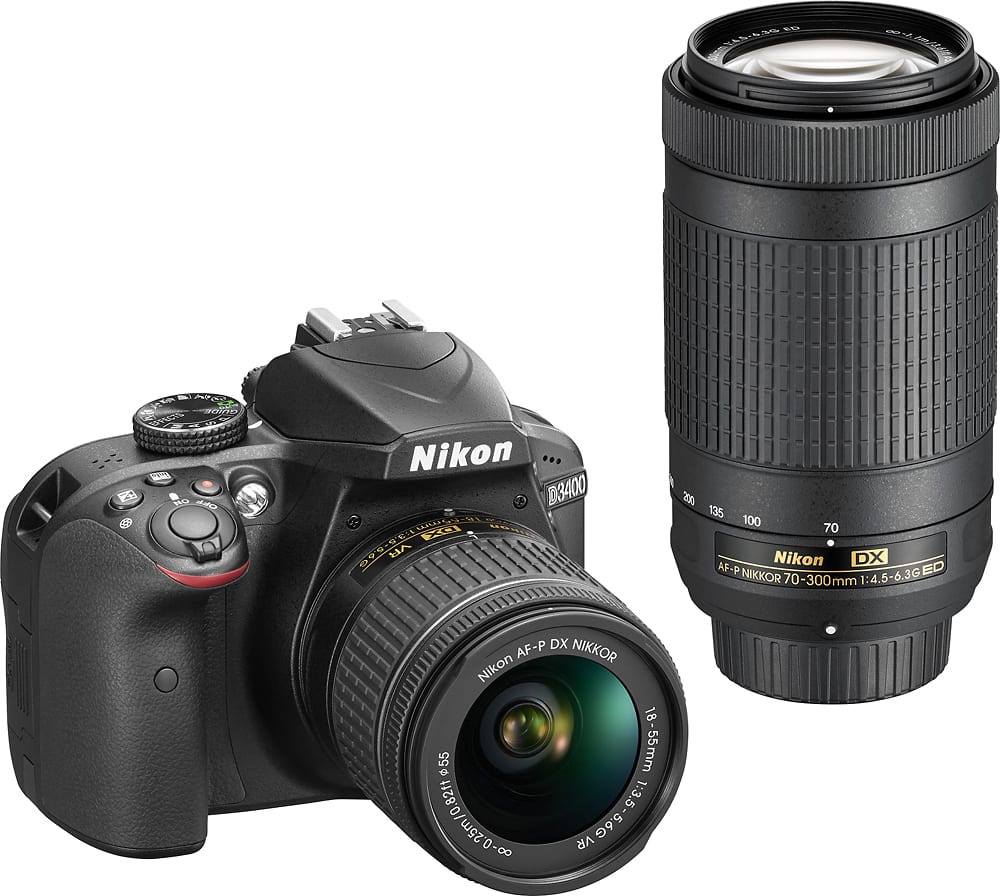
A:AnswerThe Nikon D3400 DSLR camera body is approximately 14 ounces. When the AF-P DX NIKKOR 18-55mm f/3.5-5.6G VR lens is attached it is 7.3 ounces heavier, making it a total of 21.3 ounces or about 1.33 pounds. When the AF-P DX NIKKOR 70-300mm f/4.5-6.3G ED lens is attached it is 14.2 ounces heavier, making it 28.2 ounces or approximately 1.76 pounds.
A:AnswerAre they Nikon lenses? I just bought an awesome 75-300mm lenses that was made from 1989-1999. Works great - but it was made for the Nikon camera.
A:AnswerNikon has always designed and made all of their lenses which is why I purchased a DSLR from them, this does make a huge difference when you're taking pictures. If there's something wrong with your cool pix I would contact Nikon to see if that's a common issue they're super nice and maybe they can help you out. As far as a DSLR I would check our a few books and read a little bit more on how they work and how owning one would benefit you, cuz honestly it can be a little expensive to own a DSLR. If you do end up purchasing one I would recommend the D3400 since its one of their base DSLRs. Best Buy usually has a bundle deal from $500-$600 which is a huge saving considering some lenses run from $250-$2,000. Best of luck with your decision.
A:AnswerAfter creating a video or image with your Nikon D3400, it can be viewed in HD by connecting the camera to the television with an HDMI cable. Once connected, tune the television to the HDMI channel, then turn the camera on and press the playback button. During playback, images and movies will be displayed on the television screen. Note that the edges of the images may not be displayed. To learn more about viewing pictures on a television please check out pages 184-185 of the Reference Manual. A free copy of the manual can be downloaded from the following link: http://downloadcenter.nikonimglib.com/en/products/330/D3400.html
A:AnswerNikon operates factories all across the globe and each operates to the same high standard. While individual items are marked with their country of manufacture, we cannot make a blanket statement about the country of origin of a specific type/model of camera or lens.
A:AnswerHi! I'm just a beginner, so I'm not super knowledgeable, but I'll try to help you out!
So first off, the biggest difference is gonna be the zoom range. The 18-55mm has a significantly shorter zoom range than the 70-300mm. The 18-55mm can take basic pictures at semi-close range, such as portraits, while the 70-300mm is for long-range pictures such as a mountain in the distance. This is the most imporant difference between the two.
Also to be noted is the difference in f-stop sizes, which denotes the range in apertures. This controls your depth of field. In the case of the 18-55mm, you have an f-stop of between 3.5-5.6, while the 70-300 has an f-stop of 4.5-6.3. Essentially what this means is the 18-55mm lens will do a better job of isolating a foreground object while leaving the background to be more blurry, a common trick used by portrait and still life photographers, and the 70-300mm lens will do a better job of keeping the entire photo in focus, as is common with landscape pictures.
Sans these basic differences I don't really have enough knowledge or experience to explain the nuanced differences between these two lenses. Hopefully this gives you a good starting point, though!
A:AnswerYou can create an image copy with a 4:3 aspect ratio by going into the retouch menu on the Nikon D3400 camera and selecting the option "Trim". Select the image you want to change and press the "OK" button. You then rotate the command dial to the desired size and press the "OK" button once more to confirm the change of the chosen aspect ratio.
There are two choices for creating a monochrome, or black and white, image on the D3400. One is to set the camera to take the image in monochrome with the Picture Control option. Another is to use the retouch option of Monochrome after the image has already been taken. To learn more about all the great features this camera has to offer please contact Nikon Support.
A:AnswerNIKKOR AF-P and type E and G AF-S lenses are fully compatible with the D3400. Other lenses can be used but with limitations. Its likely that your film lenses are D type NIKKOR lenses. D type lenses can only be used in Manual Shooting Mode and must be focused manually. In addition the D3400’s metering system is not compatible with D lenses and other older lenses. For more details check out pages 252-261 of the D3400 Reference Manual which can be downloaded from here: http://downloadcenter.nikonimglib.com/en/products/330/D3400.html.