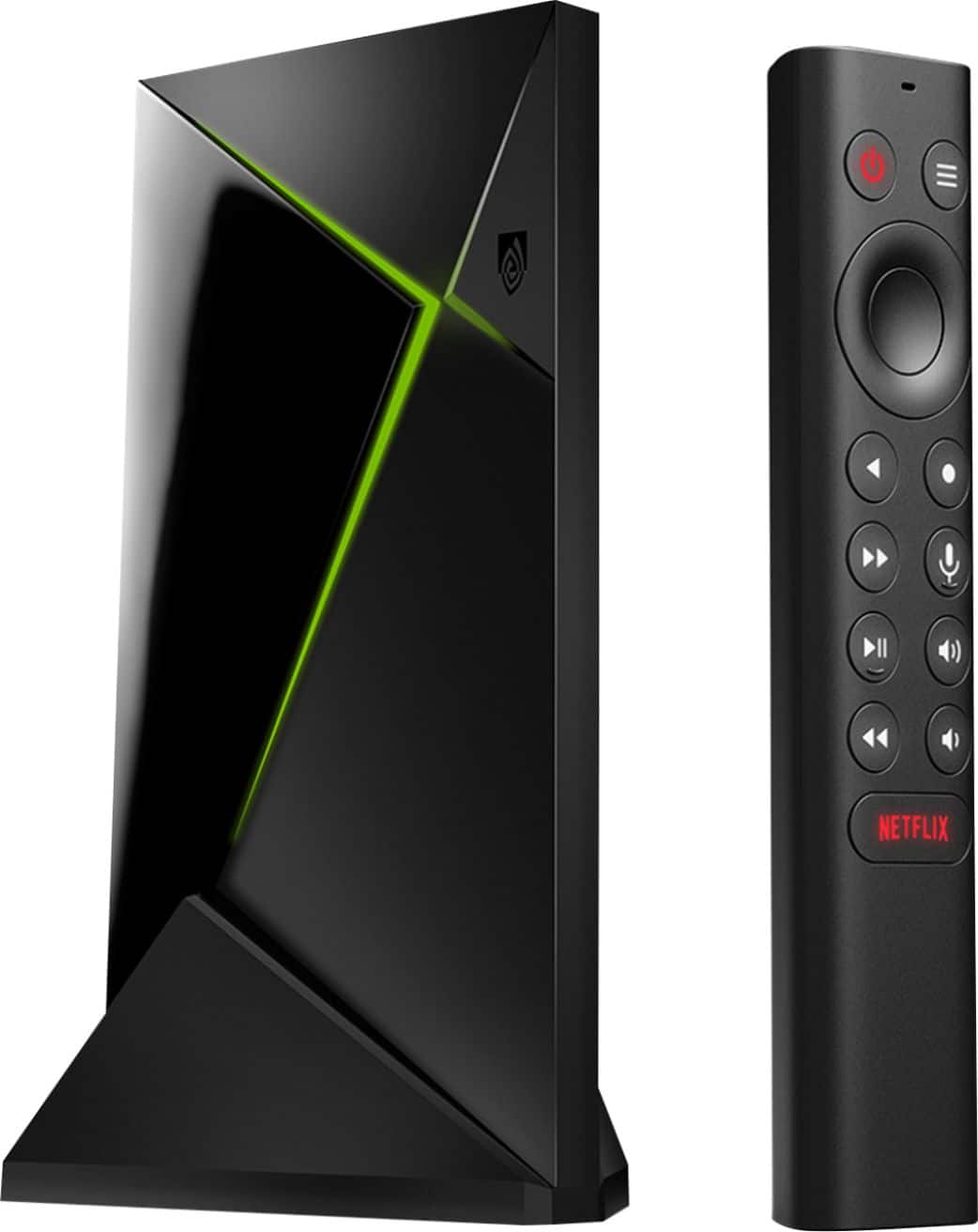
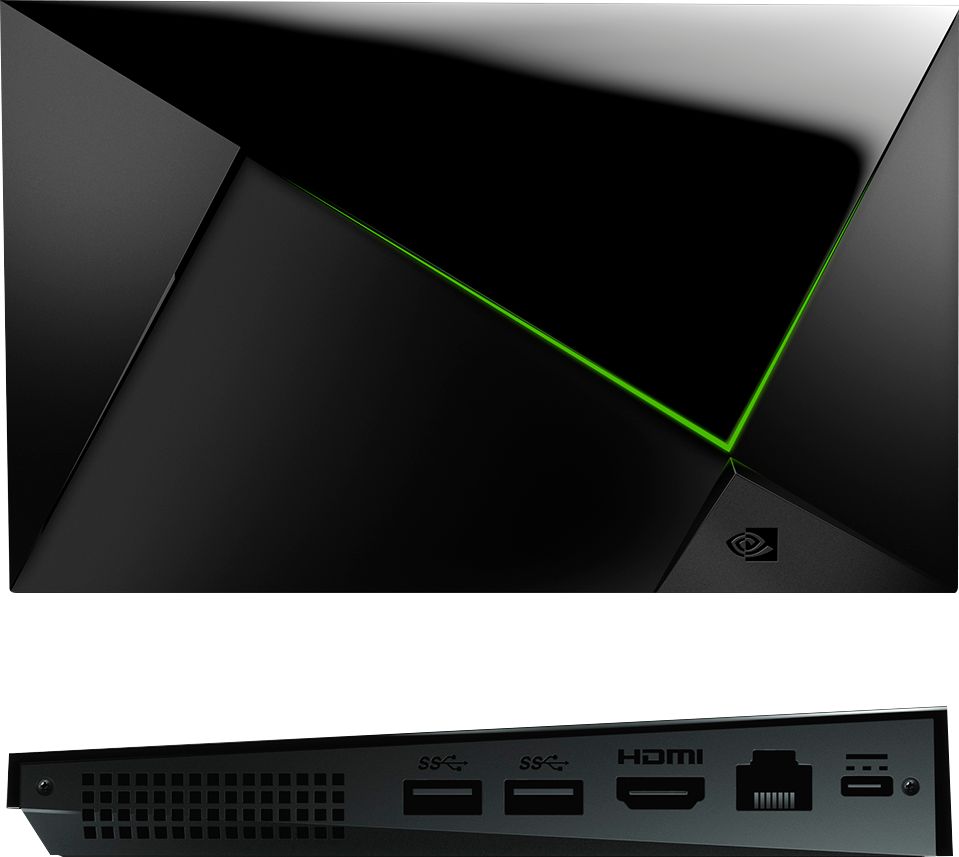
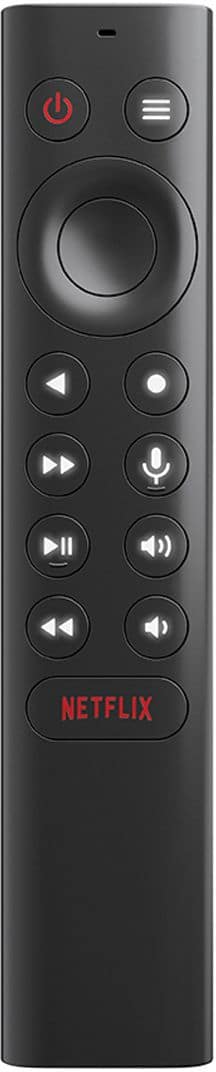
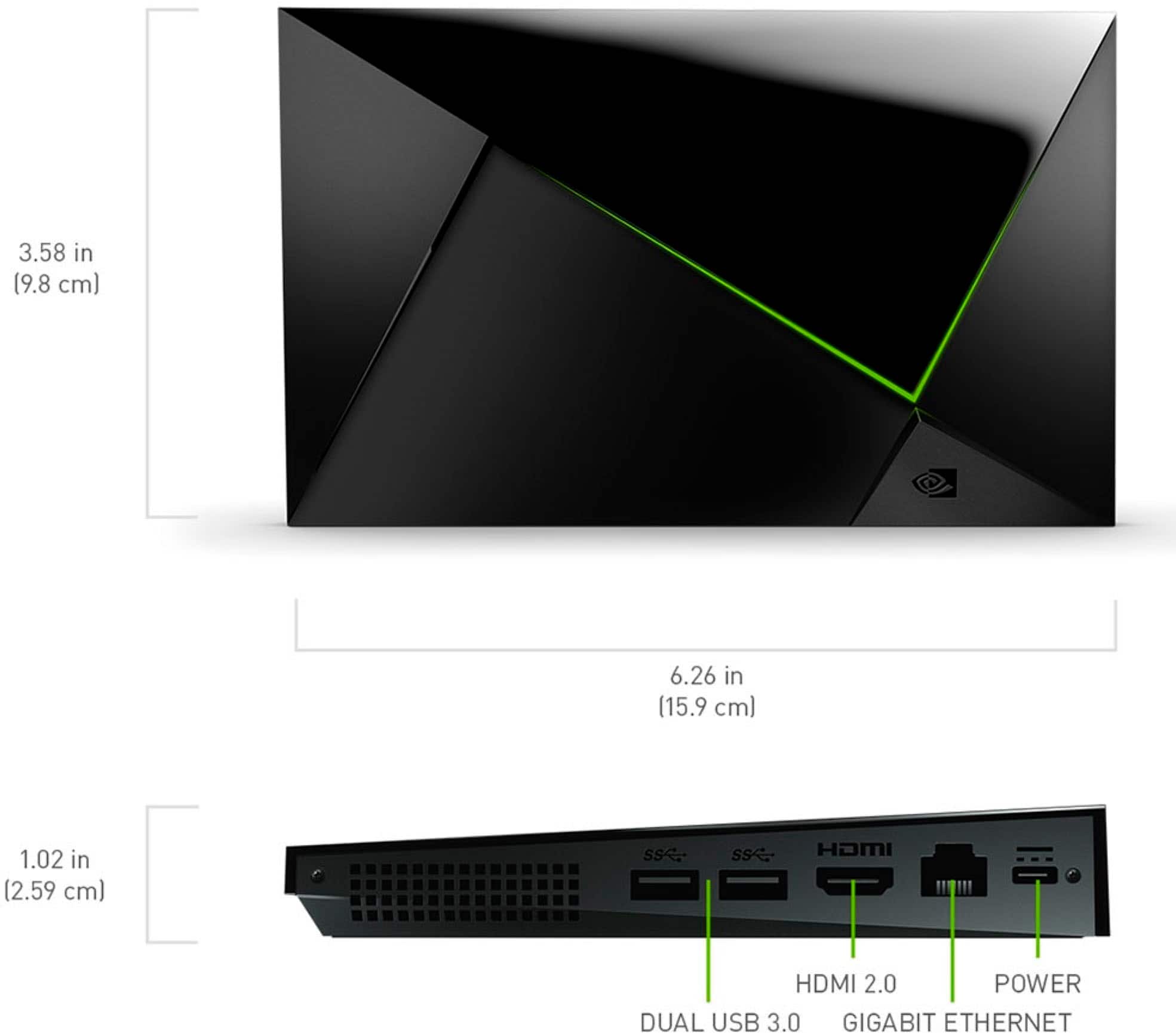
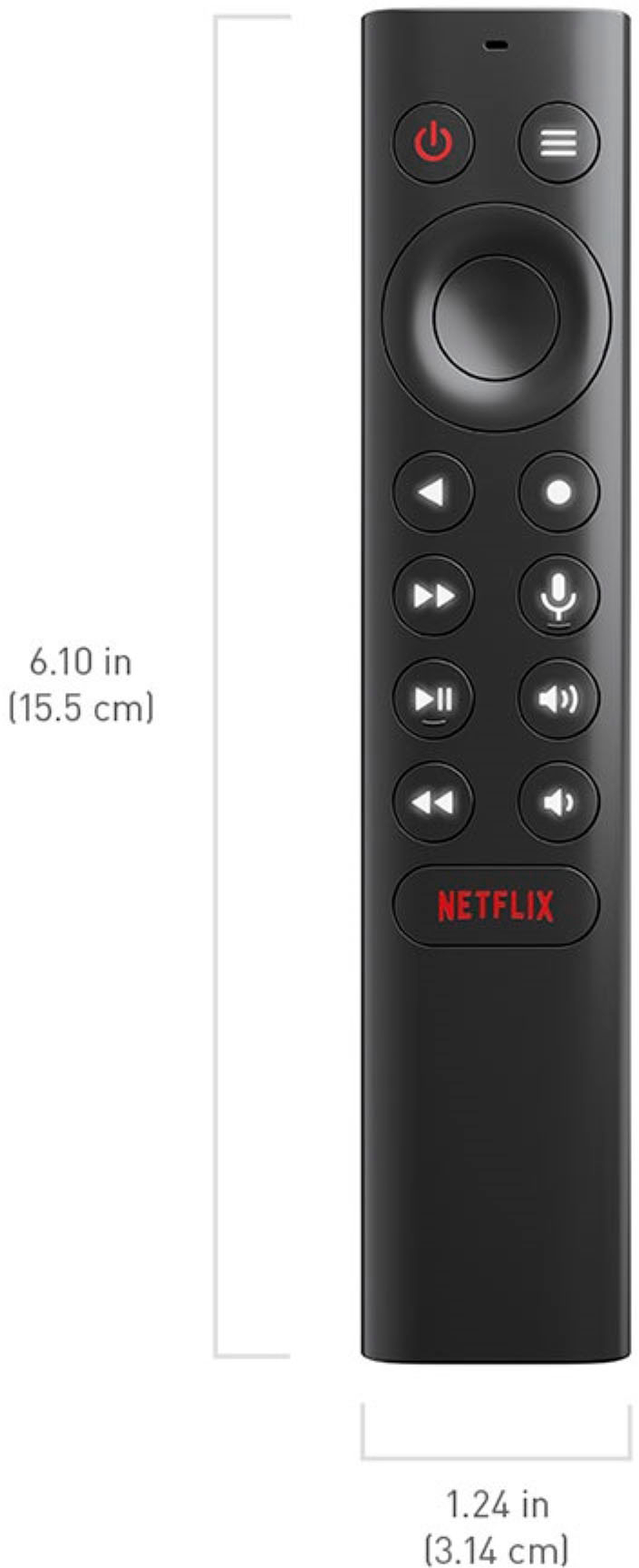
A:AnswerYes the remote requires batteries but unlike the older versions of the nvidia shield which used button batteries,this one uses 2 AAA batteries... As far as setting it up, you plug it into the power outlet, plug it into your tv, plug it into your router if you are going to use it over ethernet. The system will walk you through the setup.its a breeze...
A:AnswerIdk about Atmos, but yes. Quick note: This is where I tell you that you should NEVER download illegal copies of anything and that I only did it for curiosity, and with a copy of a movie I've alreadly legally paid for lol.
Back on topic: Yes, I've tested it using a downloaded version of a 4K HDR version of Tangeld that I also legally own a copy of just to see if theres a difference, aside from the inevitable drop in quality from the disc to the downloadable version, the file looked 99% rhe same as my 4K Blu Ray when playing it on my PS5.
A:AnswerYou need to ask Amazon, and good luck with that. If just one service has any kind of issue, it's the app that service wrote and provided, not the underlying hardware.
A:AnswerHiFimeDIY Tiny USB Dac , 3.5 jack / rca cable .....this is what I used to connect my shield to a Yamaha a s501 amp . Worked for me should work for you . Don’t forget to set usb sound in shield settings .
A:AnswerI searched the Google Play Store for the xfiniti app and it comes up as not compatible with the Nvidia Shield TV. Try to contact Xfiniti and ask them to make it compatible. It may also work if you side-load the app but I cannot say it will work for sure.