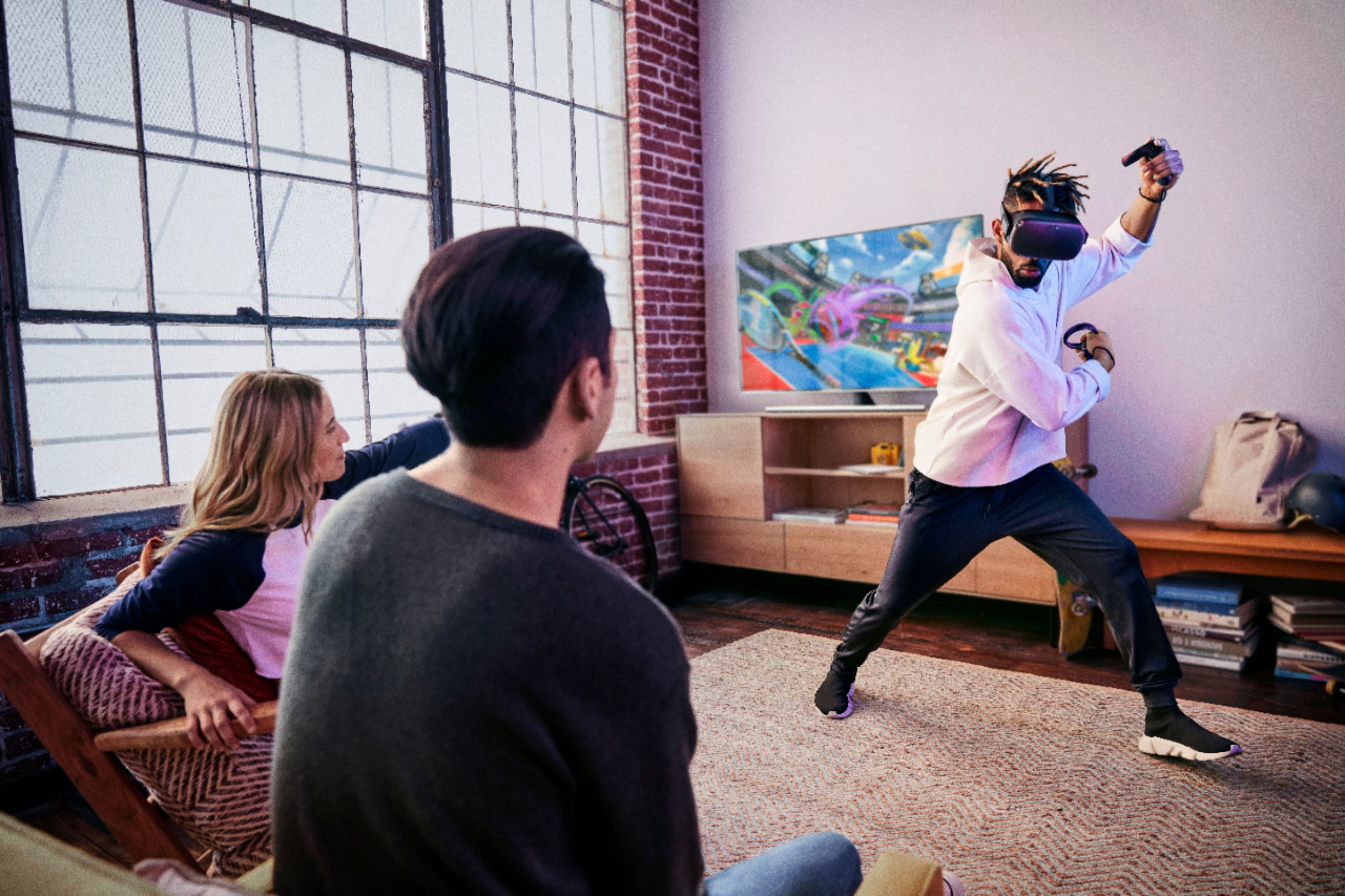
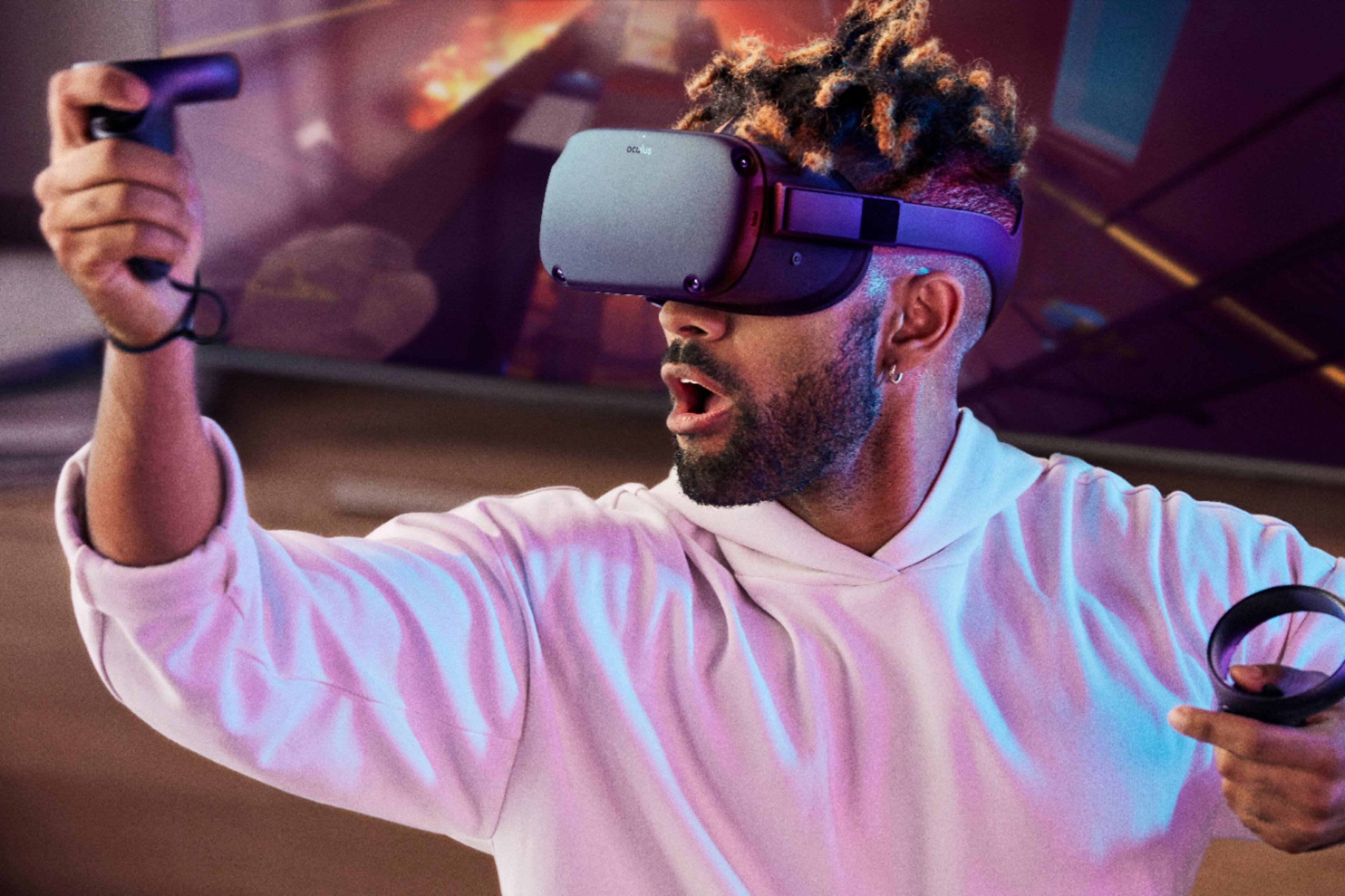
A:AnswerYes you can, but you will need chromecast or you can view it through the Oculus app on your phone and then mirror cast through your phone to the TV.
Hope this helps
A:AnswerMost likely but if they tend to got extremely mad and rage like throw remotes at the wall then not a good idea i say it would be fine otherwise
A:AnswerYes, you can. The Oculus link beta software is currently available and you can use it by connecting your Quest to your gaming pc (make sure that the graphics card is compatible with link, you can find this on the oculus website) via a usbc to usb 3 or usbc to usbc cable. Oculus quest recommend the 10 ft anker cable.
A:AnswerIf you want to try as many games as possible then definitely but if you only want some select few ones then not worth it like for me i'm going for the 64 GB because i only want around 4 games right now and then i'd have lots of extra space for new games that i might be interested in with later releases then upgrade in the future or uninstall a game i now longer play until i want to play it if storage gets full
A:AnswerThe Oculus store is built in to the quest, To my knowledge there is only 1 version of the Oculus app available in the Google Play Store, or the Apple store for your phone
A:AnswerSome games are. I use big screen to watch movies on a theatre setting. Alt space is a good meeting spot. My friend said it works with steam and I'm planning on subscribing to that. The apps and games I'm using now don't require subscription and I haven't seem any that do so far. I bought the oculus quest.