A:AnswerThank you for taking the time to reach out. I highly recommend reaching out to Best Buy customer service for pricing and promotion information. They will be able to better assist.
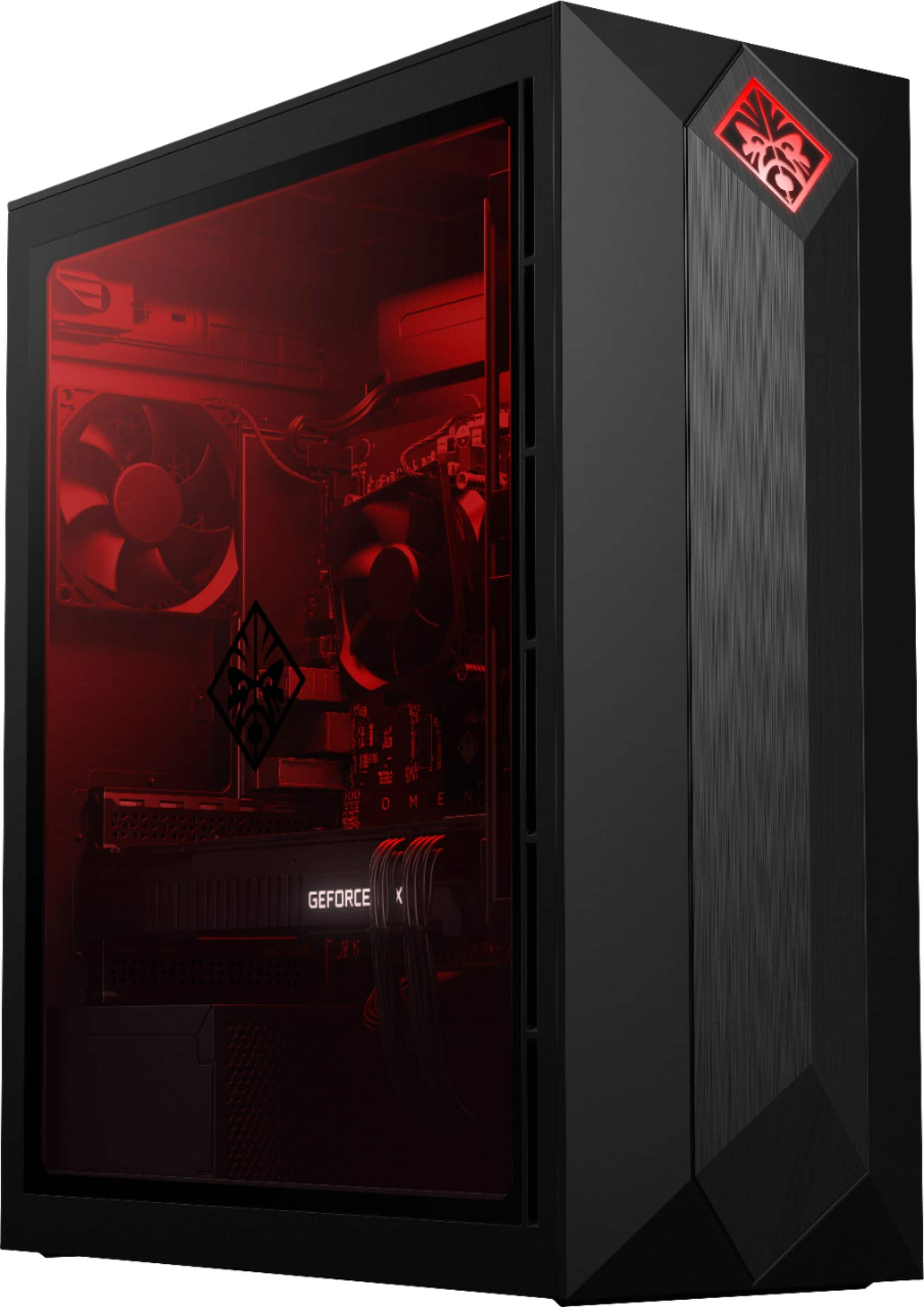
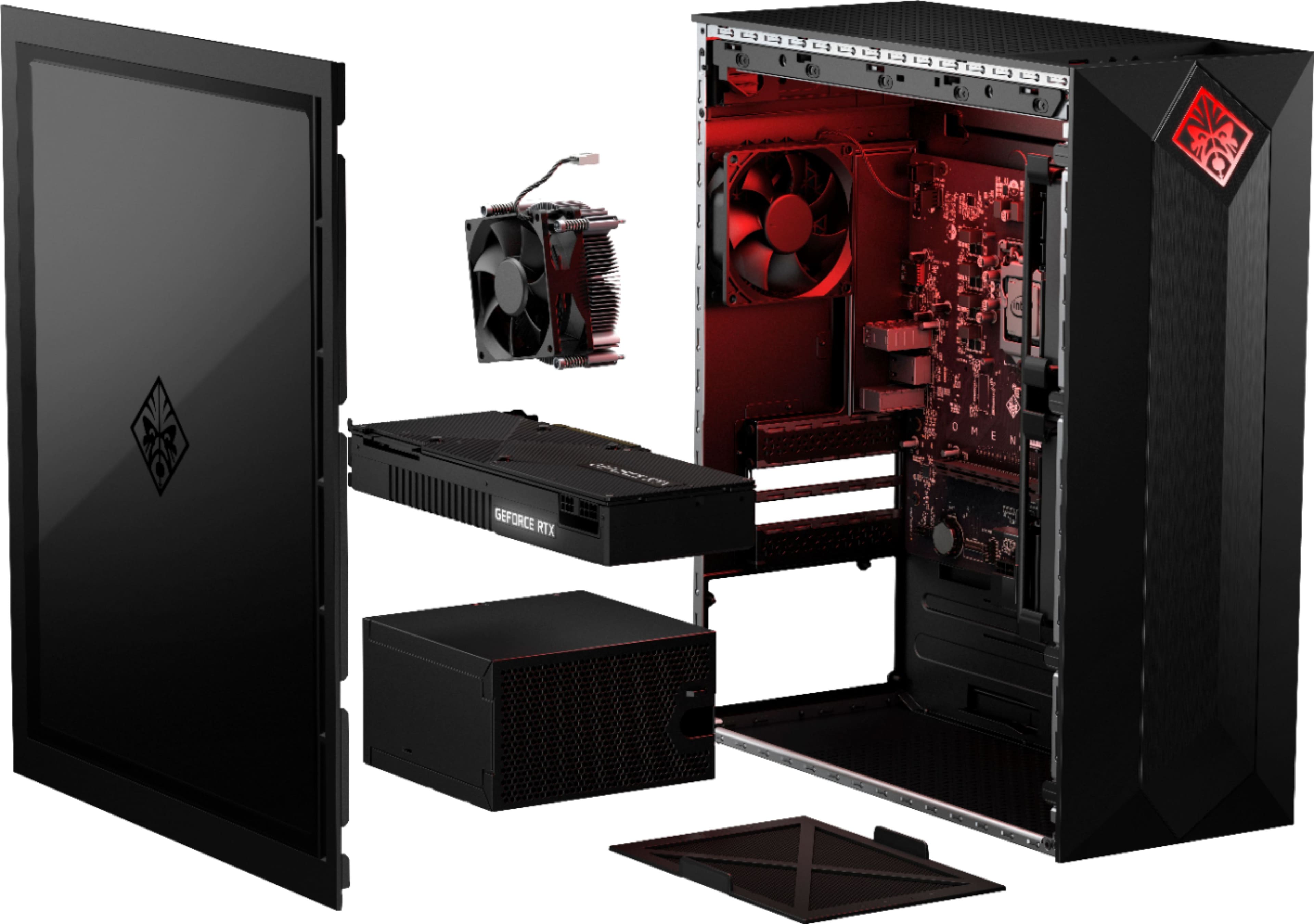
A:AnswerWe hope you consider this desktop in your Black Friday shopping! HP's Omen series offers full flexibility for upgrades and changes to suit your gaming needs--if you're concerned about the cooling and power supply, these can be upgraded later!
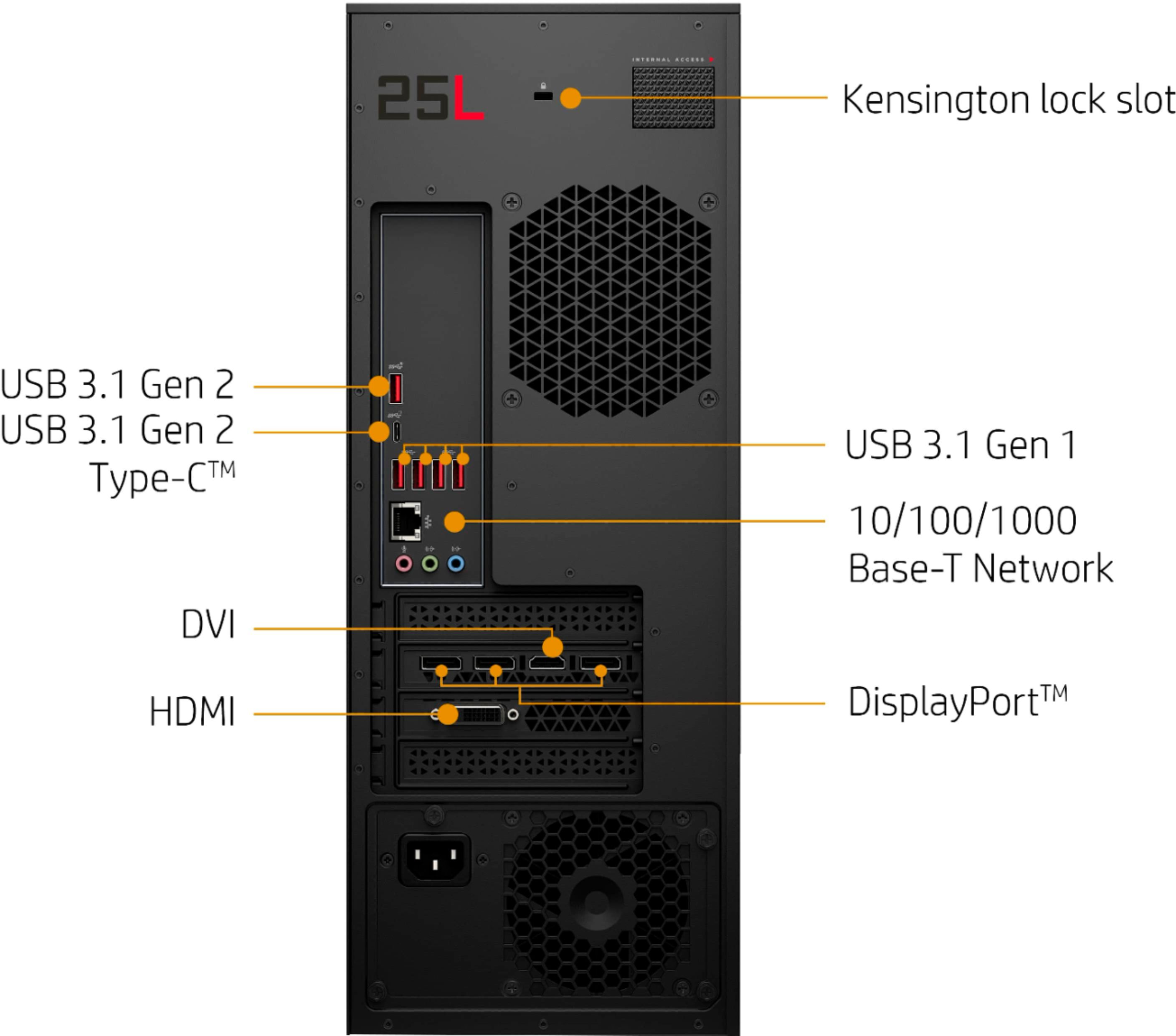
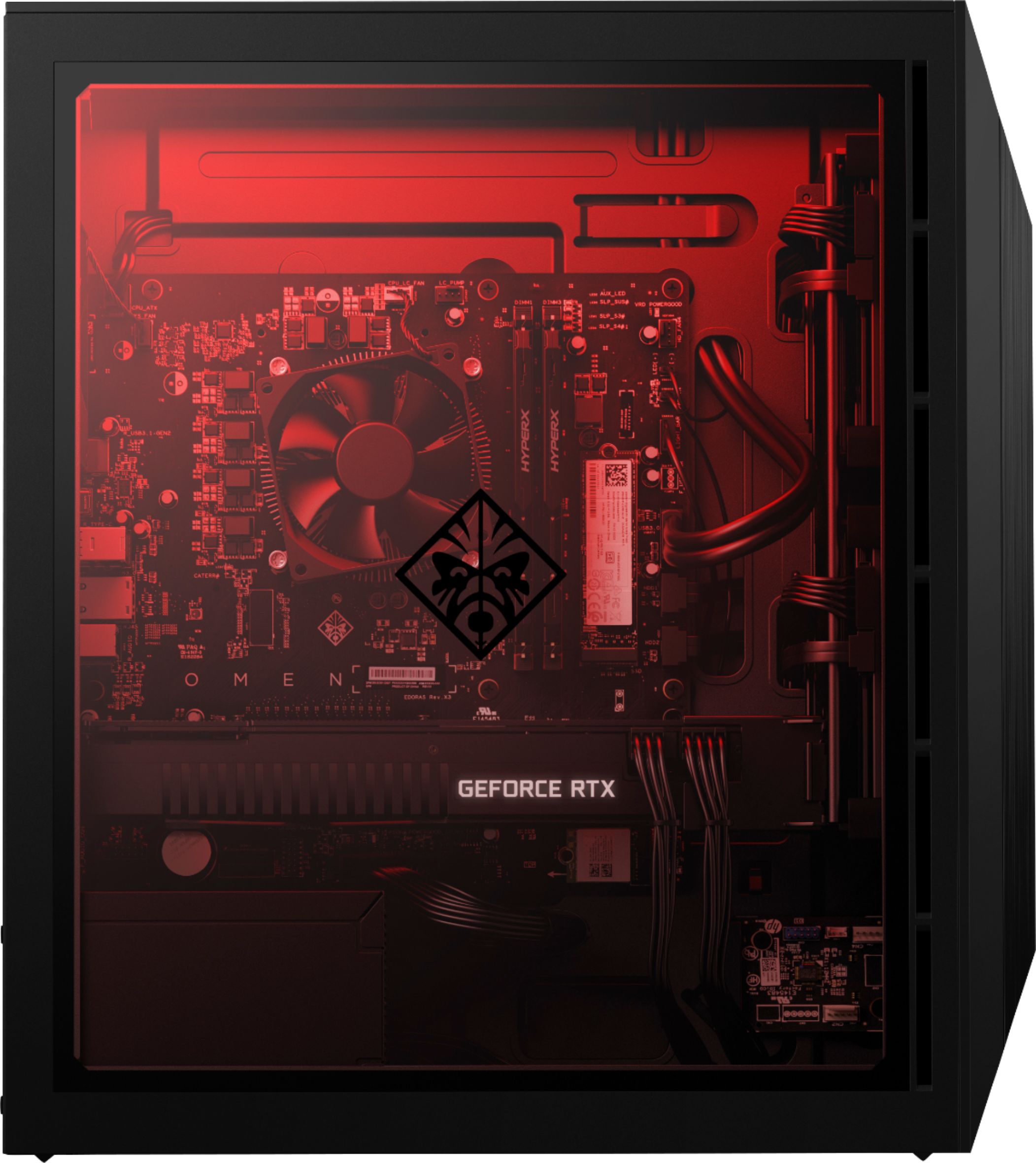
A:AnswerIf you looking at adding the VIVE wireless adapter, it just requires an open PCIe slot. This desktop has these expansion slots open: One PCIe x16 socket, One M.2 socket 1, key A and One M.2 socket 3, key M.
A:AnswerHP does not maintain a database of compatible third party products so I cannot be sure that model will work. That seems to be designed for EVGA GPUs.
A:AnswerI replaced both the stock 500W PSU and Intel stock CPU fan yesterday with "CORSAIR - CX Series Modular CX750M 750W ATX Power Supply" and "Corsair H60 AIO liquid cooler" respectively. see my review for details.
A:AnswerDownload Asus's GPU tweak for their RTX and you can make a custom fan profile. I set mine to blow 70% at 80c and haven't gone over 80c since. Stock seems to only blow up to 50%.
A:AnswerYou can do so by plugging them into the Display ports. This should support three monitors. You have three Display port, one HDMI and some other connection I am not familiar with
A:AnswerAt max speed, the stock CPU cooler fan is LOUD. I had to wear headphones when gaming to block out the sound. I solved the problem by installing a Corsair Hydro H60 watercooler. It killed 2 birds with 1 stone - lower CPU temperatures & MUCH quieter.
A:AnswerHP still has not come out with a liquid cooler for this computer.
Inside the top of this computer is a mounting plate for the fan and radiator. It is held to the computer with 4 Phillips head screws. Mount the fan and radiator first then the cooler on the CPU.
Intel BXTS13X Water/Liquid Cooling Thermal Solution
This is the only one I could find that had a four pin power connector. The mother board has a dedicated 4 pin plug for liquid cooler.
A:AnswerHP still has not come out with a liquid cooler for this computer.
Inside the top of this computer is a mounting plate for the fan and radiator. It is held to the computer with 4 Phillips head screws. Mount the fan and radiator first then the cooler on the CPU.
Intel BXTS13X Water/Liquid Cooling Thermal Solution
This is the only one I could find that had a four pin power connector. The mother board has a dedicated 4 pin plug for liquid cooler.
A:AnswerWe apologize for any confusion or discrepancies regarding the sound. The motherboard does have a 5.1 capable sound chip, but you are correct, it lacks the necessary output to utilize this efficiently. You can get 5.1 sound via HDMI, USB C, and DisplayPort, or by adding a dedicated sound card. Unfortunately it looks like the Logitech system you mentioned does not support connection via HDMI, USB-C, or DisplayPort; because of this, you will need an audio breakout device (HDMI 2 to HDMI2 + Optical/Coax), or the aforementioned sound card.