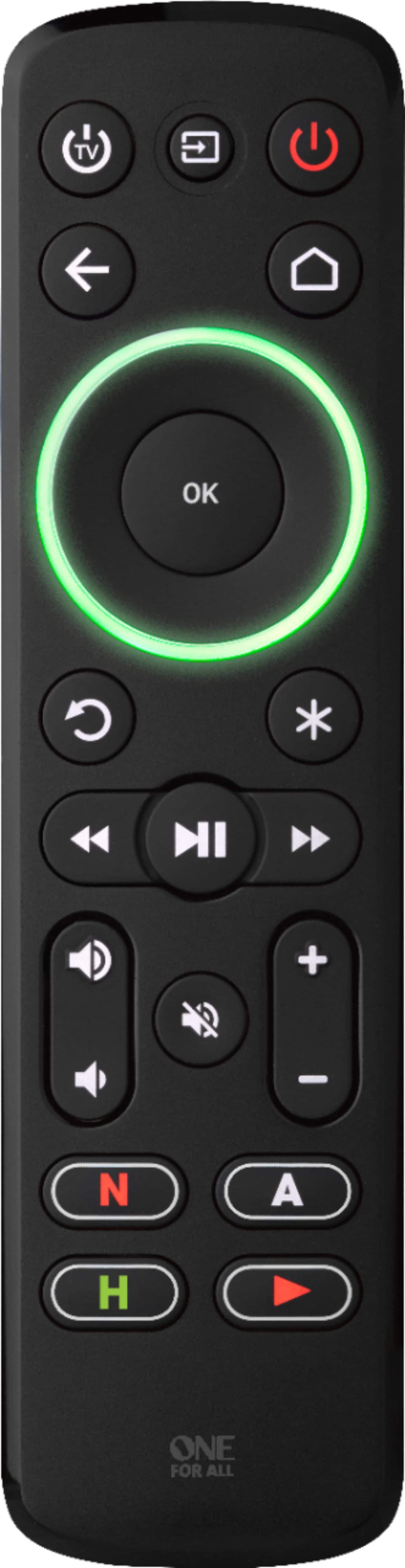
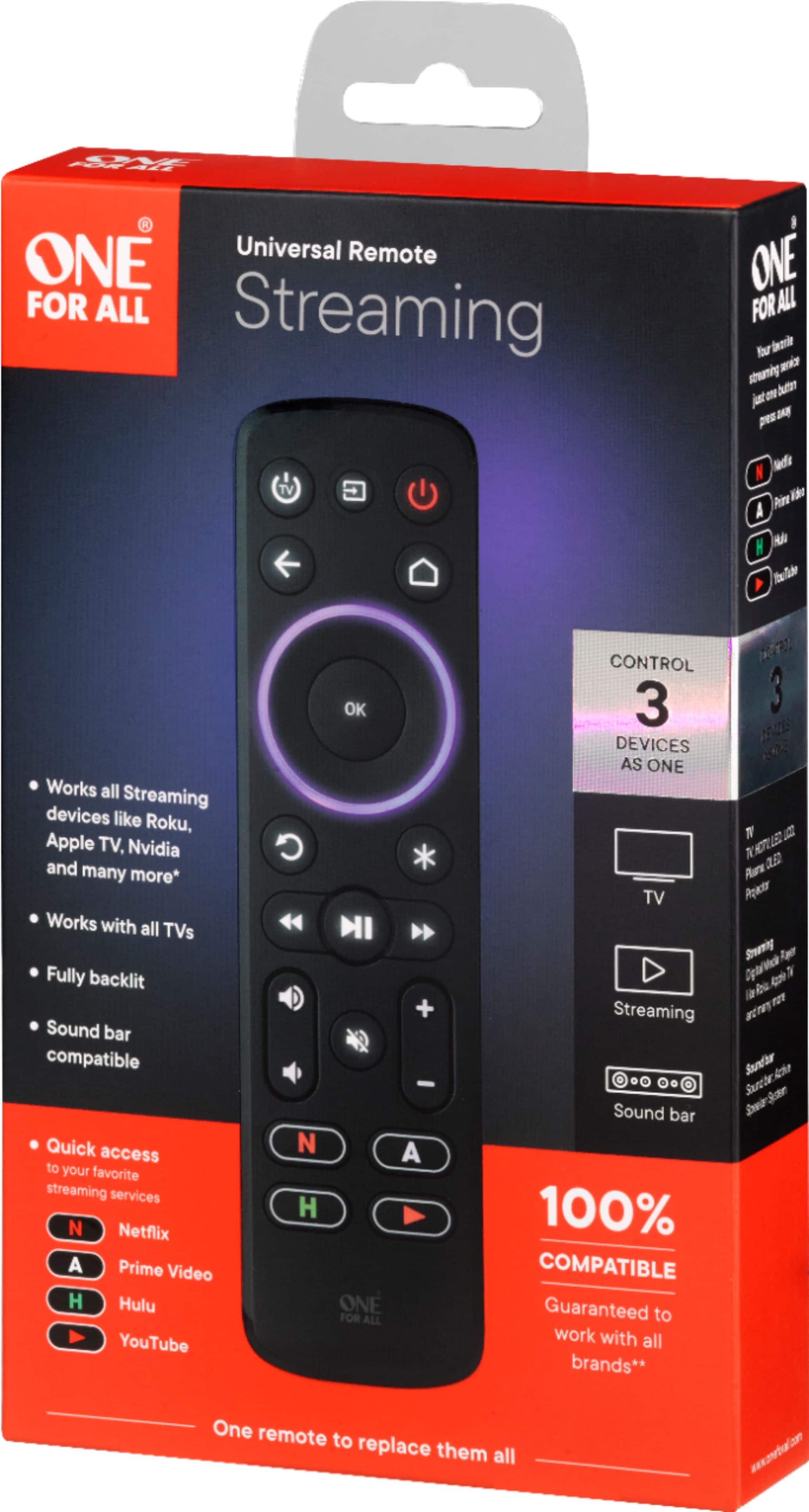
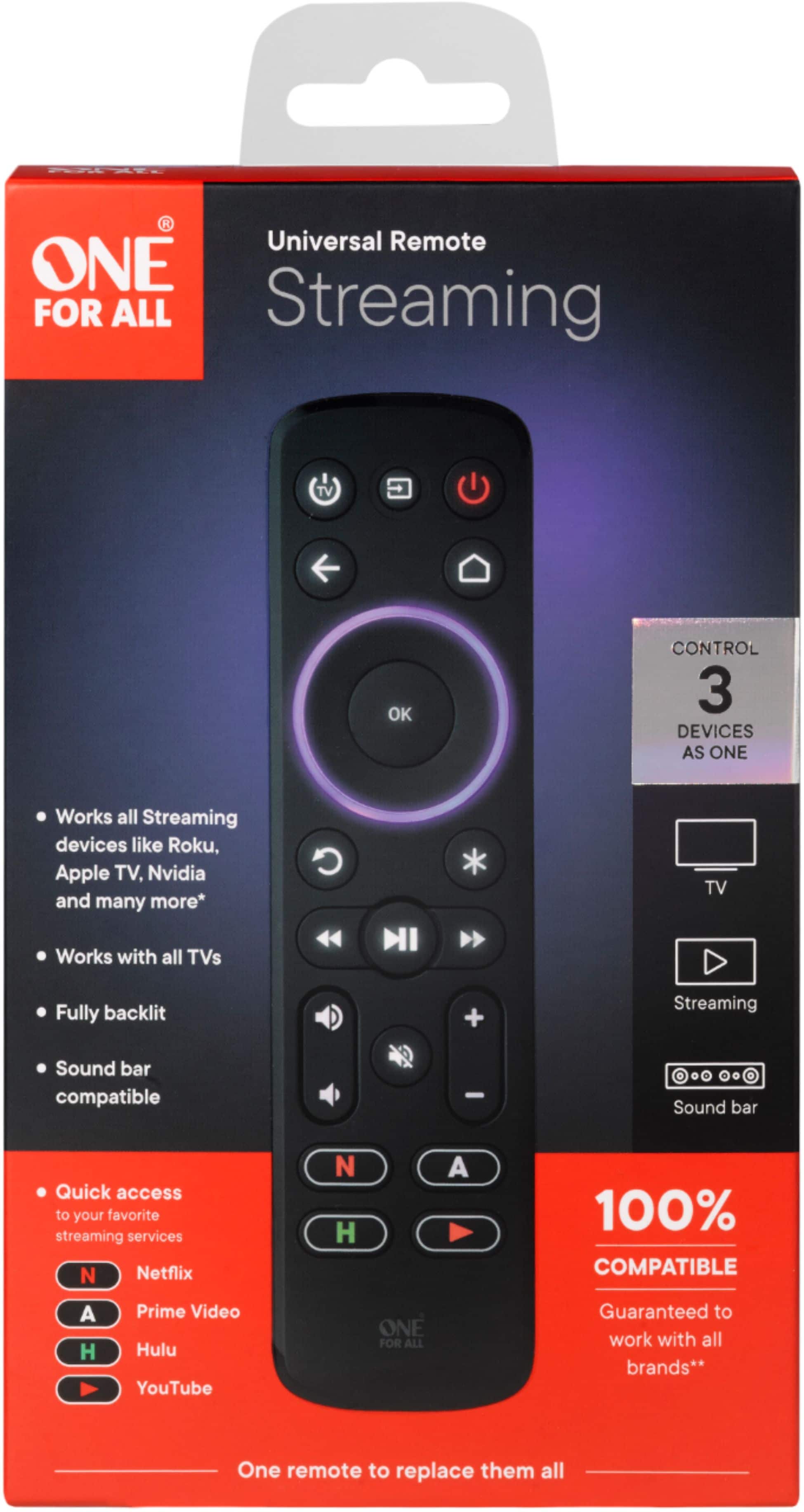
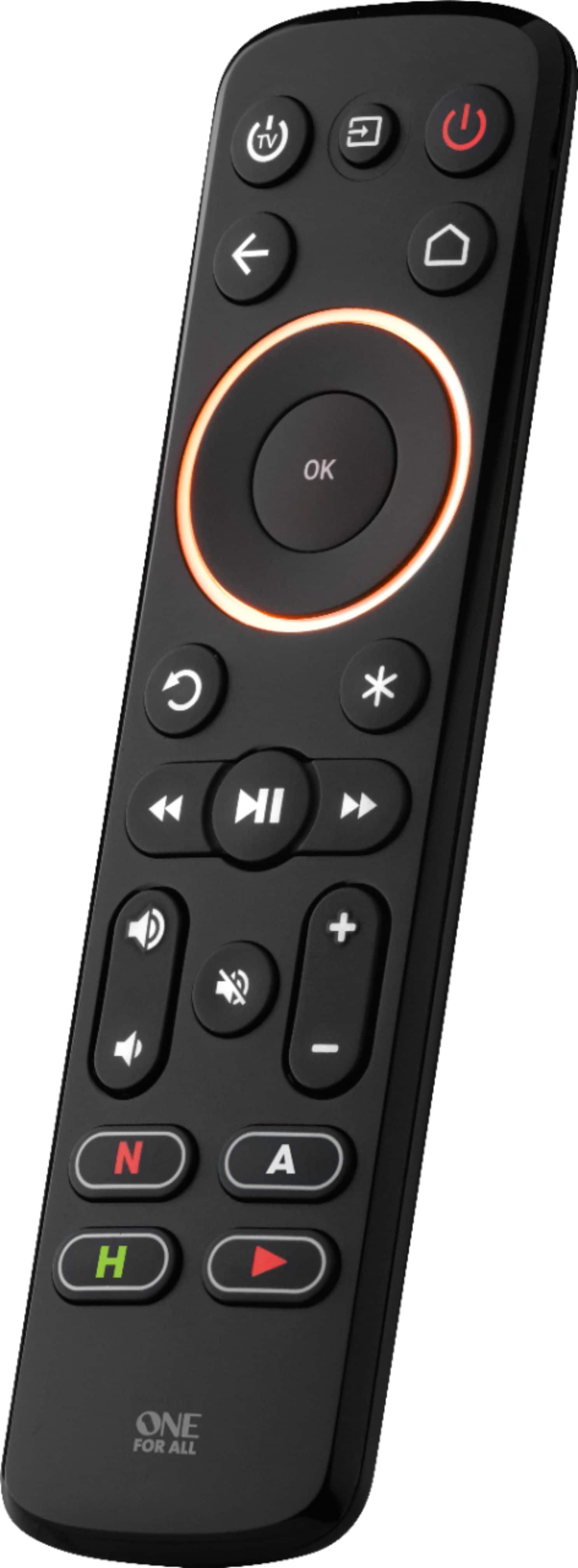
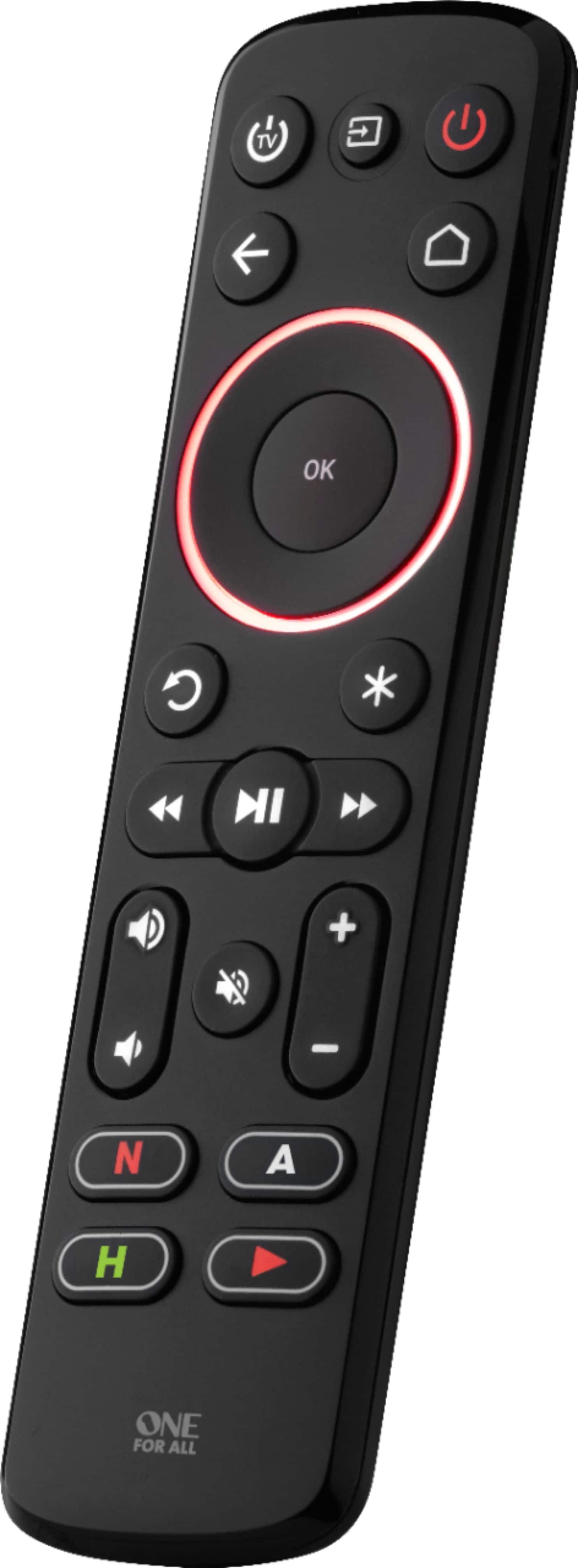
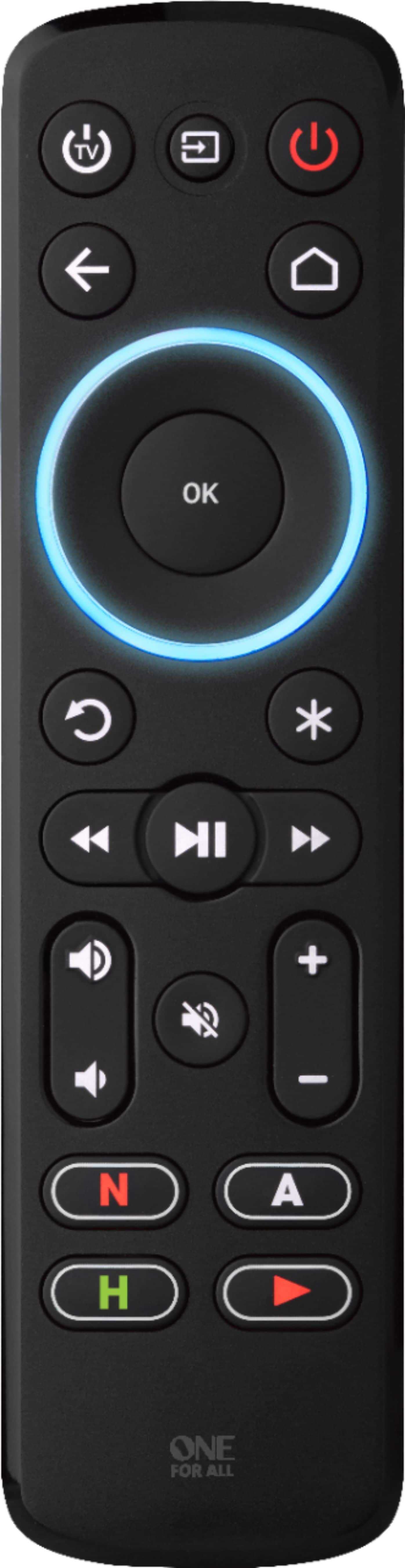
A:AnswerNo you are not doing anything wrong the the remote does not have a power button for the audio device only volume up and down. The only way to add one would be to learn from the original remote and replace one of the buttons
BB One For All Support
A:AnswerThe remote will Control power, volume and input on all TV's the only TV's that it will fully work with without learning from the original remote is a Roku TV BB One For All Support
A:AnswerThe remote will Control power, volume and input on all TV's the only TV's that it will fully work with without learning from the original remote is a Roku TV BB One For All Support
A:AnswerI'm Sorry to say it will not work, even if your laptop had an IR receiver the remote does not have the codes to be used with a pc.
BB One For All Support
A:AnswerAssuming you are referring to a Sony 4k tv unfortunately it will not. On all non roku tv's the remote will only control volume power and input.
BB One For All Support
A:Answerunfortunately the remote does not the fire stick and Roku stick use RF only for there remotes and have no IR receivers. As this is an IR based remote it will not work.
BB One For All support
A:AnswerUnfortunately the streamer will not work with a amazon fire tv as the original remote is RF and not IR. It will control power volume and input on the Samsung tv.
BB One For All Support
A:AnswerHi I m using for Apple TV and Samsung smart tv only I don’t know about other devices weather it works or not ..but it’s perfect for Apple and Samsung
A:AnswerI'm sorry to hear your instructions are missing you can find pdf's on our website under the support section for the remote, the best buy version of the remote is pre-programmed for roku boxes and Samsung tv's.
BB One For All Support
A:AnswerAFTER 1 DAY OF DEALING WITH ONE-FOR-ALL CUSTOMER SUPPORT, ALLOW ME TO ANSWER MY OWN QUESTION.
The answer is NO. Not Yes, as mentioned by OneForAll support and BBUY support. The remote DOES NOT WORK with SlingTV.
A:AnswerYes, it will.
I have two Samsung TVs, one older one (around 2014) and a newer one (around 2018), different UN* models and they work just fine.
One thing though, I couldn't get the Menu or SmartHub functions to work yet.
To be honest, I didn't really try, since I use an AppleTV for my content.
Setting up was a breeze (after reading the instructions).
It is possible to use advanced programming, but I didn't venture into that (yet).
But the short answer is: Yes, it will work.
A:Answeryes it will but the instructions are not included in the best by version. to set up a Hisense, RCA, Sharp or Sanyo Roku TV:
1. Hold down STB POWER and HOME until the red LED blinks twice
2. Press the HOME key 5 times
3. The LED will blink green twice and the remote should now work your Roku TV.
you would also have to program the tv side to Roku as well 43321
BB One for all support
A:Answerno this remote is meant for use with a separate streaming device such as a roku. there is also no voice support as this is an IR remote.
BB One for all support