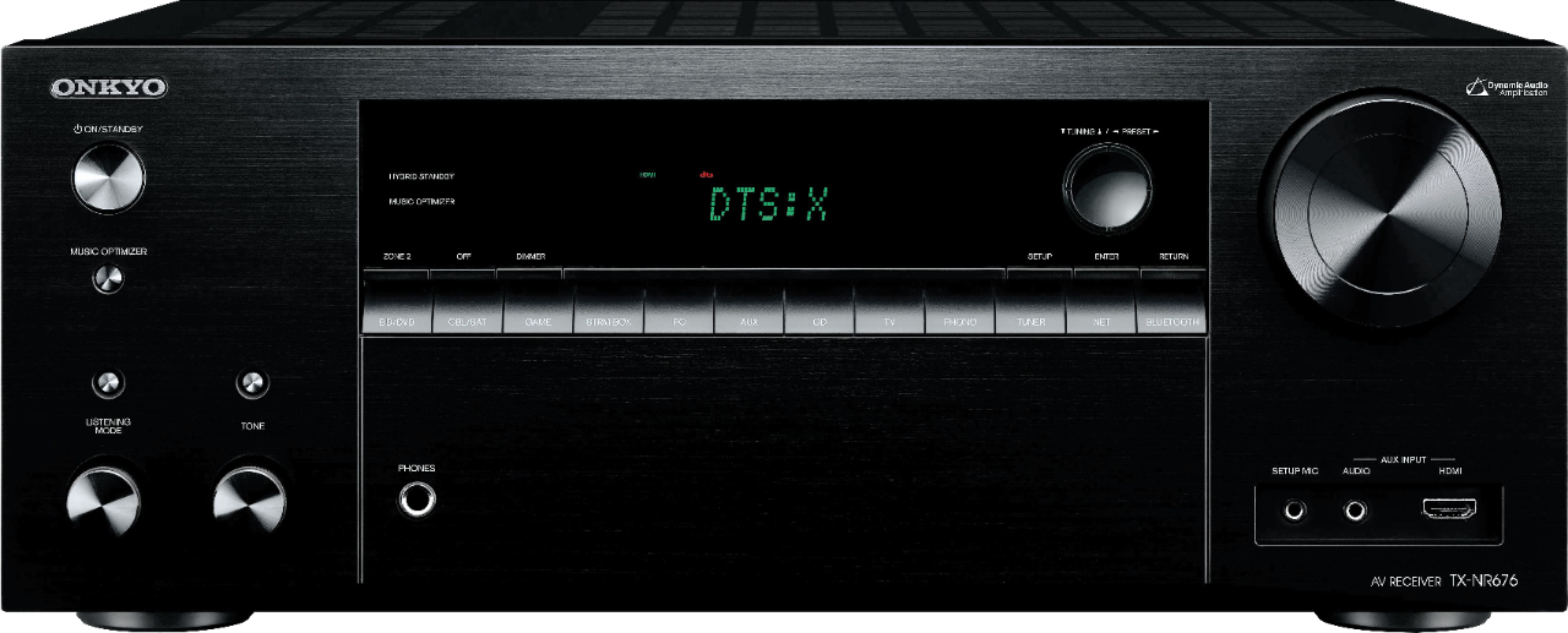
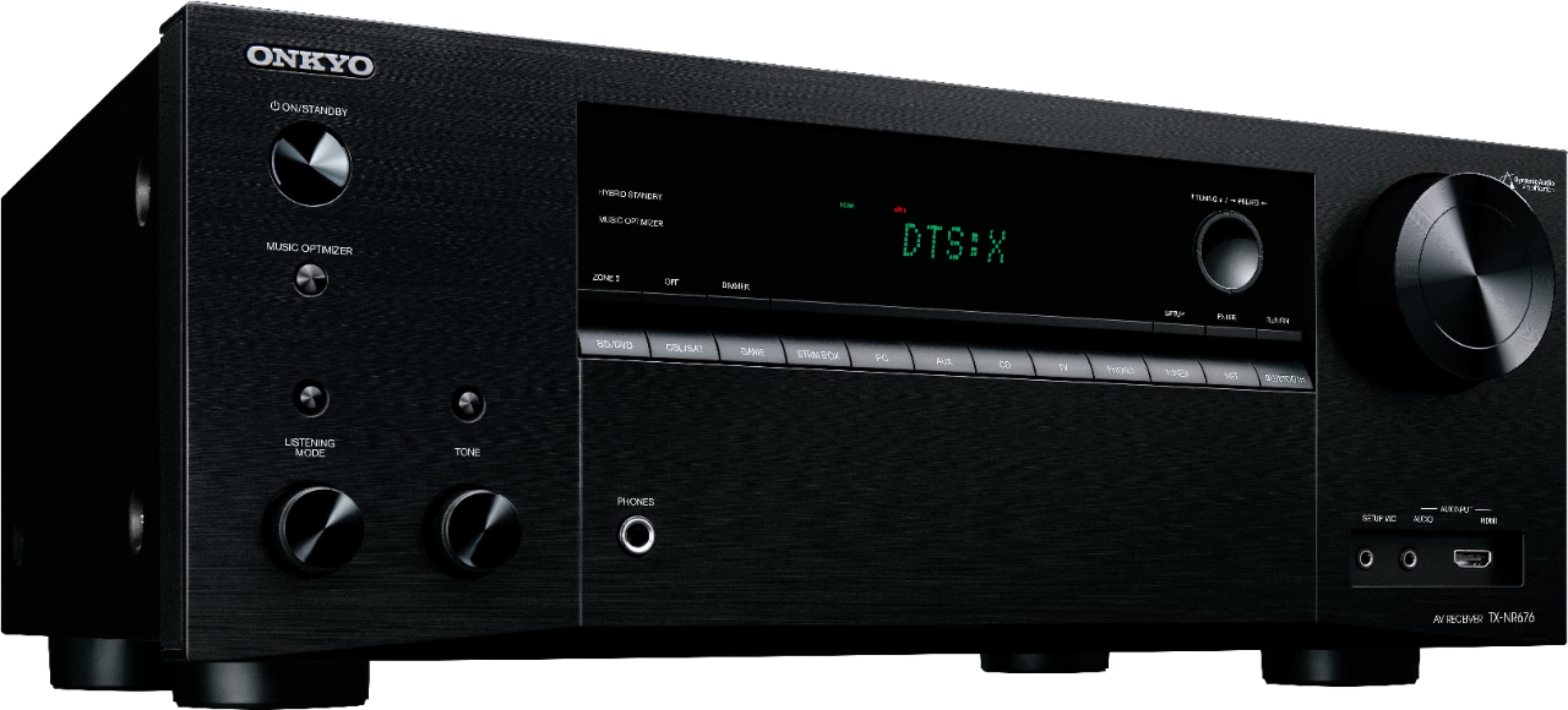
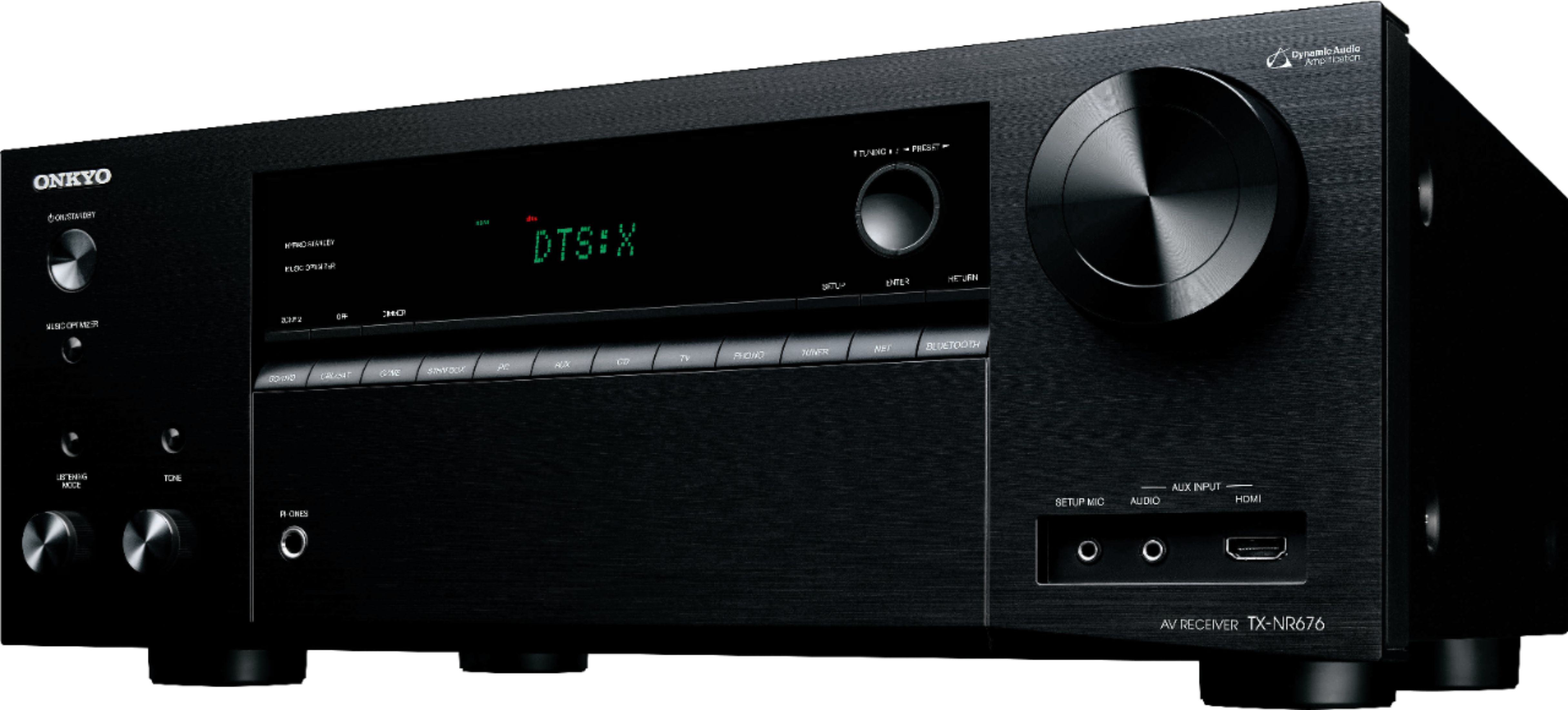
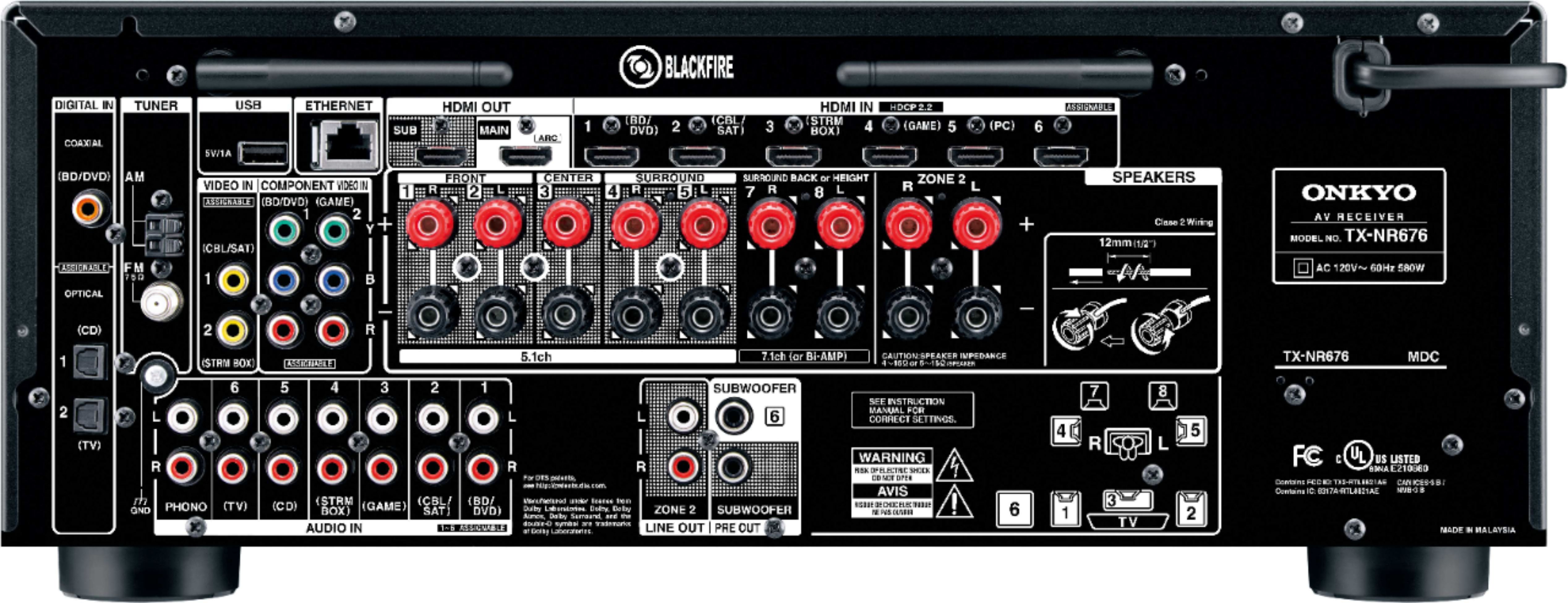
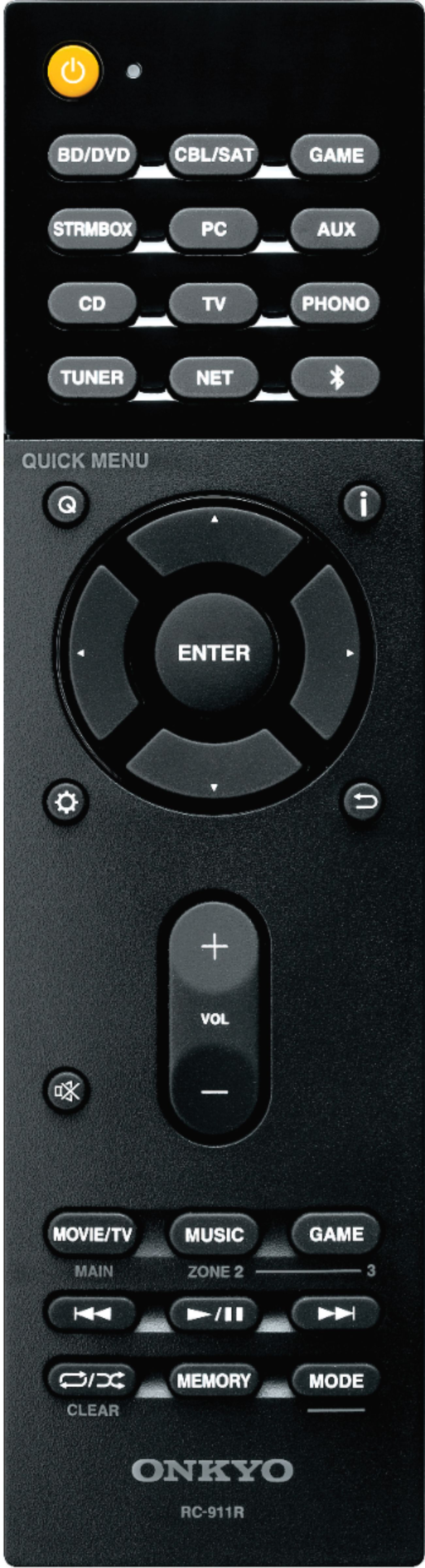
A:AnswerYes all the setting pop up on the reciver display. Hard to get used to flipping back and forth through the menu, but you get used to it after a couple times.
A:AnswerYes, If you have the proper cable you could. I hooked mine up with rca cables to the back through the phono port. Only to play records once in a while though.
A:AnswerA micro-fiber cloth to dust off the top regularly helps. Don't use sprays! If you have pets vacuum the top and the area around the receiver regularly. The top is open so the heat can escape without the help of noisy fans.
For Roku streaming, connect the Roku with an HDMI cable (obviously) and make sure the Roku firmware is up-to-date (On Roku: Settings - Firmware update). Make sure the audio on the Roku is set to Settings - Audio - Audio Mode Auto: Dolby D+, DTS). The receiver's HDMI logic and the Roku will negotiate the best audio for a given source.
Do you have 2 or 5 passive speakers? Did you do the speaker calibration with the included microphone? It makes a huge difference.
A:AnswerThis is an awesome receiver that works best with passive speakers. But you will be able to send audio via Bluetooth to another room as Zone-2. The manual shows how.
A:AnswerThe TV will be necessary for the initial configuration since it guides you thru a set of menus. After that there is no need for a tv for normal operation.
A:AnswerNot without some effort. It won't recognize it as a generic storage device. The easier solution may be to search the internet for "Ipod Classic Bluetooth adapter" and you'll find some cheap solutions which just plug into the bottom of the device, and they should let you stream music that way.
A:AnswerThe Alexa setup is easy on bluetooth. Once paired, tell Alexa to play you music on the speaker. Then you can tell her to adjust the sound. Or just do it through your receiver.