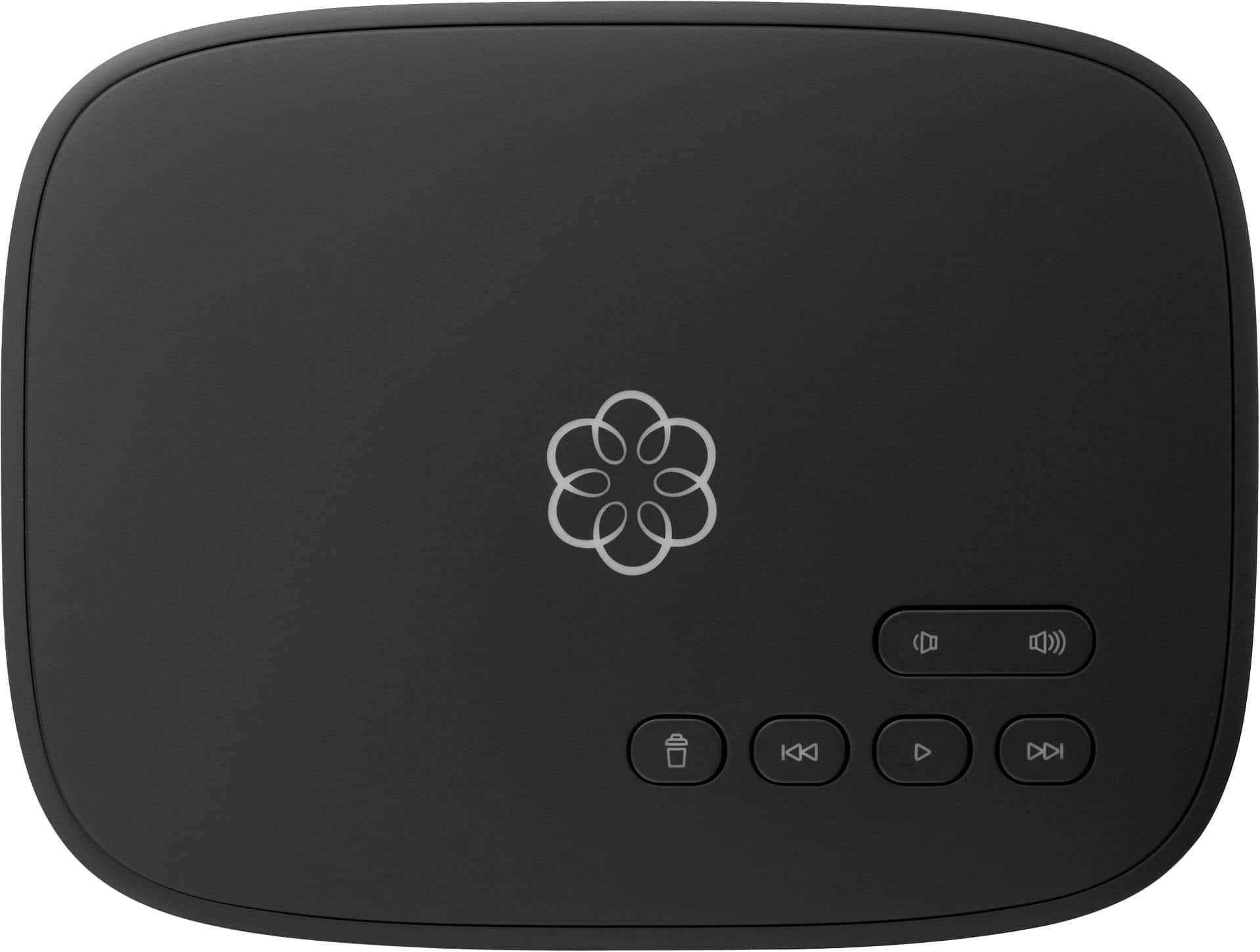
A:AnswerYes. It works just like a regular VOIP telephone. If you have AT&T, that is how their are phones are set up, via modem. This operates like any landline without the ridiculous costs
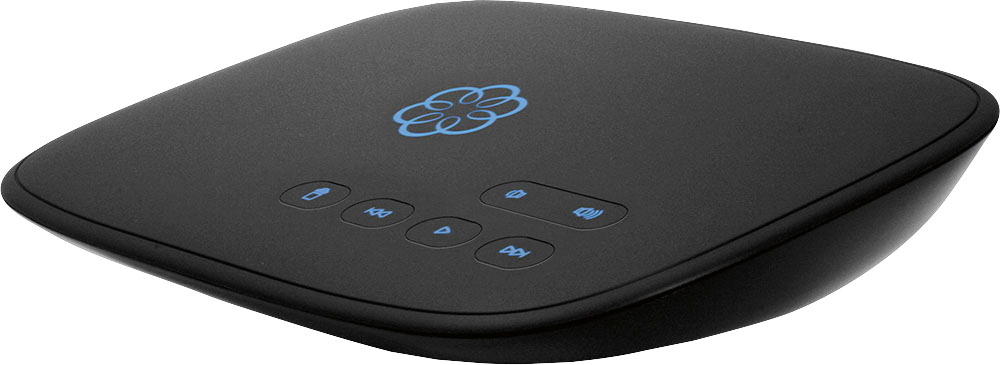
A:AnswerMagic Jack requires a computer to run or be running in order for it to work. Where as Ooma is it's own computer an telco device all in one. that is why I prefer Ooma. Yes you can take it out of the country just make sure that you have the proper power adapters for it to work.
Ted
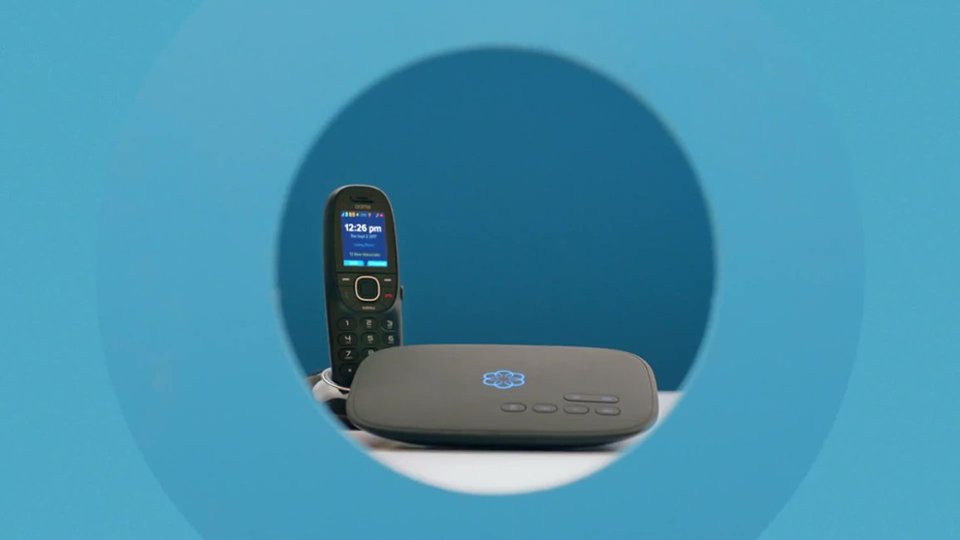
A:AnswerYou can use any phone to connect to the main Ooma unit. For extensions in other rooms, you’re probably going to need to either purchase the Ooma Linx device, or just buy their phones.
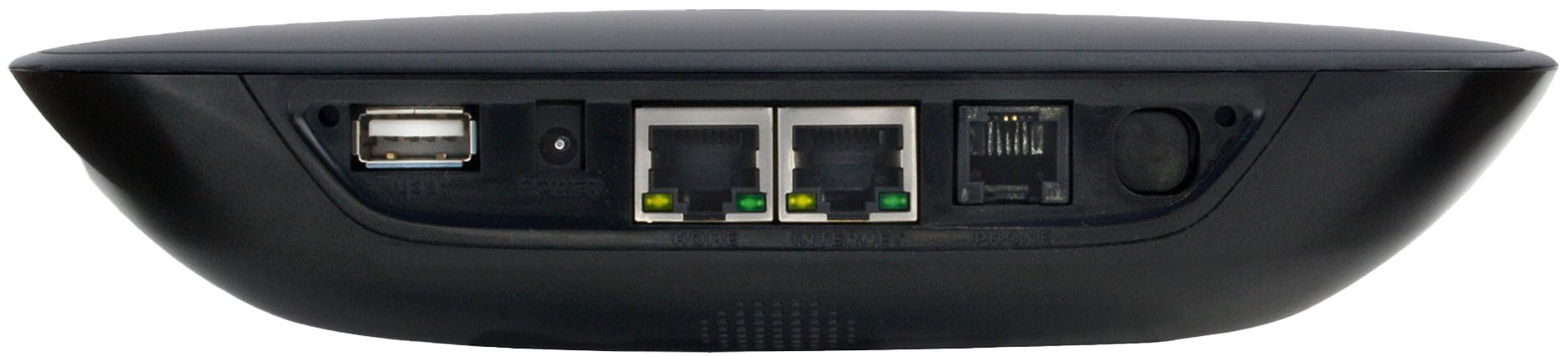
A:AnswerIf the WIFI adapter is a USB stick, then I would assume yes as this unit has a USB port on back and it listed available accessories as a WIFI adapter. I would suggest asking a question on the Ooma customer chat support website to be sure.
A:Answerthere are a million reasons why this could happen. first question would be the color of the logo display on the front of the unit. if it's red, then your Ooma unit can't make an internet connection. if it's blue, then there's most likely something wrong with your unit. in either case, it might be worth calling Ooma for help.
A:AnswerIf you have an old fashioned, twisted pair phone line you would first want to disconnect at the network interface into the house. It would often be in a gray box outside - two wire from the street into a little connection point. Be sure bare wires are protected. Newer - since the 90s - the connection may have a click connector to the house and you might be able to disconnect that. Once disconnected from the street, simply plug the Ooma out connection into any jack in your house. That will cause all the other jacks to carry your Ooma dial tone.
If you had cable phone service, you basically replace the phone service modem with Ooma. Whatever phone cable was plugged into the modem, plug it into Ooma.
A:AnswerMine has to be plugged into my internet router using an ethernet cable. I think you could buy a range extender from Best Buy with an ethernet plug to connect Ooma. I had to do something similar to use my MyQ hub for my garage door opener. You would need the password of the internet to set up the extender.