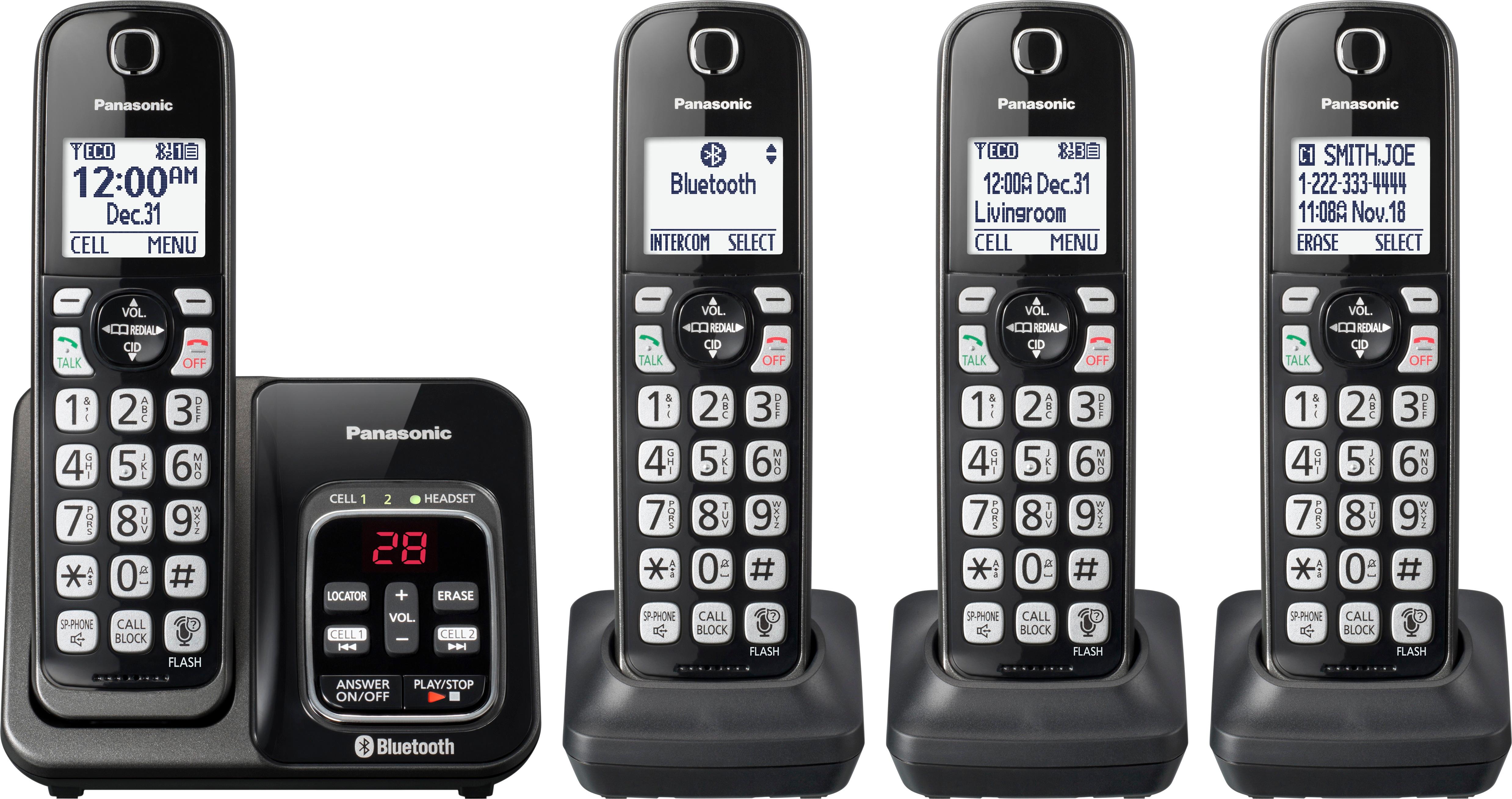
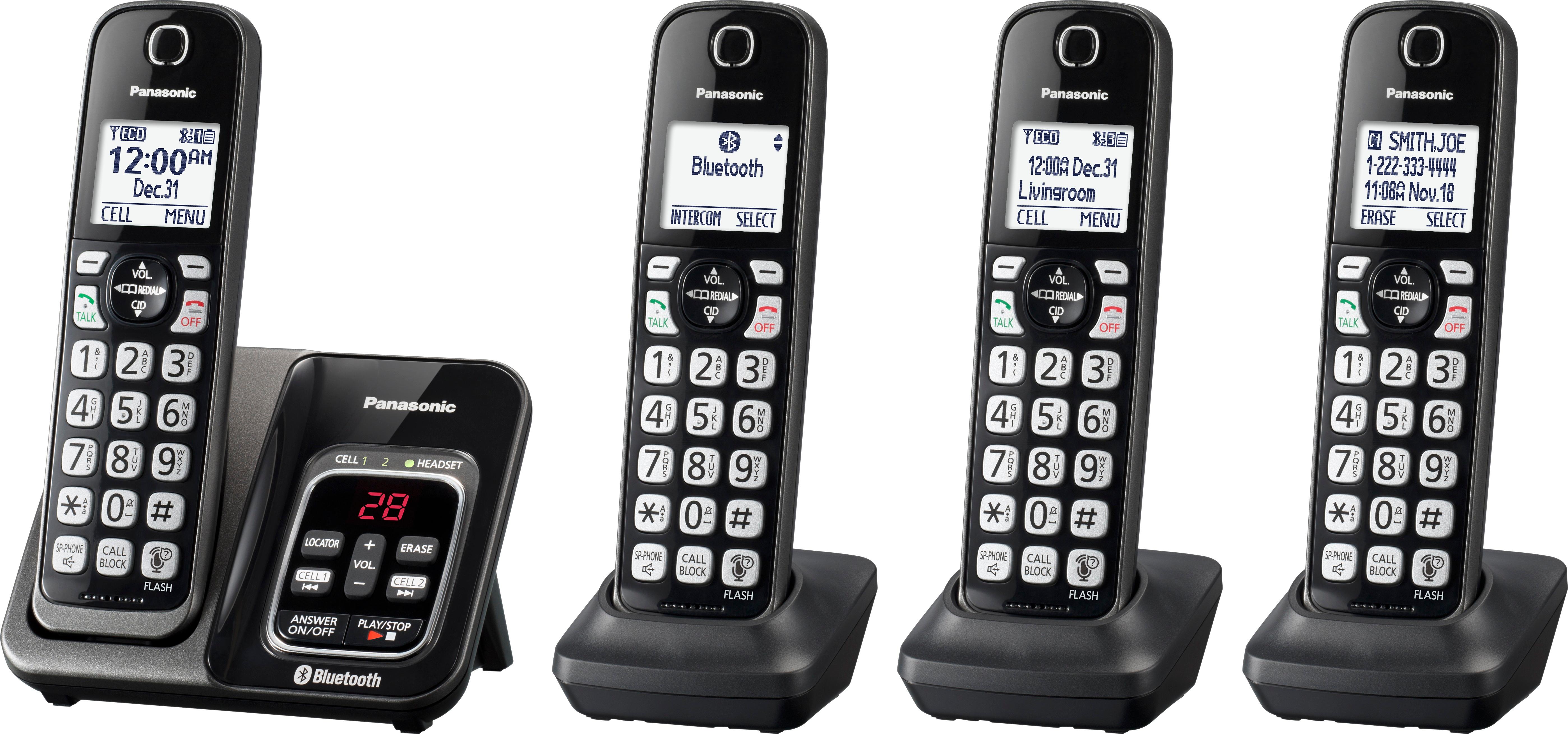
A:AnswerDear customer, thank you for reaching out to us. You can turn off the ringer by pressing and holding 0 key on each handset until it beeps. On the base unit you need to press (-) volume key and hold until the unit beeps.
A:AnswerThank you for your question. A maximum of 3 parties (including 1 outside party) can join a conversation using 2 extensions. (3-way conference).
A:AnswerThank you for your comment. Did you replaced it with the same battery model or a different one? If you need further assistance regarding this issue please reach out to our online customer support on the following link: https://shop.panasonic.com/contactus Mon-Fri, 9am-5pm EST
A:AnswerSilent mode only has to be set one time until you turn it off. Refer to pages 40 & 41 http://help.panasonic.ca/viewing/ALL/KX-TG3760/OI/TGD562_PNQX8351YA/TGD562_PNQX8351YA.pdf
A:AnswerYou do not need a hard phone line coming into your house like in the past, but you will need to have phone service through your computer WI-FI set up with a company such as your cable provider (AT&T, Comcast, etc). You can put a handpiece in any room that has an electrical outlet to plug the handset charger into - no need for a phone line outlet to be in the room.
A:AnswerIt sounds to me like your phone provider's (such as AT&T, Comcast, etc.) voice mail is picking up the call before your Panasonic phone picks up the call. For instance, if your phone provider's voice mail answers on four rings but your Panasonic phone doesn't pick up the call until five rings, then your phone provider voice mail gets the call first. And it sounds like you never set up your phone providers voice mail, so it won't accept any new incoming voice mails. Try setting your Panasonic phone to pick up after less rings - such as maybe three rings so it will "kick in" before the phone service providers voice mail picks up the call. Either that or have your phone provider disable it's (usually free) voice mail service.