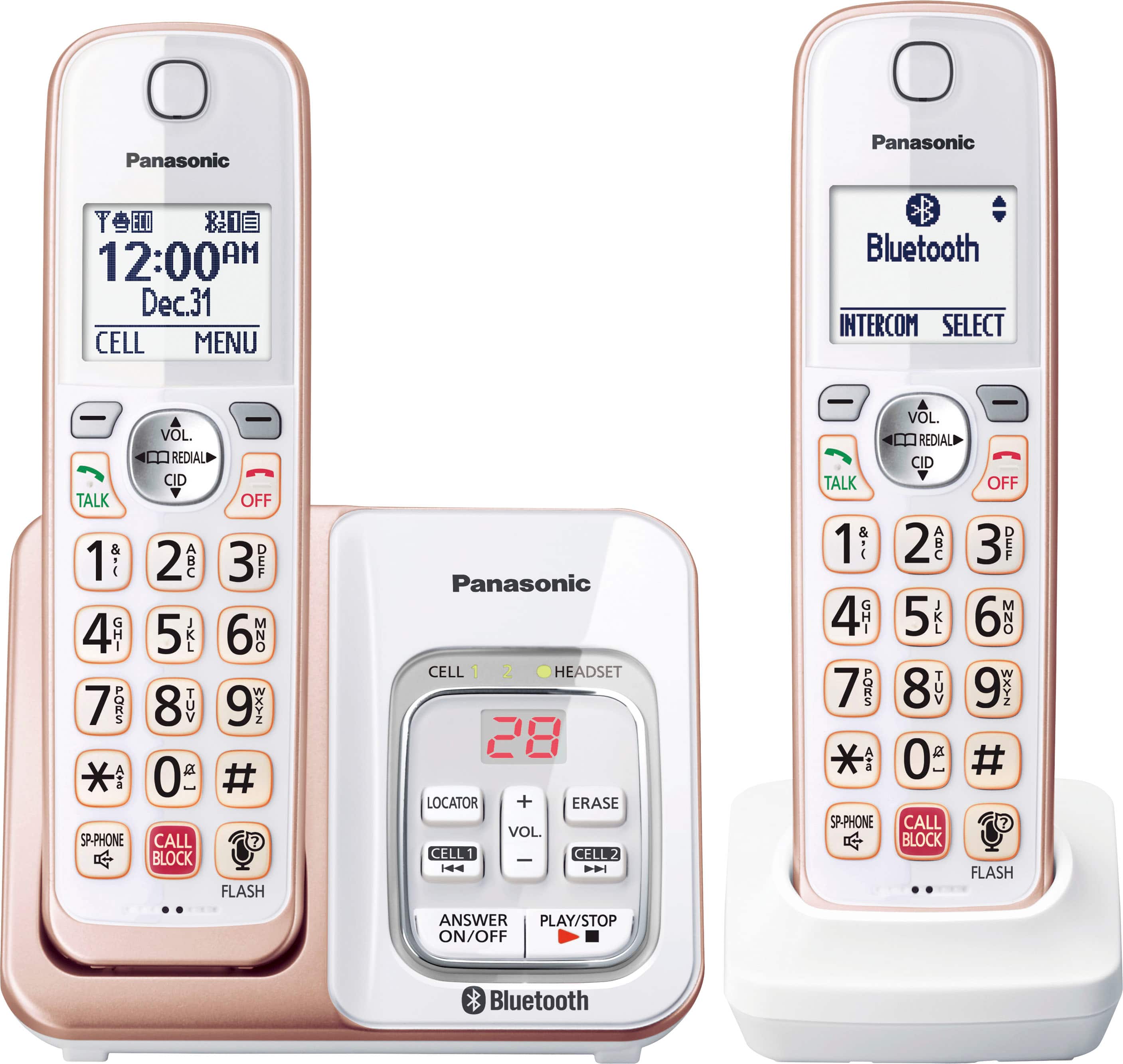
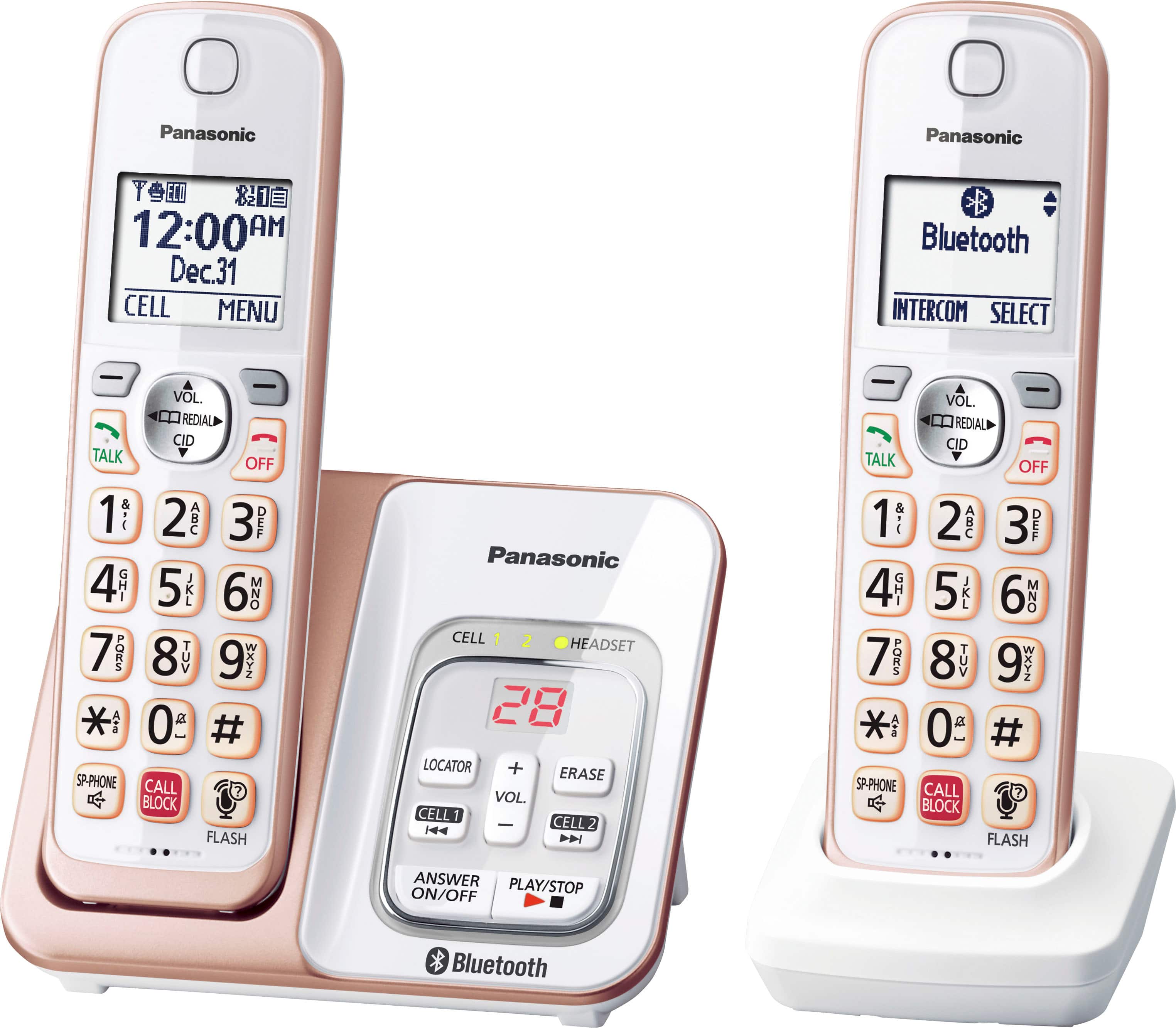
A:AnswerHello, Pat! This phone does not have a belt clip, however these are some models which have this accessory: KX-TG994SK, KX-TG3833 and KX-TGF975. Hope this helps! -C
A:AnswerHi, Jake! With the automated call block feature, the unit screens incoming calls before ringing for allowed calls or ends the calls without ringing for calls identified as robocalls, telemarketing calls, or
other undesirable calls (Caller ID subscribers only). The unit will play the greeting message for the automated call block and prompt the caller to enter an access code in order for the unit to identify whether the call is automated. -C
A:AnswerHello! The phone system is designed for the US power specifications and is compatible with a 120V power source, based on this we cannot assure you that it will work for different power sources. -C
A:AnswerHi, Jade! The KX-TGD863 has the Link2Cell feature, which allows you to connect your mobile phone via Bluetooth in order to receive calls. Compatibility depends on the model of your mobile phone. -M
A:AnswerHello. To unblock the number you will have to access the list, by pressing the Call Block button, then select "Block a single number" list. You will need to locate the number in the list, and then press the button under the word Unblock, displayed on the screen. -G
A:AnswerHello. Both the base unit and the charger of the cordless handsets can be wall mounted. The instructions for this are available in the manual on page 69. You can access the instructions using the following link https://help.panasonic.ca/PCS/OperatingInstructions/KXTGD86_Series_OIManual.pdf#page=69 -G
A:AnswerHi Mike! The phone's Bluetooth feature (LinktoCell) can be used to make/receive calls on the mobile service of the paired cellular phone. It is not compatible with applications, such as Facetime. -G
A:AnswerHello. The volume can be turned off with the code MENU #160 on the handset. After entering the code, you will see the current volume, and you can reduce it by pressing the down arrow key on the handset until you reach the desired volume level. -G