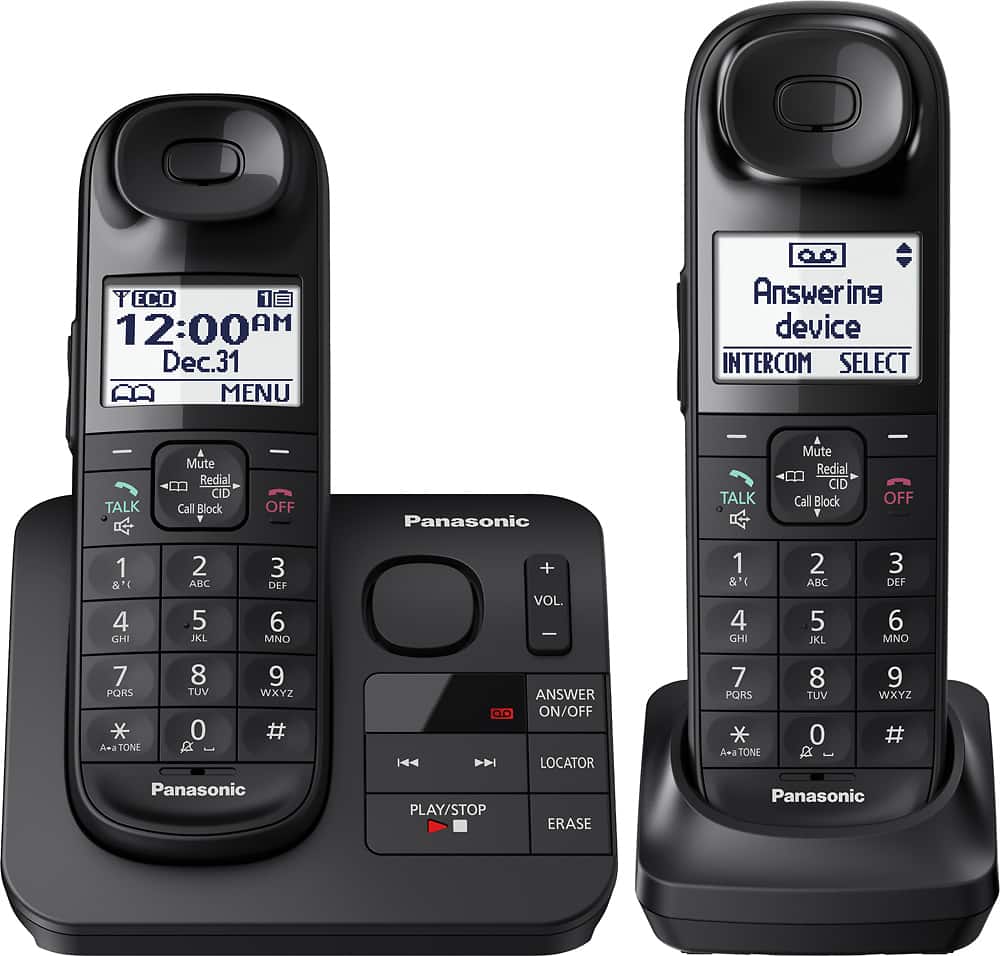
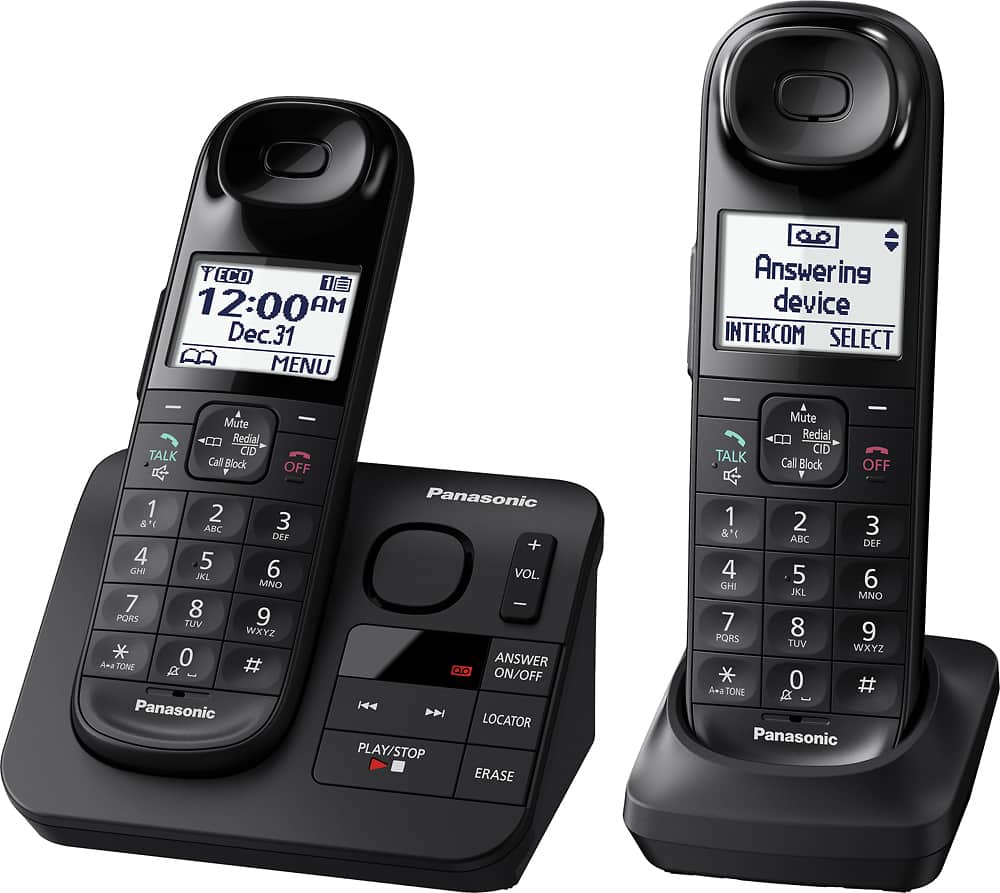
A:AnswerHello. As the phone system was not tested for this type of usage, only with a landline connection, we encourage you to check directly with the telephone service provider for information. Please note that if you encounter issues with the sound or related to Caller ID services when using VoIP, the phone may require a DSL/ADSL filter to be installed on the line by your telephone service provider. -C
A:AnswerYes you can assign a number of ringtones to different callers and to groups. I currently have specific ringtones set up for Family, Friends and Services groups. It really comes in handy as anyone calling not in those groups gets the basic ringtone. Then I know I don't have to run to get the phone if I am not near it. I just wait to see if a message is left. I get so many scam calls these days so I am very happy to have this feature.
A:AnswerI’m trying to locate the SAVE button on my Panosonic phone & can’t find the SAVE button to use to increase the number of rings before answering my phone. Thx!