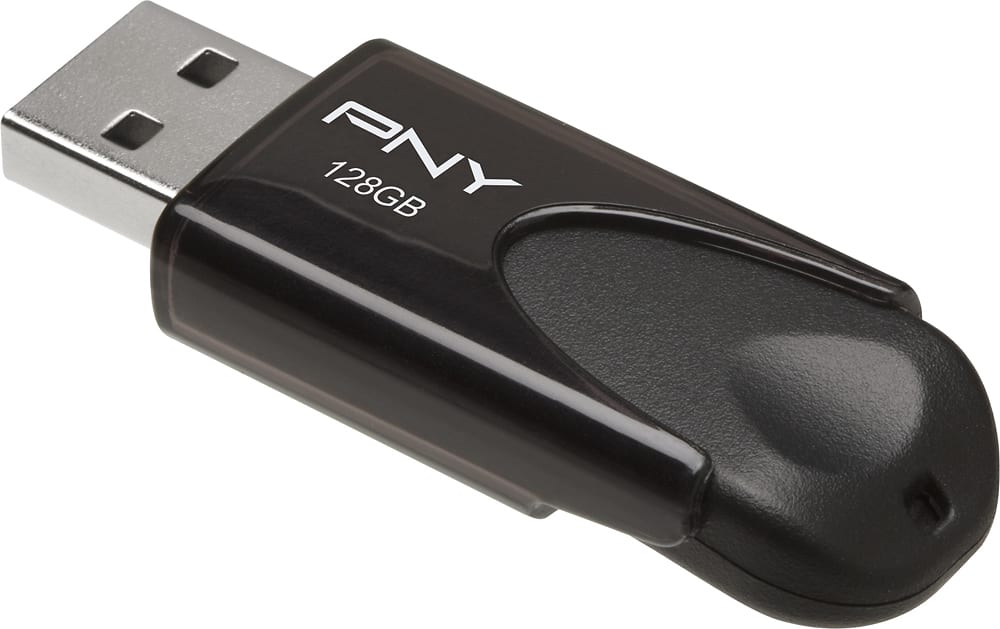
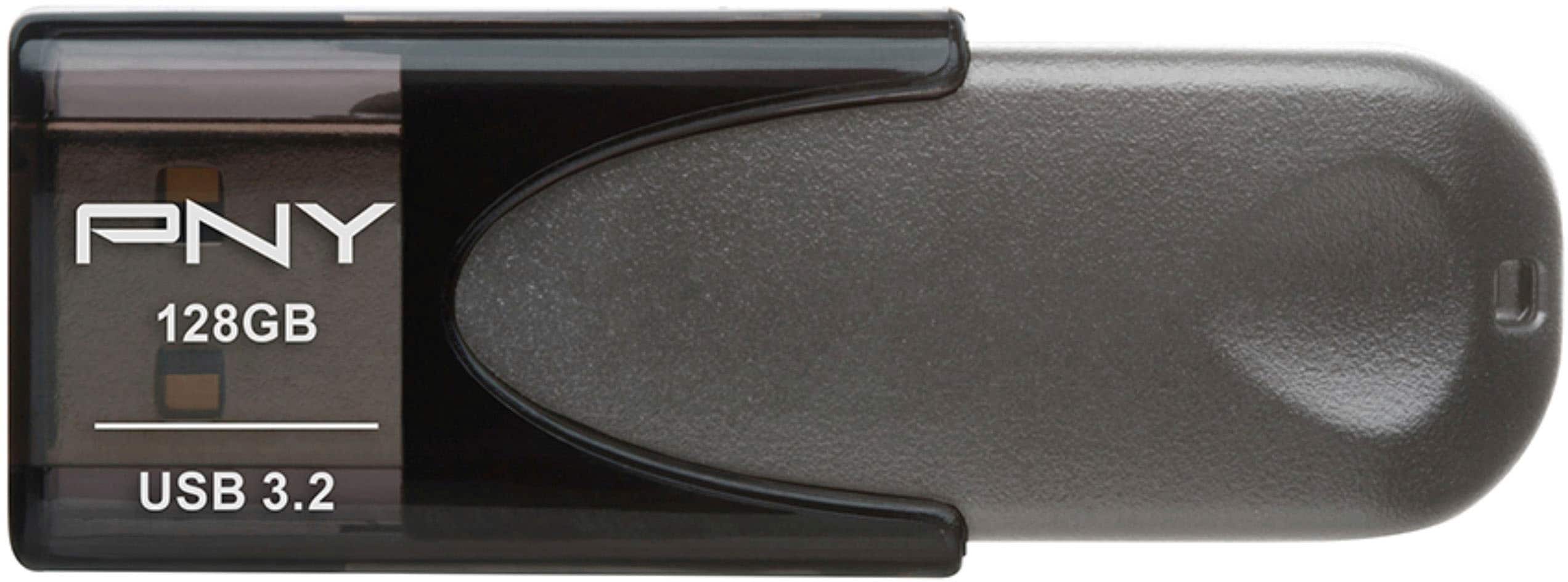
A:Answerany thing that takes USB drive - great of putting songs, pictures, fils. some cars take those drives to play musi e.gyou can save couple of hundred songs and play in a your Caris compatible music system or save couple of hundred pictures on it from your computer and play them on a digital photoframe as slide show or best of all gift it to some who knows what to do with it. internet is full of video tutorials for use of USB drives.
A:AnswerIf the file is under 128G in size, then it will hold it. If it is larger than that, you could try using a .zip application on your desktop. If it's is still larger than 128G after converting to a .zip file, you will have to buy a thumbdrive with a larger storage capacity.
A:AnswerYes, but I would recommend 3.0 drive instead of the 2.0 and make sure to see on your computer which USB port is a 3.0, Most newer computers have at least one 3.0 for speed.
A:AnswerI don't know too much about the technical aspects of USB Drives but you are inquiring about a 2.0 drive and wouldn't that be a significantly slower speed than a 3.0 drive?? Anyway, I don't think it's fast and you would do better with a 3.0 which costs $2 more. I also see Best Buy also sells 3.1 drives.....maybe they're better than 3.0! Sorry I can't be of more help.