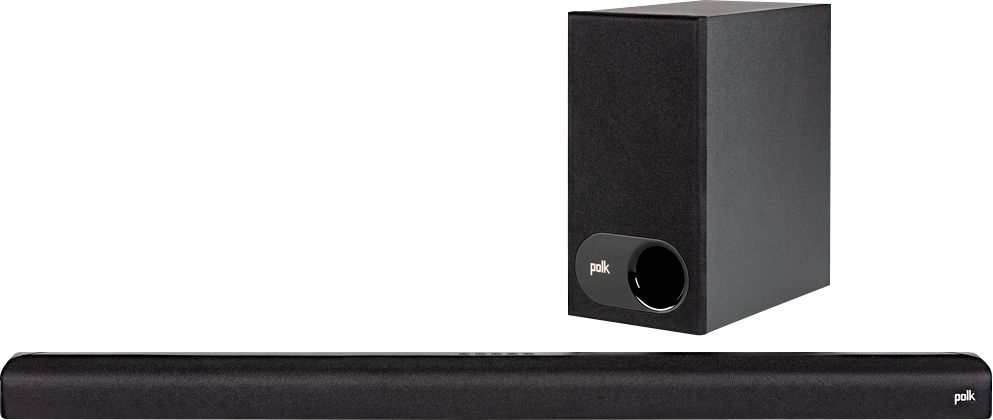
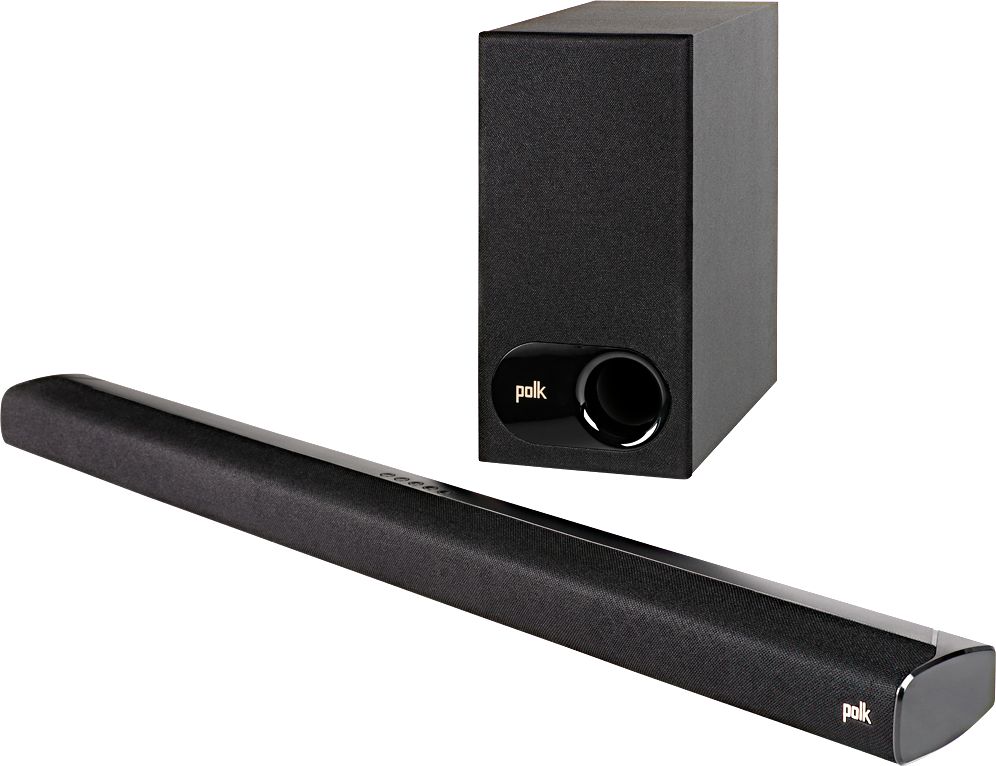
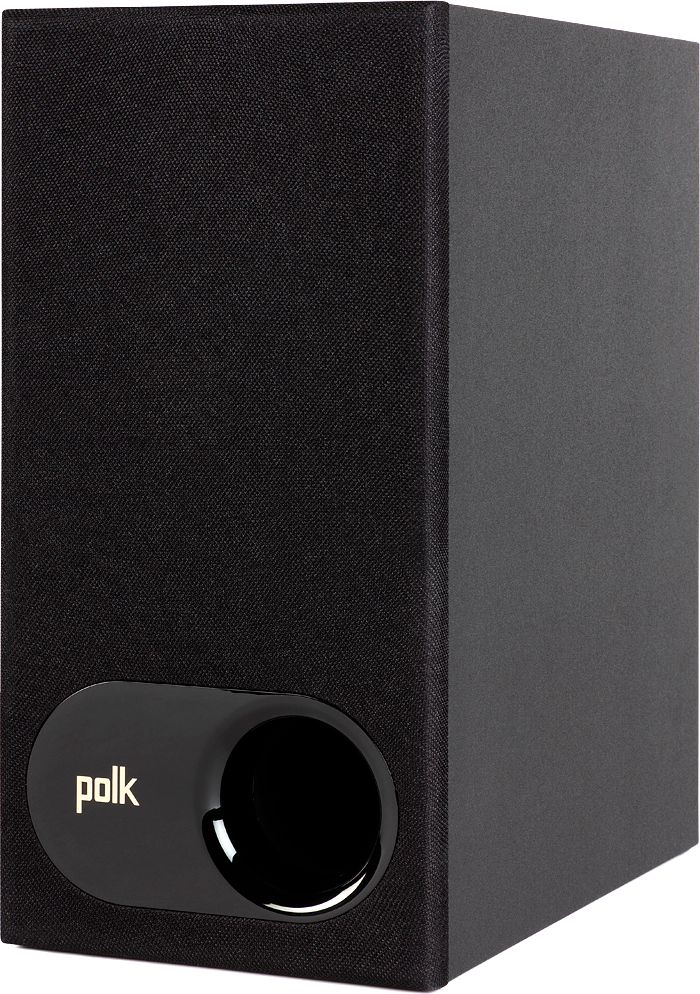
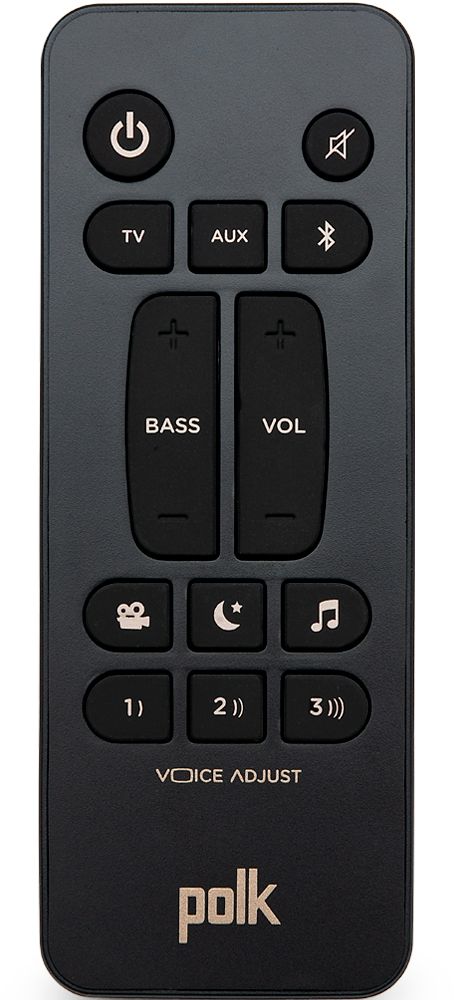
A:AnswerThe subwoofer is wireless as to the soundbar. To connect, plug the subwoofer into a power outlet. Turn on the soundbar. Look at the bottom back of the subwoofer for a button that says Bar Sync. With one hand, press that for 3 seconds. With the other hand, press both the Bluetooth AND the Vol + buttons on top of the soundbar for 5 seconds. The 4 LED lights that should be flashing while the devices match will go out once you have a connection. That's it.
A:AnswerI used just the HDMI cord only and it works great. It sounds better at home than in the store. It surprised me because I never heard of Polk before.
A:AnswerHave the same issue with my Polk sound bar. Contacted the company about it. They told me that the sound bar has to identify the audio from the TV, (I have a 55" Sony), each time you turn it on. Hence the delay. Hope this helps
A:AnswerNeed to go in tv settings and turn off tv sound and changed (pcp)! Your tv may differ but try that! YouTube has vid on how to change tv settings
A:AnswerI don’t get that sound your getting! I have no issues at all! Mine is connected to hdmi arc! My sharp tv has 3 hdmi inputs!
1 hdmi PS4
2 hdmi (arc)Polk sound bar
3 hdmi fire stick
So whenever I change input to hdmi 1 or 3 I still get sound from Polk! No need to connect any other device to sound bar unless your tv is maxed out on hdmi! So if I wanna connect other devices I’ll use 3.5 or Bluetooth!
Also I had to go in tv setting and turn off tv sound and turn on or off (pcp) maybe something else for your tv! But YouTube video has info on how to connect sound bar to tv and explain tv setting that has to be changed! Hope this helps! Any more question just ask!
A:AnswerI believe your only chance would be an adaptor that would take the HDMI input out of the Polk System and plug into TV using the red-yellow-white old school component audio/video cable.
Something like picture attached below - it MIGHT work … You really need a new Smart TV - 55" are even CHEAP...
A:AnswerNot sure. Worth a try or, test by running your sound bar's power cord to an outlet controlled by a switch. Turn on the bar and then turn the outlet off with the switch. Turn back on. If it does not come back as before, it won't with a Hub device.