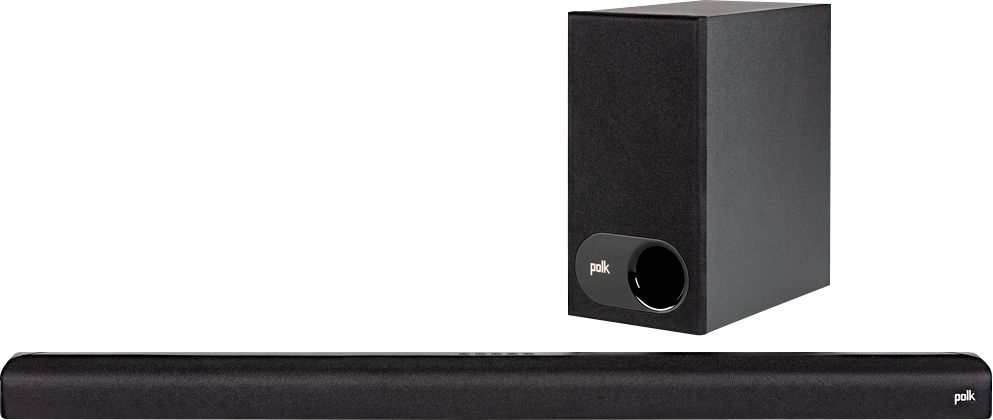
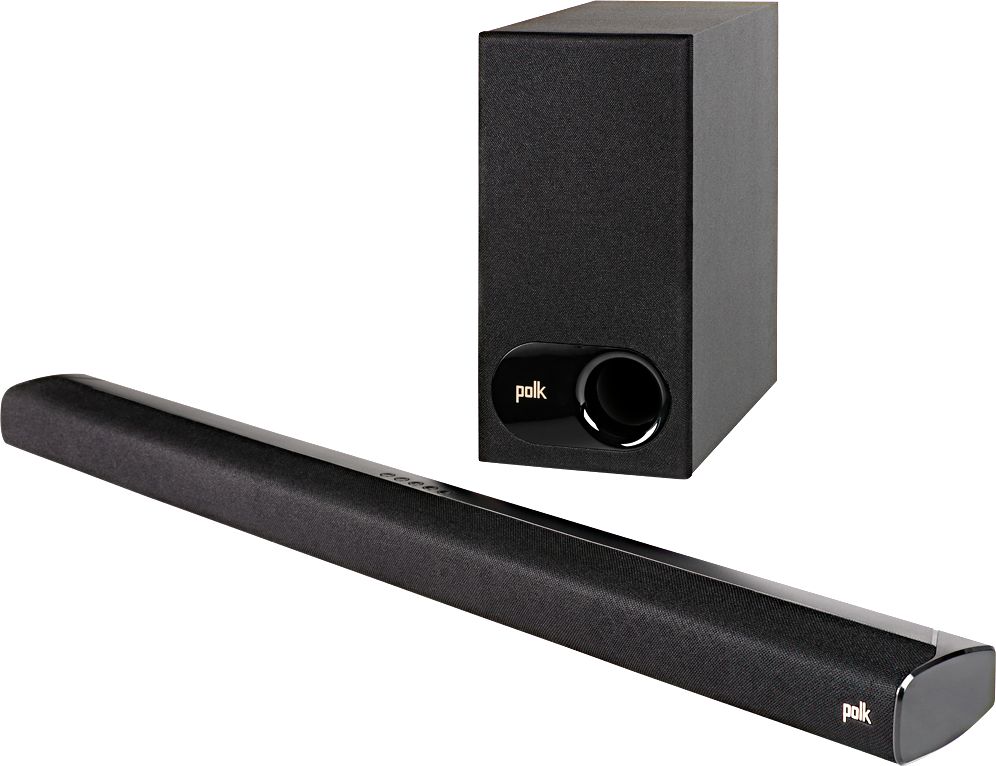
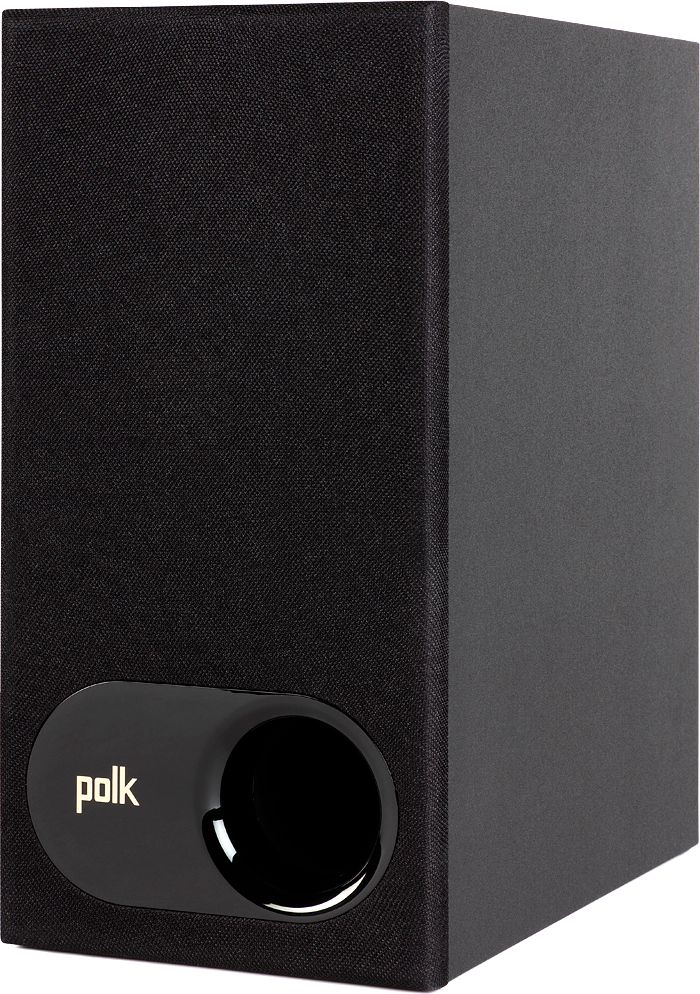
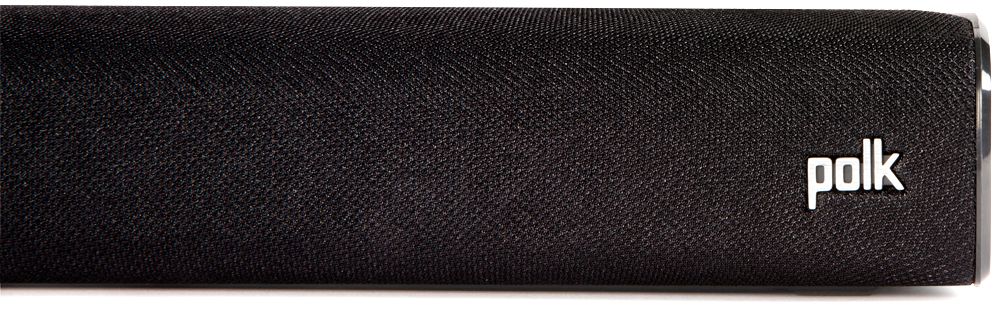
A:AnswerHello, the Polk Audio S2 sound bar is designed to receive a Bluetooth signal. As long as there is no compatibility issues, connection between your TT and sound bar via Bluetooth should be possible.
A:AnswerI really liked Polks great crisp sound on high notes and the bass not distortions when gained volume.
At the price, can't afford nothing better.
I took my time and went bar to bar looking for quality and Polk gave me that lovin feeling.
My appreciation, Truly Yours.
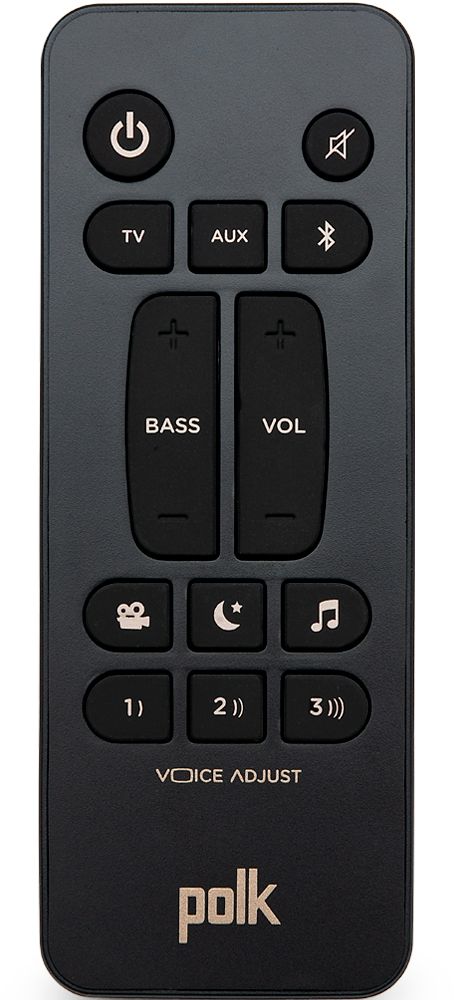
A:AnswerI have no sound bar experience other than the one I recently purchased. It seems to work well, and the bass level is adjustable on the remote.
Perhaps you got a bad unit that needs replacing.
A:AnswerI have Xfinity. I programmed my LG TV remote to manage the Polk soundbar first. Then I programmed my XFinity remote to the TV. Now both the remotes manage the soundbar. The LG TV remote was programmed during initial set up as I got the new TV. Then I looked up on the internet how to program the XFinity remote.
A:AnswerThere is a setting on your Samsung inside general > external device manager > input signal plus. Turning this on fixed this for me. I also have hdmi-cec enabled.
There’s also the audio settings. Audio > expert settings > hdmi earc mode = auto and digital output audio format=pcm.