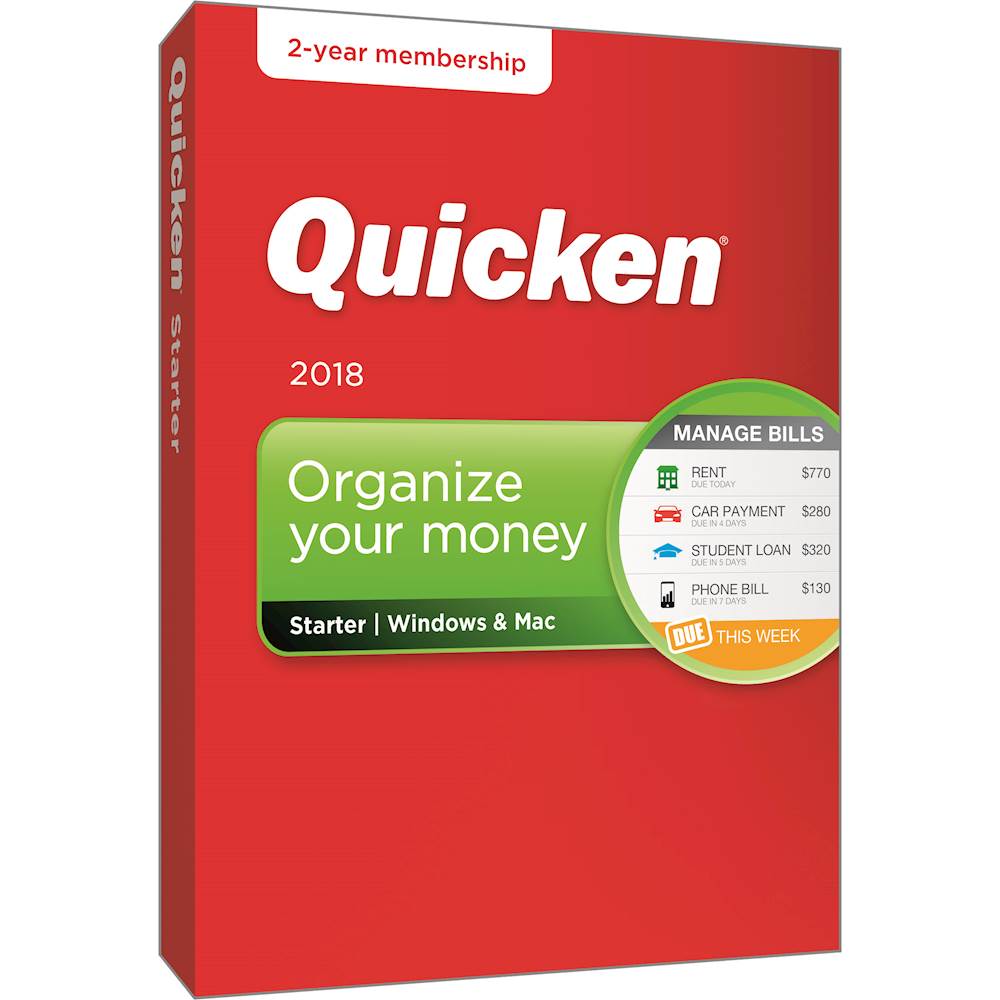
A:AnswerQuick books will automatically charge your card for over $400 when your subscription will expire so when I know it's going to expire I call quick books to make sure they don't charge my card and I buy the latest version from Best Buy because it's cheaper. Call quick books and they will walk you through the activation.
A:AnswerActually, you may be directed after loading Quicken/setup to go to a Quicken download page and download an earlier version to ensure that your data file will be updated for use with Quicken 2017. The new program appears to be good for two years, which may mean that you have to "re-subscribe" a couple of years from now. "You’ll still be able to use Quicken to view all your data, enter transactions manually, and view/print reports. Online-based features will be turned off, meaning you won’t be able to download transactions directly from your bank or use Bill Pay, but you will still be able to enter transactions manually and access all your data. If you decide to renew your subscription, all the online-based features will be turned back on. (Note that this does not apply to the Quicken Starter edition. If you are using Quicken Starter, all your data will become read-only when your subscription expires.)"
A:AnswerYour saved reports should transfer, however, if you are moving from a higher version of Quicken, such as Premier or Deluxe, to Starter, then you may lose access to some accounts, such as investment accounts, and any reports that use these accounts may not work properly.
A:AnswerOlder versions of Quicken do not require internet access, but you will be prompted repeatedly to connect for updates. You must select "manual" setup of the bank account when you first activate the program.