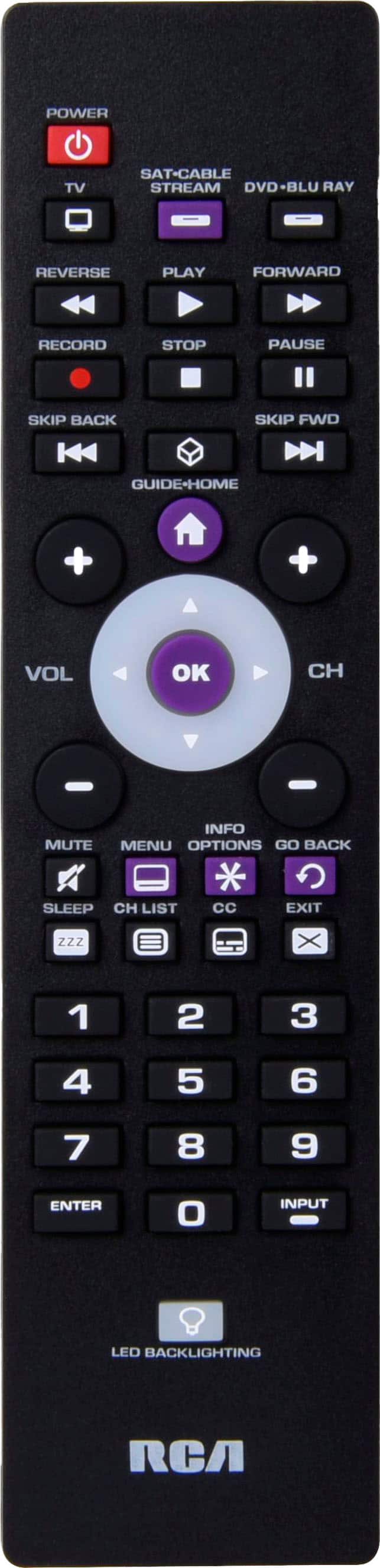
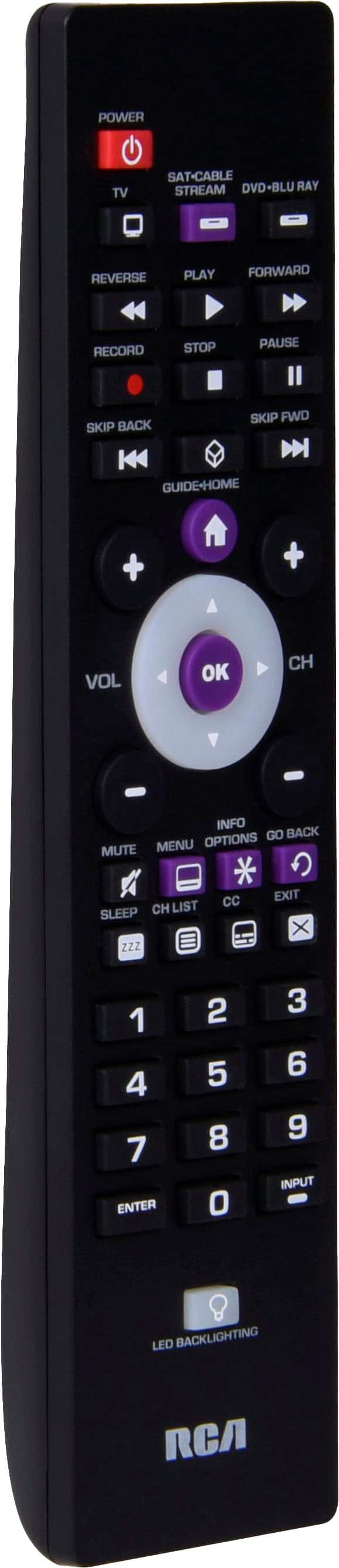
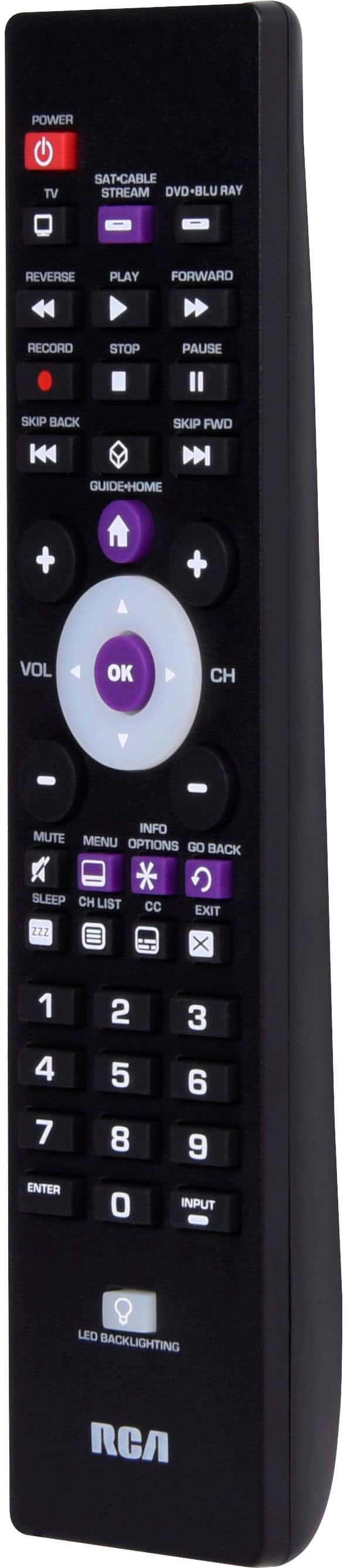
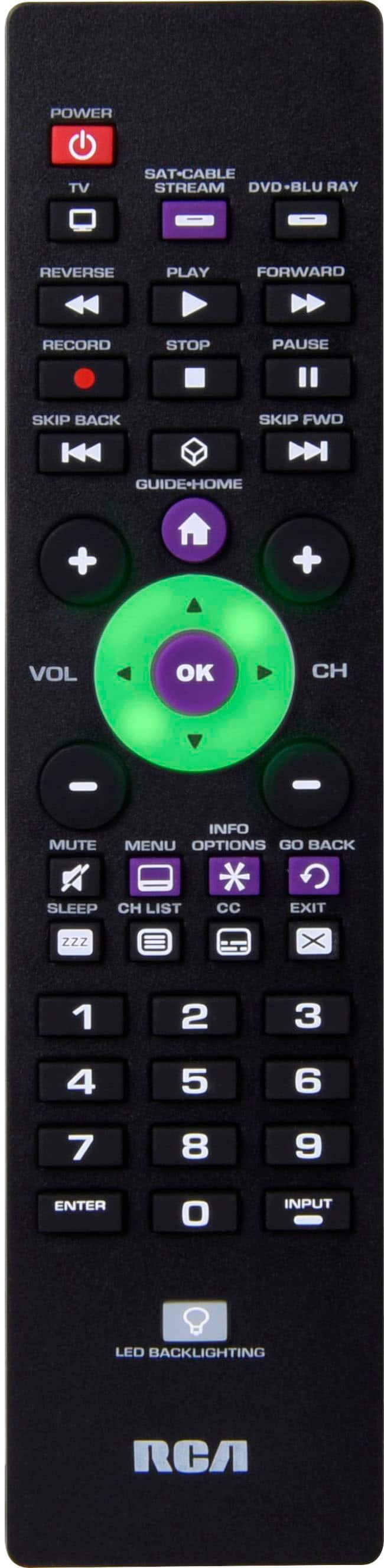
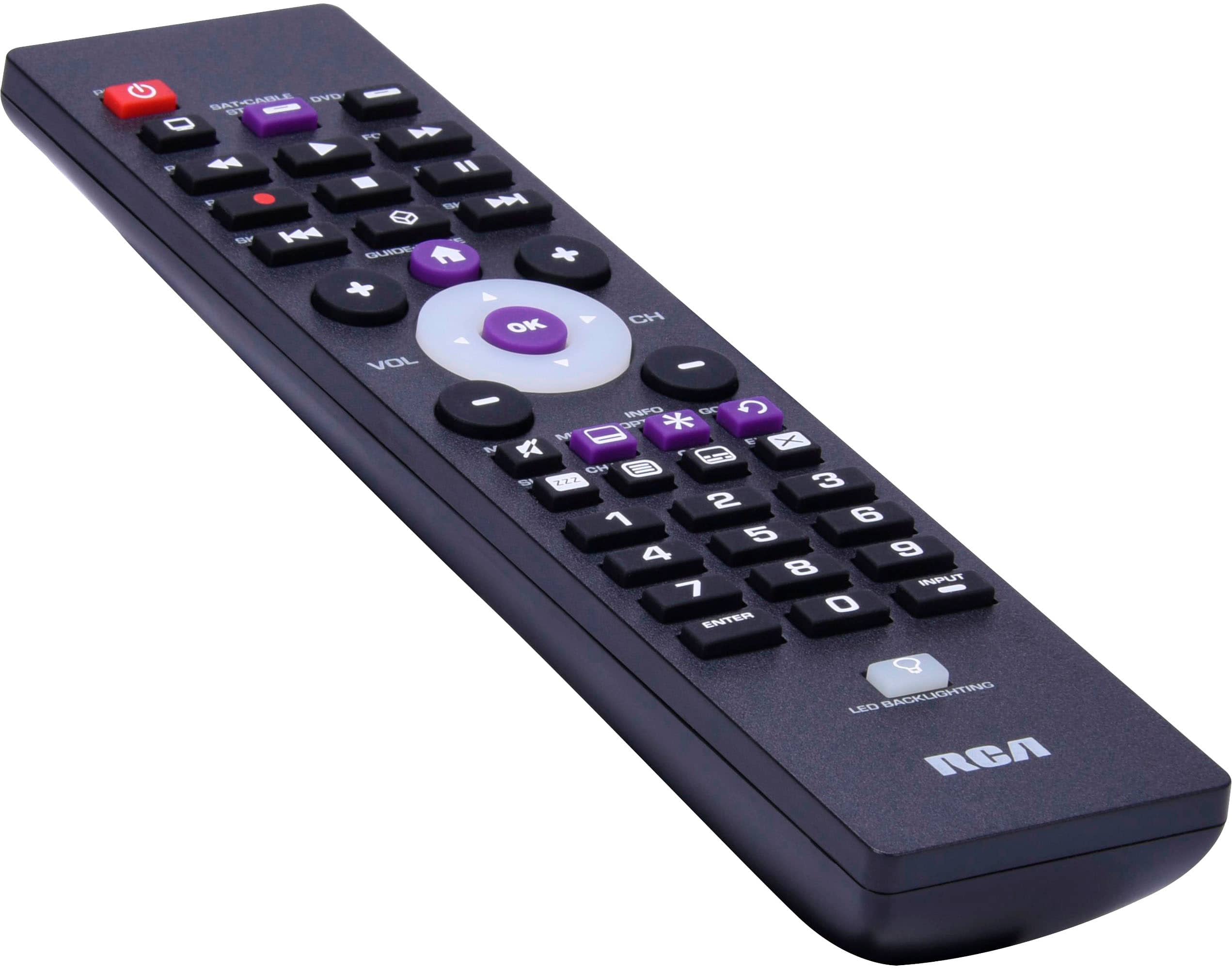
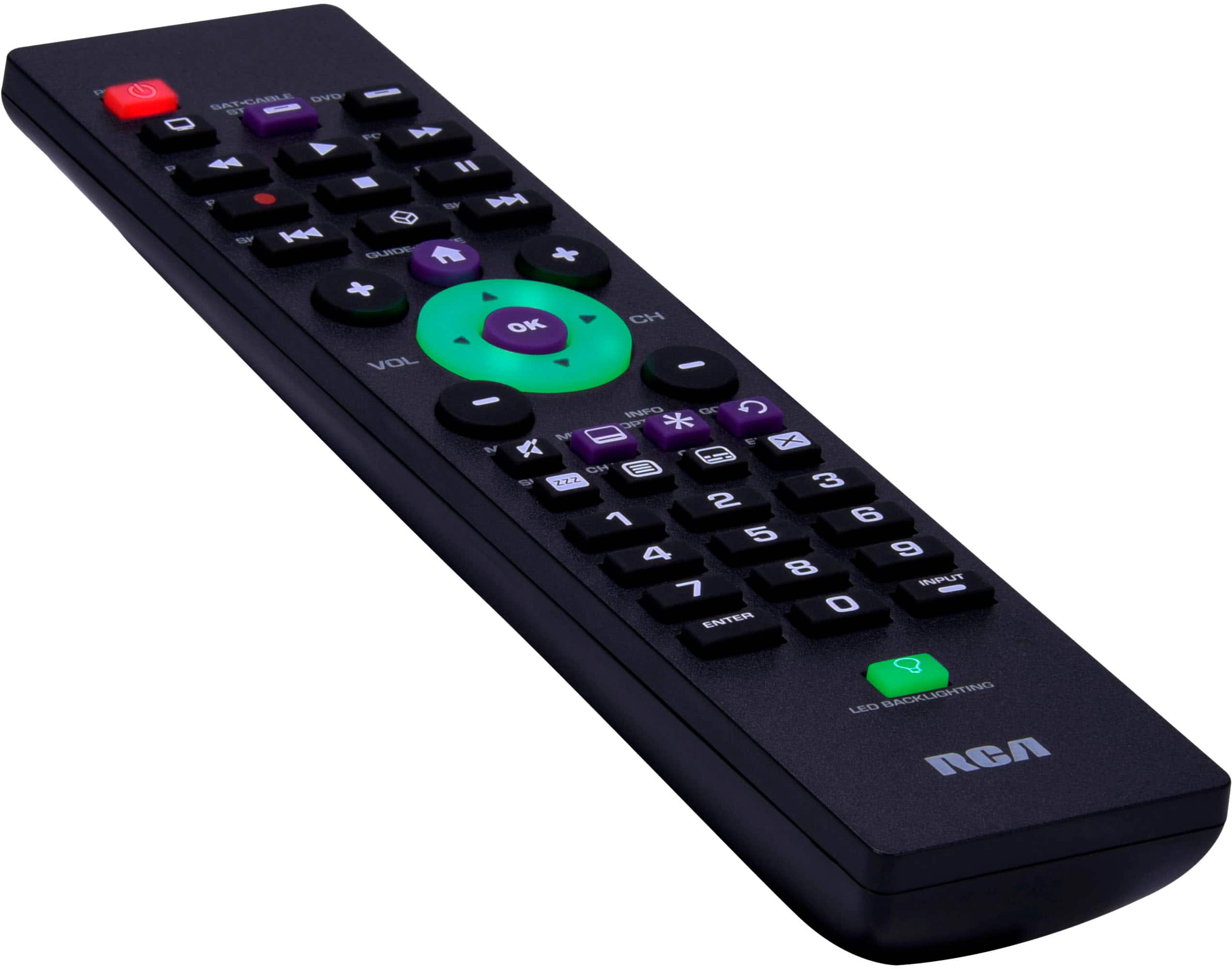
A:AnswerPress tv button and leave it pressed and put in the codes that come in the instructions and then let go. Press the tv button and the the power and it should work if not try another code
A:AnswerHello Trinp - Did the button function prior to you reporting that it is not working? If so, I would ensure that you your remote control has the correct device/input selected (top of the remote) that you are trying to use with the "Go Back" button. If the correct device is selected and there is a function for the "go Back" button to perform on the selected device, it should work. You can visit our Remote Control Support Page to check for a different code for the remote and the device you are trying to use the Go Back button on.