A:AnswerIf wifi cuts out, the cellular chip turns on. That will send a signal to the closest cellular tower to your home. The one caveat is that you only get that option if you pay for their professional service. If you don't pay the monthly/annual service, then if wifi is lost, the cellular chip will not activate (imagine like your paying for a cell phone service plan).
A:AnswerNothing - you get nothing with the basic plan and the security system. There is no reason to have a basic subscription. The only way this system as a security system works is with the Protect Plus plan - 24/7 monitoring. The alarm will be inside your house, isn't terribly loud, and won't deter a thief.
A:AnswerIt does not have a feature for a silent alarm. You need to find out what is causing the false alarm and fix that issue so the alarm can do its job by making noise and scaring away the intruder.
A:AnswerIt stays plugged into your standard ac wall outlet all of the time.it is equipped with an internal back-up battery,for power outages.but leave it plugged in.
A:AnswerHello Mudgard!
No, the Ring Alarm is not compatible with any other security brand's contact sensors. If you would like the windows and doors to be protected, you will want to replace the existing sensors with Ring Contact Sensors, of which (4) are included in the 8-Piece Security Kit.
We would love to get connected with you to answer any other questions or concerns you might have regarding the Ring Alarm, and ensure we are helping you find a solution that works best for you! Please reach out to us directly through our Community Center on Ring.com: https://community.ring.com/
All the Best,
Caitlin with Ring
A:AnswerYou can add more with personalized codes. When they use that code, it alerts you who disarmed/armed it. You can also pick and choose who is allowed to change any settings i.e. you can give your spouse an edit code and your mother-in-law only a code to disarm it. Not entirely sure how many you can add but definitely a few.
A:AnswerHello Angelicamb,
Great question! The Ring Alarm Keypad connects to power using the included USB power supply and cable, but you can use it plugged in or unplugged. It takes a few hours to charge the internal rechargeable battery, and it should last for about 7 months, depending on usage. Here is a helpful article with more detailed specifications of the Keypad: https://support.ring.com/hc/en-us/articles/360039498772.
We invite you to reach out at https://community.ring.com/ if any additional information is needed regarding the Ring Alarm Keypad. Ring Community is our first peer-to-peer community forum, giving our customers the ability to help one another and share their feedback/experiences with Ring.
Thank you,
Alexis with Ring
A:AnswerHello Smallchildren,
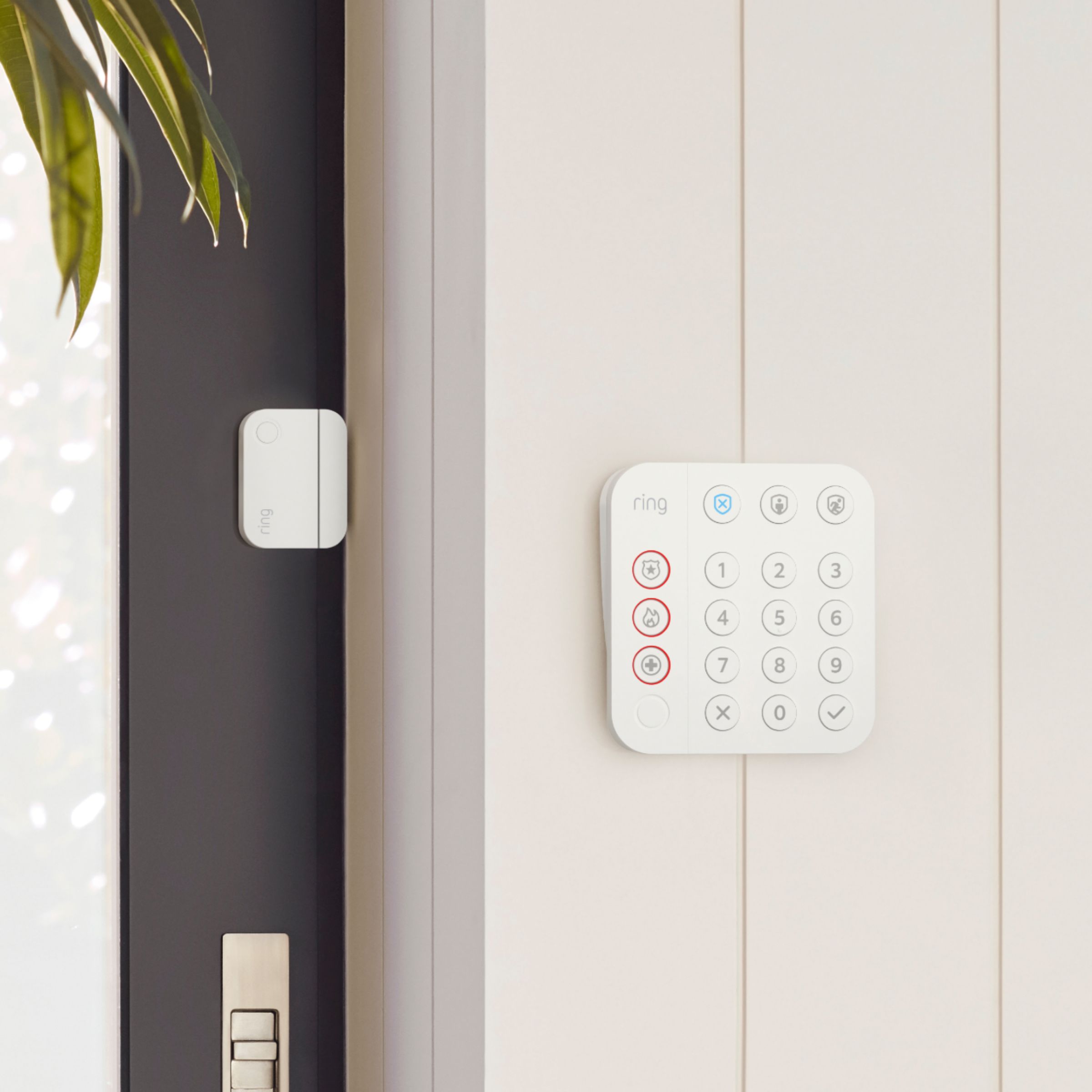
Good question! Yes, the Ring Alarm Contact Sensor is designed to monitor your doors and windows. The Contact Sensor is made up of two parts - the sensor and the magnet - and when installed on your door or window, it can tell if the door or window is open or closed. Here is a helpful article with more information about proper placement and setup of the Ring Contact Sensor: https://support.ring.com/hc/en-us/articles/360039497552
Please let us know if you have any additional questions by reaching out to our 24/7 dedicated support team!
Thanks,
Alexis with Ring
A:AnswerNo , it does not need to be hardwired. It can be installed either way. I hardwired mine only because I already had an existing doorbell . But it works just fine on battery only. Very easy to install . Directions are simple and easy , all hardware is included. Battery needs to be changed about once a month depending on traffic and settings . Tip: buy a spare battery , batteries take about 7 - 10 hours to charge. Just pop the spare in . Always up and running
A:AnswerIt has been work well for us. No problem so far what so ever. As long as you clean the area, wipe all the dusk of, the adhesive should work well.
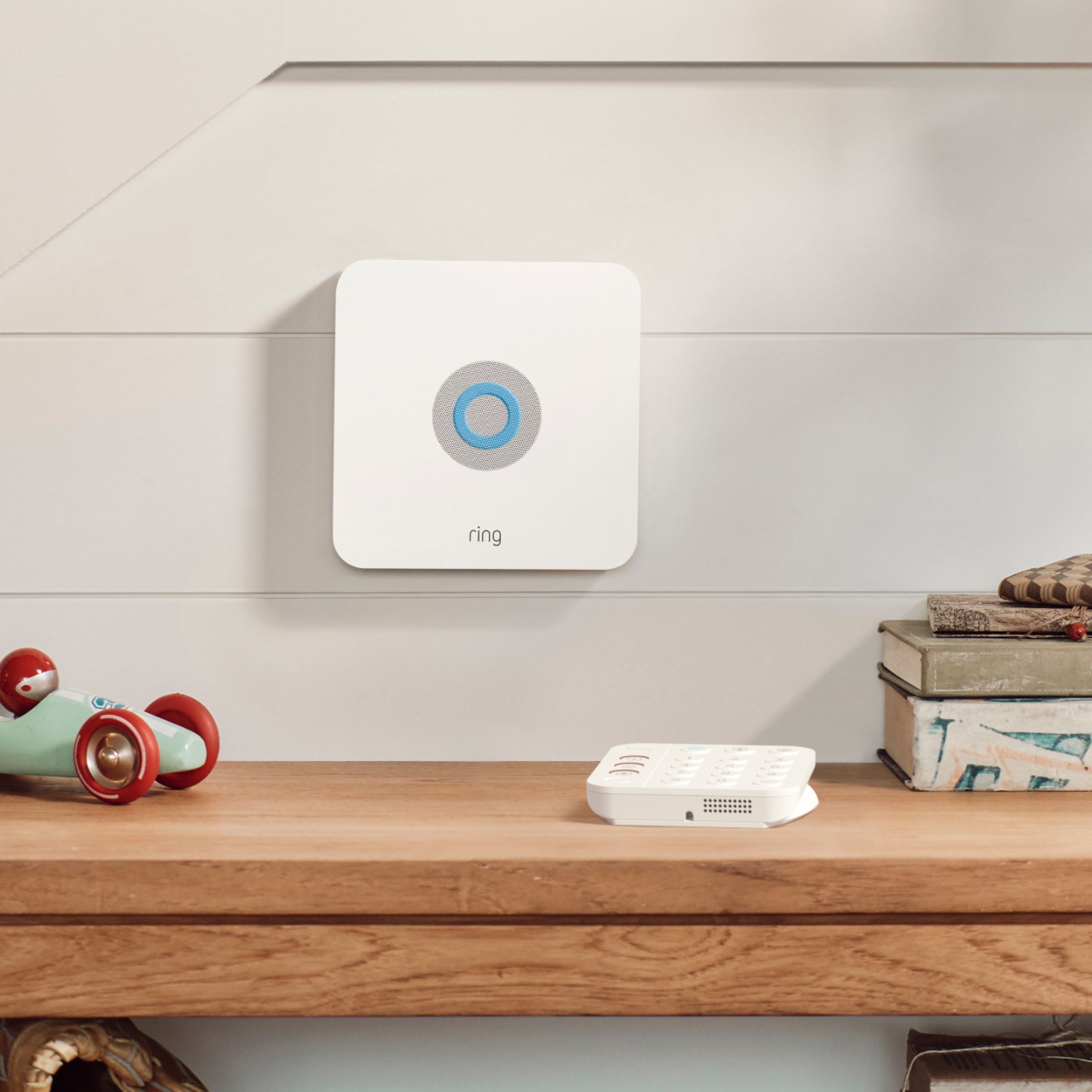
A:AnswerYes. I can't remember the dB level, but it certainly gets loud. The central hub has a speaker as well as the keypad. Surprisingly the keypad is also loud (rechargable and portable as well, so long as it's close to the central hub). You can also set an audible notification on your phones, tablets, etc, so if you're away, you get notified.
A:AnswerYour older cameras will not work with this system. The contact sensors are just magnetic so they should work as long as you can mount them within 1/2 of each other and they can separate when the window opens triggering the alarm. Payment is required to store any video to the cloud. There two different plans to choose from. Go to ring.com and you'll find your information there.
A:AnswerNo remote. Everything is navigated through the app on your phone. OR you can purchase an Amazon Echo Auto and have Alexa do it for you all in the comfort of your car.
A:AnswerHello Albert,
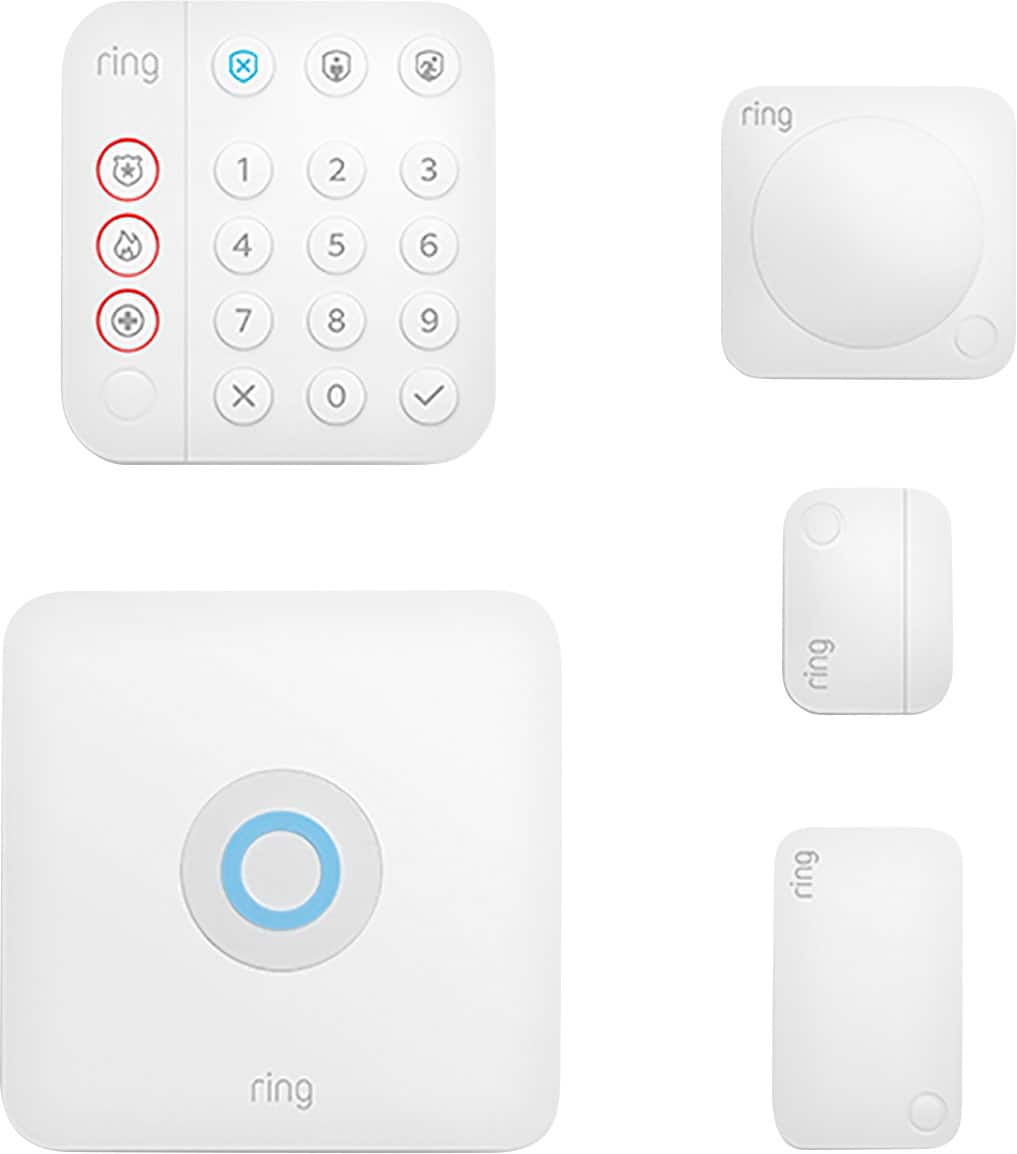
Yes, Ring Alarm(2nd Gen) is compatible in Europe. Ring Alarm is an affordable and comprehensive DIY home security system. You can start with a Security Kit that includes a Base Station, Keypad, Contact Sensor, Motion Detector, and Range Extender. You can then add components to meet your security needs and the size of your home.
More information on Ring Alarm(UK) for can be found on our website: https://en-uk.ring.com/pages/security-system
Also, Ring Community was launched to help deliver the most current news and educational information to our neighbors. This online forum is divided into four categories: Product Boards, Ring Updates, Tips + Tricks, and a Moderators’ Corner. The Product Boards are where you can begin new topics with your questions or feedback; there is also a search option that helps you find topics that have already been posted by other neighbors. We invite you to visit our site at https://community.ring.com/ today!
All the best,
Antonio from Ring