A:AnswerHi Aycee.
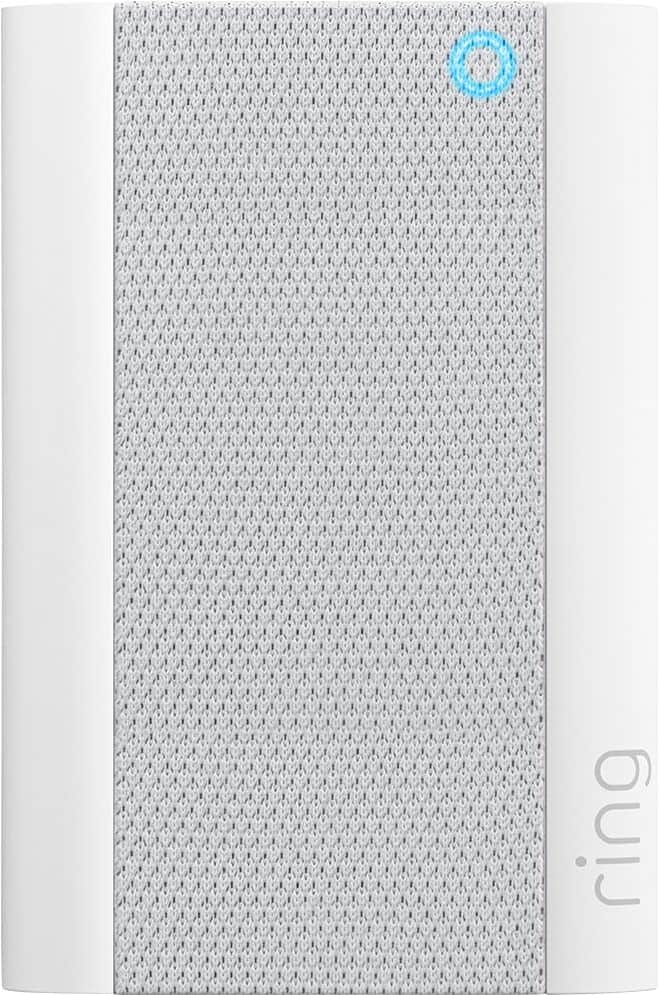
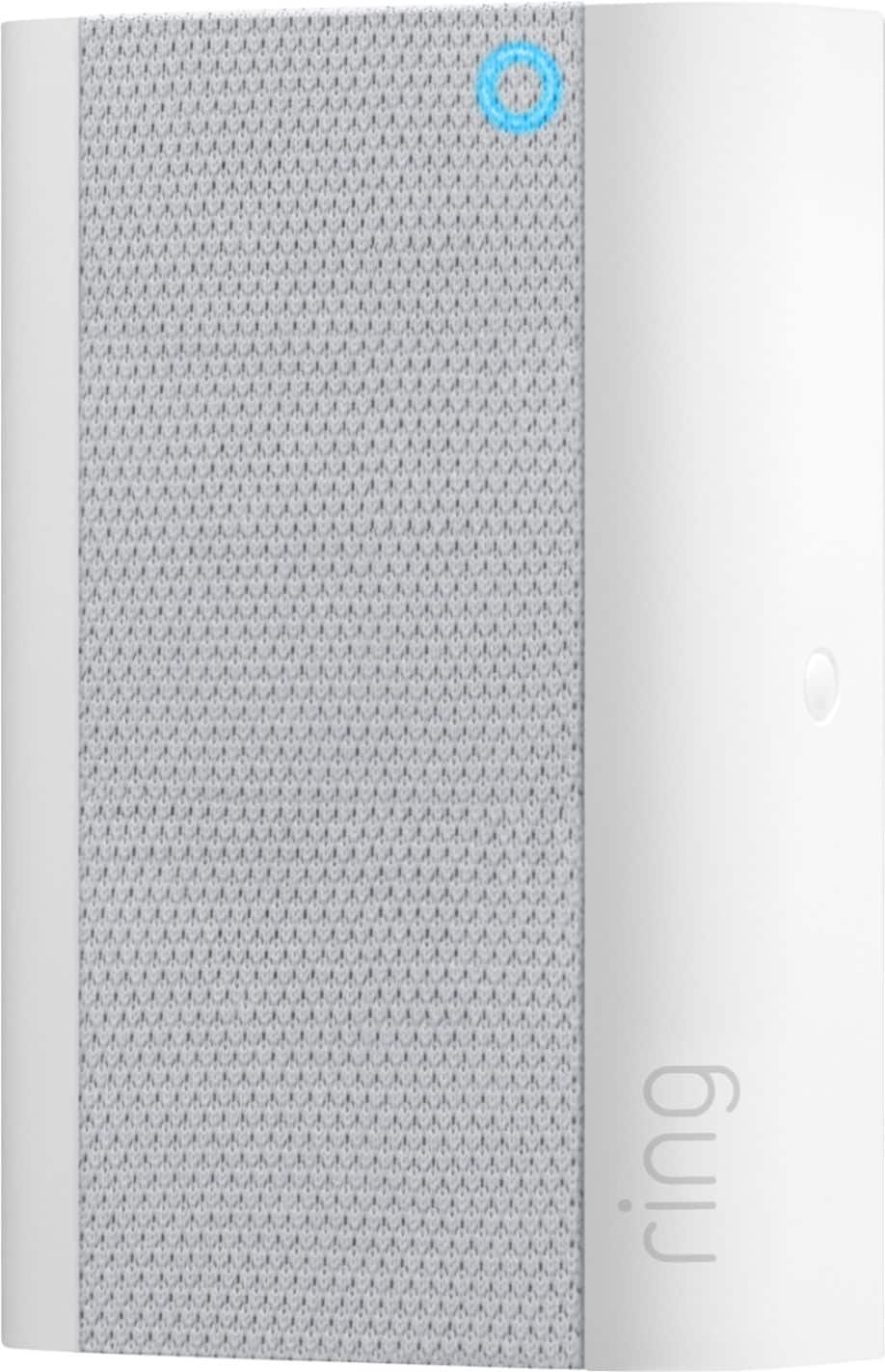
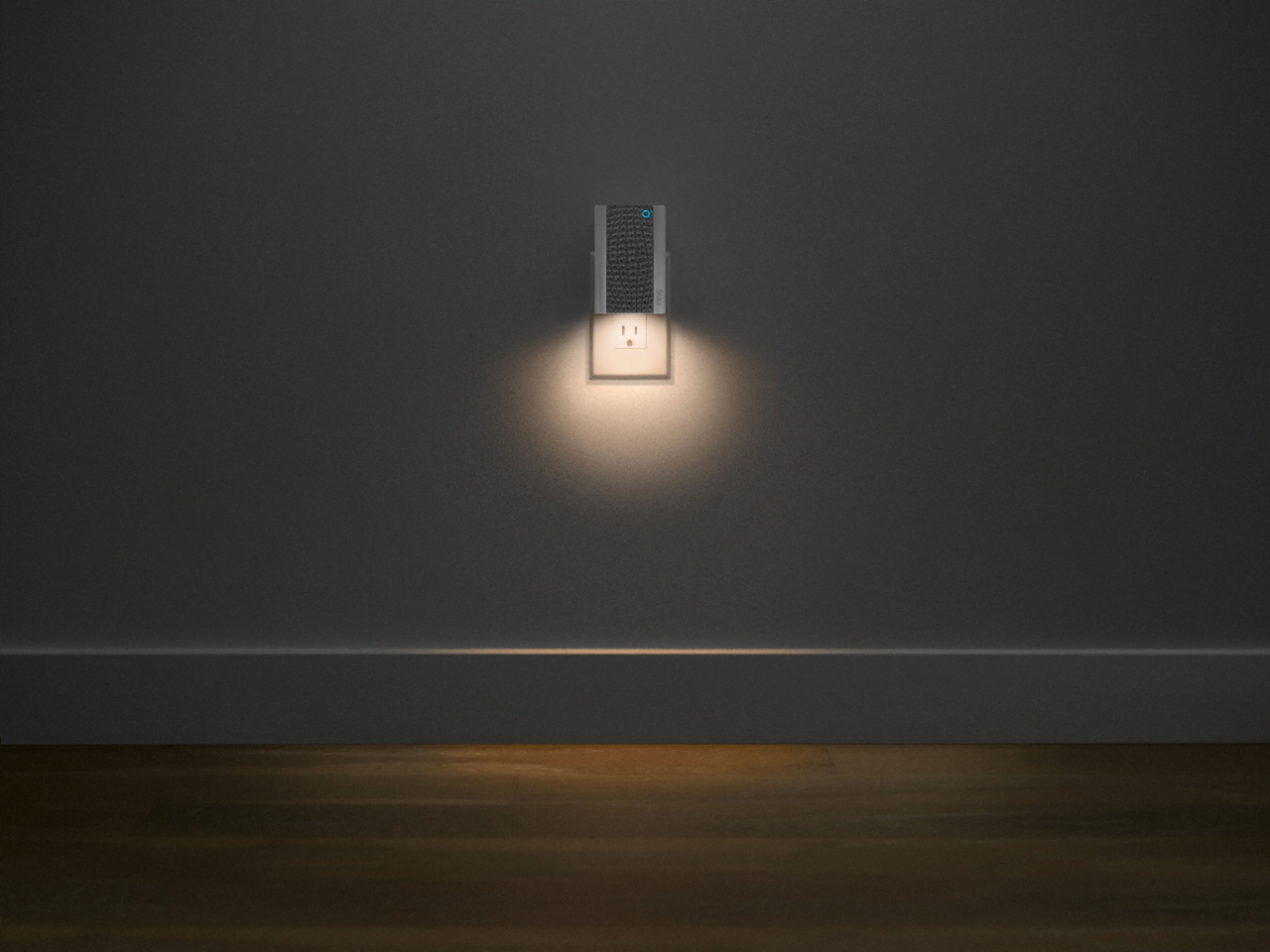
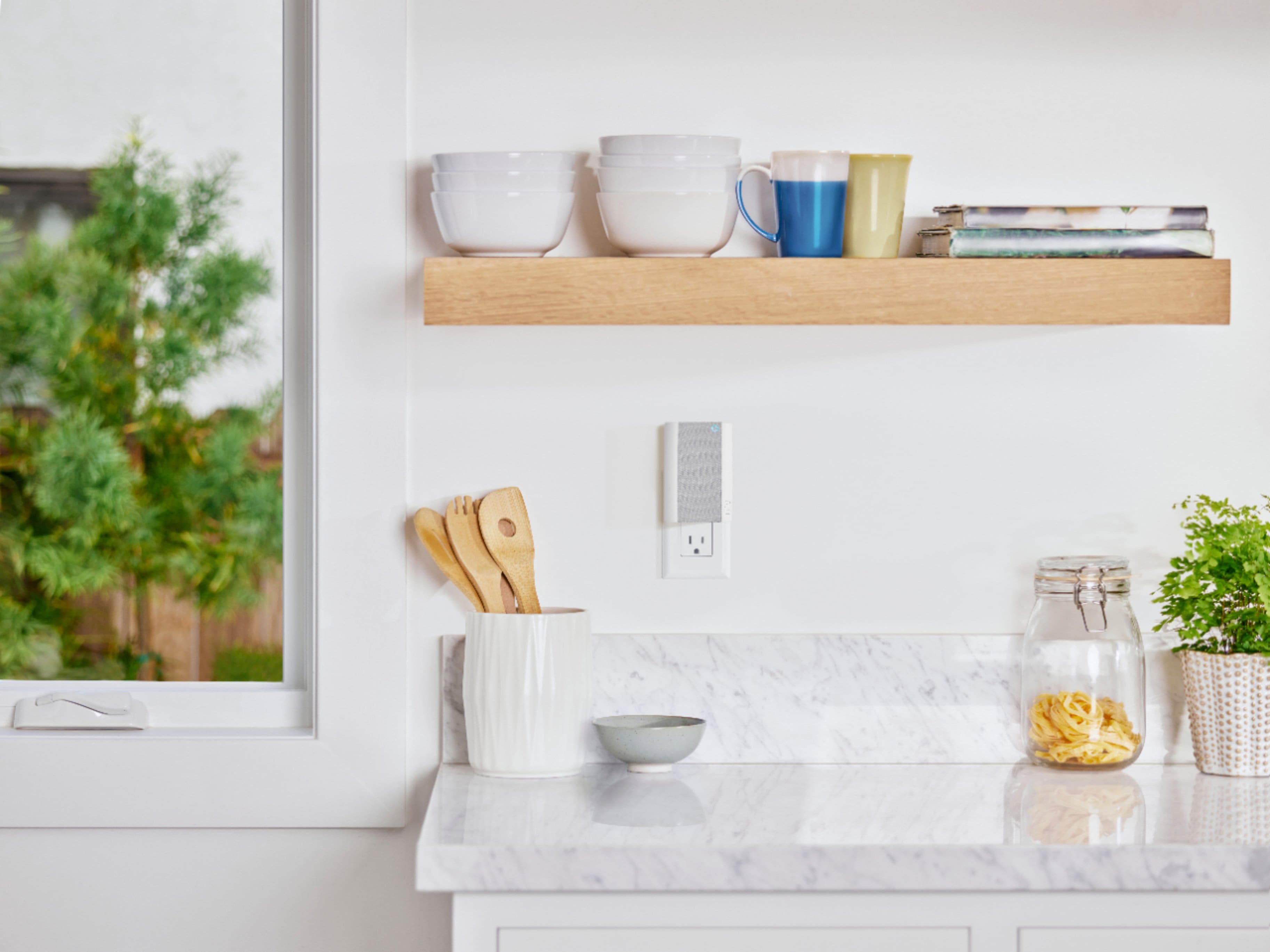
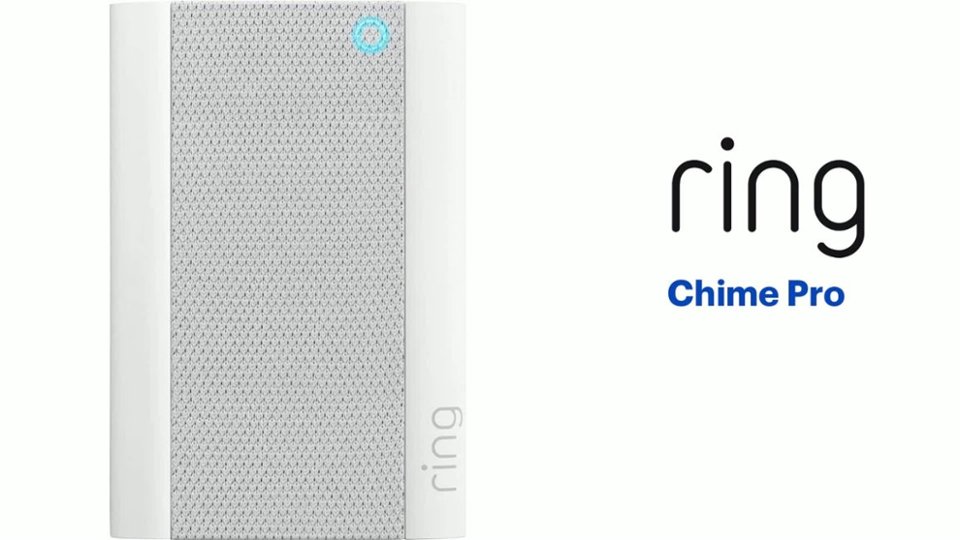
Thanks for asking. Yes, when plugged into a standard wall socket, the Ring Chime Pro produces an audio signal whenever you receive an alert from a Ring device. The Ring Chime Pro also extends the reach of your router's wifi network, extending it out to wherever you have placed a Ring device.
We invite you to reach out to our Community if any additional information is needed regarding your question. The Ring Community is our first peer-to-peer community forum, giving our customers the ability to help one another by sharing their feedback and experiences with each other.
All the best,
Nicole from Ring.
A:AnswerHello, Dave. Great question! A Chime Pro is a great solution if you want to extend wifi to your Ring devices. Generally, a single Chime Pro can effectively improve connectivity to your Ring devices in a two to three bedroom home, or if your devices are located close together. For larger homes, with devices located farther apart, you may need to consider purchasing a mesh network system like the eero network. A regular wifi network distributes the wifi signal from a single point, your router. The further the signal has to stretch away from the router, the weaker it becomes. A mesh network has multiple wifi distribution points that keep the wifi signal strong from different distribution points. Here is a helpful article for your review: https://support.ring.com/hc/en-us/articles/360038168452-Ring-Chime-Pro-2nd-Generation-Information. If any additional information is needed regarding your Ring Chime Pro question, please reach out to our Community. Ring Community is our first peer-to-peer community forum, giving our customers the ability to help one another and share their feedback and experiences directly with Ring. You can find it here: https://community.ring.com/. Thank you. Alexis, with Ring.
A:AnswerHello.
We appreciate the time you have taken to ask this question. Follow the below steps to remove the device from your account:
1. Open the Ring app to the main dashboard.
2. Tap the Chime or Chime Pro tile under Devices.
3. Tap your device's Settings.
4. Tap General Settings.
5. Tap Remove this Device on the bottom of the screen.
If any additional information is needed regarding your question, please reach out to our community. Ring Community is our first peer-to-peer community forum, giving our customers the ability to help one another and share their feedback and experiences directly with Ring. Join the Ring Community today!
Thank you,
Amilia from Ring.
A:AnswerHi Rick.
Thank you for reaching out to us with your question. Yes, multiple Ring doorbells and cameras can be connected to one Ring Chime.
If any additional information is needed regarding your question, please reach out to our community. Ring Community is our first peer-to-peer community forum, giving our customers the ability to help one another and share their feedback and experiences directly with Ring. Join the Ring Community today!
Thank you,
Amilia from Ring.
A:AnswerHi 2doorbells.
Thank you for taking the time to ask this question. Yes, you can link your Ring Chime Pro to multiple Ring cameras and doorbells at the same location. This allows you to set sound alerts on your Ring Chime Pro that will play when motion is detected or the doorbell is pressed.
If any additional information is needed regarding your question, please reach out to our community. Ring Community is our first peer-to-peer community forum, giving our customers the ability to help one another and share their feedback and experiences directly with Ring. Join the Ring Community today!
Thank you,
Amilia from Ring.
A:AnswerHi Nats.
Thanks for reaching out. Ring devices can feel warm or hot to the touch when connected to a power source, which is expected behavior with any type of electronic. When it comes to extreme hot or cold temperatures outside of the published operating temperatures for a device, your device may not function normally. Once the temperature is within the operating temperature range, it should once again perform as intended.
If any additional information is needed regarding your Ring question, please reach out to our Community. Ring Community is our first peer-to-peer community forum, giving our customers the ability to help one another and share their feedback and experiences directly with Ring.
All the best,
Nicole from Ring.