A:AnswerHi Robdingo,
Thanks for reaching out.
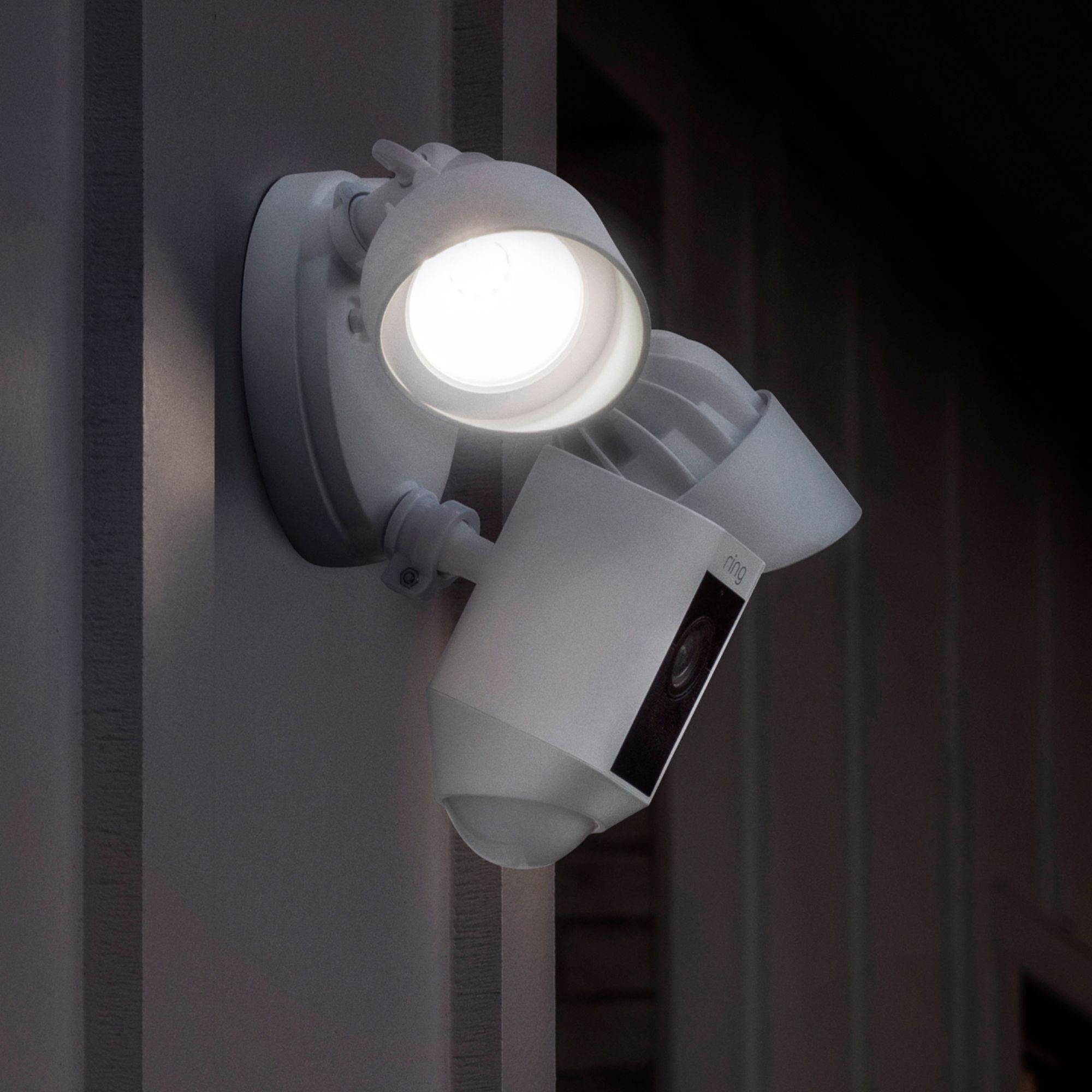
Yes, the glare from the sun can have some effect on the quality of your video resolution. However, I would suggest mounting your Floodlight Cam under a soffit to avoid this unwanted glare. Additionally, Ring can operate in temperatures ranging between -5ºF to 120ºF.
Thanks,
Kaitlyn R., Neighbor Satisfaction Specialist
Kaitlyn.rosenthal@ring.com
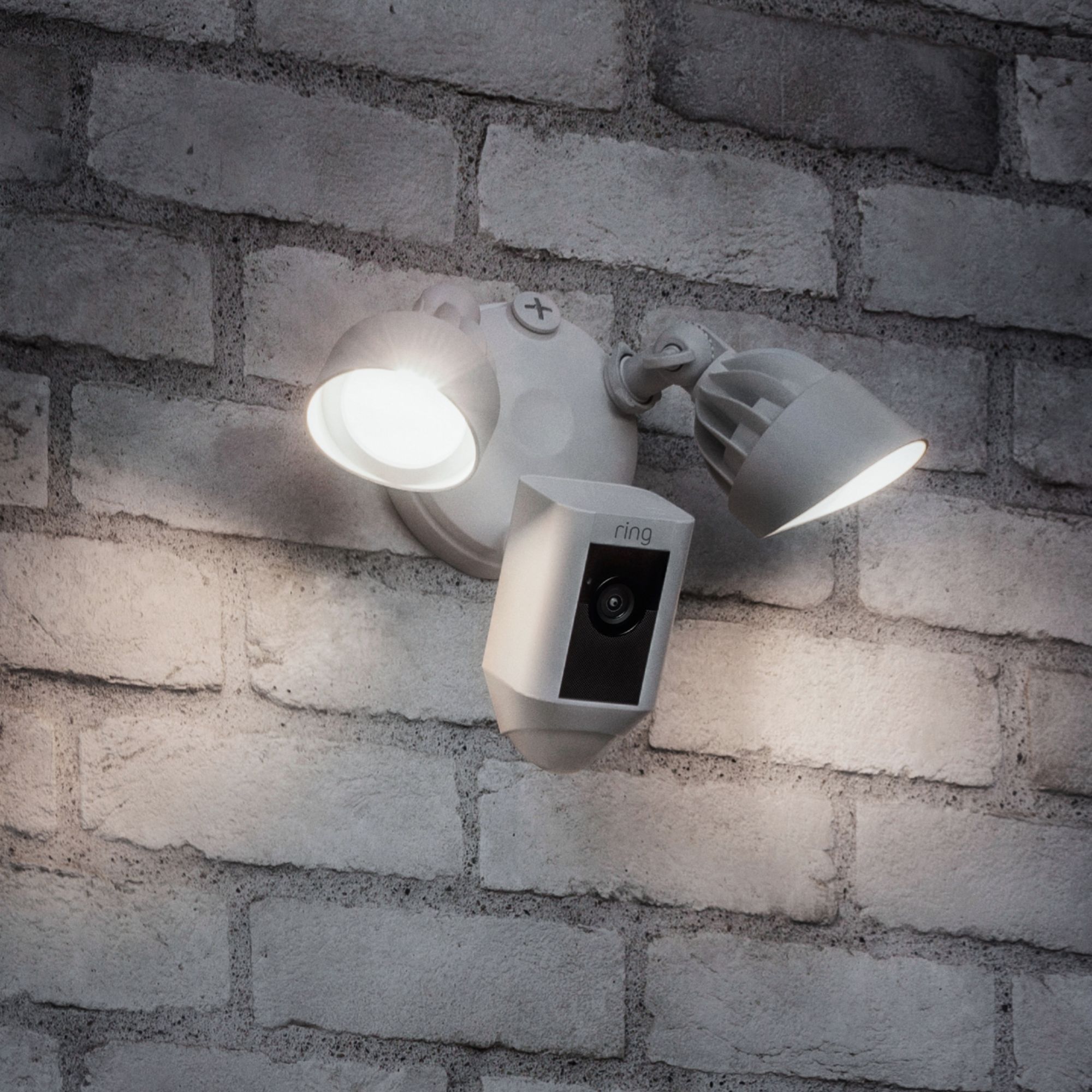
A:AnswerI have side mounted and face down mounted. Both are working well. The face down is at about 10'. The side mount is about 8'. Both seem to work well. Just make sure your wifi router is close enough. Most of my problems have been around wifi signal strength.
A:AnswerHi Bush5539,
Thanks for reaching out.
Unfortunately, the store build only supports Windows desktop.
Thanks,
Kaitlyn R., Neighbor Satisfaction Specialist
Kaitlyn.rosenthal@ring.com
A:AnswerI replaced an existing motion sensor floodlight that also uses the same wire (power) for other plugs in my garage. It works as its suppose to independently from other products in my garage. You shouldnt have an issue.
A:AnswerNot that I'm aware of, but you should check their website or contact their customer service. I currently pay for their cloud service. If you have at least 4 cameras, it is worth paying for the RING PLUS service that puts all your recordings on a cloud which is $100. The usual cost for this service per camera is $30 a year.
A:AnswerI don't believe so. I don't recall best buy employing electrians. But the cams are very easy to install. If your not comfortable with basic electrical procedures you may want to hire an electrician.
A:Answerif you are replacing a current floodlight the Ring is ridiculously easy to install. All tools included. They even include a hook to attach your Ring to the electric box while wiring the connectors. Brilliantly thought out. $3 month if you want the recordings.
A:AnswerI had same issue, ultimately do a wifi speed test. Even if you get acceptable results, without a good margin over the upload & download minimums, the video will show a black screen while everything else works and device health shows Good. I called and upgraded my internet to the premium package and my upload & download speeds tripled on a wifi speed test and then the camera worked fine.
A:AnswerTo answer your questions. #1, You mention turning on/off the motion sensor. You can turn on/off the motion lights at a predetermined time frame which is what I think you mean, however you can't turn on/off the motion sensor. i.e. I leave at 3am most mornings and have the light come on prior, so I don't have to back out unto a dark driveway.
#2 Ring has implemented playing different sounds through their RING Chime (Pro) unit which helps play during ring/motion events. They do not have a way to record your own sounds at this time, however they are always implementing new features. i.e. We had halloween sounds at our frontdoor and now have turkey's gobbling for thanksgiving.
#3Once you SYNC the RING devices to your WIFI network via the RING app, all the IP Forwarding/DNS setup is done automatically and will work for you no matter
if your at home or away. Call it PLUG and PLAY at it's best! You do not have to worry about all those confusing setup procedures.
RING has excellent customer service and HELLOTECH is the premier installer for RING products and can have a tech do it for you for $50.
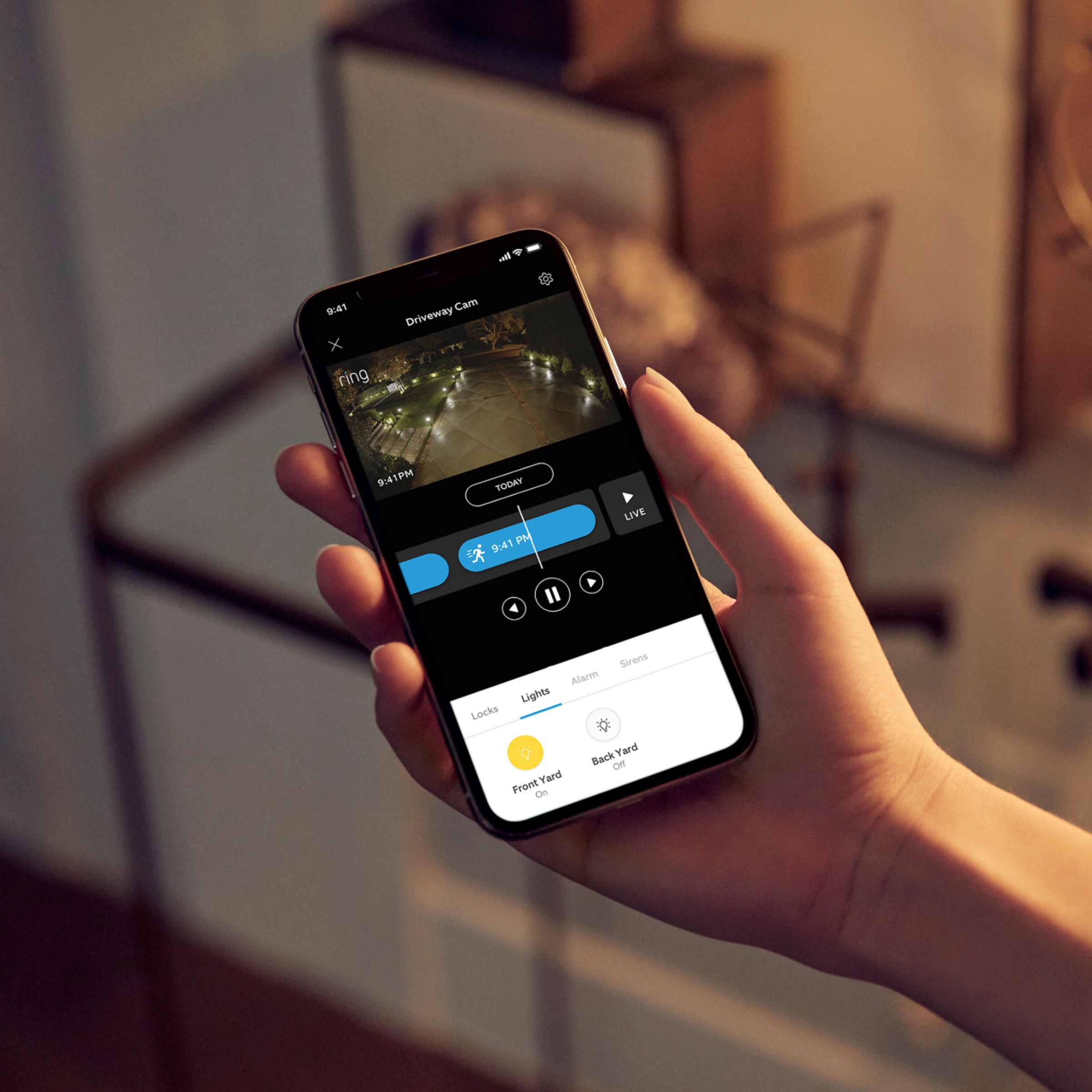
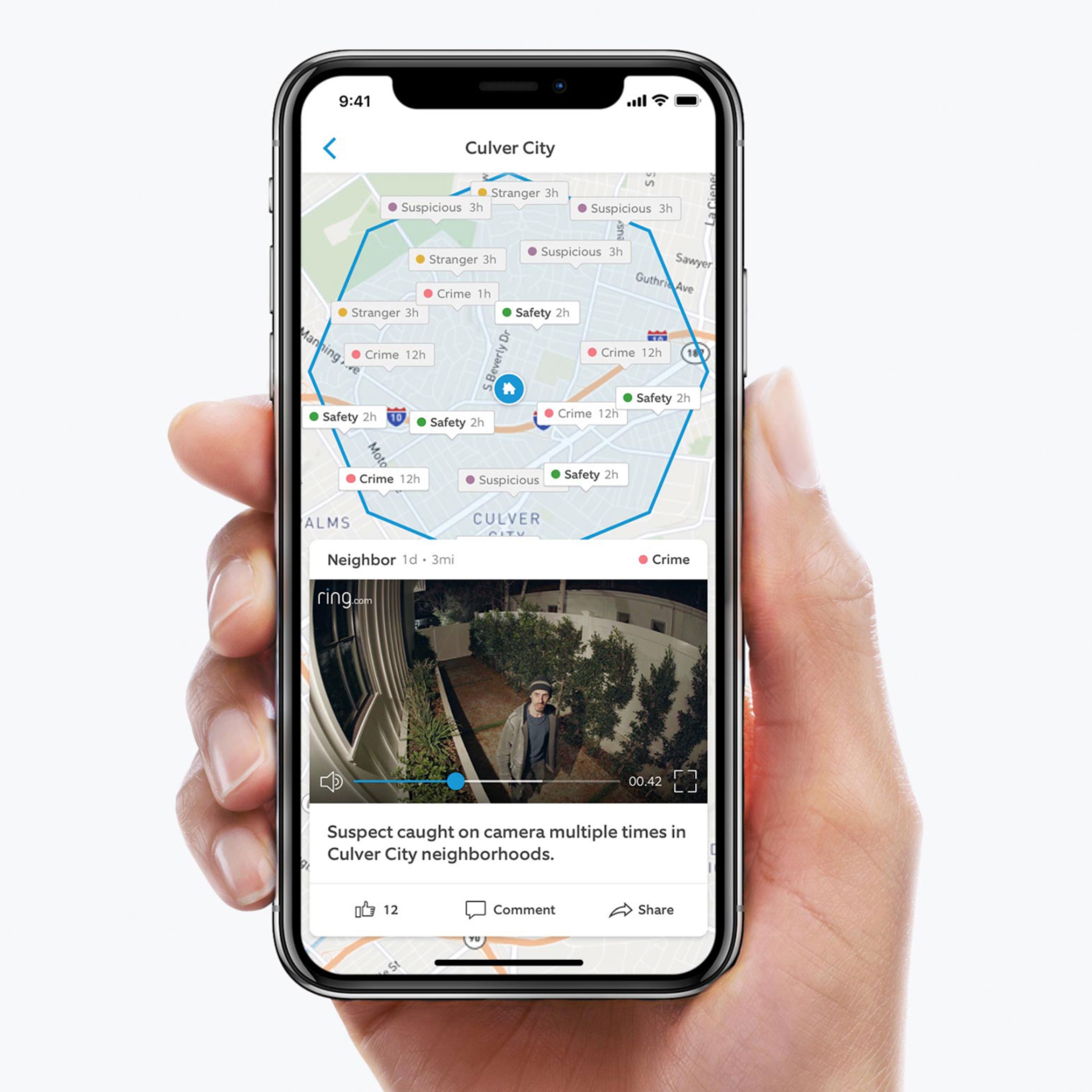
A:AnswerIt can be turned off by turning off the motion detection feature on the Ring App. Once you install the floodlight camera, you install the Ring app on your phone, tablet, etc. Then you have access to turning the light on/off, motion detection alarm on/off and you can even remotely trigger the alarm when looking at a live view of the camera. I have the doorbell and the floodlight in the backyard and the system works well.