A:AnswerHi Dummy.
Thank you for your question. No, if you report that your Ring device has been stolen it can not be setup by anyone else. We also offer a lifetime theft protection covers all Ring doorbells and camera active on your account and with coverage for vandalism.
We invite you to reach out to our community if any additional information is needed regarding your question. The Ring Community is our first peer-to-peer community forum, giving our customers the ability to help one another by sharing their feedback and experiences with each other.
Sincerely,
Matthew from Ring.
A:AnswerHello.
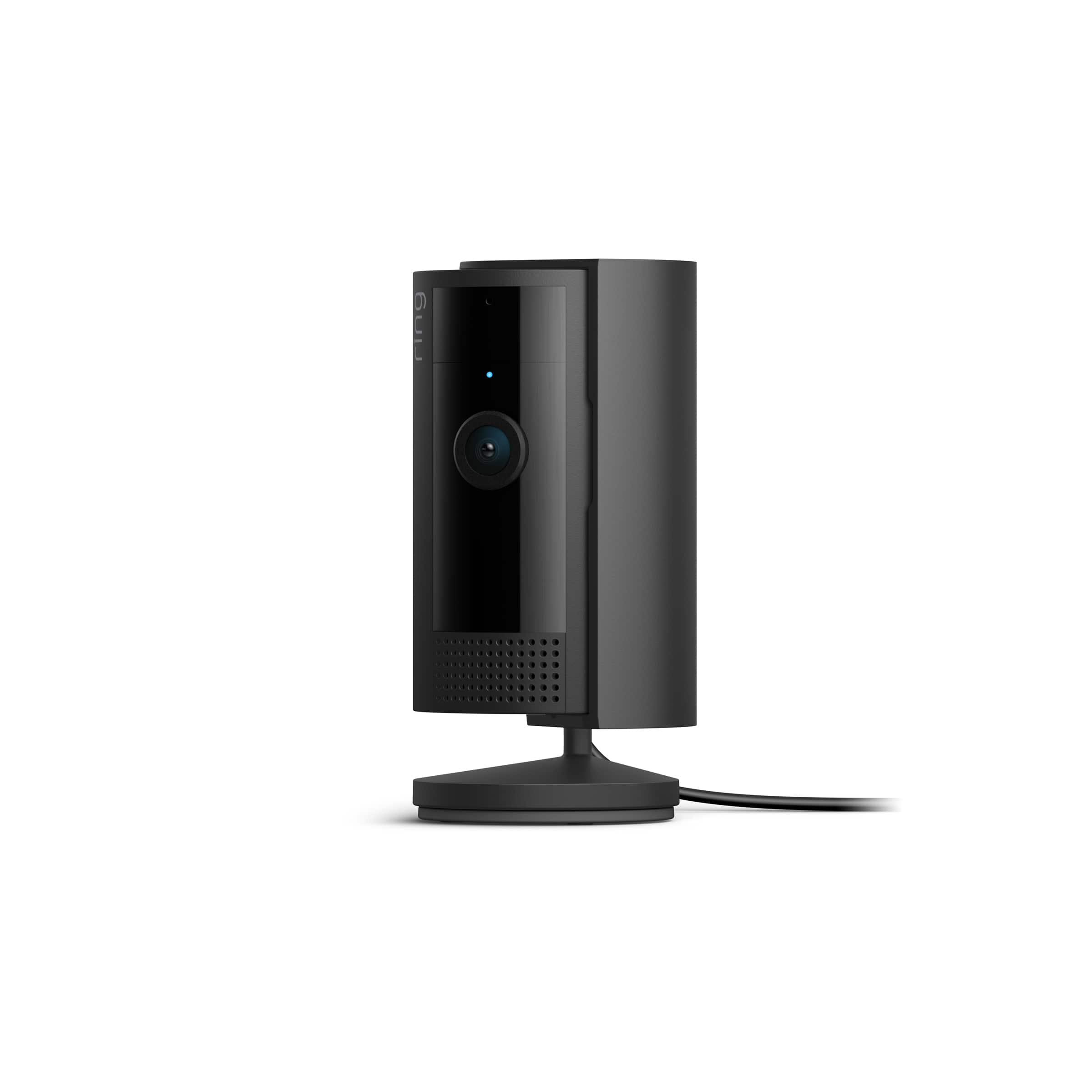
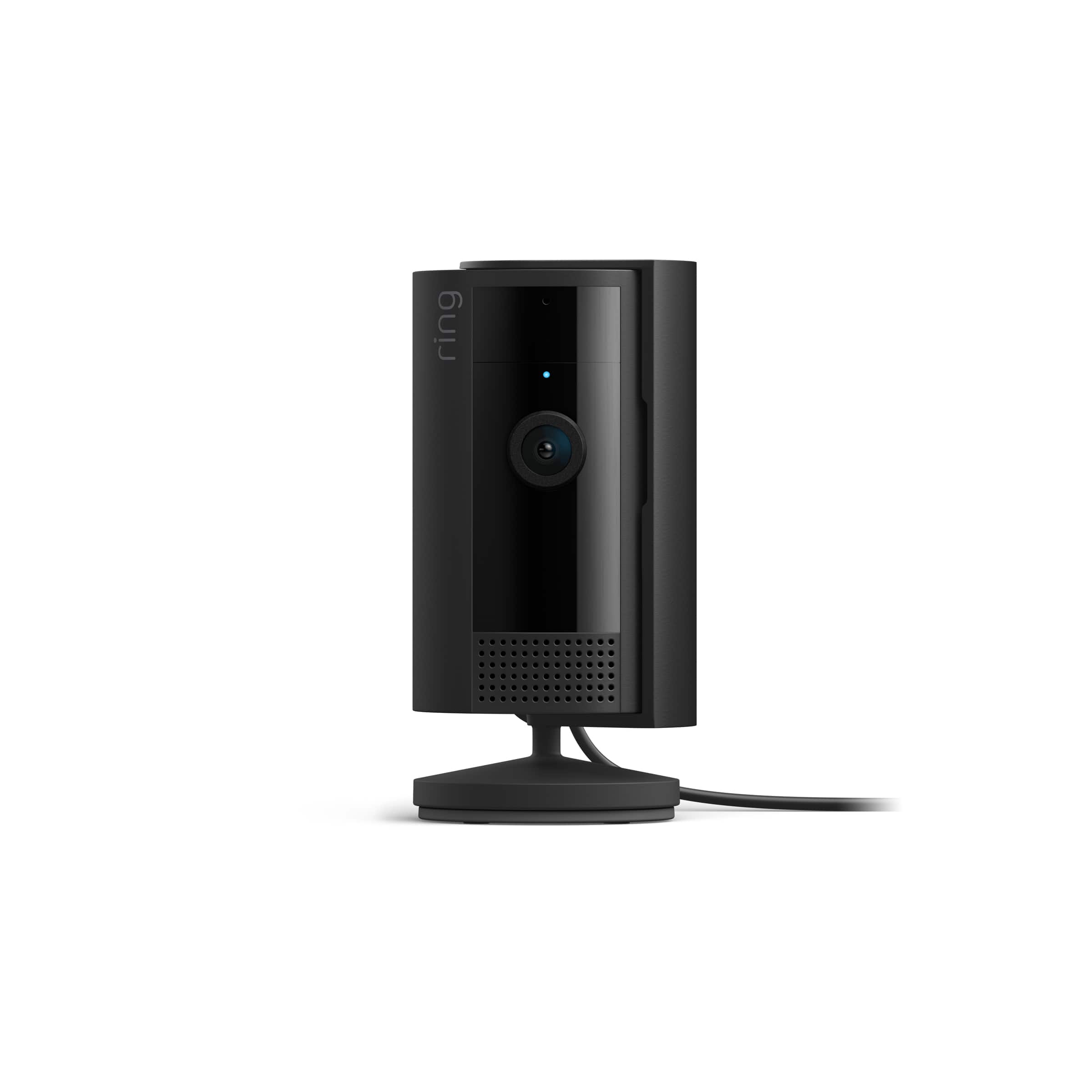
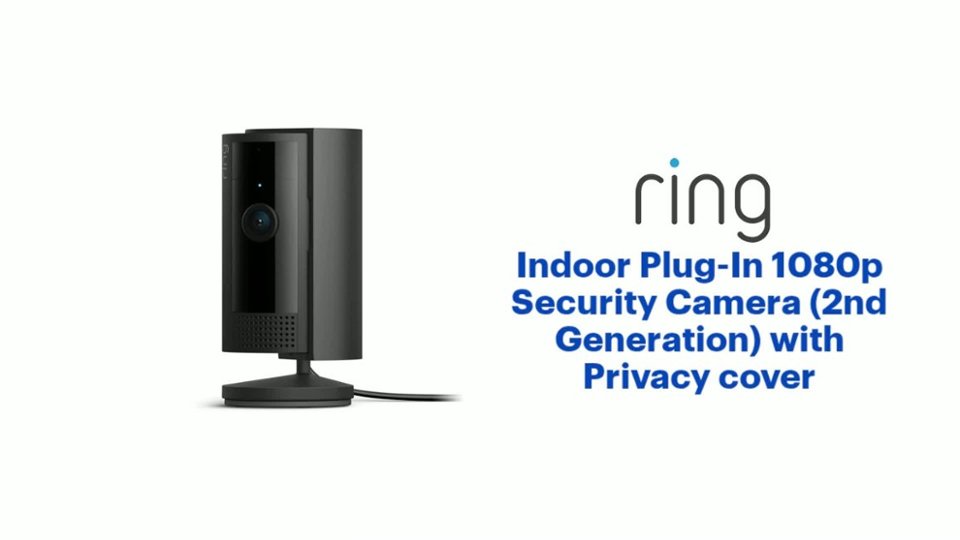
Good question. Yes, the Ring Indoor Cam is designed to be powered using plug-in power with the included 7-W USB-A power adapter. The power adapter is rated for a power input of 100-240V AC, 50/60Hz.
We invite you to reach out to our Community if any additional information is needed regarding your question. The Ring Community is our first peer-to-peer community forum, giving our customers the ability to help one another by sharing their feedback and experiences with each other.
All the best,
Nicole from Ring.
A:AnswerHi chocolate.
Thank you for taking the time to ask this question. No, the Ring Indoor Cam is not battery-operated. The Ring Indoor Cam has a 6.5 foot long micro USB power cable that plugs into a standard power outlet.
If any additional information is needed regarding your question, please reach out to our community. Ring Community is our first peer-to-peer community forum, giving our customers the ability to help one another and share their feedback and experiences directly with Ring. Join the Ring Community today!
Thank you,
Amilia from Ring.
A:AnswerHi Kate.
Good question. If your Ring device loses power or gets disconnected from wifi, you'll see a red icon on your Device Dashboard in the Ring app, letting you know your device needs attention. You can tap the red icon and follow the instructions on the error screen to help you troubleshoot your issue. Visit our support center for more information.
We invite you to reach out to our Community if any additional information is needed regarding your question. The Ring Community is our first peer-to-peer community forum, giving our customers the ability to help one another by sharing their feedback and experiences with each other.
All the best,
Nicole from Ring.
A:AnswerI've been using mine outdoors on my front porch, it's protected from rain/snow. My neighbor has theirs mounted above the front door, also protected from the elements.
A:AnswerHi
Good question. No, the Ring Indoor Cam does not offer temperature readings. Ring’s Flood & Freeze sensor is a Ring Alarm accessory that will detect water where it's installed or when the temperature drops below 40 degrees Fahrenheit. A Ring Alarm is required for this accessory, and a subscription is required for digital notifications.
We invite you to reach out to our Community if any additional information is needed regarding your question. The Ring Community is our first peer-to-peer community forum, giving our customers the ability to help one another by sharing their feedback and experiences with each other.
All the best,
Nicole from Ring.
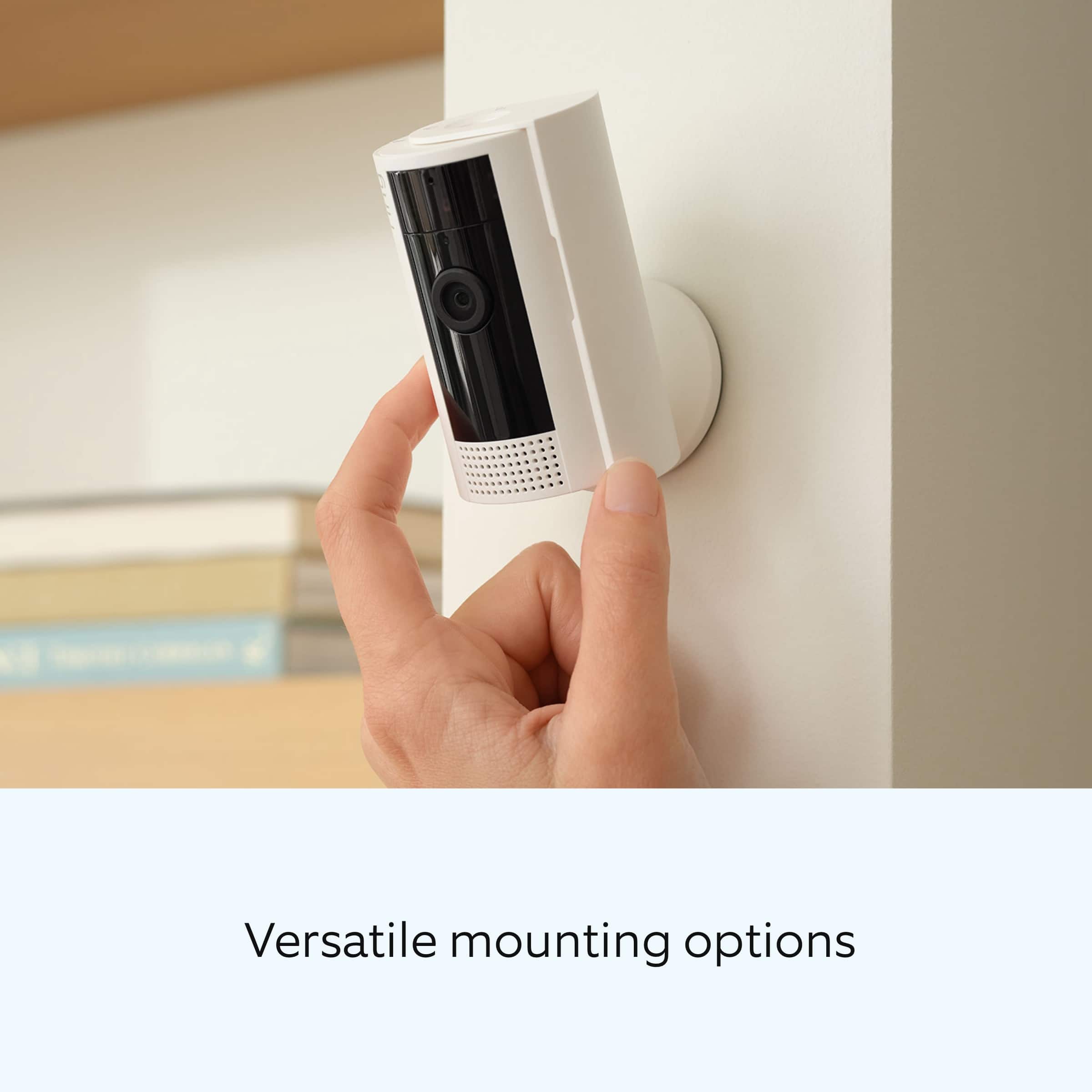
A:AnswerThere are 2 screws in the box or use 2 small screws of your choosing.
Just slide the very bottom part of the base down, (Opposite the "UP" direction indicated)
Mount the plate in the propper orientation, and slide the camera back onto it.
Use the app to invert the image if needed.
A:AnswerHi Jack.
Good question! Yes, the Ring Indoor Cam (2nd Gen) can operate in temperatures ranging from -4°F to 113°F (-20°C to 45°C). Ring Indoor Cam can be mounted anywhere indoors on its own stand or can be mounted to a wall or ceiling.
We invite you to reach out to our Community if any additional information is needed regarding your question. The Ring Community is our first peer-to-peer community forum, giving our customers the ability to help one another by sharing their feedback and experiences with each other.
All the best,
Nicole from Ring.
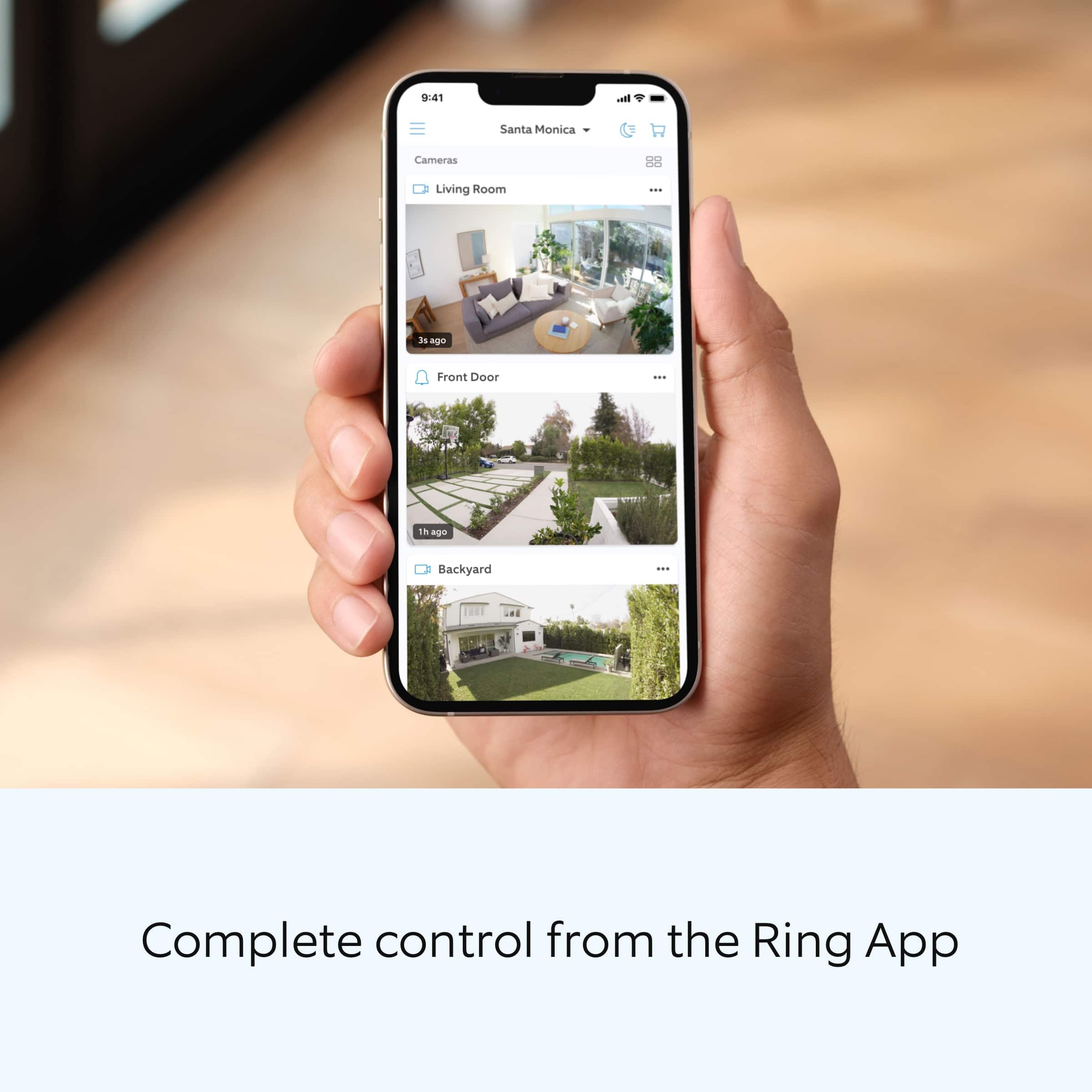
A:AnswerYes you can have multiple cameras connected to one phone. I have 4 indoor cameras and 1 front doorbell camera, i have one ring account with all of them on it and pay 1 price for a subscription for them all. And i can see them on my phone when i get notifications and can switch to live views. All on one phone through the ring application .