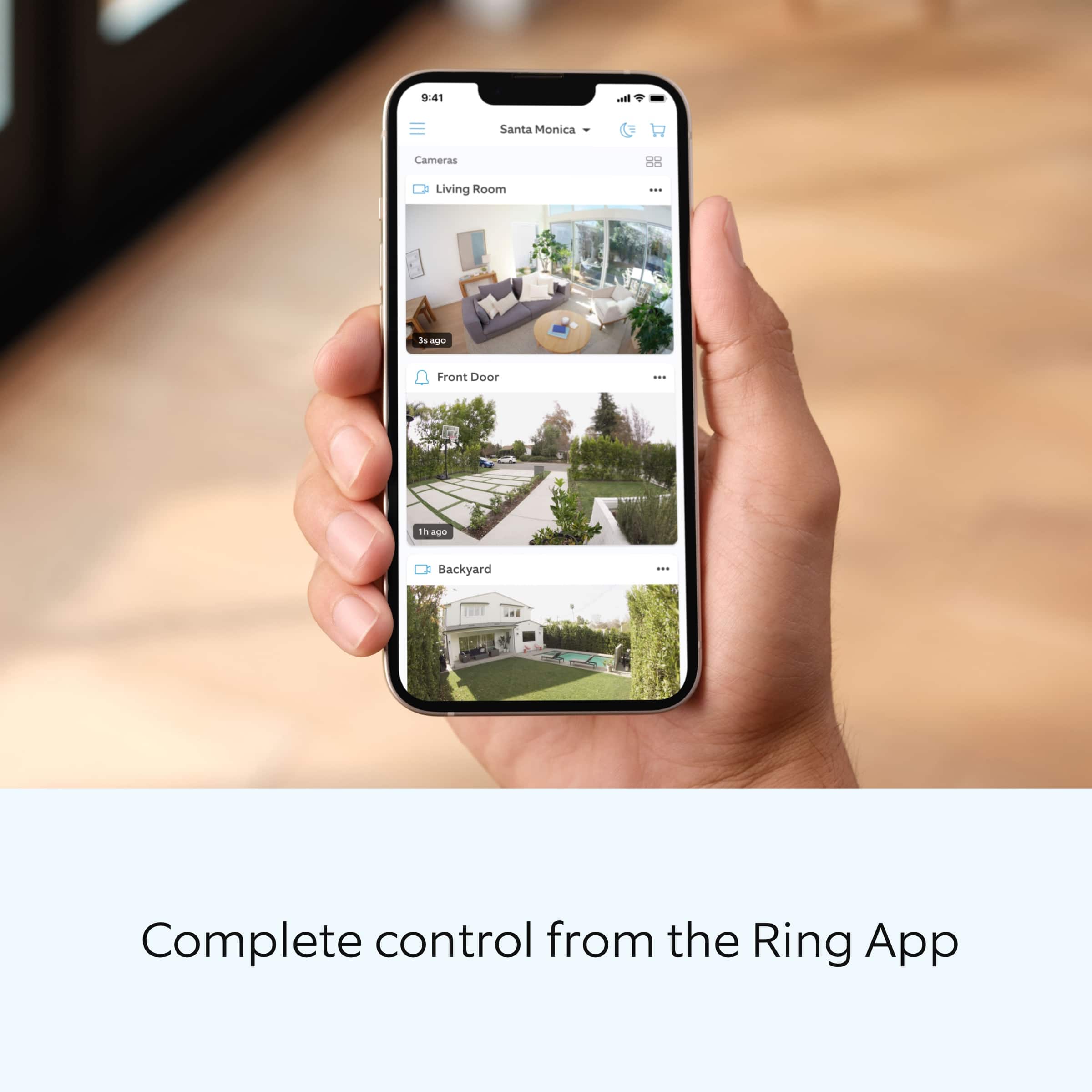
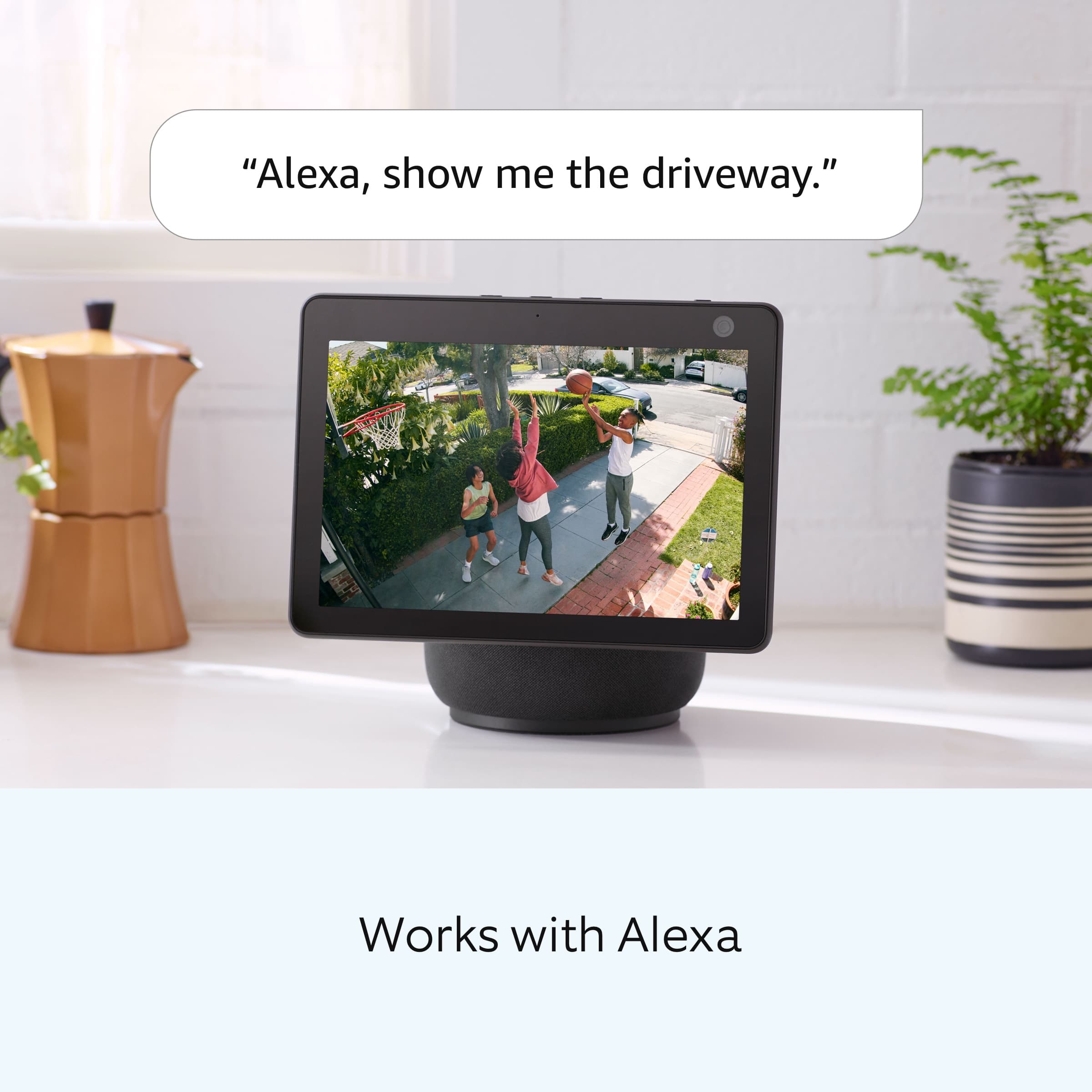
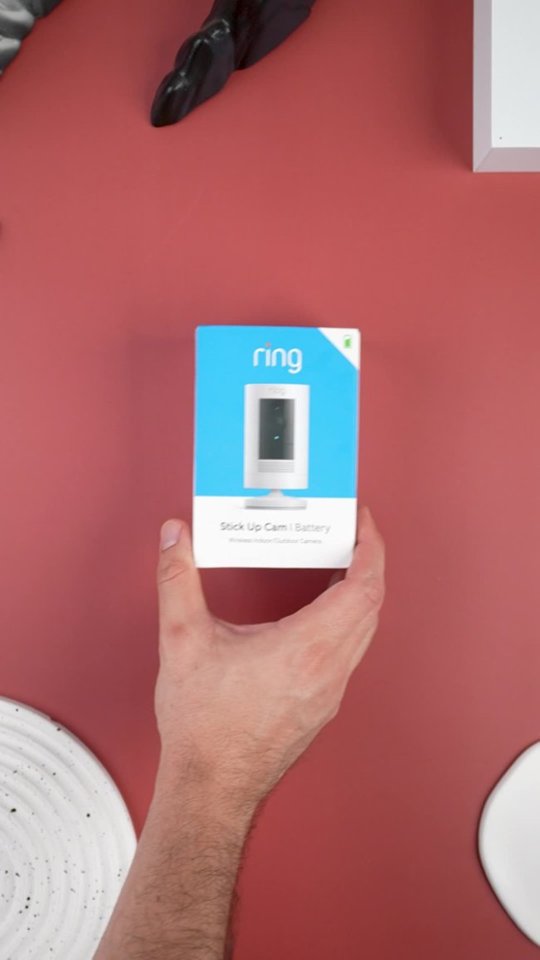
A:AnswerThe doorbell is the only one I've linked to Alexa. My six camera's alert to my phone via ring app. I honestly haven't attempted to have them alert through Alexa.
A:AnswerHello,
The Ring Stick Up Cam is designed to be something you can rely on without a paid subscription. Your device will allow you to detect, see, and speak with visitors at your home.
A Ring Protect Plan is our optional cloud-based subscription service to help store past Ring events, amongst other perks.
To learn more about Ring Protect, please visit this link: https://support.ring.com/hc/en-us/articles/360030333671-How-to-Subscribe-to-the-Ring-Protect-Plan
All the best,
Marlom at Ring
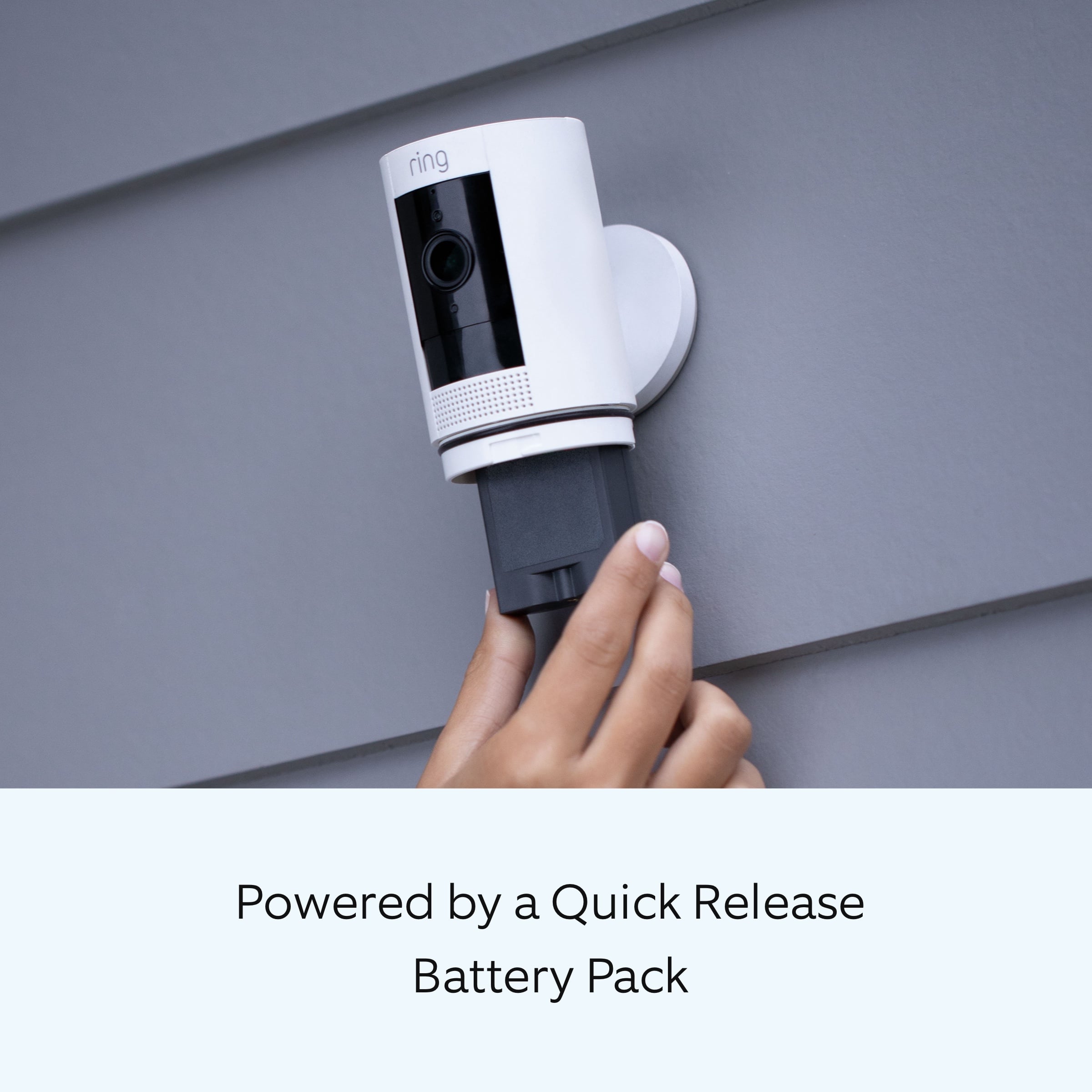
A:AnswerThe mount can be set up to sit up or hang down while keeping the camera in the correct position. You can't flip the camera, the pic will be upside down, but the mount makes it possible to hang from an eave.
A:AnswerHello Jackie.
In order to get proper motion detection, Ring battery-powered cameras using passive infrared motion detection, such as the Stick Up Cam, should not be placed facing a window or in front of a glass door. We recommend mounting the device outside to get the most accurate motion detection.
For any additional installation questions or set up concerns, please feel free to reach out on our community forum at https://community.ring.com/. You can also visit our help site, https://support.ring.com/hc/en-us, for tips & tricks, videos and help articles for all our Ring products.
Thank you,
Antonio from Ring
A:AnswerHello,
Great question! Notifications for motion and doorbell dings are completely customizable within the Ring app. Notifications can be set for each mobile device users device, i.e: your spouse and you who have different cellular phones can choose which notifications they'd like to receive and which they would not. Here is a helpful article regarding how to enable notifications on your mobile device: https://support.ring.com/hc/en-us/articles/115002934246-How-to-Enable-Notifications-on-a-Mobile-Device. This article shows you the visual differences between a motion and doorbell ding event: https://support.ring.com/hc/en-us/articles/210052646-Understanding-Notifications-for-Ring-and-Motion-Events.
For any additional installation questions or set up concerns, please feel free to reach out on our community forum at https://community.ring.com/.
Thanks,
Alexis with Ring
A:AnswerI have my porch light on every night. It has an LED light with DayLight Specs....it gives off very bright WHITE light.
As you can see in the picture taken at night, it shows color.
This way any intruder or bad actors will have a very nice color picture. Our neighbor had some pranksters and they don't have an LED Light with DayLight....picture was not great.
A:AnswerHello mm,
Great question! No, you do not need Alexa to setup your Ring Stickup Camera. If you have any further questions, please visit our community forum at https://community.ring.com/, for some additional tips and support. We look forward to hearing from you. -All the Best, Jamila at Ring
A:AnswerHello Cam, Great question. Yes a Solar panel can be added to the Stickup Camera. If you have any further questions, please visit our community forum at https://community.ring.com/, for some additional tips and support. We look forward to hearing from you. -All the Best, Jamila at Ring