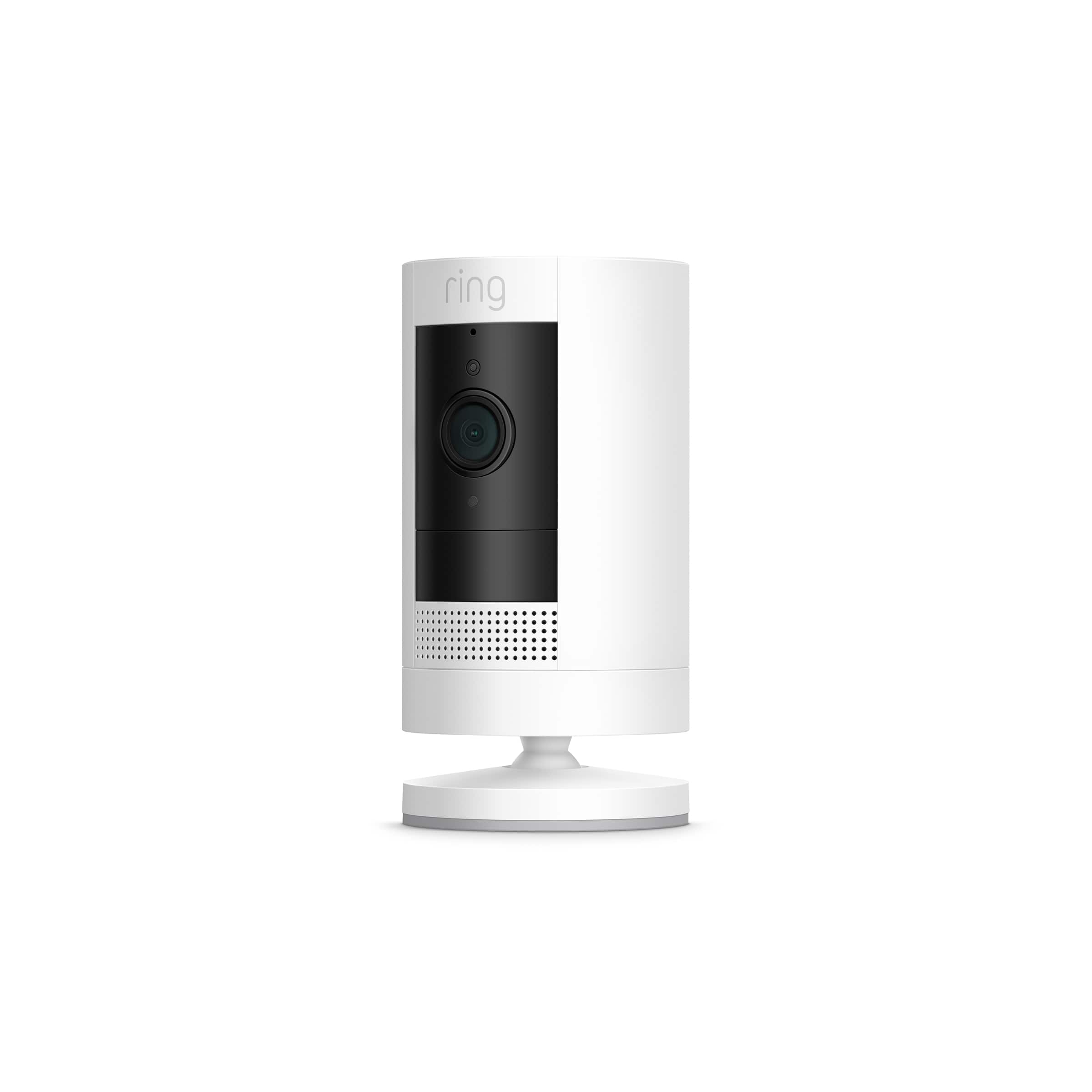
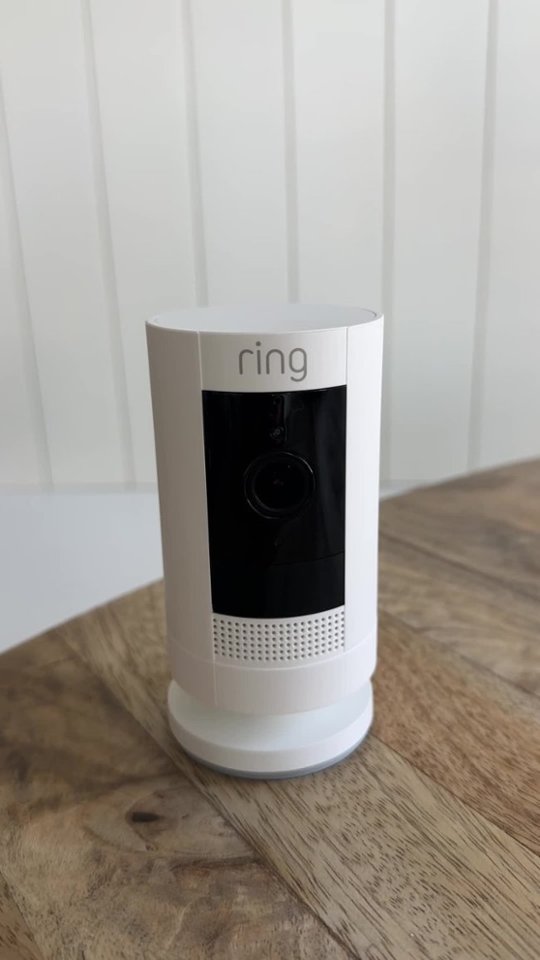
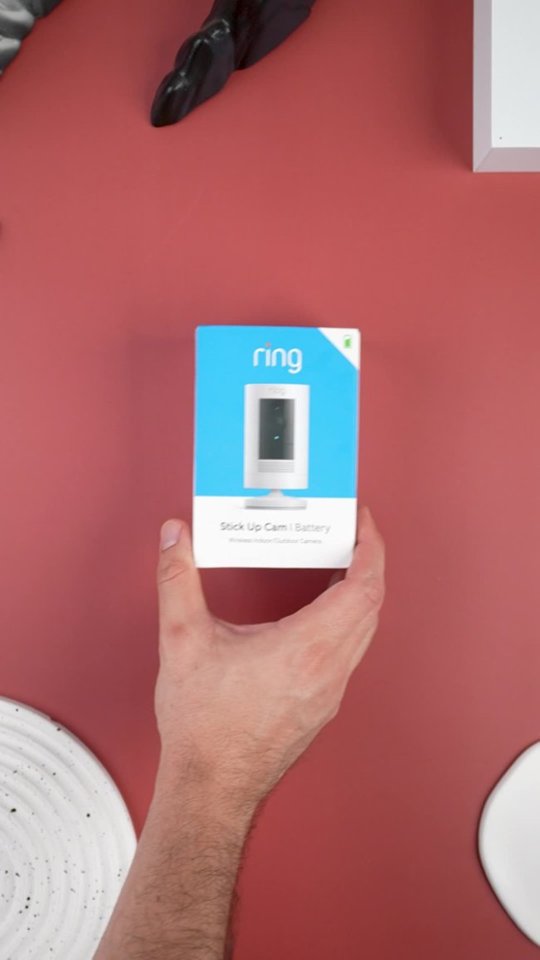
A:AnswerThe base can be used on the side of the camera to mount on the wall. Just remove one of the rubber plugs on the back if the camera. All of my cams are mounted on the wall.
A:AnswerYou would have to place your camera close to a an electric plug so that you could do that. However, the charging cord is only about 8 inches long so that would create a problem with plugging it in indefinitely.
A:AnswerHi K.
Great question! Yes, the mount for the Stick Up Camera battery is included in the box. Your Stick Up Cam will be happy just about anywhere, indoors or out. It can sit on its own stand, or be mounted to a wall or ceiling. Visit our support center for steps on installing the device: https://support.ring.com/hc/en-us/articles/360015778472-Physically-Installing-Your-Stick-Up-Cam-Battery-2nd-Generation-.
If any additional information is needed regarding your Ring question, please reach out to our Community. Ring Community is our first peer-to-peer community forum, giving our customers the ability to help one another and share their feedback and experiences directly with Ring. You can find it here: https://community.ring.com/.
All the best,
Nicole from Ring.
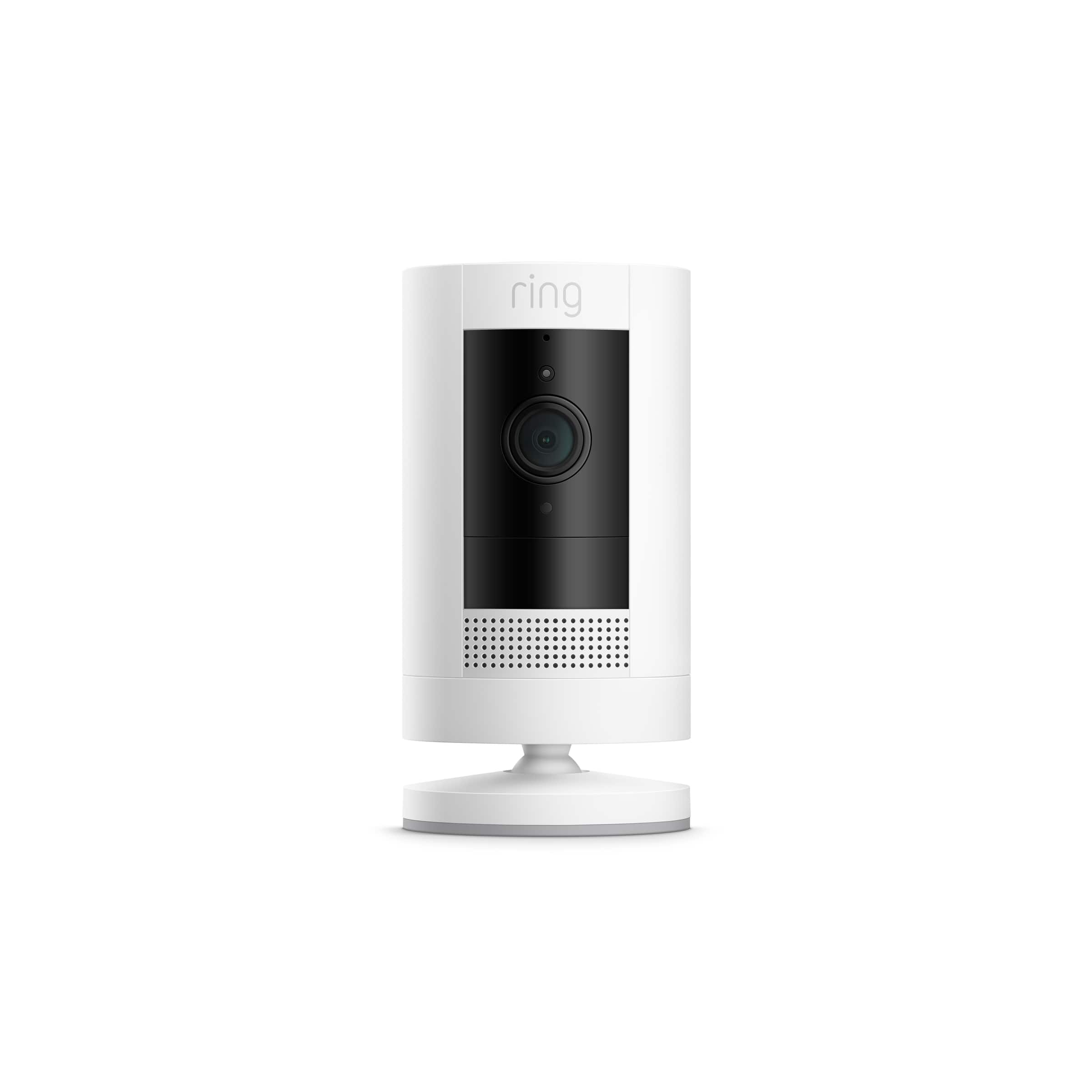
A:AnswerThe Ring Stickup cam has no lights, and mine is great atvl night without lighting. I've seen the spotlight cams, and they have a light on each side of the camera. I'd be hesitant to use the battery supported spotlight cam unless it's used in an easily accessible area for charging or changing the battery. It depends on the settings used for extending battery life and of course high traffic area usage will drain the battery more quickly.