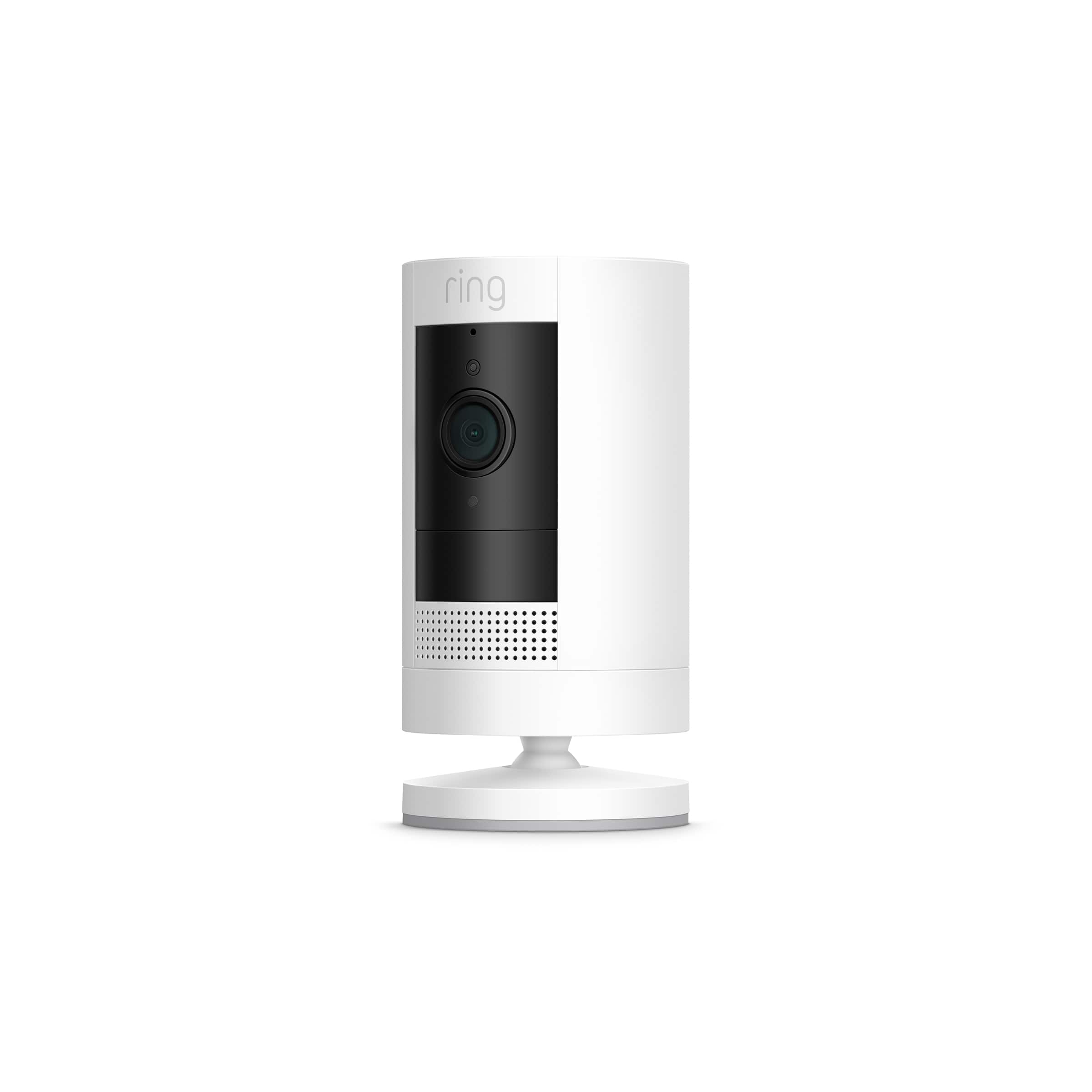
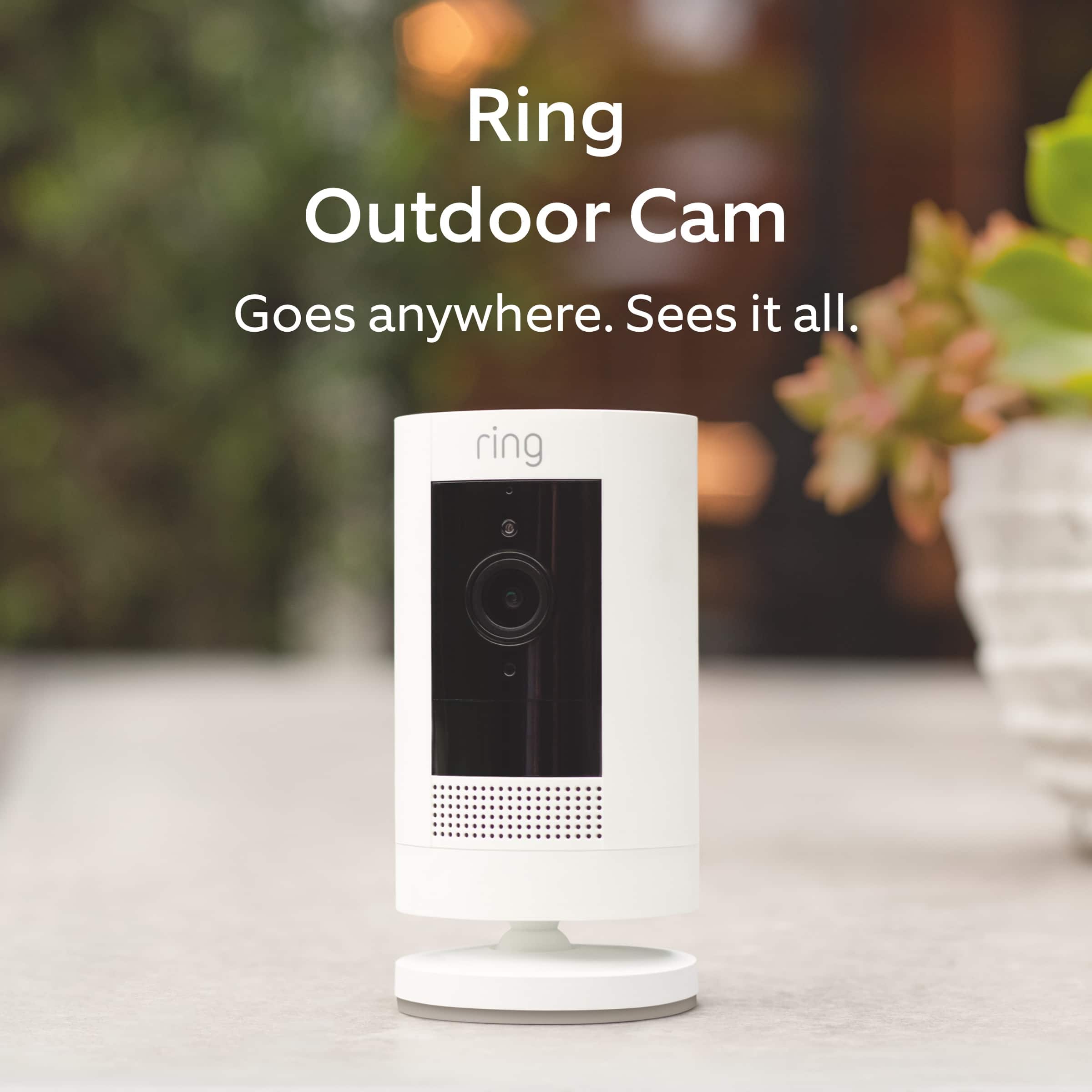
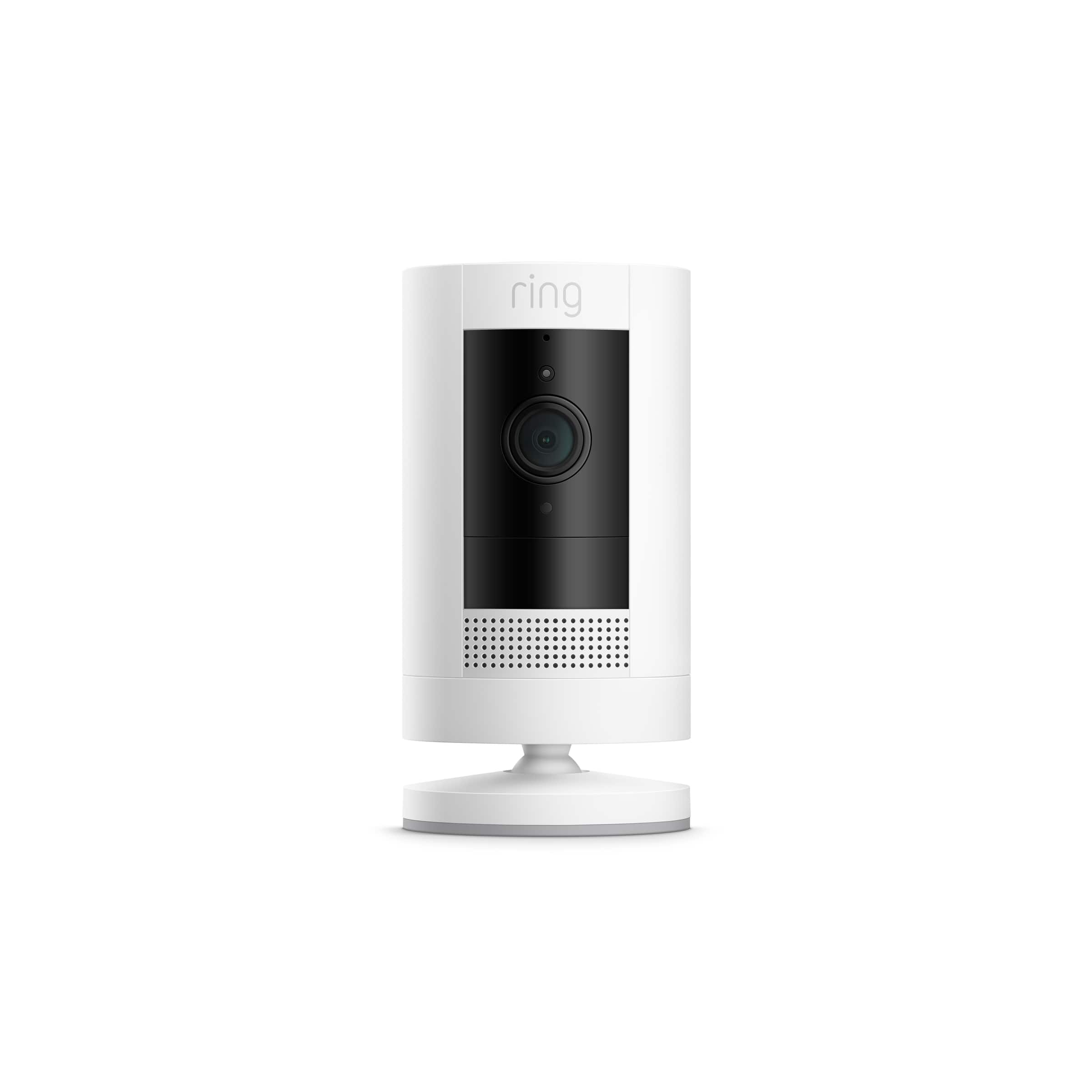
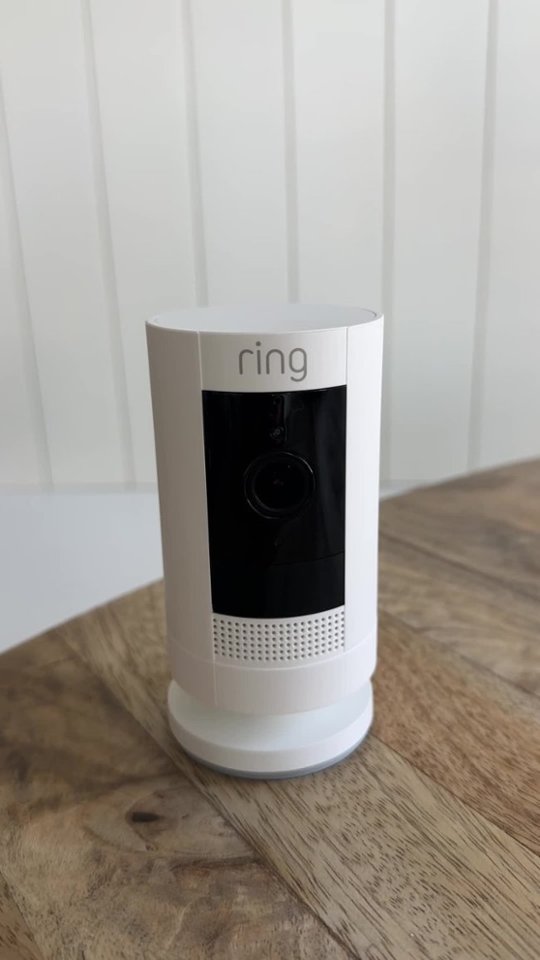
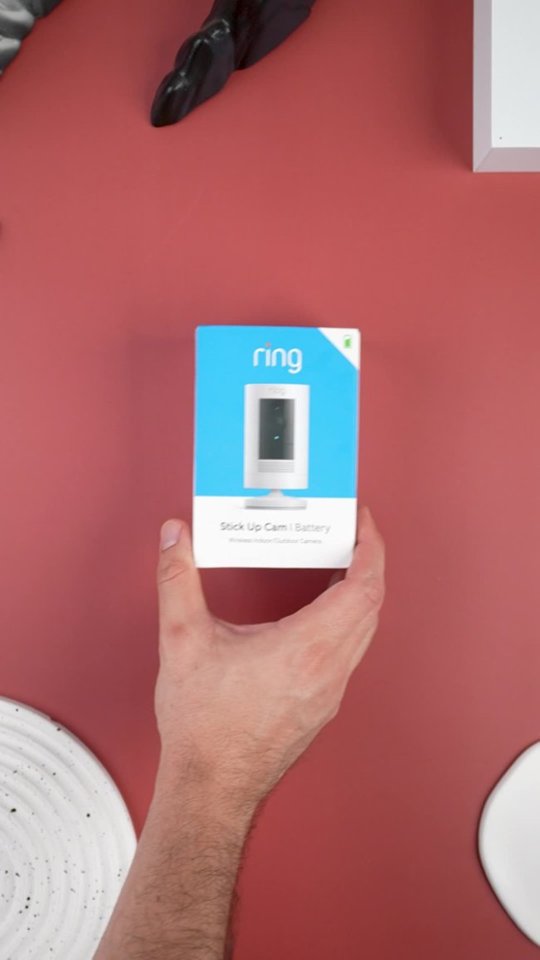
A:AnswerThis is a stand alone product. It is a camera with two way audio. It also has a siren that you can activate remotely. It does not have a bell. Very cool product.
A:AnswerNo the two mounting positions are on the base/bottom of the device and the back about mid way. It doesn't auto rotate the image if you turn it upside down to mount from the bottom also there is a small track ball in the mounting piece that doesn't give much allowance in positioning it away from the wall you are mounting on.
A:AnswerYou sure can.
I put mine on a stucco apartment building exterior. I was very careful in creating a drive hole first, as not to crack the stucco.
A:AnswerYes indeed. It is wifi for this one. You can even look at your app once you installed and see the strength of your wifi signal. I realize I had to increase my signal by using pods (repeaters / extender) to get that stronger signal outside where I was mounting it.
A:AnswerHi Jim.
Thank you for reaching out to us with your question. Yes, you can purchase the Indoor/Outdoor Power Adapter (sold separately) to connect Ring Outdoor Cam Battery to standard outlets for nonstop power. Or you can connect it to a Ring Solar Panel (sold separately) to keep your camera charged with direct sunlight.
If any additional information is needed regarding your question, please reach out to our community. Ring Community is our first peer-to-peer community forum, giving our customers the ability to help one another and share their feedback and experiences directly with Ring. Join the Ring Community today!
Thank you,
Amilia from Ring.
A:AnswerHello.
Thanks for reaching out. Ring Stick Up Cam includes Live View, Two-Way Talk, Advanced Motion Detection, Customizable Motion Zones, Customizable Privacy Settings, Color Night Vision, and an easy-to-use app. Ring Stick Up Cam Pro, larger in size, builds upon all these great features with a sleek design and advanced features including 3D Motion Detection with Bird’s Eye Zones and Bird’s Eye View, Audio+ for enhanced audio, HDR video, and dual-band wifi.
We invite you to reach out to our Community if any additional information is needed regarding your question. The Ring Community is our first peer-to-peer community forum, giving our customers the ability to help one another by sharing their feedback and experiences with each other.
All the best,
Nicole from Ring.
A:AnswerHi Customer1.
Good question! No, the Ring Stick Up Camera Battery device is compatible with 2.4 GHz wireless 802.11 B/G/N networks. We recommend a minimum upload speed of 2 Mbps per device.
We invite you to reach out to our Community if any additional information is needed regarding your question. The Ring Community is our first peer-to-peer community forum, giving our customers the ability to help one another by sharing their feedback and experiences with each other.
All the best,
Nicole from Ring.
A:AnswerGreat question, Rachel! The Ring Stickup Camera mounts with a few included screws, attaching the mounting bracket to the wall. You can learn more about this by visiting this link: https://support.ring.com/hc/en-us/articles/360032833651-Physically-Installing-Your-Stick-Up-Cam-Battery-Solar. Also, the Ring Community forum was launched in March 2019 to help deliver the most current news and educational information to our customers. You can find tips and tricks from other Ring users at https://community.ring.com/. This peer-to-peer forum allows our neighbors to share their feedback and experiences to assist each other in resolving their concerns and lingering questions. Regards, Brett from Ring.