A:AnswerEcho dot is Google device while Ring is an Amazon now. They aren't compatible. You are given 30 day window to try Ring saving videos and after that need a subscription unless you purchase their storage device for home security system they offer. Then it saves to a drive instead.
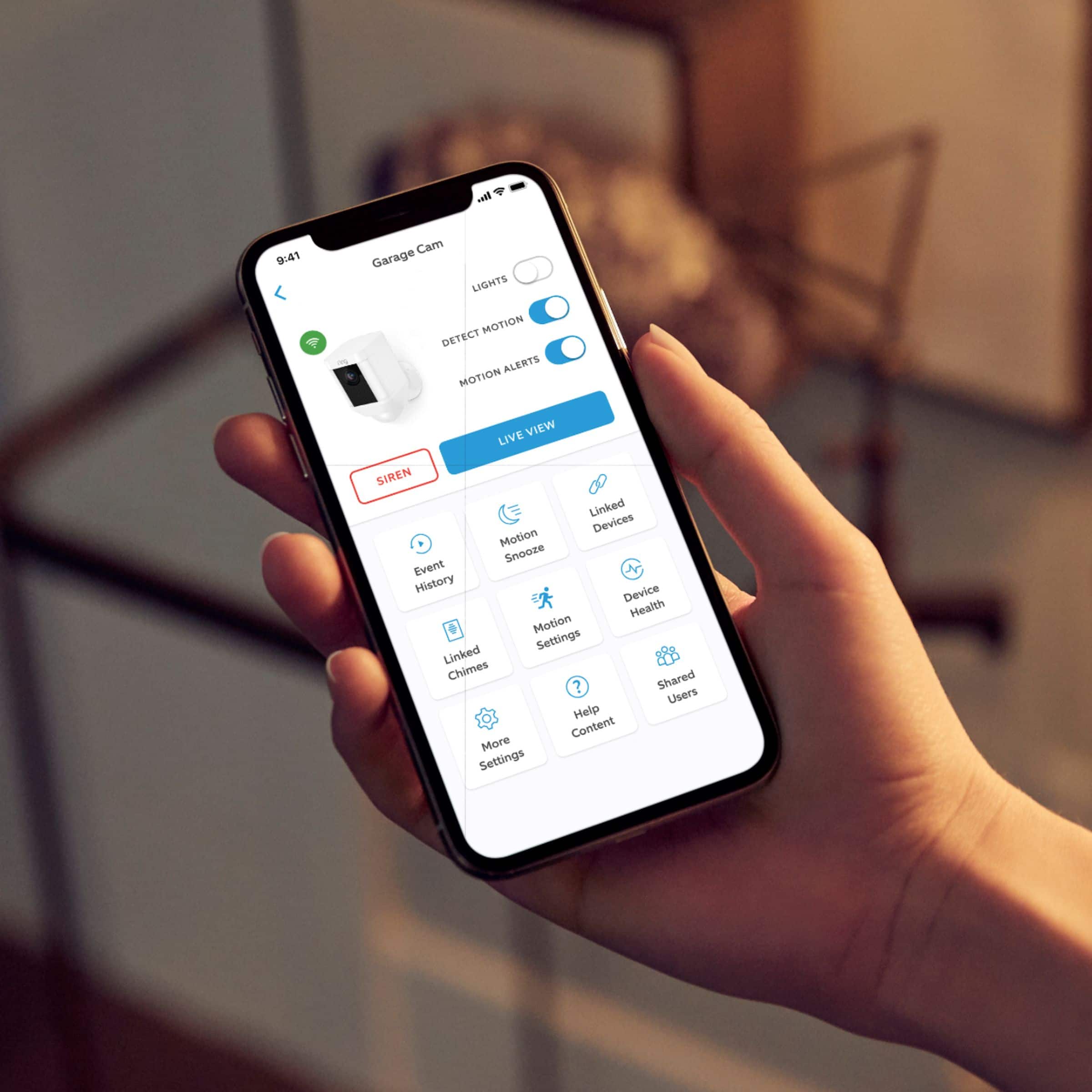
A:AnswerYes, you can operate the light through the app.
It can use two rechargeable batteries for more use; you have to determine battery life according to your use.
There are settings to convert battery life.
I've used one battery and normal use: more than 2 months.
A:AnswerBy default, the lights are off and only come on when motion is detected. However, in the settings, you can program them to be constantly on although it will drain the battery much faster. I believe there's also a setting for making a schedule for the lights. Haven't messed with this too much yet.
A:AnswerI had two ring doorbell cameras prior to this camera. Therefore I had the Ring App already on my phone.
It took a long time the charge the battery which is nothing more than plugging it in. After battery was charged the camera automatically connected to the App. All I had to do is name the camera.
It took me longer to screw it into the wall than the setup process. I plan on getting a couple of more.
A:AnswerThe light only comes on when there is motion and the camera thinks it is too dark. You can manually turn the light on from the desktop, but I think it turns back off after 30 seconds or so.
A:AnswerYes, we adjusted the motion sensitivity on our Ring Spotlight cam that was installed over our garage door, so that it wouldn't pick up cars driving by or people walking by on the sidewalk. We went about 30' or less to cover the length of our driveway, but it could be whatever range you want for your situation. We played with the distance range before we settled on the right one for that location.