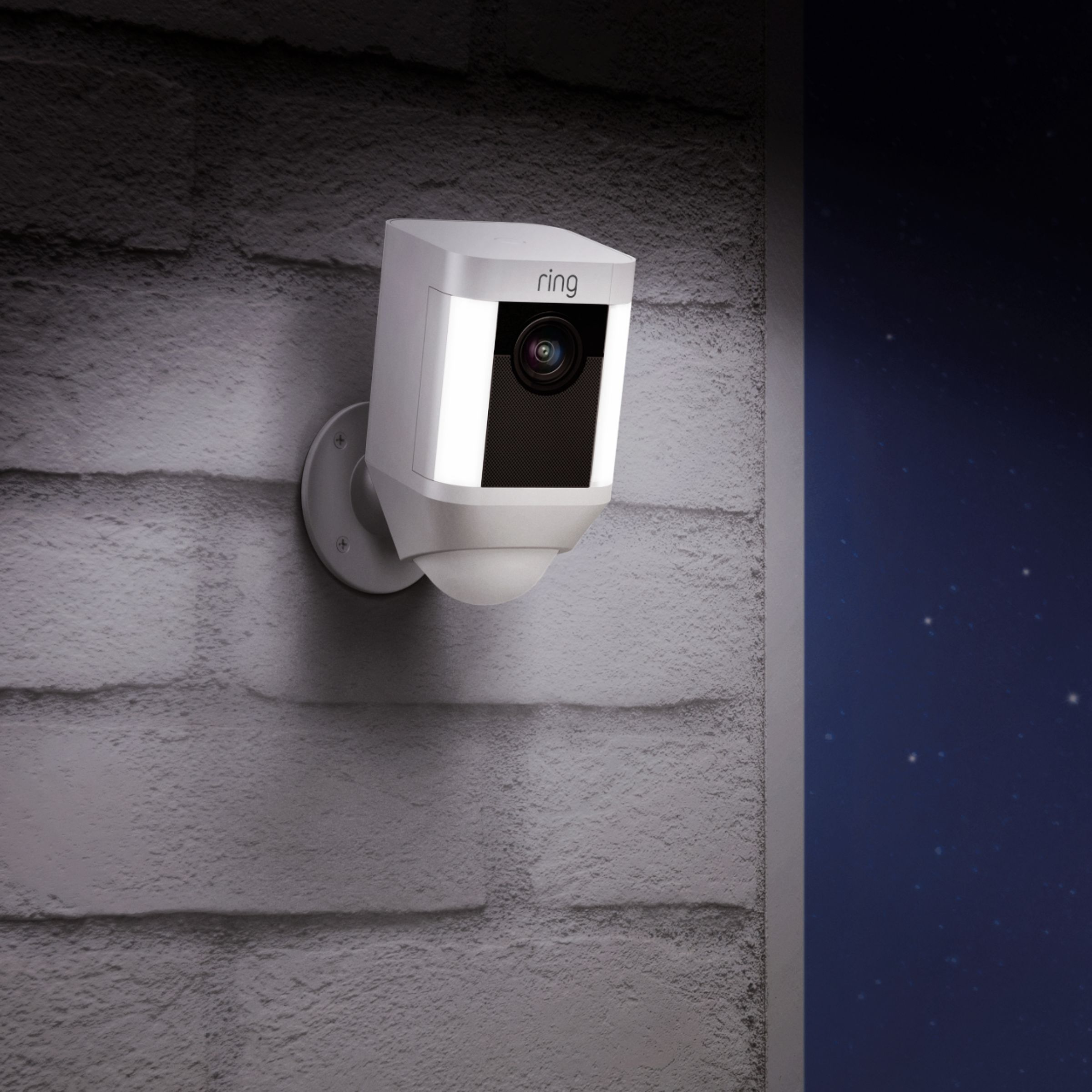
A:AnswerIt comes with one battery pack, but does hold 2 of them. It is the same removable, rechargeable pack that the 2nd version of the doorbell now has. You can buy them from Ring.
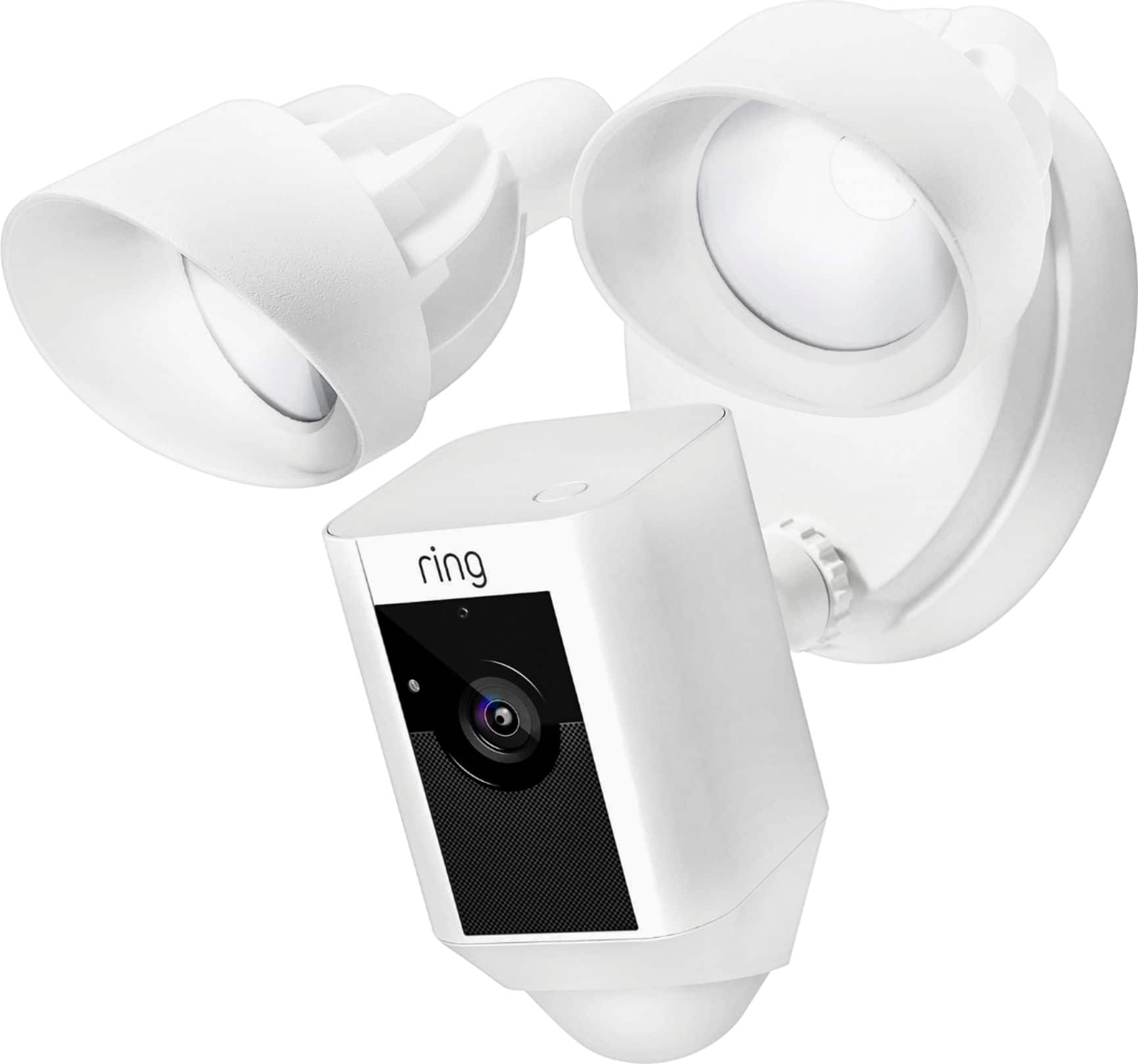
I installed 3 weeks ago a Ring 2 doorbell and have been so impressed with it that I purchased and installed a wired spotlight camera and a floodlight camera this weekend. I plan to purchase 2 of the battery version spotlight cameras as well.
A:AnswerThere should have been in a plastic packet with a special screwdriver to remove the screw from your camera. You remove the screw by inserting that special screwdriver into the screw under the camera. Be very careful it’s a very tiny screw and you can easily drop it and lose it. Once opened remove the battery. Be sure to replace the screw straight and not at an angle. There should’ve been extra little screws in your packet for the cameras.
A:AnswerHello Jess,
Ring's Spotlight Cam Battery is compatible with 802.11 b/g/n wifi networks operating on 2.4 gHz frequencies. Here is a helpful article with more detailed product information: https://support.ring.com/hc/en-us/articles/115003802183-Ring-Spotlight-Cam-Information.
We invite you to reach out at https://community.ring.com/ if any additional information is needed regarding your Ring pre-purchase question. Ring Community is our first peer-to-peer community forum, giving our customers the ability to help one another and share their feedback and experiences with Ring.
Thank you,
Alexis with Ring
A:AnswerHi! Yes, to both of your questions. Must connect to Wi-fi after establishing your power source (battery or hardwire). Multiple family members may have access through the app.
A:AnswerHello Cough,
The motion sensors in the Spotlight Camera are pointed downward to detect motion from five feet to 30 feet away. Ring products “see” the world through a network of three linked passive infrared (PIR) sensors. These are heat sensors that detect motion by monitoring heat within the detection area. Since people are hotter than the surrounding areas, as a person enters the detection area, the heat measurements change. The motion sensors register this change as movement and send out an alert. Here is more information about motion detection works in this device: https://support.ring.com/hc/en-us/articles/360022650691-Motion-Detection-in-Ring-Battery-Devices
This device does have a night vision feature as well as motion activated lighting.
For further questions or support, please visit: https://community.ring.com/.
Thanks,
Alexis with Ring
A:AnswerHello Farmer,
Great question! The range of the cameras is dependent on the signal strength of your home wifi network equipment. A variety of environmental factors may keep you from getting to clarity. Walls, floors, furniture, and appliances all block wifi signals. Even with the best wifi router and minimal obstructions, wifi signals get weaker as they travel.
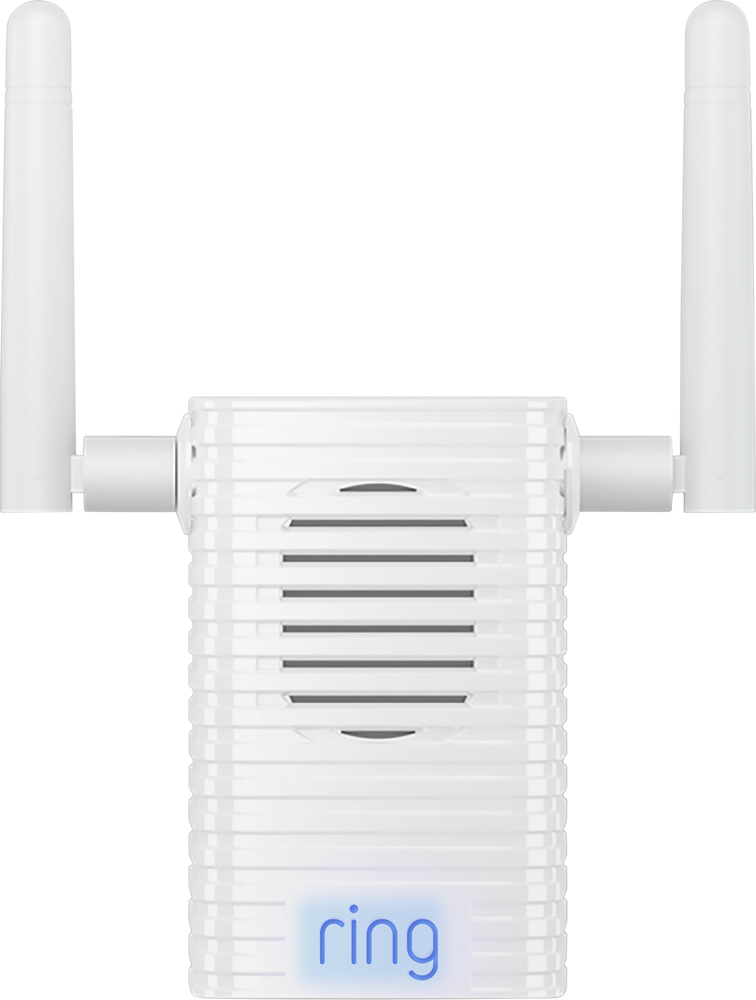
If your router is far away from your Ring products, consider moving it closer, or add a Ring Chime Pro or a mesh networking system to extend your wifi network. If many devices are connected to your wifi network (such as phones, computers, or TVs), they may slow your connection enough to affect your Ring products. To free up your wifi network, disconnect devices you seldom use, and connect heavy-use devices using Ethernet, when available.
Here are two helpful articles to review to understand how to get the best signal to your Ring devices:
https://support.ring.com/hc/en-us/articles/360020044511-How-to-Make-Wifi-Work-For-You
https://support.ring.com/hc/en-us/articles/217271526-Understanding-RSSI-Values-and-Wireless-Signal-Strength
If you have any additional questions please do not hesitate to visit our support site at https://community.ring.com/ to find the answers you need.
Thank you,
Alexis with Ring
A:AnswerCameras sensitivity can be adjusted. I have one set about 70 feet from street and camera does activate its motion detector when a vehicle passes by.
A:Answeryes get arlo first gen they have no audio,but what good is a security camera outside with no audio. so far RING is the best on the market today.