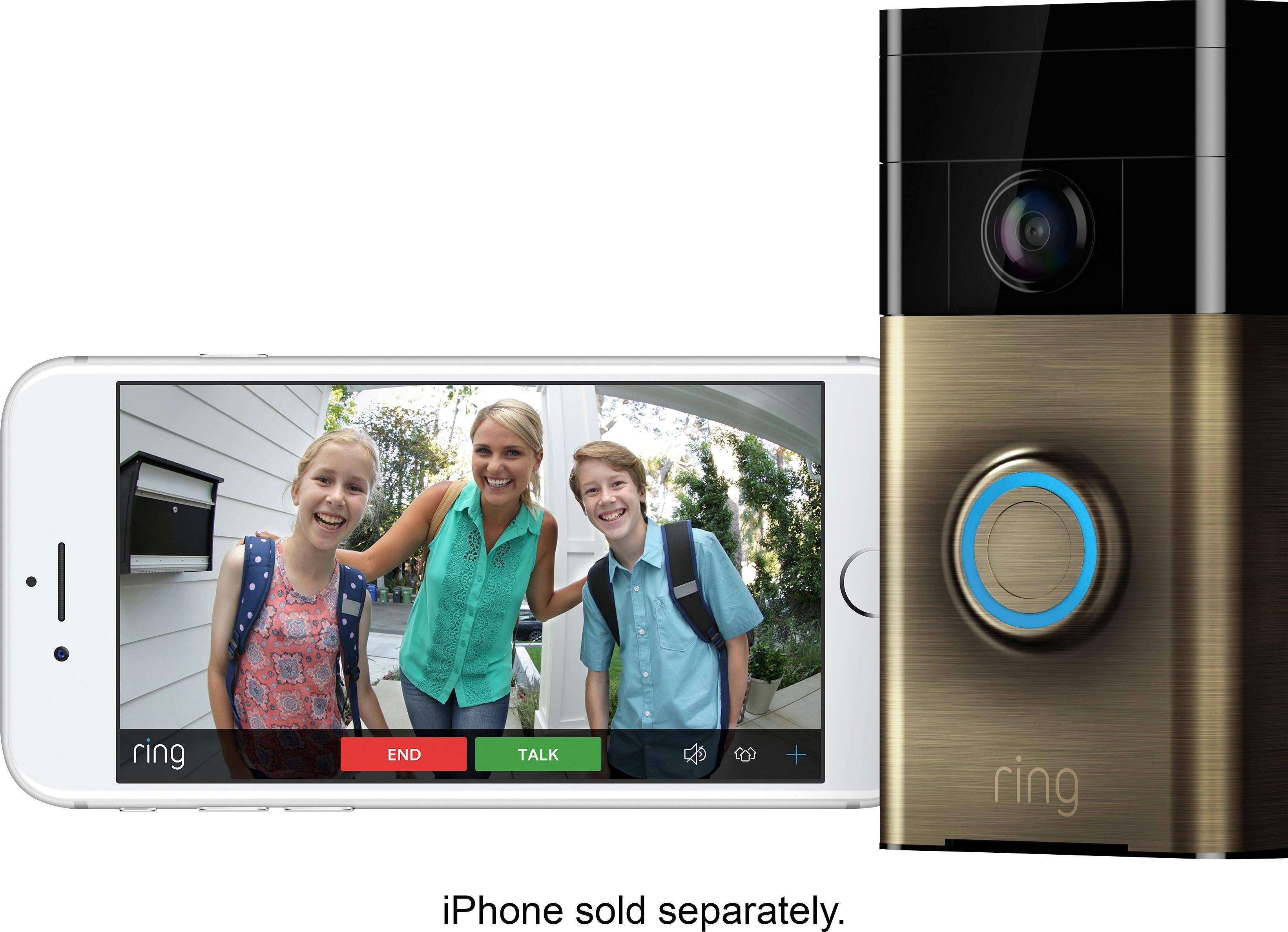
A:Answeryes this need wifi to setup . but however if not strong wifi than you can get ring chime wifi model . around $49 . in other ward , if door bell connected to your existing chime ,
poor wifi or not wifi , it will still ring to your home door bell like old style door bell . since it is connected hard wire also .
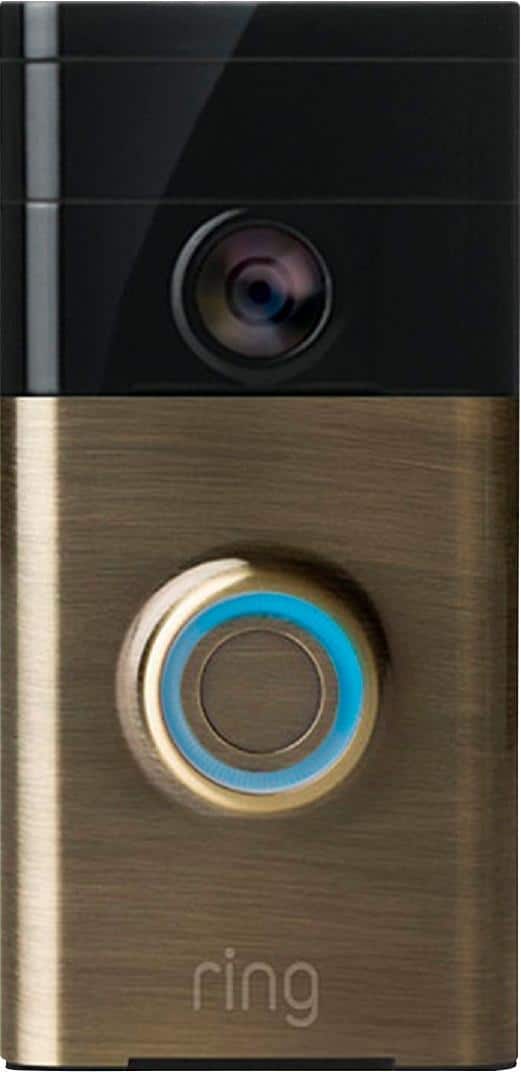
A:Answermy home never came with a doorbell but I also didn't need a chime. I just installed it on the wall and connected it to the Wifi and that was it.
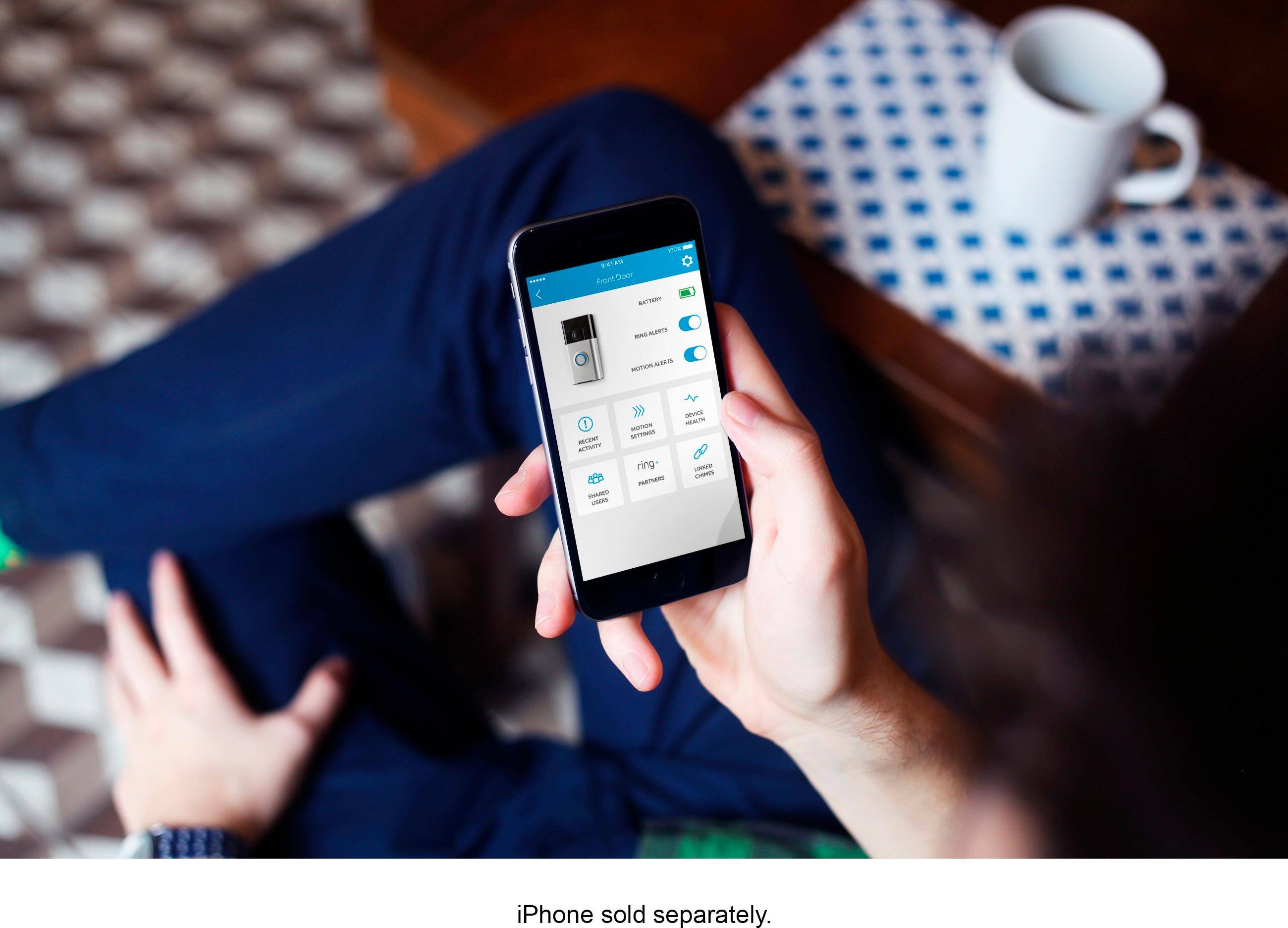
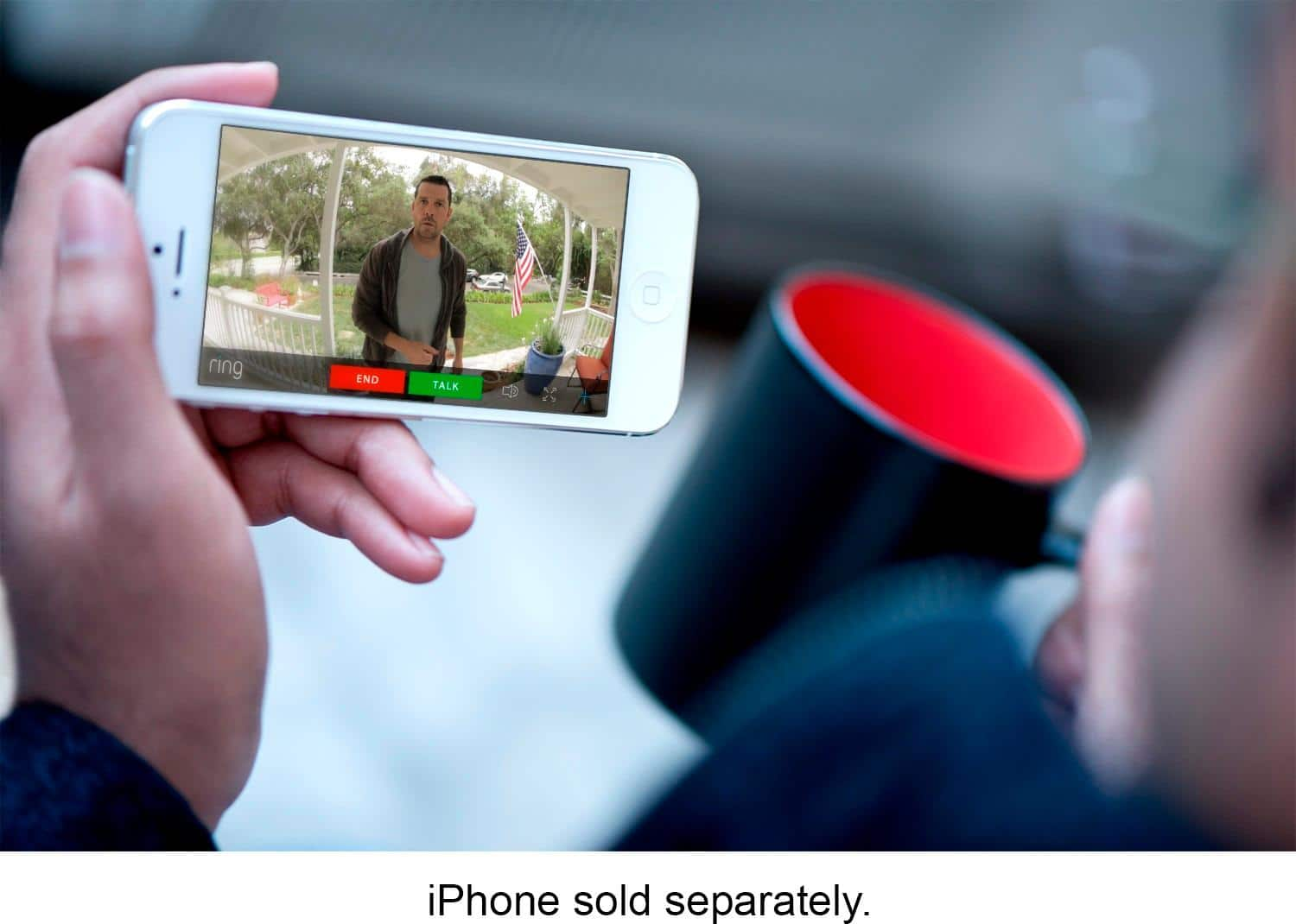
A:AnswerYou will get an alert on your phone. The Ring app has to be installed.
When Motion is detected the ring app alerts you even though the door bell hasn’t rang. The door bell camera one is WiFi no hard wiring. Doorbell camera 2 is hard wiring.
A:AnswerYou get 30 days of free recording storage and after that if you want to record activity you have to pay 3.00 per month or 30.00 yearly. If you do not choose to pay the fee you can only use it to answer the door when someone rings it.
A:AnswerAs i know fact. Ring 720 resolution , Ring 2 1080 P resolution . that is not much different . Also Ring 1 have fix battery down the road after 2-3 year if you need to replace battery than you need your self super tech to replace it . Ring 2 how ever have removal battery if battery need to replace than you can easily get around $30 and it will be on to go . Ring 1 if you have hard wire and door is facing to directly to sun light , i thing you will never run out battery and battery problem.
A:AnswerMine is set to detect motion with the 15 feet to 30 feet option. I’d say it reaches at least the 15 feet. I can see down my walk way and into the street. I can see my neighbors house but it starts to get a little blurry.
A:AnswerHave you tried going into motion wizard and putting that your house faces a street so that then you can make adjustments on that and also motion zones lets you try and cut out some of the areas so cars don’t get caught as much by the camera