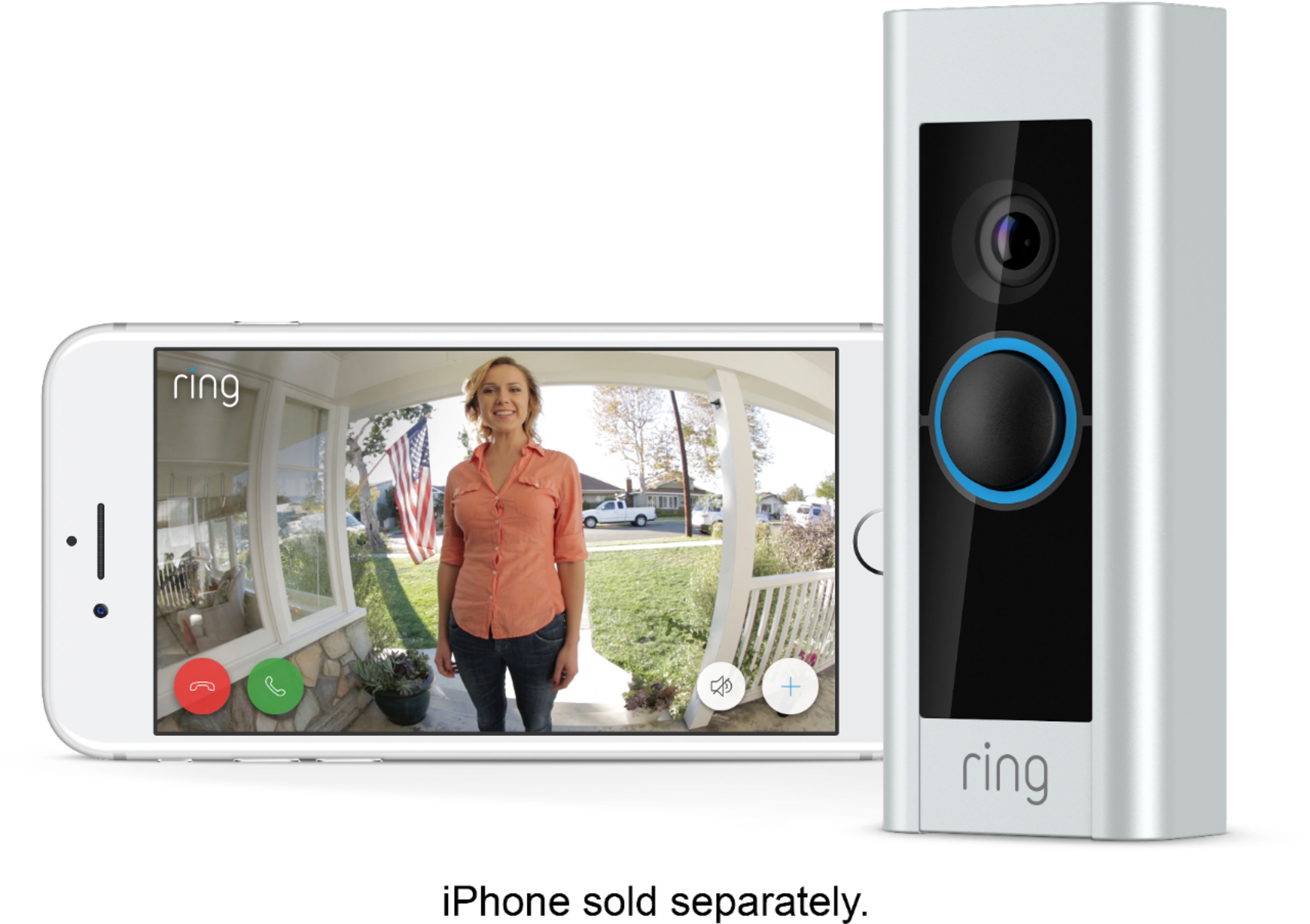
A:AnswerYes and no. Echo will give you full control of it, including video feed on Echo Show. Google will let you 'talk to Ring' and it will give you option to start recording, what is the status of the system or you can ask for time of last notification, but no video feed on Nest Hub
A:AnswerYes, if you have the motion detection on you will get notified of movement around door. This will take a little adjusting in the app to select the area of motion detection.
A:AnswerYes it does work with Google devices not sure about Lenovo but always go to the manufacturer website and enter your device style and it would tell you that and much more.
A:AnswerI have been using it on my iPhone 8 and it works great!
Zero issues. The Ring app is easy to use, and can be used with their other projects too.
A:AnswerIt has a minimun 30 day hold on data, you can go into your account on the website and flag a movie. You can also adjust your preferences and choose a package at that time. You can also download the videos with ease.
A:AnswerYes, you will need wifi for this to work properly. It is completely wireless in the form of storing data and allowing you full access to the live feed and microphone.
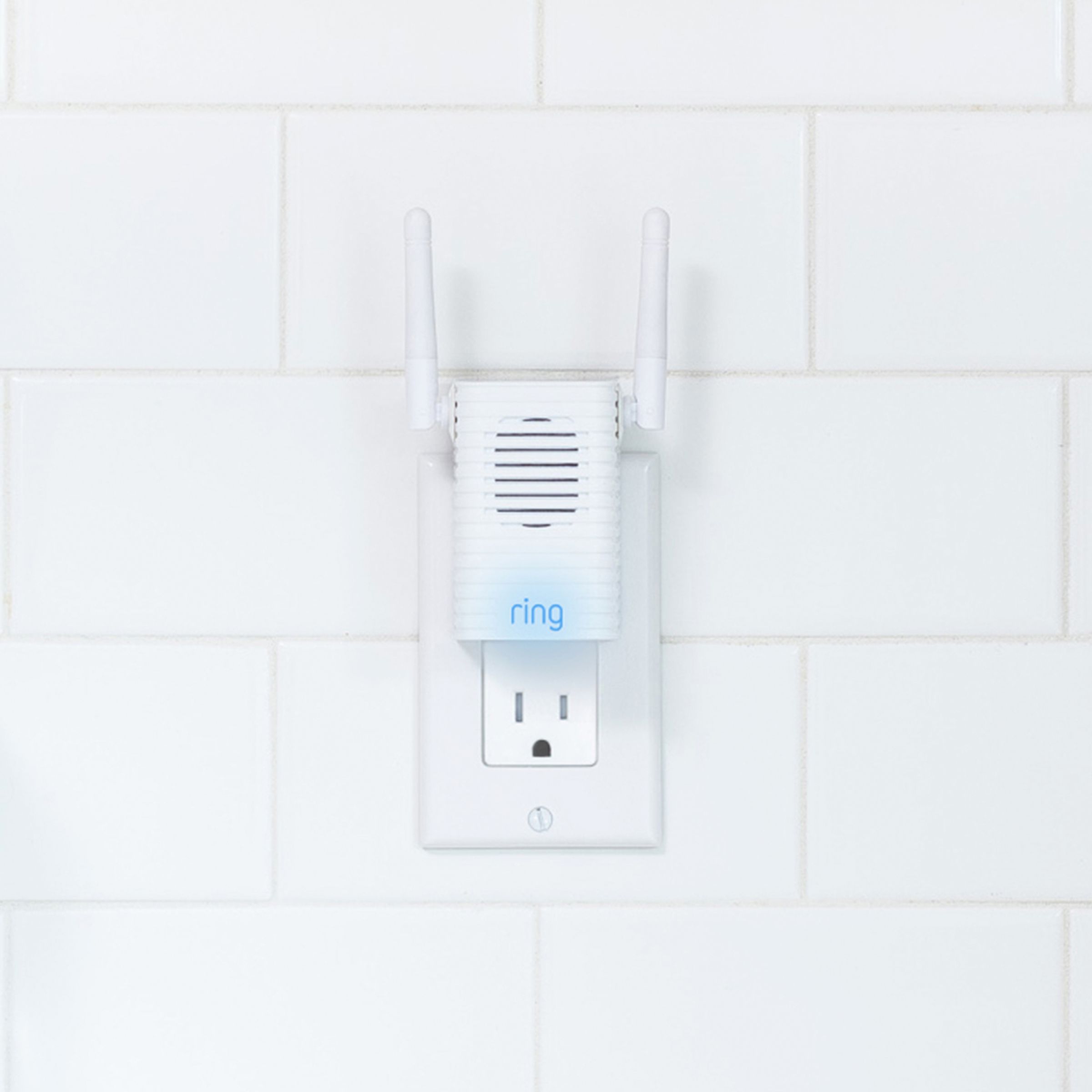
A:AnswerI had an electrician install mine with our Musical Chime. He had to wire in the "Pro Power Kit" included in the box inside my the Nutone Chime box.
A:AnswerYes you do, it’s so cheap. It’s $30 for the year or $100 for more than 2 cameras. It can also be done monthly. If you don’t have the service you can’t see the events that have happened.
Honestly it’s so worth it. We can be out we can see who comes to the door we can also answer as well.