A:AnswerA lot will depend on how often it gets triggered. On average, our device triggers about 5-6 times a day. It's generally us coming/going, Amazon deliveries, or occasionally traffic passing on the street. Some days it's more frequent; our unit generally lasts about 3 weeks before needing to be recharged. You get a message on your phone that your battery is at 30% and needs to be recharged, plug it into a USB and it fully charges in about an hour and a half. You can also use the app to check it's status any time, so if you expect to be away from home for a time you can check it before you leave to see if you need to charge it to cover your absence.
A:AnswerHi KittenCarrie.
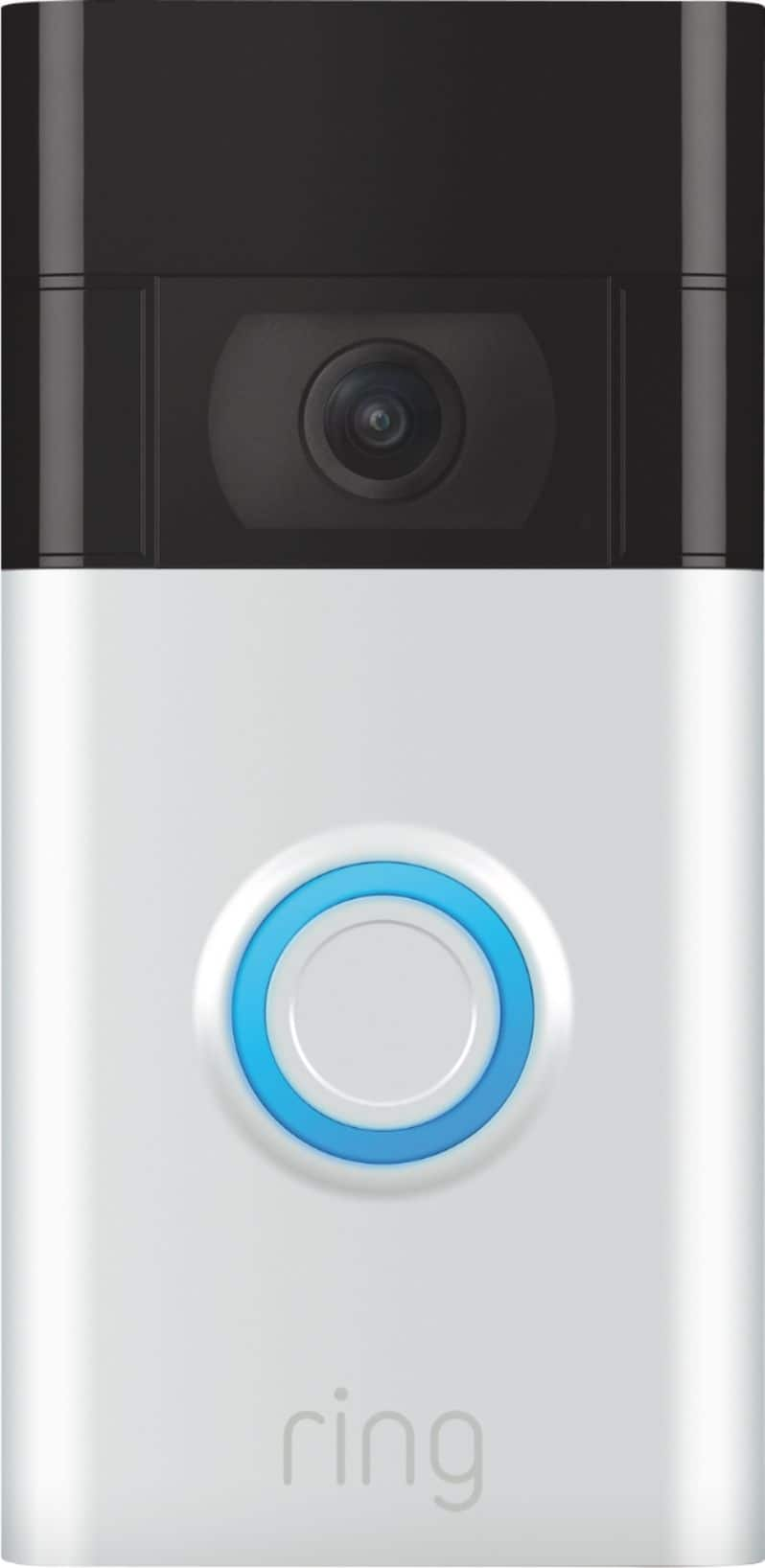
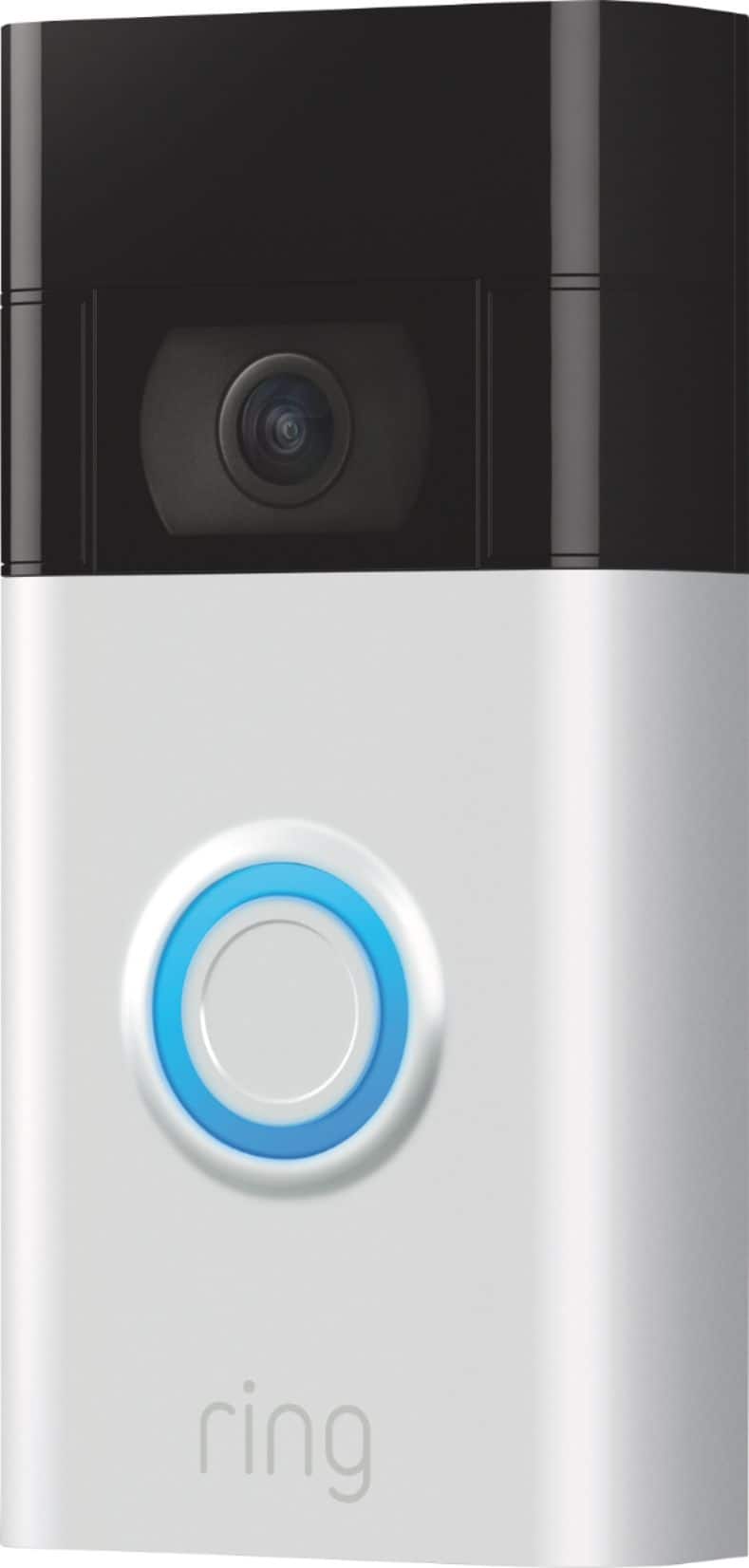
Good question. The Ring Video Doorbell (2nd Generation) is the next generation of the original Ring Video Doorbell. In addition to new video features such as Near Zone functionality, the Ring Video Doorbell (2nd Generation) boasts 1080p video, improved night vision, improved audio quality, and near motion zone detection.
Ring Video Doorbell Pro is Ring’s ultra-slim video doorbell with a variety of advanced features. The Video Doorbell Pro offers advanced motion detection, 1080p video, two-way talk and quick replies, color night vision, and Alexa greetings. With Ring’s advanced doorbell, you can check in on your front door anytime, from anywhere, and see and speak to visitors at your door in real-time using your Ring app or Alexa-enabled device.
We invite you to reach out to our Community if any additional information is needed regarding your question. The Ring Community is our first peer-to-peer community forum, giving our customers the ability to help one another by sharing their feedback and experiences with each other.
All the best,
Nicole from Ring.
A:AnswerHi Bruski.
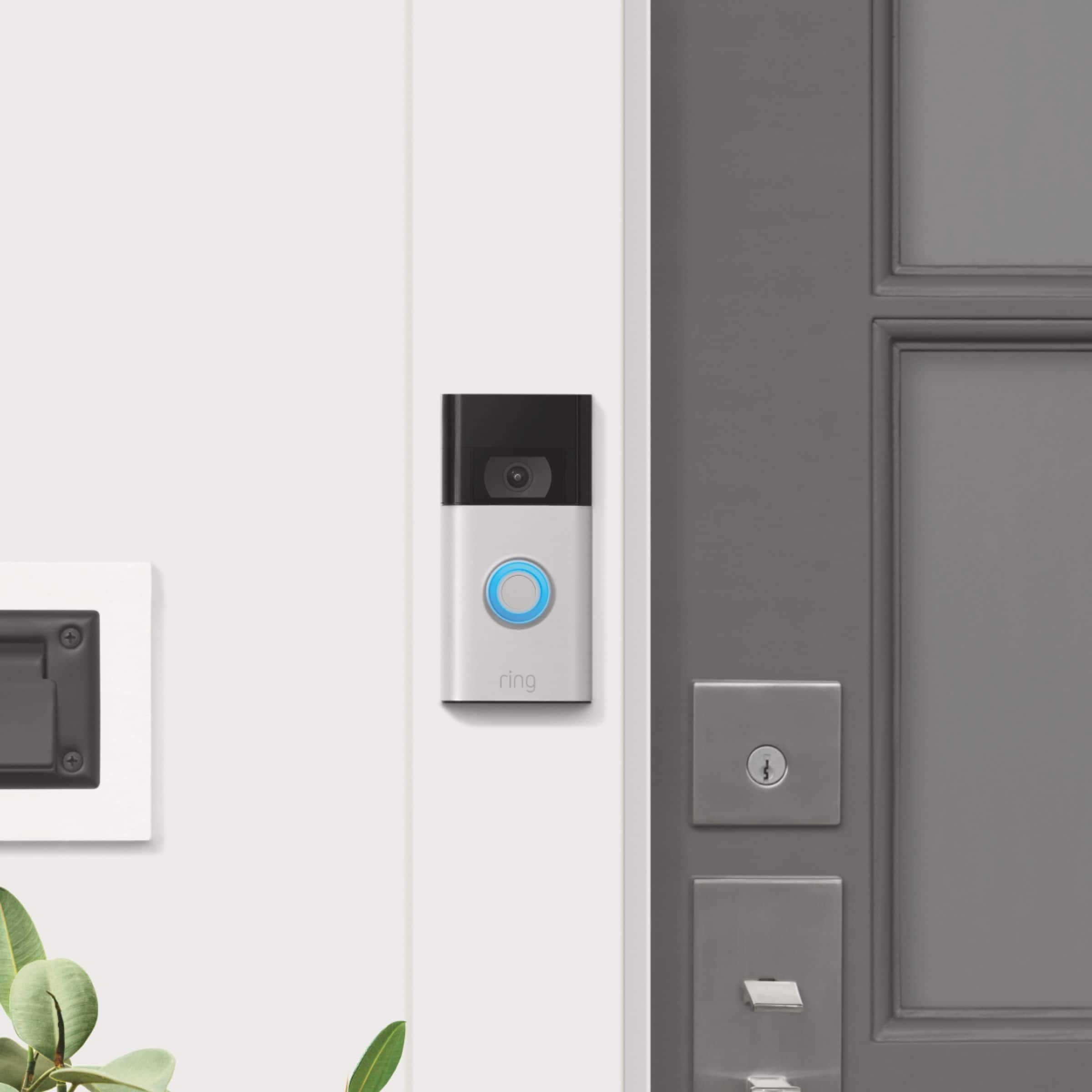
Great question! Yes, if you're installing a Ring Doorbell on a house with aluminum siding or in a house where the door is atop a set of stairs, you can use a wedge kit to properly position the Ring Video Doorbell. This can help catch visitor motion but minimize "false positive" motion alerts. Visit our support center for additional details.
We invite you to reach out to our Community if any additional information is needed regarding your question. The Ring Community is our first peer-to-peer community forum, giving our customers the ability to help one another by sharing their feedback and experiences with each other.
All the best,
Nicole from Ring.
A:AnswerThe camera is very sharp and accurate at that distance. To view distant targets well, you’ll need a larger screen. I use an Echo Show. Works well enough.
A:AnswerHi Wally.
Good question. No, the Ring Video Doorbell does not have a game trail setting. The button on the back of the Ring Video Doorbell is the setup button. You will use this button to put your device into setup mode.
We invite you to reach out to our Community if any additional information is needed regarding your question. The Ring Community is our first peer-to-peer community forum, giving our customers the ability to help one another by sharing their feedback and experiences with each other.
All the best,
Nicole from Ring.
A:AnswerHi AntES.
Good question. Yes, you can set up the Ring Video Doorbell (2nd Generation) in your Ring account with your Ring Alarm Pro. The Ring Video Doorbell (2nd Generation) works with any other device created by Ring and can perform all the functions expected of a video doorbell in a security system.
We invite you to reach out to our Community if any additional information is needed regarding your question. The Ring Community is our first peer-to-peer community forum, giving our customers the ability to help one another by sharing their feedback and experiences with each other.
All the best,
Nicole from Ring.
A:AnswerHi Lisa.
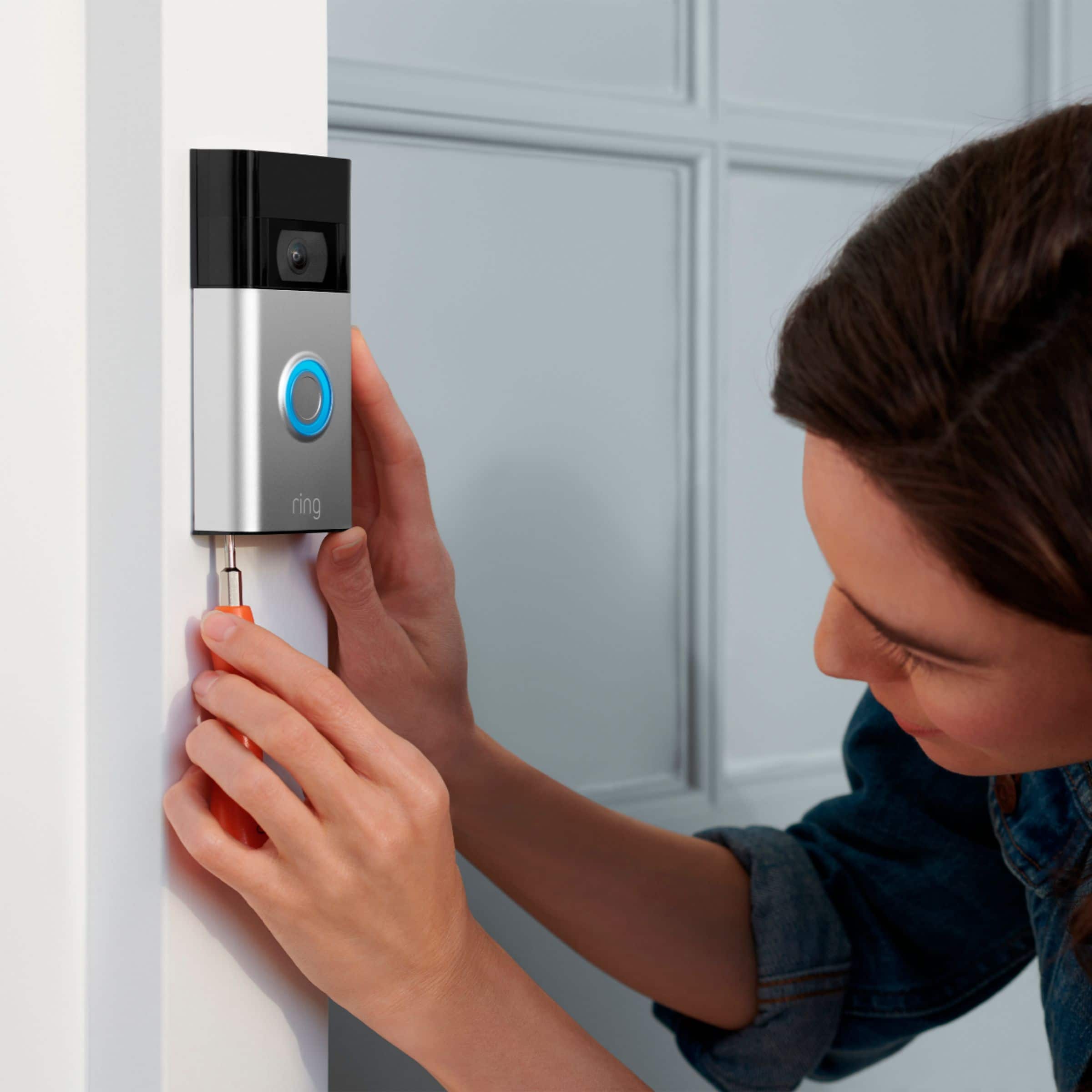
Good question. Yes, the Ring Video Doorbell (2nd Generation) can be installed using the Ring No-Drill Mount (sold separately). The No-Drill Mount uses double-sided adhesive to attach the plate to your wall, so you can securely screw your Ring Video Doorbell directly onto the mounting plate—no power tools are required.
We invite you to reach out to our Community if any additional information is needed regarding your question. The Ring Community is our first peer-to-peer community forum, giving our customers the ability to help one another by sharing their feedback and experiences with each other.
All the best,
Nicole from Ring.
A:AnswerHi Keith.
Good question. The Ring Video Doorbell (2nd Generation) is designed for easy DIY installation. Be sure to set your device up in the Ring app prior to installation. Visit our support center for a step-by-step guide to installing your device.
We invite you to reach out to our Community if any additional information is needed regarding your question. The Ring Community is our first peer-to-peer community forum, giving our customers the ability to help one another by sharing their feedback and experiences with each other.
All the best,
Nicole from Ring.
A:AnswerYes I removed my old doorbell and wired this new one right into it. If you have a stucco frame on your house you might have to level out the section of stucco a little bit remove the the bumps so it sets fairly flat but I did that really easy with a small chisel and a hammer and I just drew a pencil Mark around the doorbell casing and wired it up now I charges the battery all the time.
A:AnswerHi kayak.
Good question. Yes, you can set up multiple Ring devices on the same Ring owner account. When you tap "Set up a new device" in the Ring app, you'll be taken through the process of creating your first location, or if you already have existing locations, given the option to add the new device to them.
We invite you to reach out to our Community if any additional information is needed regarding your question. The Ring Community is our first peer-to-peer community forum, giving our customers the ability to help one another by sharing their feedback and experiences with each other.
All the best,
Nicole from Ring.
A:AnswerI'm not positive cuz I've never been to India and I don't know how their electric setup it says they have 220 if they you really don't need electricity other than low voltage like you would use on yard lights low voltage you can get a low voltage doorbell ringer from any most any hardware store this is in America but for most hardware stores and it'll it'll the wiring that you used to go to the doorbell will carry low voltage and you can hook up to it but check your your building codes in your area they probably will have a better answer for you.