A:AnswerHello Options.
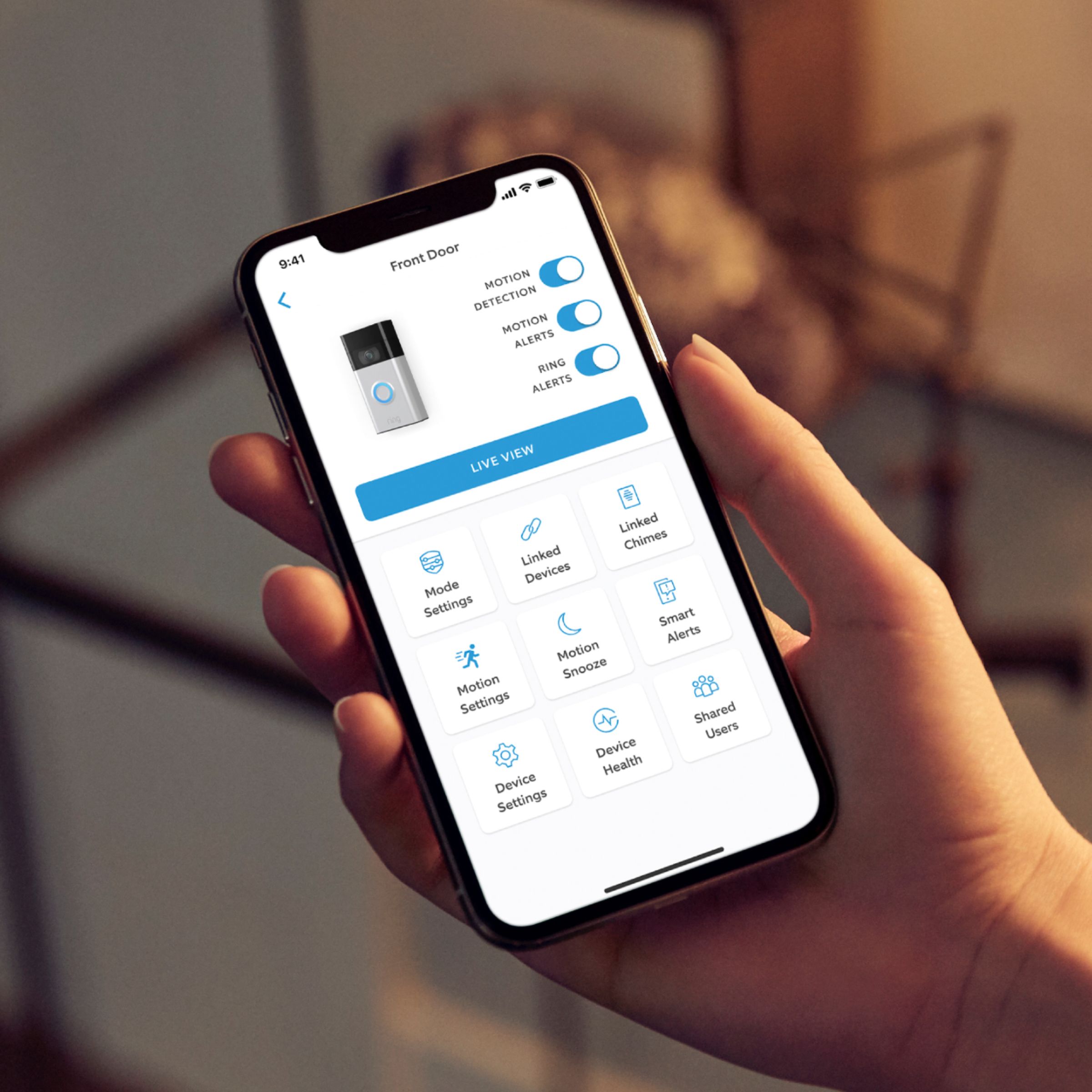
Great question! Yes, multiple users can use the Ring app to connect to your Ring Video Doorbell. If you want to add another person to your account, you can add a shared user. Shared users must have their own Ring account (by downloading the Ring app) and use their own email and password to log in. Learn more here: https://support.ring.com/hc/en-us/articles/211018223-How-to-Add-Another-Person-to-Your-Ring-Account.
If any additional information is needed regarding your Ring question, please reach out to our Community. Ring Community is our first peer-to-peer community forum, giving our customers the ability to help one another and share their feedback and experiences directly with Ring. You can find it here: https://community.ring.com/.
All the best,
Nicole from Ring.
A:AnswerHi Mandy.
Good question! No, having a Ring Video Doorbell does not require a monthly fee. Ring does offer an optional subscription that gives you access to paid features for Ring devices. With a Ring Protect Plan, you can save, review, and share video recordings from your Ring devices to your Ring account. Without a Ring Protect Plan, you can still view real-time video for Ring doorbells and cameras and answer doorbell notifications when they happen, but you don’t get video recordings of those events. Read more in our support center: https://support.ring.com/hc/en-us/articles/115001671383-General-Information-on-Ring-Protect-Subscription-Plans.
We invite you to reach out to our Community if any additional information is needed regarding your question. The Ring Community is our first peer-to-peer community forum, giving our customers the ability to help one another by sharing their feedback and experiences with each other. You can find it here: https://community.ring.com/.
All the best,
Nicole from Ring.
A:AnswerIf you purchase a battery dependent model, the sun's heat would likely drain the battery more quickly, especially in summer; however, for questions regarding the internal camera, I would contact the manufacturer. Results during development and testing surely include the sun's affects on Ring's cameras. You might try YouTube for information and reviews. Best of luck!
A:AnswerHello.
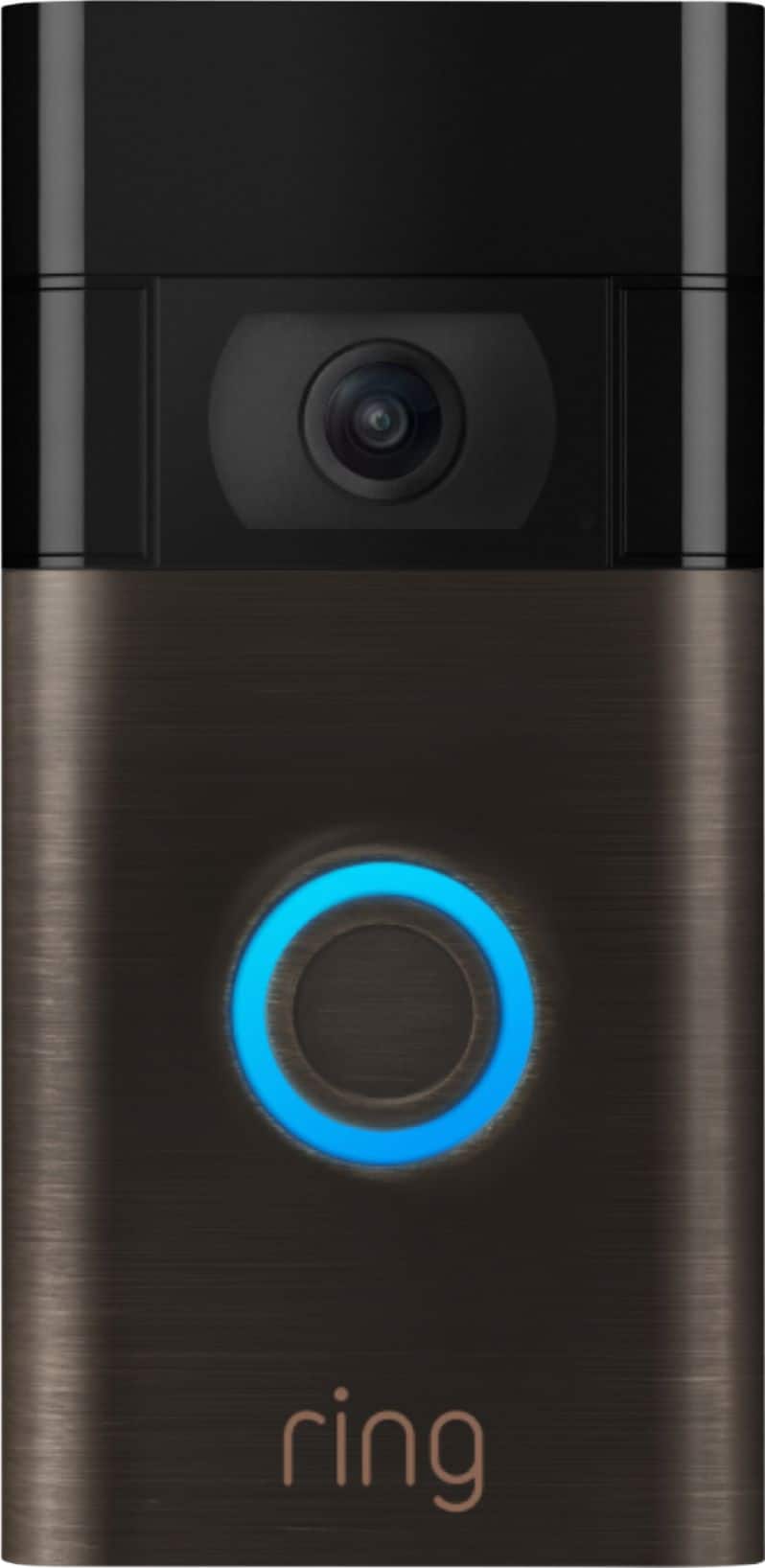
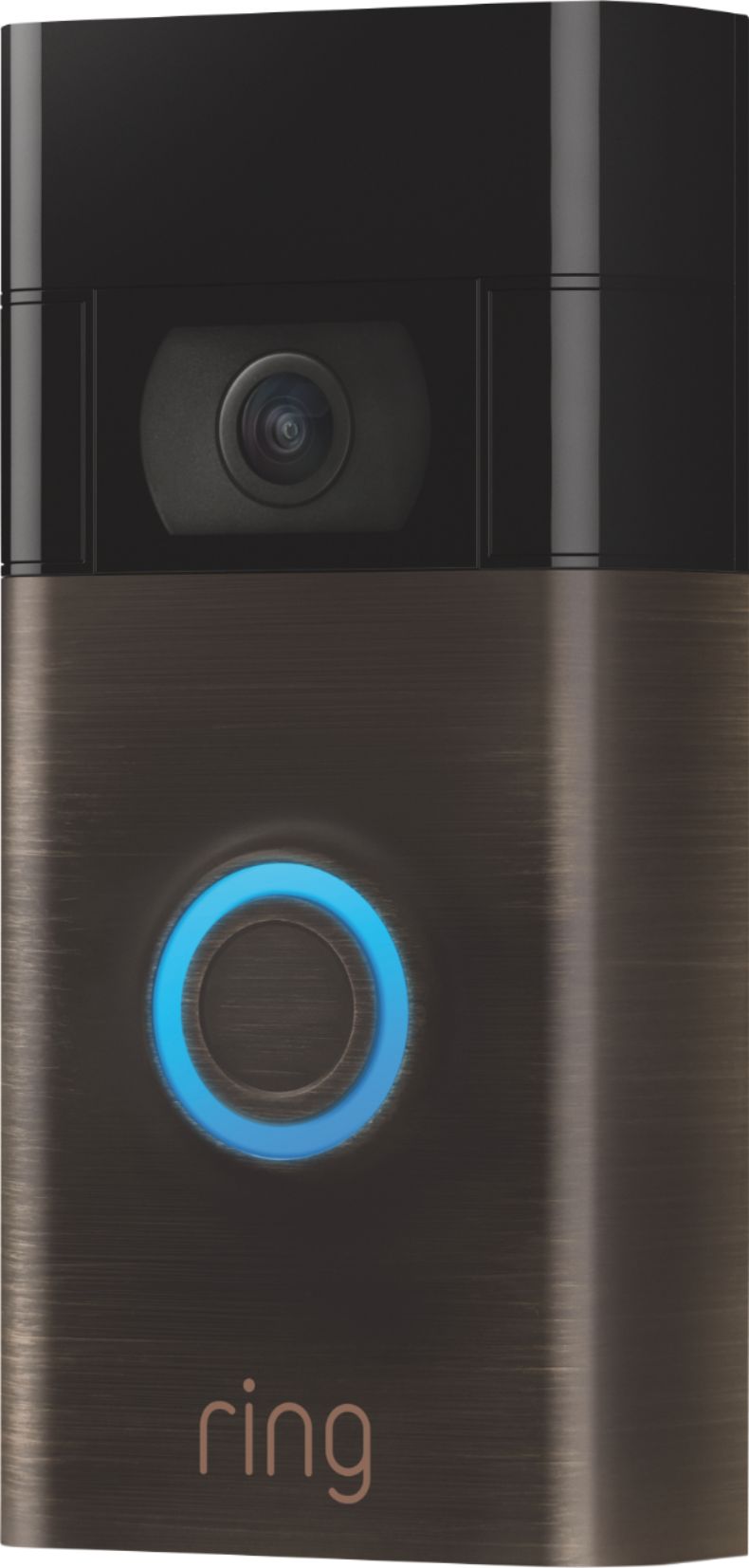
Thank you for asking! Yes, the Ring Video Doorbell (2nd Generation) can be adjusted to point in directions other than straight forward through the use of a wedge or corner kit. The Ring Video Doorbell (2nd Generation) is the next generation of the original Ring Video Doorbell. In addition to new video features such as Near Zone functionality, the Ring Video Doorbell (2nd Generation) boasts 1080p video, improved night vision, improved audio quality, and near-motion zone detection. Learn more by visiting our support center: https://support.ring.com/hc/en-us/articles/360041190711-Ring-Video-Doorbell-2nd-Generation-Information.
We invite you to reach out to our Community if any additional information is needed regarding your question. The Ring Community is our first peer-to-peer community forum, giving our customers the ability to help one another by sharing their feedback and experiences with each other. You can find it here: https://community.ring.com/.
All the best,
Nicole from Ring.
A:AnswerHi Js.
Great question! The Ring Video Doorbell (2nd Generation) comes with the mounting plate attached. If you don't see the MAC ID or can't find the orange set-up button, please remove the mounting bracket. To get the mount off the back of the Ring Video Doorbell (2nd Generation), put two fingers on the mount and then, with the other hand, pull the doorbell straight back to release the magnet that's holding them together. Visit our support center for additional details: https://support.ring.com/hc/en-us/articles/360041353291-Setting-Up-Your-Ring-Video-Doorbell-2nd-Generation-in-the-Ring-App.
We invite you to reach out to our Community if any additional information is needed regarding your question. The Ring Community is our first peer-to-peer community forum, giving our customers the ability to help one another by sharing their feedback and experiences with each other. You can find it here: https://community.ring.com/.
All the best,
Nicole from Ring.
A:AnswerHi MsKim.
Good question! The Ring Video Doorbell is compatible with an 802.11 b/g/n wifi connection at 2.4GHz. If your device disconnects from your wifi network, follow these steps to reconnect your video doorbell to your wifi network in the Ring App: https://support.ring.com/hc/en-us/articles/360034825092-How-to-Reconnect-Your-Ring-Video-Doorbell-or-Security-Camera-to-Wifi-or-Change-Your-Wifi-Network.
If any additional information is needed regarding your Ring question, please reach out to our Community. Ring Community is our first peer-to-peer community forum, giving our customers the ability to help one another and share their feedback and experiences directly with Ring. You can find it here: https://community.ring.com/.
All the best,
Nicole from Ring.
A:AnswerHi Lyss.
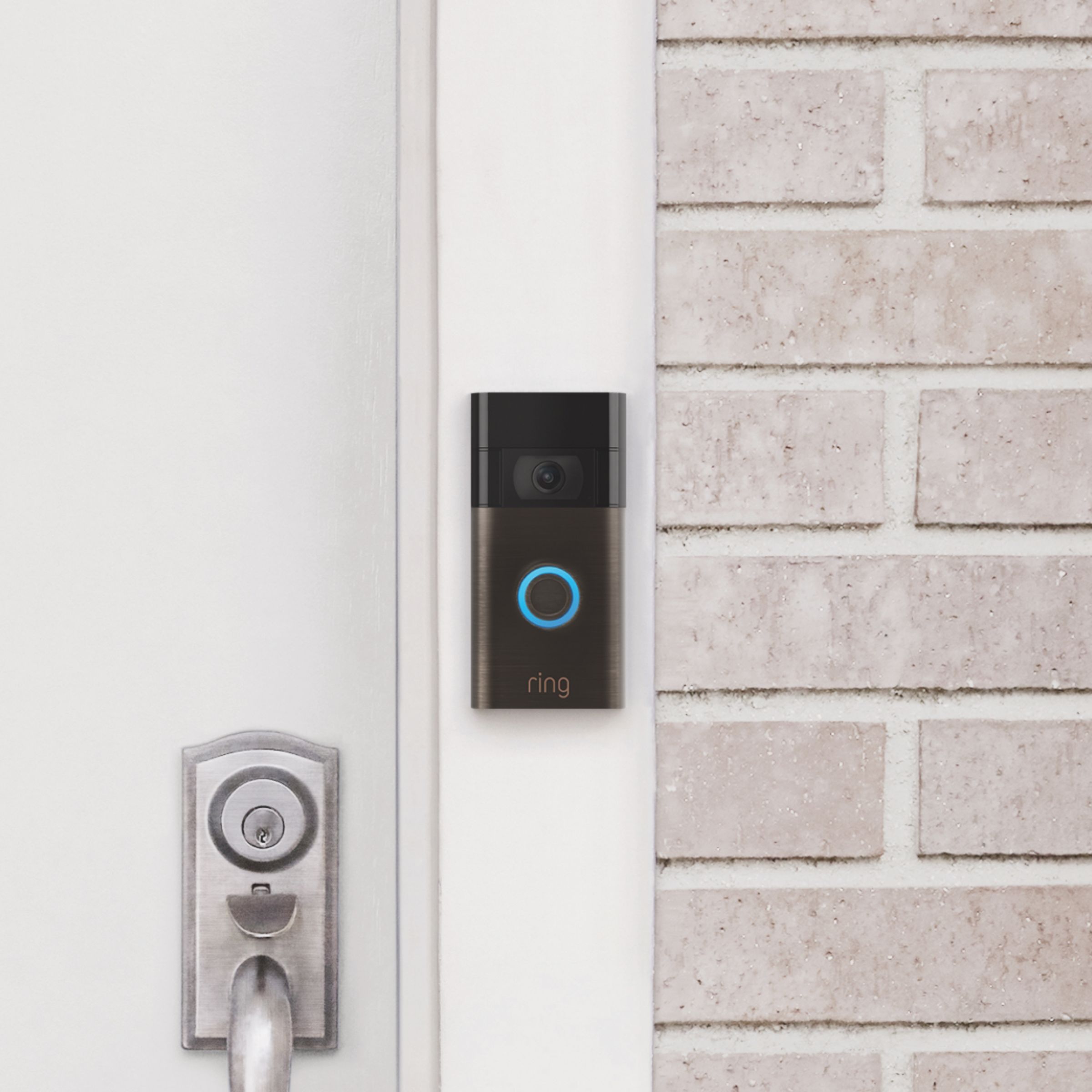
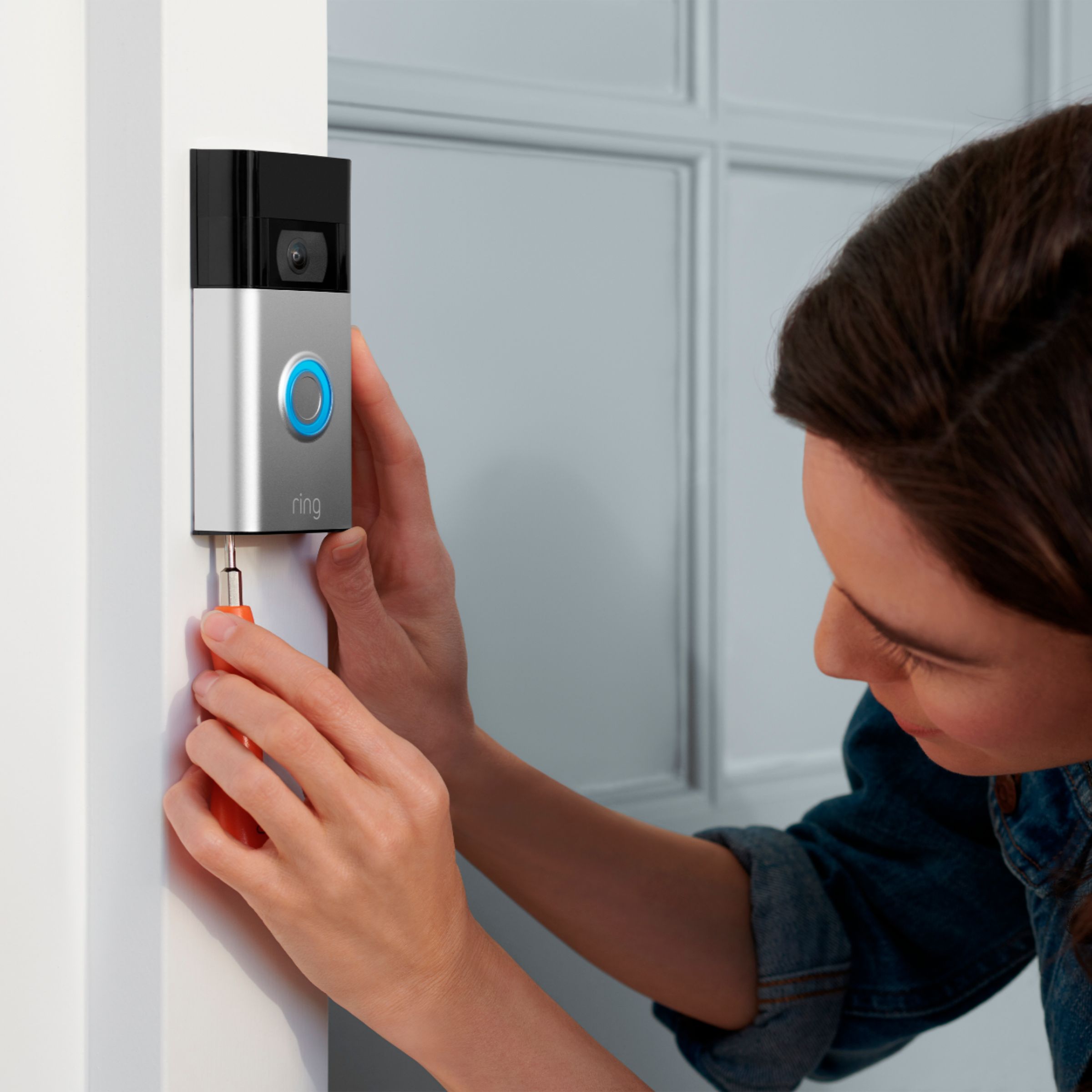
Great question! Yes, installing your Ring Video Doorbell (2nd Generation) is a simple process and does not require an electrician. The Ring Video Doorbell is designed to keep you in the know, from anywhere. It offers sharp HD video, motion detection, and an easy DIY installation that works on any home. For a step-by-step guide on installation, visit our support center: https://support.ring.com/hc/en-us/articles/360041352731-How-to-Physically-Install-Your-Ring-Video-Doorbell-2nd-Generation-With-an-Existing-Doorbell.
If any additional information is needed regarding your Ring installation question, please reach out to our Community. Ring Community is our first peer-to-peer community forum, giving our customers the ability to help one another and share their feedback and experiences directly with Ring. You can find it here: https://community.ring.com/.
All the best,
Nicole from Ring.
A:AnswerHi MrsHall.
Good question! Yes, this Ring Video Doorbell has a built-in rechargeable battery and is designed to work with or without an existing chime kit. Physically installing your Ring Video Doorbell (2nd Generation) without an existing doorbell is a simple process. Visit our support center for a step-by-step guide: https://support.ring.com/hc/en-us/articles/360041190411-How-to-Physically-Install-Your-Ring-Video-Doorbell-2nd-Generation-Without-an-Existing-Doorbell.
We invite you to reach out to our Community if any additional information is needed regarding your question. The Ring Community is our first peer-to-peer community forum, giving our customers the ability to help one another by sharing their feedback and experiences with each other. You can find it here: https://community.ring.com/.
All the best,
Nicole from Ring.
A:AnswerHello.
Great question! Yes, the Ring Video Doorbell will work with a Ring Solar Panel for Ring Video Doorbells. The Ring Video Doorbell Solar Panel is a small device that can be mounted outdoors and connected to your Ring Video Doorbell with a cable. With just a few hours of direct sunlight per day, it will extend the life of your doorbell battery. Visit our support center for more information: https://support.ring.com/hc/en-us/articles/360061516532-Solar-Panel-for-Ring-Video-Doorbell-information.
We invite you to reach out to our Community if any additional information is needed regarding your question. The Ring Community is our first peer-to-peer community forum, giving our customers the ability to help one another by sharing their feedback and experiences with each other. You can find it here: https://community.ring.com/.
All the best,
Nicole from Ring.
A:AnswerMy Ring Doorbells has 2 small holes on the bottom. When I purchased my Ring Video Doorbells it came with screws and a tool to screw them in and out when recharging the battery. Also, my battery is built-in to my Ring Video Doorbell.
There are also instructions on your phone if you have forgotten how to remove your battery for recharging.
A:AnswerHello, Dylan. Great question! Yes, the packaging includes all the necessary hardware to mount your device. Here is a full list of what's included: https://support.ring.com/hc/en-us/articles/360041190711-Ring-Video-Doorbell-2nd-Generation-Information.
Ring Video Doorbell (2nd Generation)
Installation hardware and tools
USB charging cable
Mounting bracket
User manual & quick-start guide
Security Sticker
We invite you to reach out to our Community if any additional information is needed regarding your question. The Ring Community is our first peer-to-peer community forum, giving our customers the ability to help one another by sharing their feedback and experiences with each other. You can find it here: https://community.ring.com/.
Thank you,
Alexis with Ring.
A:AnswerThe Ring Video Doorbell Generation 2 (2020) works well with the Solar panel. The back of the Doorbell should come off and expose the USB charging hole. The Solar panel should have a cord that has a charging end that snugly fits in the back of the Doorbell. Everything needed to make the Solar Panel fit and work with the Ring (Generation 2 (2020) ) camera should come in the box with the Solar Panel. Once everything is attached, the back of the Doorbell will be covered and not exposed, and then fit well against your wall where installed.