A:AnswerHello Anona,
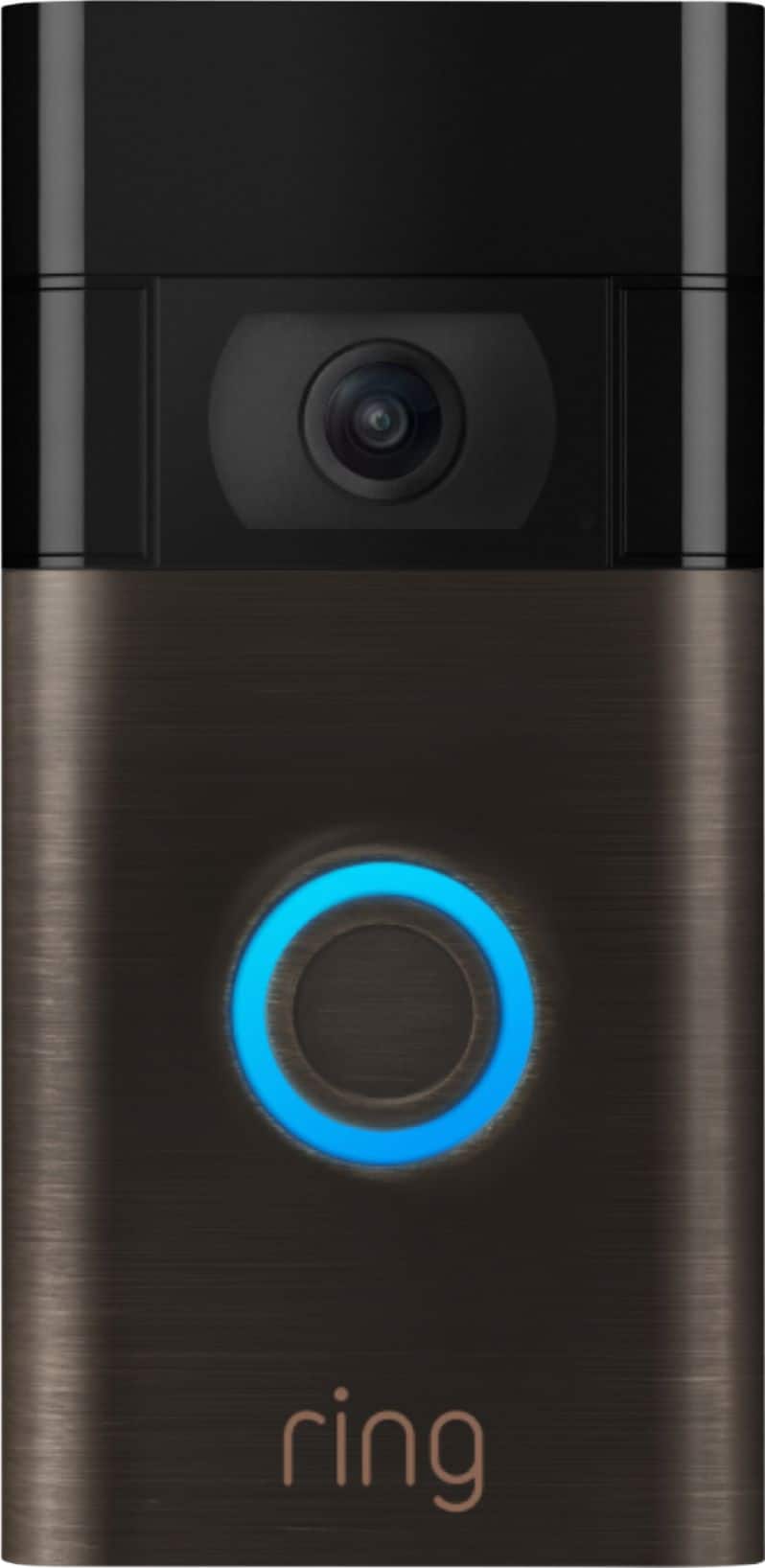
Great question. The Ring Video Doorbell 2020 comes with the following:
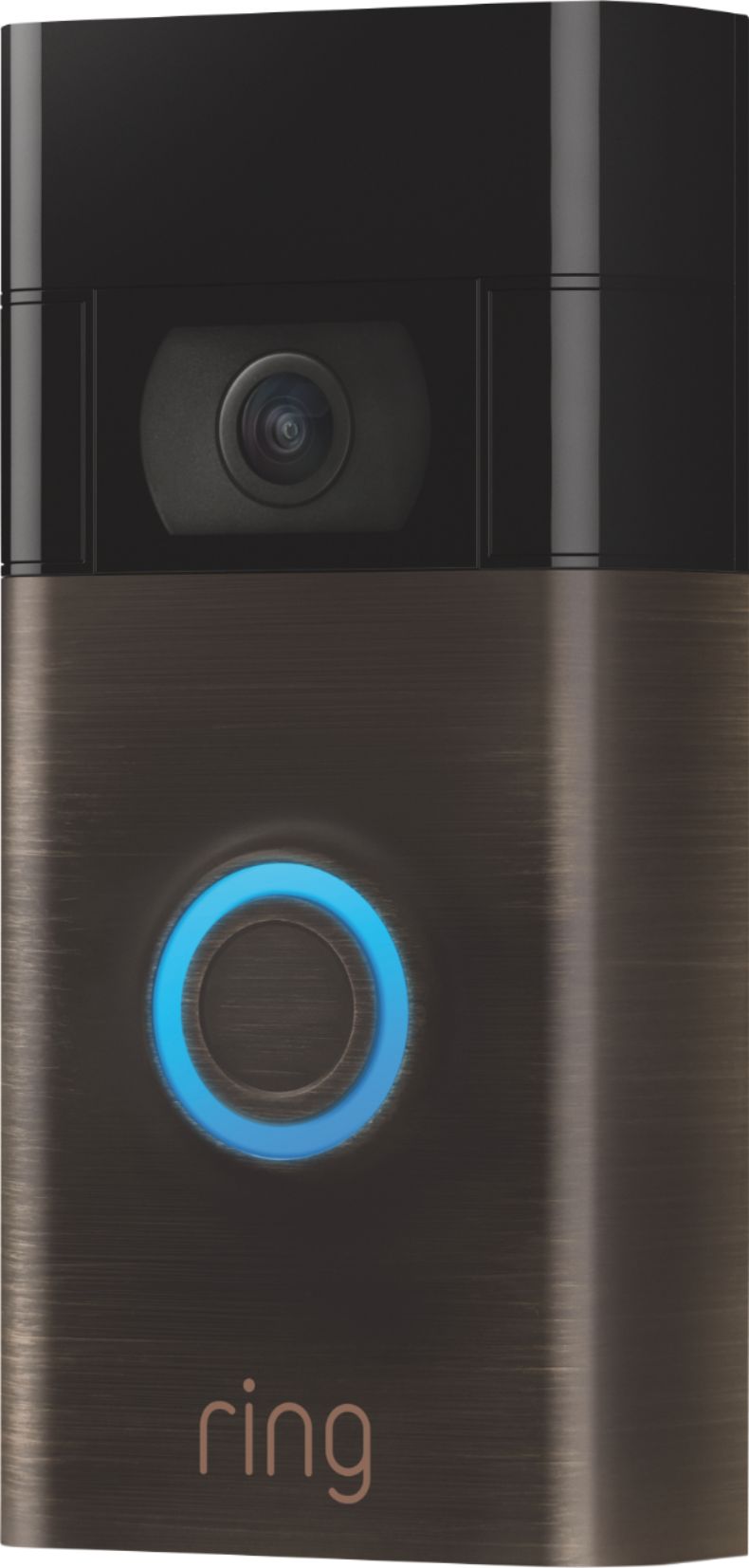
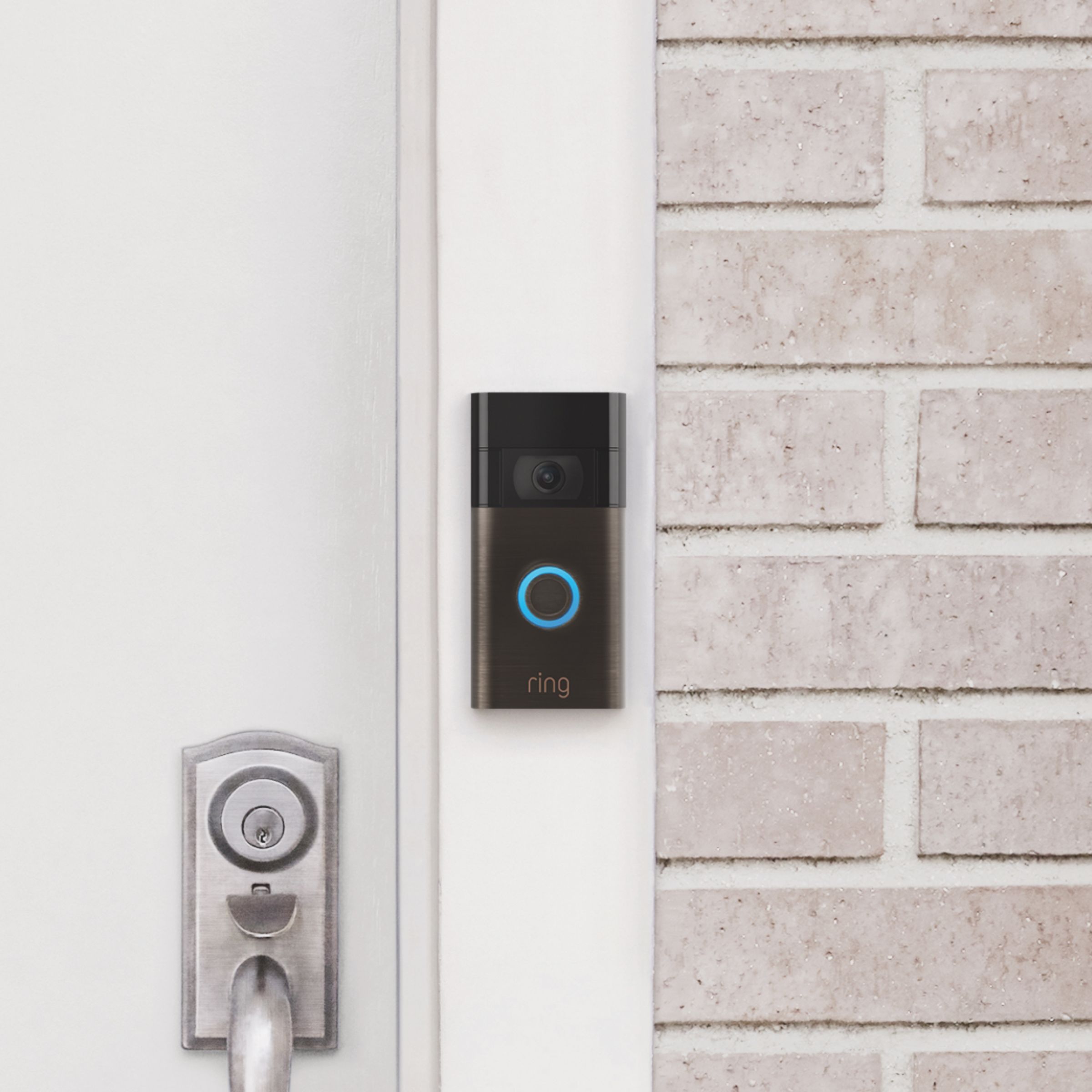
Ring Video Doorbell (2020 Release)
Micro USB Charging Cable
Mounting Bracket
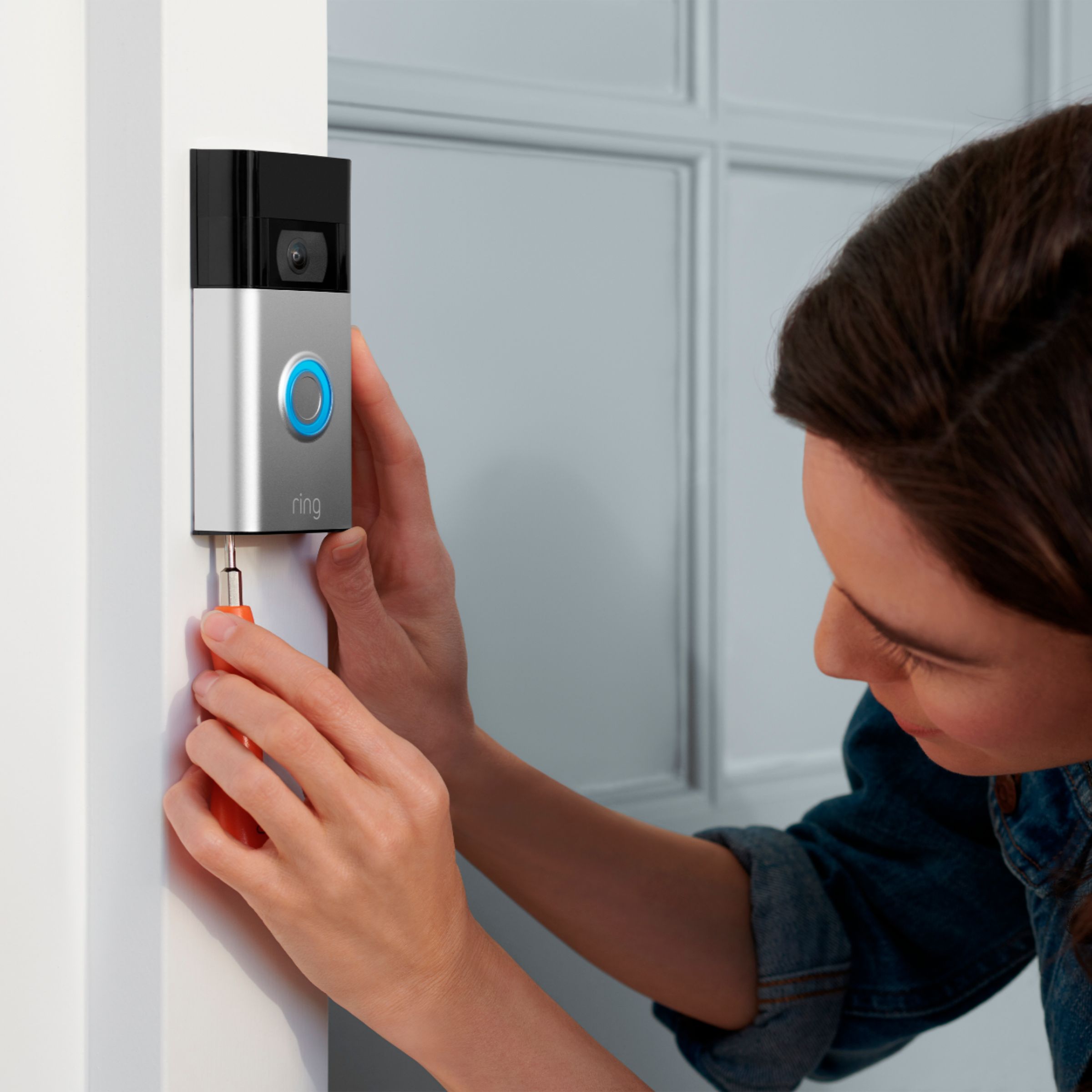
Installation Tools and Hardware
User Manual
Security Sticker
Please see our help center article for more information: https://support.ring.com/hc/en-us/articles/360041190711-Ring-Video-Doorbell-2020-release-Information. If you have any additional questions, please feel free to reach out through our Ring Community forum on Ring.com (http://ring.com/): https://community.ring.com/. Thank you, Jamila at Ring.
A:AnswerHello.
Great question. This is a battery operated doorbell with a hardwired capability. Your Video Doorbell (2020 release) battery is charged using a common micro-USB cable (an orange one is included in your Ring box). The micro-USB cable can be plugged into any USB power source such as a computer. Your battery will take around five to 8 hours to fully charge depending on whether the USB cable is plugged into a USB port or into a wall outlet. Please see our help center article for more information: https://support.ring.com/hc/en-us/articles/360040764472-Charging-the-Battery-on-Your-Ring-Video-Doorbell-2020-release-. For any additional questions or concerns, please feel free to reach out on our community forum at https://community.ring.com/. We look forward to hearing from you soon! Thank you, Jamila at Ring
A:AnswerHello Sam01,
Great question. The Ring Video Doorbell 2020 needs to be removed from the wall to be charged. Your Video Doorbell (2020 release) battery is charged using a common micro-USB cable (an orange one is included in your Ring box). The micro-USB cable can be plugged into any USB power source such as a computer. Your battery will take around five to 10 hours to fully charge, depending on whether the USB cable is plugged into a USB port or into a wall outlet. Please see our help center article for more information: https://support.ring.com/hc/en-us/articles/360040764472-Charging-the-Battery-on-Your-Ring-Video-Doorbell-2020-release-.
Additionally, if you have not already, please check out our Ring Community forum where other Ring users, like yourself, have an open discussion platform to share their experiences, as well as solutions to issues experienced: https://community.ring.com/.
Thank you, Jamila with Ring.
A:AnswerHello,
Great question. Yes, you need a 802.11 b/g/n wifi connection @2.4GHz. Please see our help center article for more information on the Ring Video Doorbell:https://support.ring.com/hc/en-us/articles/115002025023-Welcome-to-Your-New-Ring-Video-Doorbell.
For any additional questions or concerns, please feel free to reach out on our community forum at https://community.ring.com/. We look forward to hearing from you soon!
Thank you, Jamila with Ring.
A:AnswerHello HJay,
Great question. The Ring Video Doorbell comes with the following:
Ring Video Doorbell (2020 Release)
Micro USB Charging Cable
Mounting Bracket
Installation Tools and Hardware
User Manual
Security Sticker.
For any additional questions or concerns, please feel free to reach out on our community forum at https://community.ring.com/. We look forward to hearing from you soon!
Thank you, Jamila with Ring.