A:AnswerHello SueB,
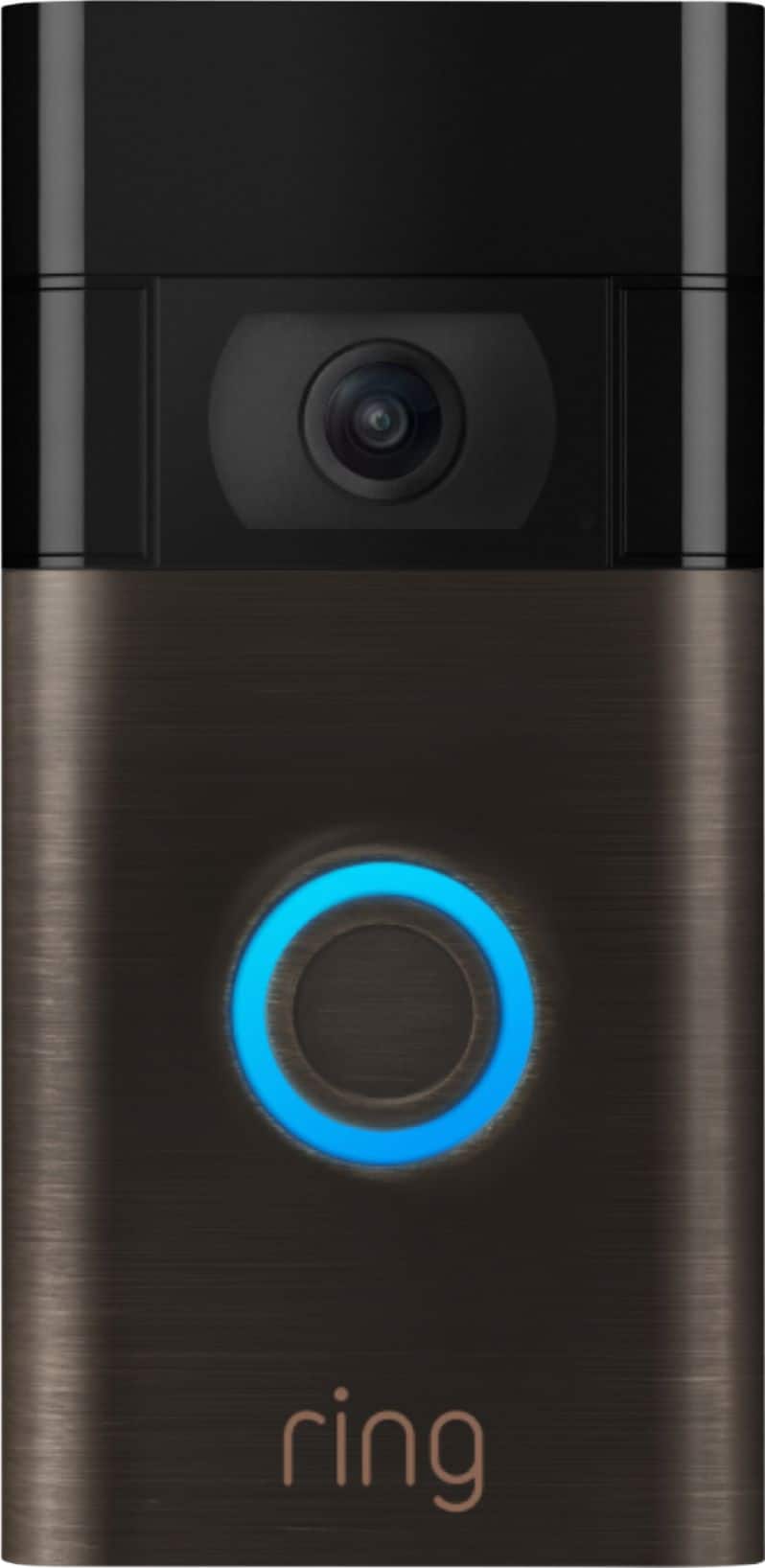
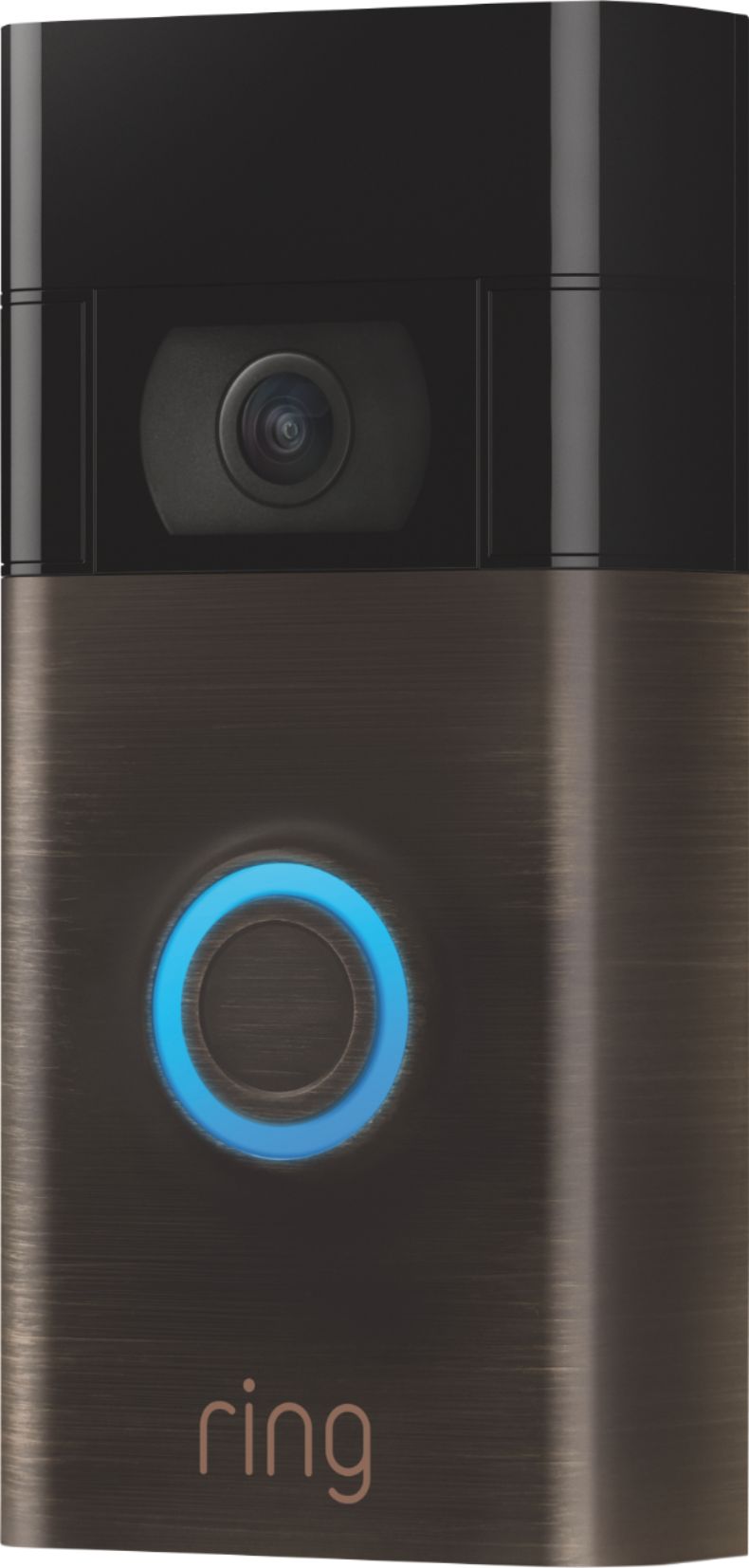
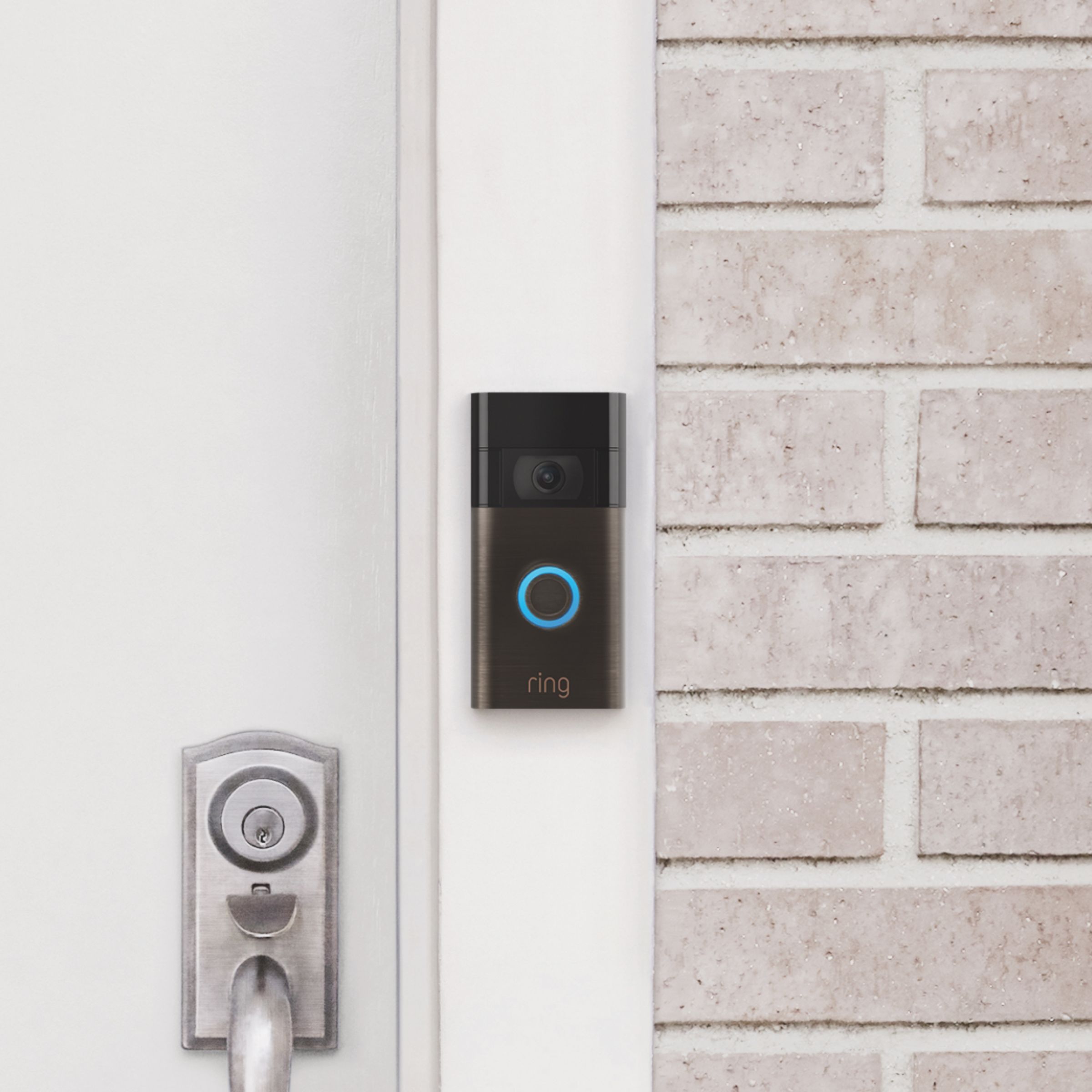
Great question! The Ring Video Doorbell (2020 Release) is 2.4 in. x 4.98 in x 1.10 in (62mm x 126.5mm x 28mm). Please reach out to our support team if we can answer any further questions for you!
Have a great weekend,
Alexis at Ring
A:AnswerHello,
We appreciate you taking the time to inquire on optimal mounting for your Ring Video Doorbell (2020 Release). We understand how important it may be to have options when installing your Ring device. From our website, you may find a no-drill mounting bracket for the Ring Doorbell (2020 release): https://ring.com/collections/accessories/products/no-drill-mount-rvd-2nd-gen
We would love to ensure your doorbell is installed properly, and bringing you the peace of mind you deserve. Please reach out to us at your earliest convenience, and we will get you connected with a certified Ring technician as soon as possible.
Thank you,
Caitlin with Ring
A:AnswerHello Ringer,
The battery on this device is internal, so purchasing an extra battery is not necessary. Your Video Doorbell (2020 release) battery is charged using a common micro-USB cable (an orange one is included in your Ring box). The micro-USB cable can be plugged into any USB power source such as a computer. Your battery will take around five to 10 hours to fully charge depending on whether the USB cable is plugged into a USB port or into a wall outlet. Here is a helpful article that walks you through the process of recharging: https://support.ring.com/hc/en-us/articles/360040764472-Charging-the-Battery-on-Your-Ring-Video-Doorbell-2020-release-.
Yes, this device would connect to a Ring Chime for audio notifications of motion or door dings.
For any additional questions or concerns, please feel free to reach out on our community forum at https://community.ring.com/.
Thank you,
Alexis with Ring
A:AnswerHello Stewart508,
Yes, you can have multiple Ring devices setup at the same physical location. Keep in mind, you'll need two Ring Protect Plans in place to retrieve past video files. Our Ring Protect Plans start at $3/month or $30/year per Ring device for the Basic Plan, and $10/month or $100/year for the Plus Plan which covers unlimited devices at one location. Each live view, ding and motion event are stored in the cloud for up to 60 days (in the US). The Plus Plan provides even more perks by adding an exclusive discount at Ring.com, extended warranties on all devices within warranty at one location, professional monitoring for the Ring Alarm, and more! If you would like to know more about what each of these plans have to offer, you can view this information on our website here: https://shop.ring.com/pages/protect-plans.
For any additional questions or concerns, please feel free to reach out on our community forum at https://community.ring.com/.
Thanks,
Alexis with Ring
A:AnswerHello Dj,
Here is a side by side comparison chart of all of our doorbell models and their specifications: https://support.ring.com/hc/en-us/articles/115004668746-Ring-Video-Doorbells-Product-Comparison.
For any additional questions or concerns, please feel free to reach out on our community forum at https://community.ring.com/.
Thank you,
Alexis with Ring
A:AnswerHello habiba,
If you've hardwired your battery-operated Ring Video doorbell, you may wonder why your battery may occasionally need to still be recharged. Unlike a purely hardwired Ring doorbell such as the Ring Doorbell Pro, a battery-operated doorbell does not use the electricity generated by the hardwire to power its regular operations. Instead, it uses the provided rechargeable battery to do all of its regular operations like ring, detect motion, and generate a Live View. The charge from the hardwiring supplies a trickle-charge to the battery. As a result, depending on what functions the doorbell is performing, the battery may drain faster than the hardwiring charge can keep up with. Therefore, there’s a need to occasionally recharge your battery. Here is a helpful article regarding this question: https://support.ring.com/hc/en-us/articles/204252980-Charging-your-Ring-Video-Doorbell-battery-with-hardwiring.
For any additional questions or concerns, please feel free to reach out on our community forum at https://community.ring.com/.
Thank you,
Alexis with Ring
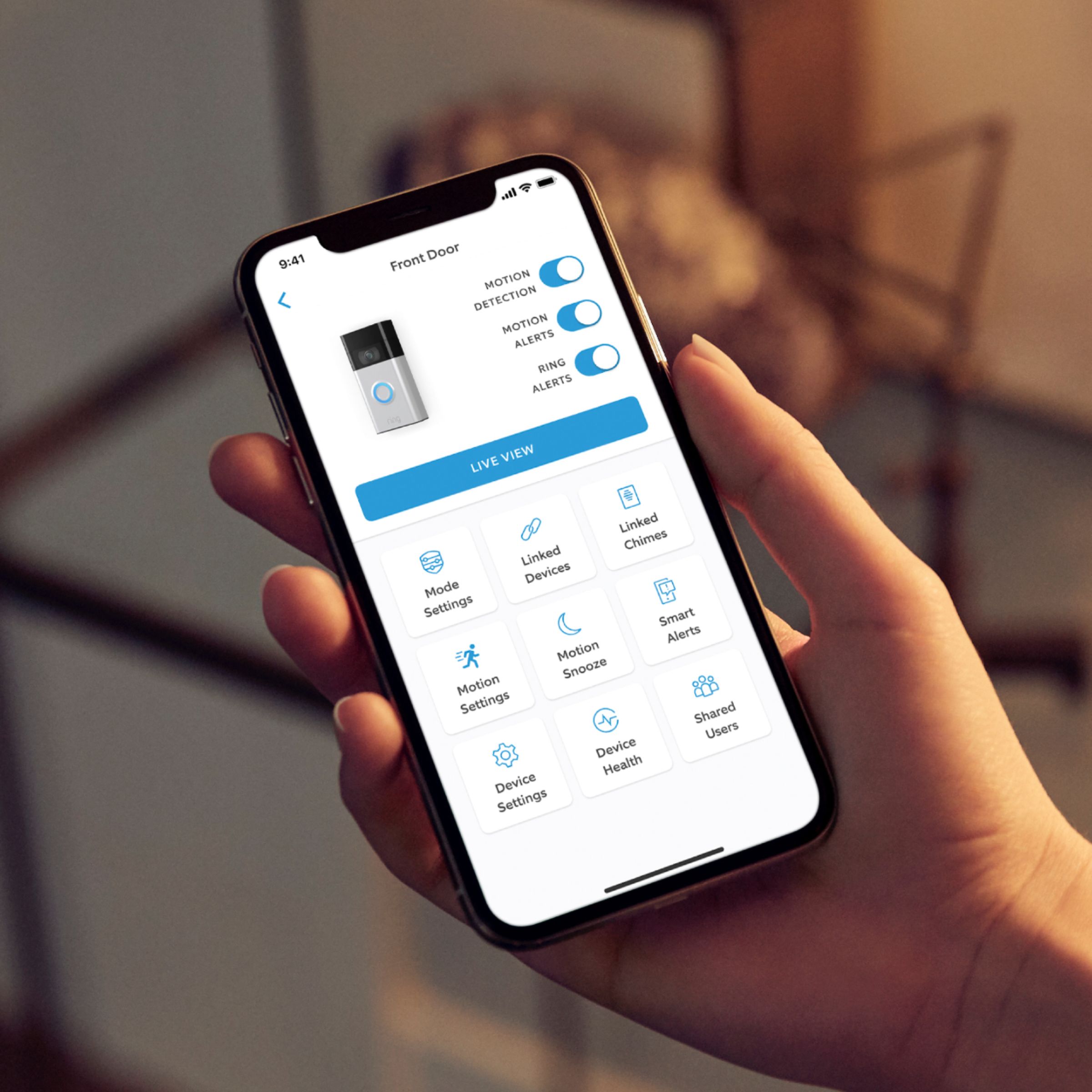
A:Answeryes, you can do that in the setup options in the Ring app in you smart phone. Go to "Devices", click the device (door bell) you want to change the setup for and simply switch off the motion detection options!!!
A:AnswerHello Me,
Thank you so much for showing interest in our products and desiring to have more information regarding the Ring Protect Plan. We want to ensure that we can answer any questions you may have concerning how the Ring Protect Plans works and how to save and share videos when necessary. Ring gives a complimentary 30-day trial with each new Ring device. After the 30-days, you can chose if you would like to purchase a Ring Protect Plan. A Ring Protect Plan is not necessary to view real-time notifications on your Ring cameras. Without the Ring Protect Plan you can still use the live view and two-way audio feature, you are still able to see who is at your door and answer motion notifications. In order to see past recorded videos from your ring device, you will need the optional Ring Protect Plan, which starts at $3/month per device or $30/year per device. Please see the following link for more information regarding the Ring Protect Plan and the benefits it offers: https://ring.com/protect-plans?undefined.
Ring Community is our first peer-to-peer community forum, giving our customers the ability to help one another and share their feedback/experiences with Ring. We invite you to reach out at https://community.ring.com/ if any additional information is needed regarding your Ring Protect Plan concerns.
Thank you,
Jamila with Ring
A:AnswerHi Kris.
The Ring Video Doorbell (2020 Release) is compatible with 802.11 b/g/n wifi connection at 2.4GHz. Modern modems and routers are designed to broadcast wifi networks on both 2.4 GHz and 5.0 GHz wavelengths. In most cases, you can adjust your modem or router to begin broadcasting a 2.4 GHz signal. In rare cases, some wifi routers are configured to broadcast only a 5.0 GHz signal.
If your router can only broadcast a 5.0 GHz signal, we'd like to suggest our Ring Video Doorbell 3 or Ring Video Doorbell 4, as both offer dual-band wifi. The link below has a great comparison chart of all the video doorbells we currently offer.
https://support.ring.com/hc/en-us/articles/115004668746-Ring-Video-Doorbells-Product-Comparison
If you have any additional questions, please reach out to us today at https://community.ring.com/. Ring Community launched in March 2019 to help deliver the most current news and educational information to our customers. This peer-to-peer forum allows our neighbors to share their feedback and experiences to assist each other in resolving their concerns.
All the Best,
Danielle with Ring
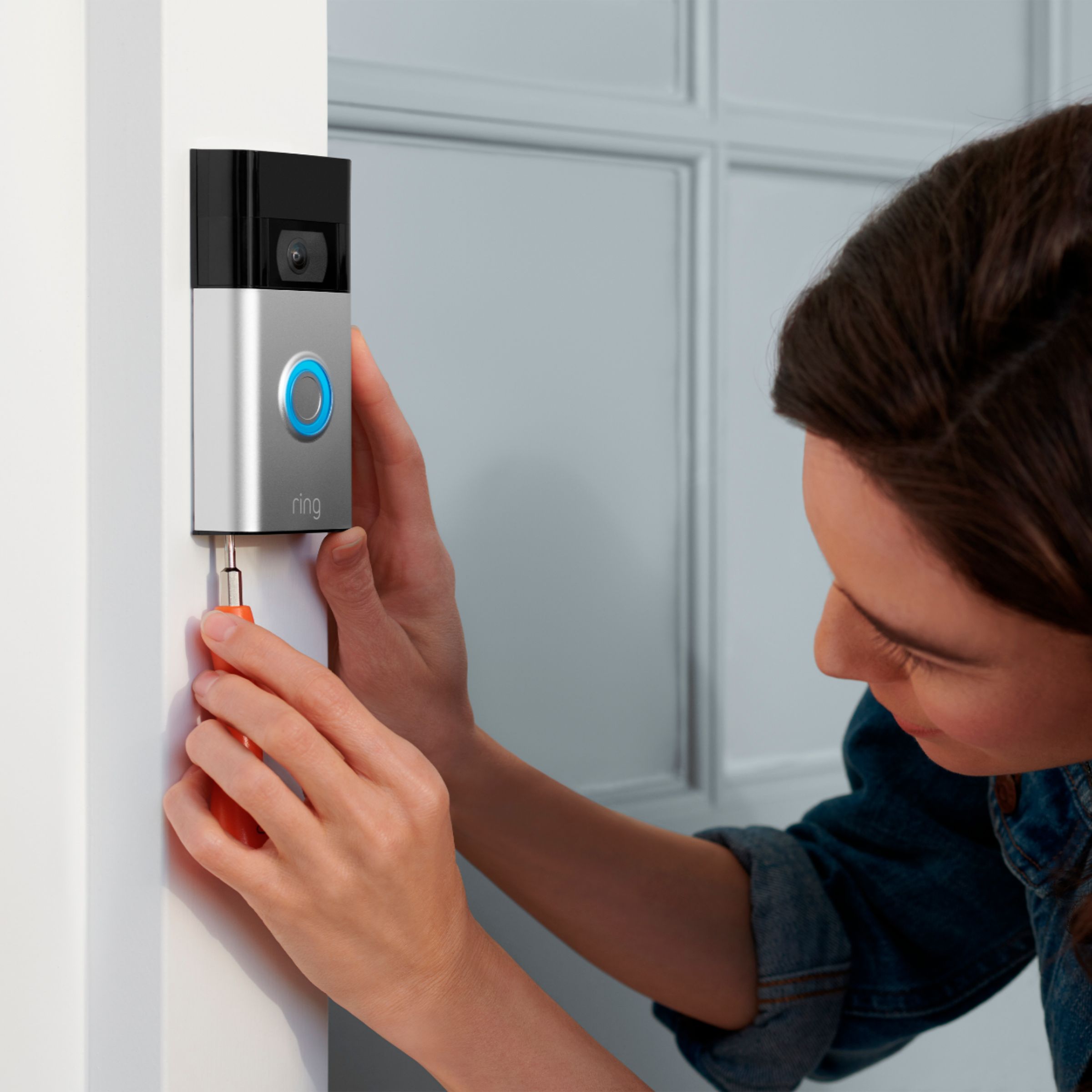
A:AnswerThe security screws are to hook the doorbell up to the base. The security screws make the doorbell harder to steal. Using the wrong screws for this can mess up the unit.
You still need to attach the base to the house. Mine is that faux stucco so I had to use concrete anchors (as an example)