A:AnswerGreat question, Jay. No, you will be able to transfer your existing subscription from the old device to the new device once you have set it up. You can learn more about the Ring Protection Plan by visiting this link: https://support.ring.com/hc/en-us/articles/115001671383-General-Information-on-Ring-Protect-Subscription-Plans. Also, Ring has a theft procedure and policy in place that will help you get a free replacement Ring device as quickly as possible after your Ring device has been stolen. Here is more information regarding this policy: https://support.ring.com/hc/en-us/articles/115003475783-What-to-do-After-the-Theft-of-Your-Ring-Device. If any additional information is needed regarding your Ring Doorbell Wired pre-purchase question, please reach out to us at https://community.ring.com/. Ring Community is our first peer-to-peer community forum, giving our customers the ability to help one another and share their feedback and experiences directly with Ring. Regards, Brett from Ring.
A:AnswerHello Smrd,
If your power goes out or your home wifi network goes down, depending on how long your Ring Video Doorbell Wired has been disconnected from the network, your doorbell should reconnect on its own without you having to manually reset it each time.
In certain cases, if the power goes out and is restored immediately, this can cause a reset, making the doorbell to enter setup mode.
Also, Ring Community was launched to help deliver the most current news and educational information to our neighbors. This online forum is divided into four categories: Product Boards, Ring Updates, Tips + Tricks, and a Moderators’ Corner. The Product Boards are where you can begin new topics with your questions or feedback; there is also a search option that helps you find topics that have already been posted by other neighbors. We invite you to visit our site at https://community.ring.com/ today!
Thank you,
Antonio from Ring
A:AnswerHello Al,
Yes, the motion sensors in the Ring Video Doorbell are designed to detect motion up to 155 degrees horizontally and from five to 25 feet outward from the fixture.
Customizable motion zones are featured in all of Ring's AC-powered products, which allow for a fuller feature set and greater degree of customization. This system’s customization options let you draw up to three areas in the camera’s view to detect motion in. These "motion zones" allow you to define a specific area that you want your Ring to cover, while ignoring everything outside that area. By drawing your motion zones to exclude high-frequency areas such as public paths and roads, you can reduce the number of "false positive" motion notifications (such as cars driving by) and greatly increase the effectiveness of your Ring device.
For install tips, please visit our website: https://support.ring.com/hc/en-us/articles/360055762431-Proper-Positioning-for-your-Video-Doorbell-Wired
Also, Ring Community was launched to help deliver the most current news and educational information to our neighbors. This online forum is divided into four categories: Product Boards, Ring Updates, Tips + Tricks, and a Moderators’ Corner. The Product Boards are where you can begin new topics with your questions or feedback; there is also a search option that helps you find topics that have already been posted by other neighbors. We invite you to visit our site at https://community.ring.com/ today!
Thank you,
Antonio from Ring
A:AnswerHello BrianE,
No, the mounting kits for Ring doorbell are designed to fit each specific doorbell. If you want to get accessories for your Ring smart doorbell, or Ring security camera, it’s important to find out which model you have so that you get a compatible product.
This article lists out the features of the individual Ring smart doorbell models, along with a recommendation (below the chart) as to which model might be best for you: https://support.ring.com/hc/en-us/articles/115004668746-Ring-Video-Doorbells-Product-Comparison
Also, Ring Community was launched to help deliver the most current news and educational information to our neighbors. This online forum is divided into four categories: Product Boards, Ring Updates, Tips + Tricks, and a Moderators’ Corner. The Product Boards are where you can begin new topics with your questions or feedback; there is also a search option that helps you find topics that have already been posted by other neighbors. We invite you to visit our site at https://community.ring.com/ today!
All the best,
Antonio from Ring
A:AnswerHello Nine,
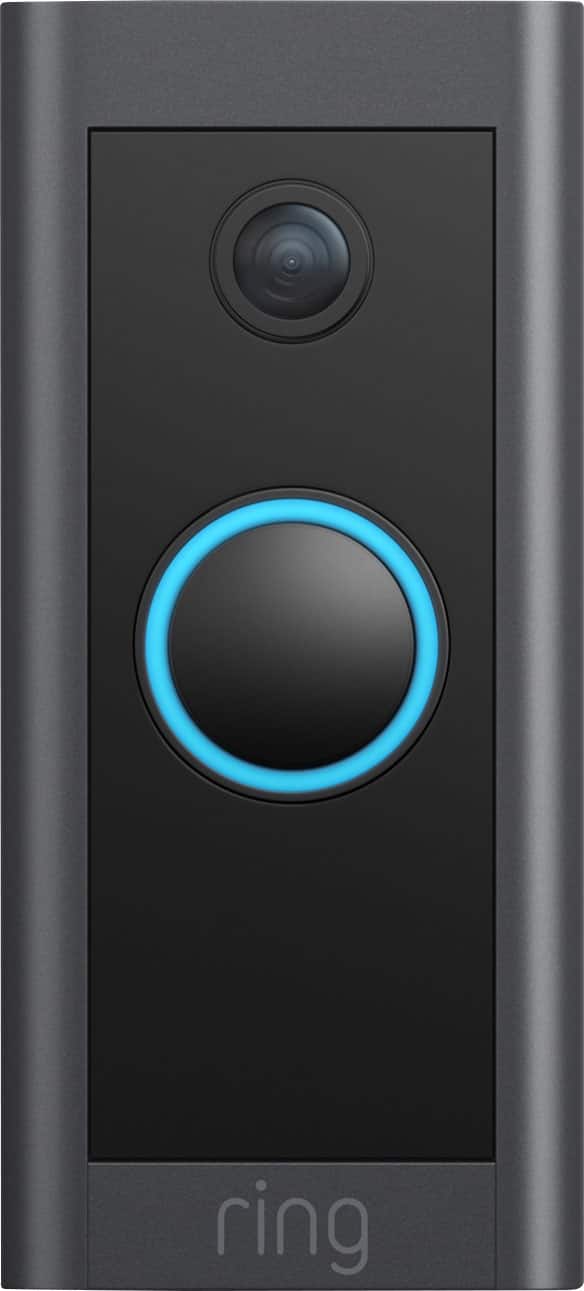
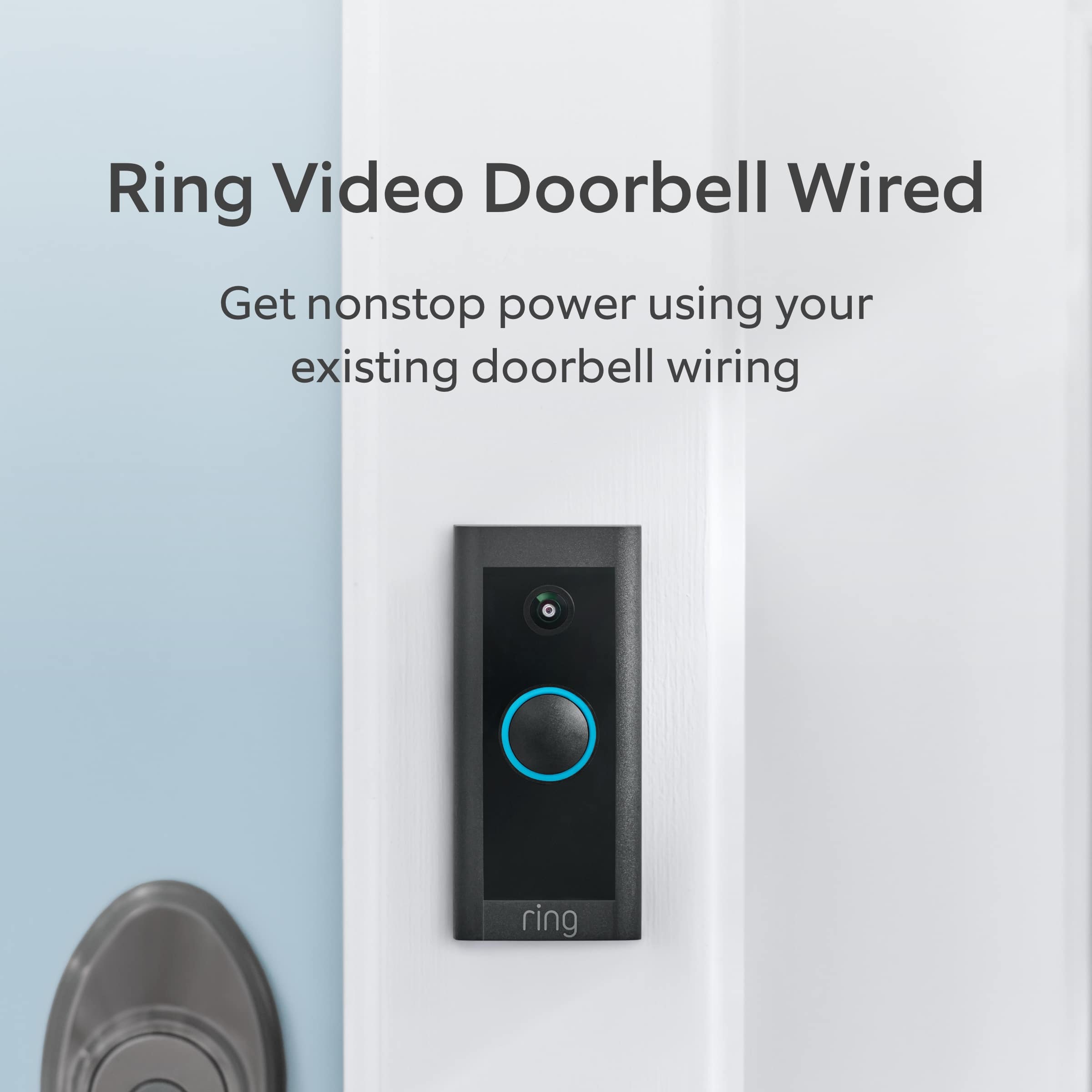
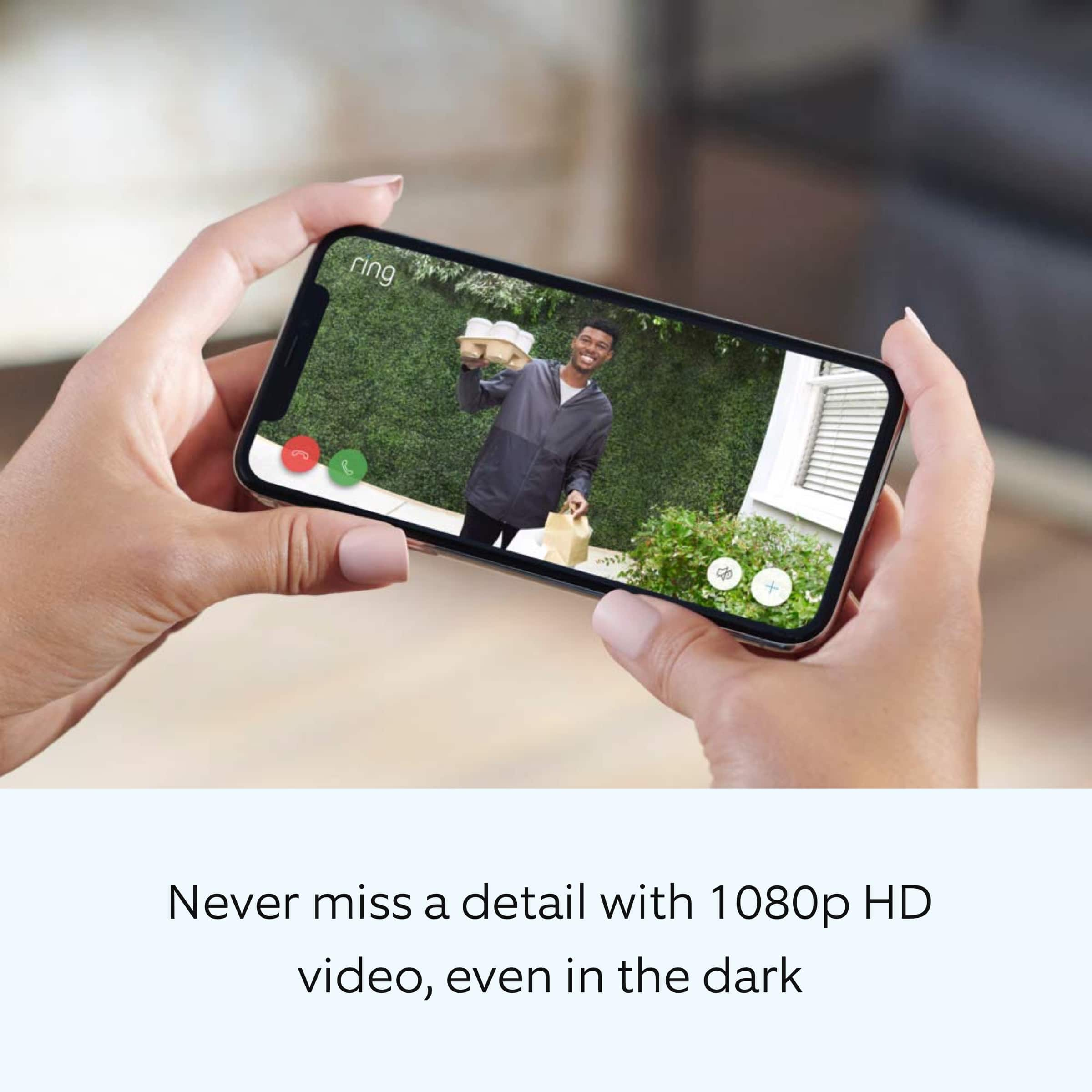
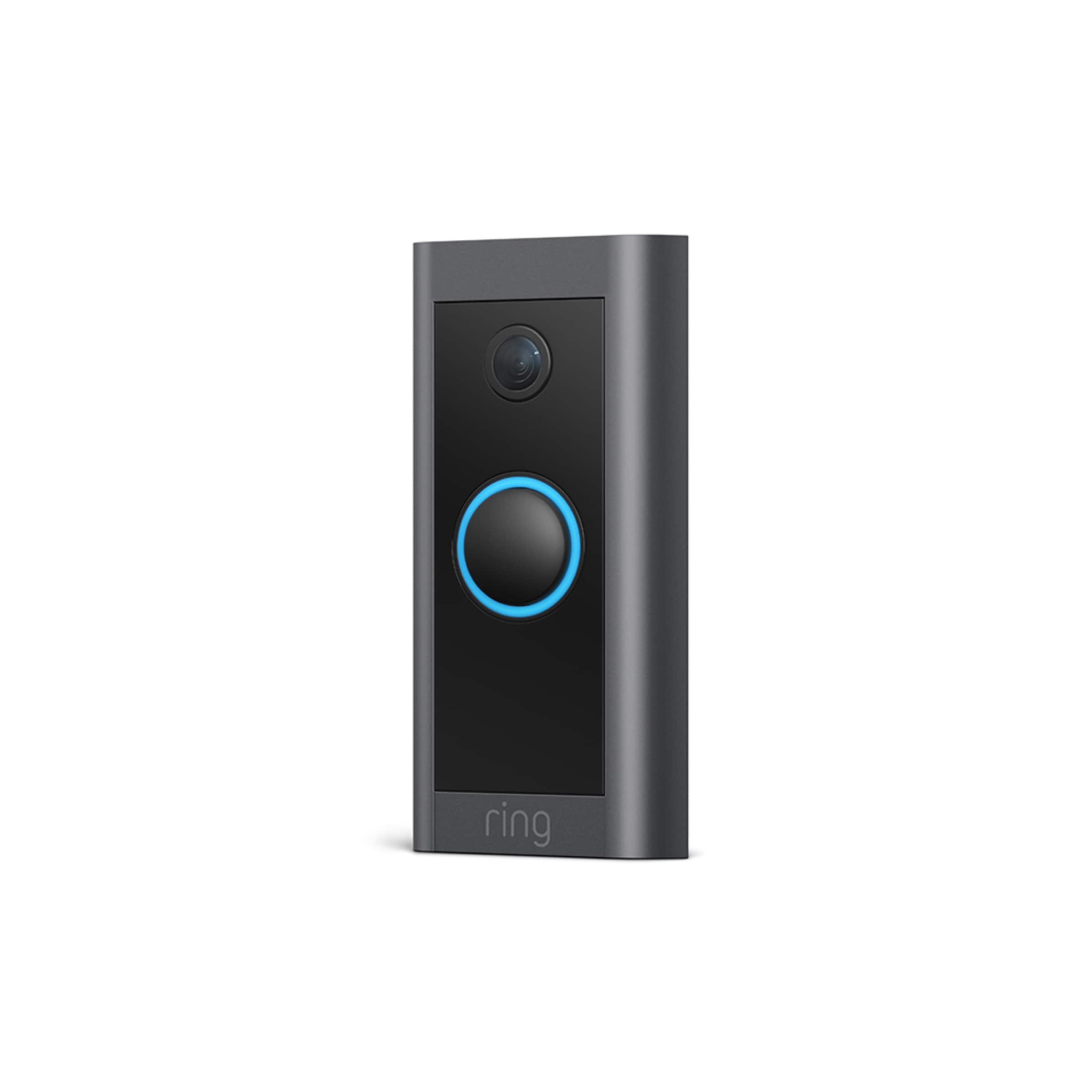
Video Doorbell Wired has a 155 degree horizontal field of view. The Video Doorbell Wired is a wired video doorbell that offers 1080p HD video with night vision and two-way audio with noise cancellation. With Ring’s most affordable doorbell, you can check in on your front door anytime, from anywhere, and can see and speak to visitors at your door in real-time using your Ring app or Alexa-enabled device. For more information on Ring Video Doorbell Wired: https://support.ring.com/hc/en-us/articles/360055740151-Video-Doorbell-Wired-Information
Also, Ring Community was launched to help deliver the most current news and educational information to our neighbors. This online forum is divided into four categories: Product Boards, Ring Updates, Tips + Tricks, and a Moderators’ Corner. The Product Boards are where you can begin new topics with your questions or feedback; there is also a search option that helps you find topics that have already been posted by other neighbors. We invite you to visit our site at https://community.ring.com/ today!
Thank you,
Antonio from Ring
A:AnswerHello Chas,
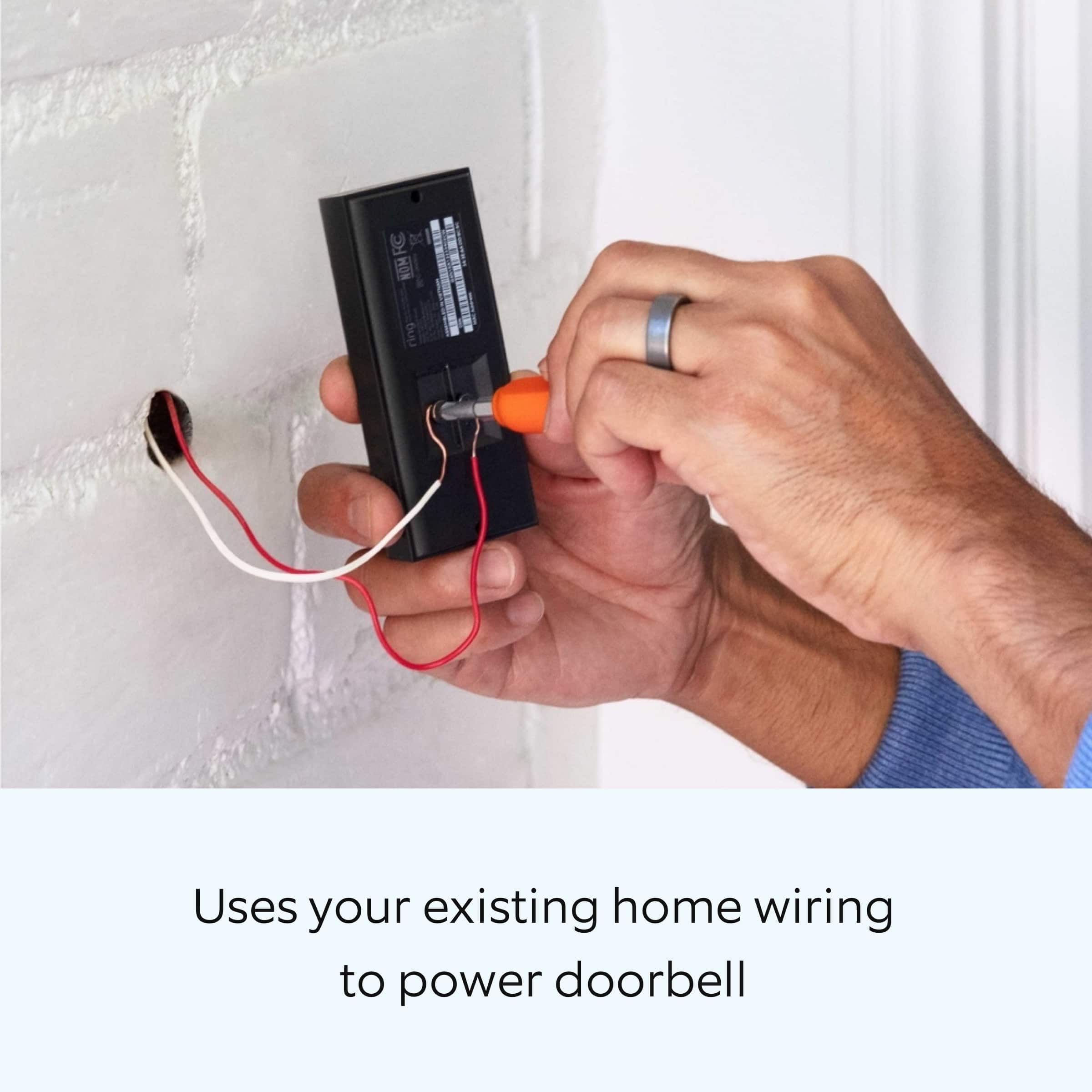
Yes. The Video Doorbell Wired will work with your current Ring devices. The Ring Video Doorbell Wired is a wired only doorbell. If you don't have an existing doorbell, this doorbell can also be powered by the Ring plug-in adapter or a transformer for power supply (10-24 VAC, 40VA max, 50/60Hz, or 24VDC, 0.5A, 12W). It's important to note, halogen or garden-lighting transformers are not compatible.
We have a vast line up of doorbells, many of which are battery powered and do not require hard-wiring. To view a complete list of our doorbells and their features please visit the link below: https://support.ring.com/hc/en-us/articles/115004668746-Ring-Video-Doorbells-Product-Comparison
Also, Ring Community was launched to help deliver the most current news and educational information to our neighbors. This online forum is divided into four categories: Product Boards, Ring Updates, Tips + Tricks, and a Moderators’ Corner. The Product Boards are where you can begin new topics with your questions or feedback; there is also a search option that helps you find topics that have already been posted by other neighbors. We invite you to visit our site at https://community.ring.com/ today!
Thank you,
Antonio from Ring
A:AnswerHello,
The Ring Chime Pro (2nd Generation) is an updated version of the Ring Chime Pro (1st generation) wifi extender. Like the original Chime Pro (1st generation), the Chime Pro (2nd generation) extends wifi coverage through your house specifically to Ring devices. The Ring Chime Pro (2nd generation) plugs it into a wall socket and is connected through the Ring app to your wifi signal.
More information can be found here: https://support.ring.com/hc/en-us/articles/360050893351-How-Do-Wifi-Extenders-Work-.
Also, Ring Community was launched to help deliver the most current news and educational information to our neighbors. This online forum is divided into four categories: Product Boards, Ring Updates, Tips + Tricks, and a Moderators’ Corner. The Product Boards are where you can begin new topics with your questions or feedback; there is also a search option that helps you find topics that have already been posted by other neighbors. We invite you to visit our site at https://community.ring.com/ today!
Thank you,
Antonio from Ring
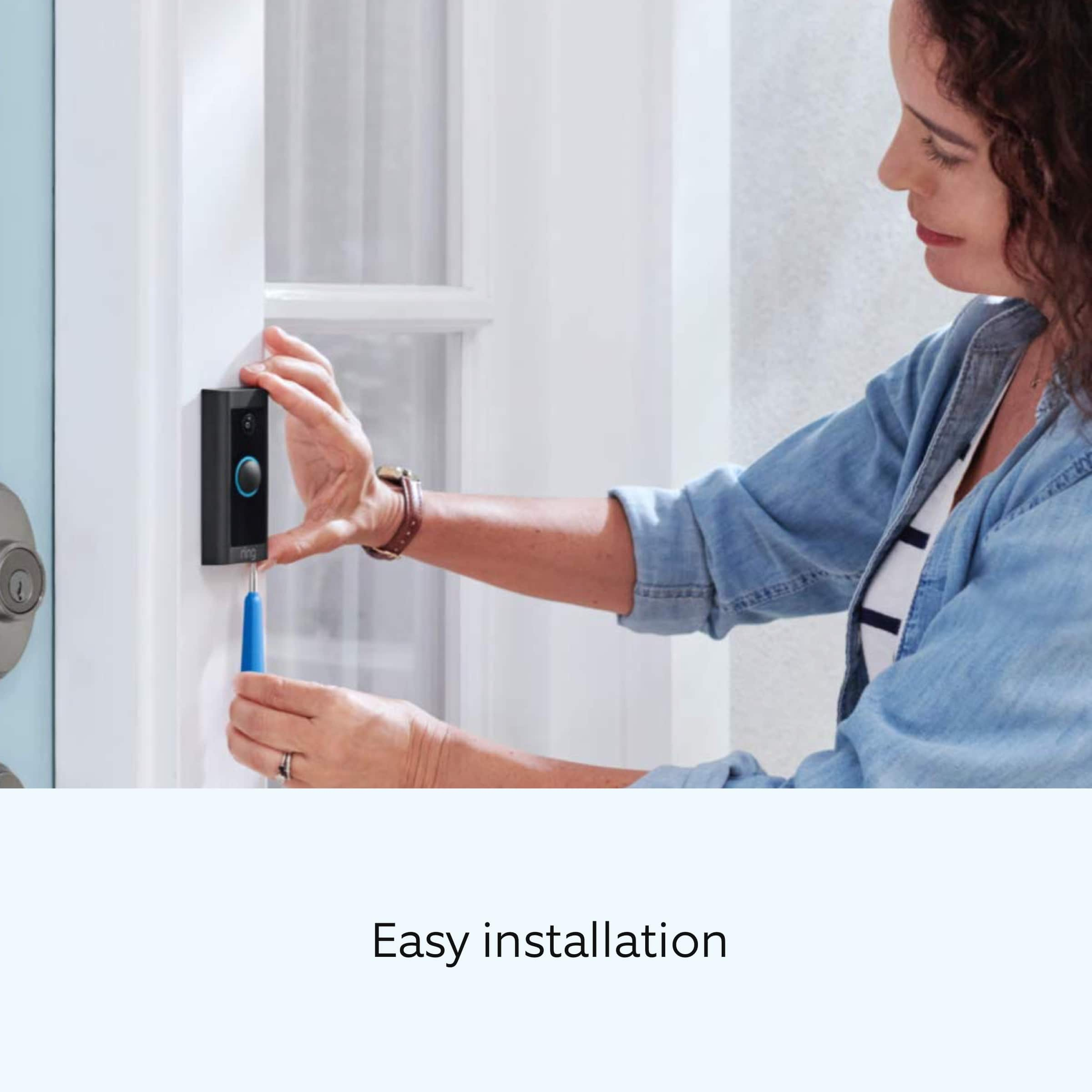
A:AnswerMost doorbell buttons are of a different size. I was able to use the top hole but needed to pre drill the lower hole! I am not sure you should/ could use an adhesive to Mount this device.