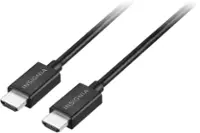
A:AnswerYou can put anything back there but the tv must be angled downward to give room for your cords. I truly ordered this by mistake , I need the one that can be hooked from my tablet to the tv.i want to see movies from my tablet and anything else on it. Hope they can help, I really don’t know what I’m doing,
A:AnswerNo you can use Coax connections and RCA connections but you are bypassing the best features of your TV. HDMI has your digital video and digital audio in one cable at a much faster rate plus fiber optical sound is way better...... Hope this helps
A:AnswerIf say, you want to connect a laptop that only has 1 hdmi port to multiple monitors or TVs using hdmi cables you would also want to get a usb A 3.0 hdmi adapter. Plug the hdmi cable into any hdmi port on the tv (like normal) and connect the usb adapter to other end of hdmi cable. Then just connect it to any USB port on your laptop and adjust your laptops display settings as needed. Sometimes I use 2 of the usb adapters along with 1 direct hdmi connection and 1 wireless connection at the same time. So 5 separate displays (including laptop) going simultaneously. If having 5 displays sounds awesome to you then Ill suggest one last thing... Turn one of the monitors/TVs 90 degrees on its side and connect with the hdmi. In laptop settings go to display and switch that monitor to portrait mode for some next level photo viewing and slideshows. Cheers mate
A:AnswerSir, I have found from all my experiences with electronic technology and equipment that a Green indicator has been associated with the equipment being in the "ON" state. A Red indicator will mean that the equipment is in a "STAND-BY" state.
.... but i have been wrong before.
A:AnswerAny cable that says "4K" like this one will support 1080p. (4K is sometimes called "2160p", which is a higher resolution than 1080p). Actually, just about any cheap HDMI cable will work for your 1080p TV, but it's not a bad idea to get better cables now in case you get a 4K TV anytime soon.
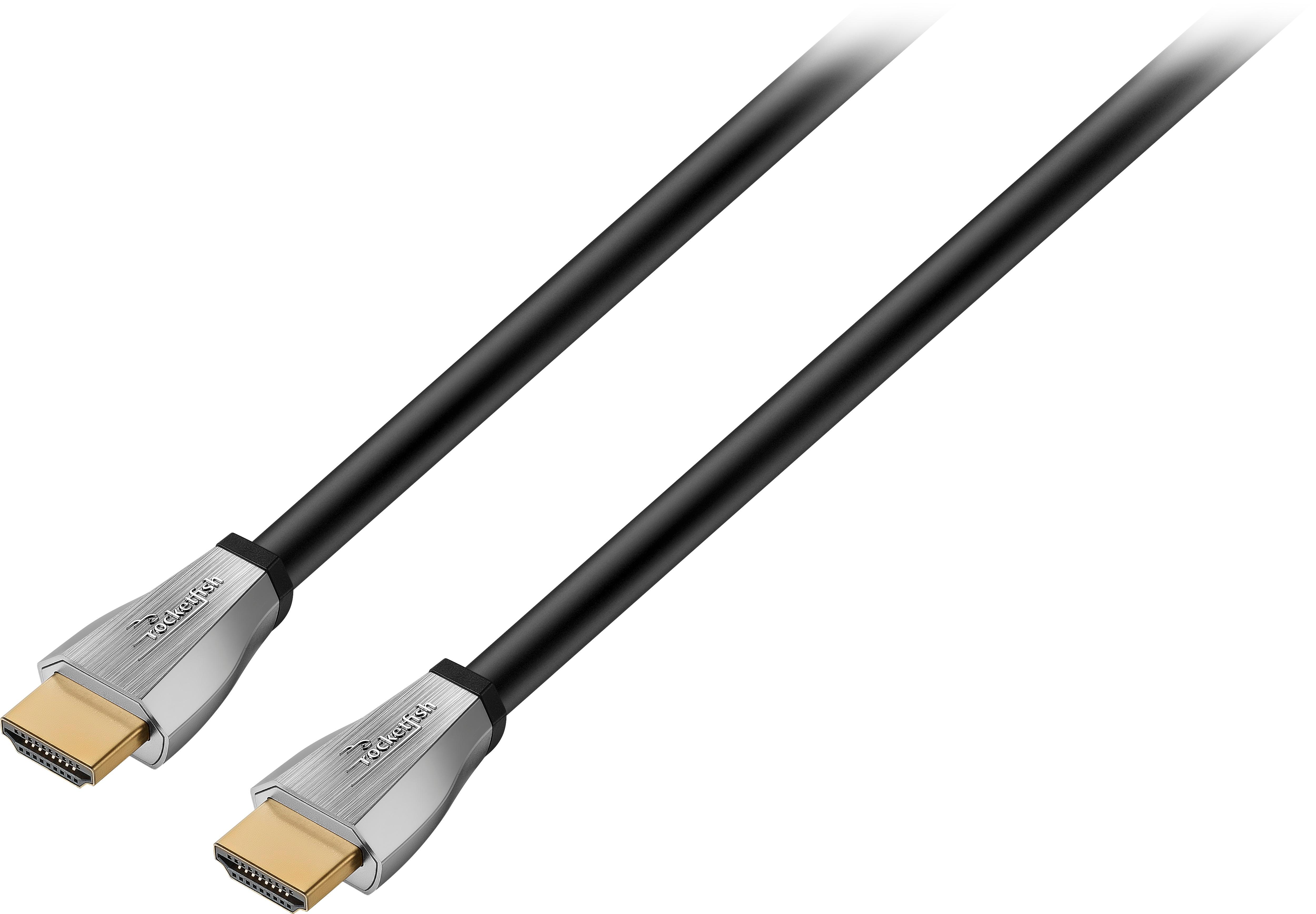
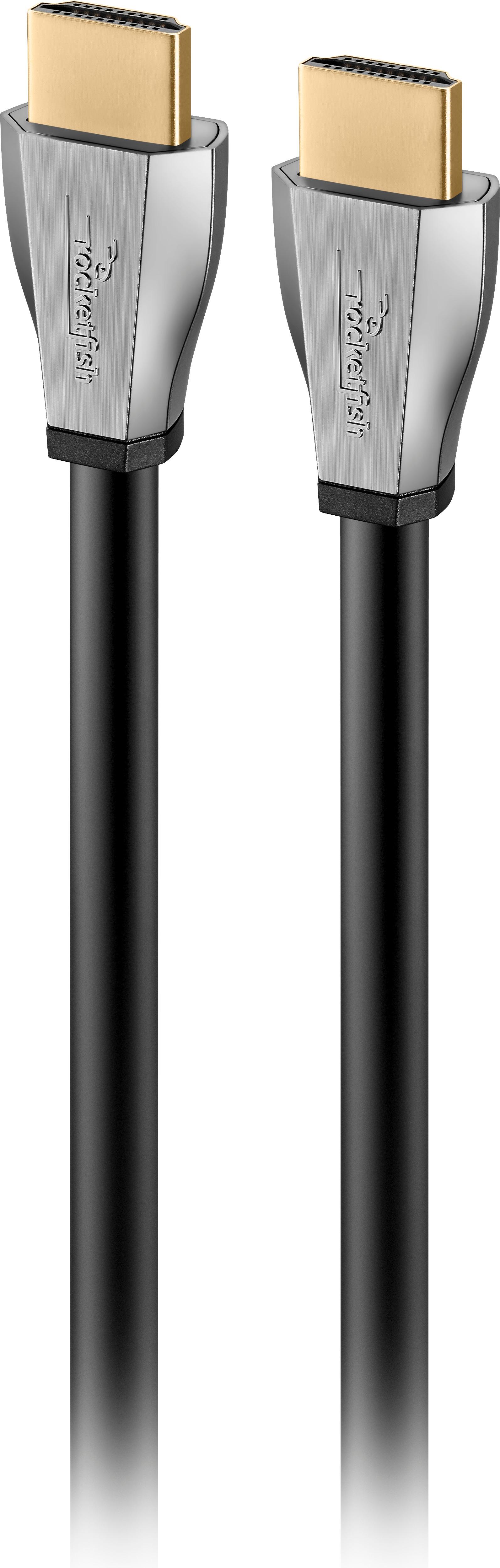
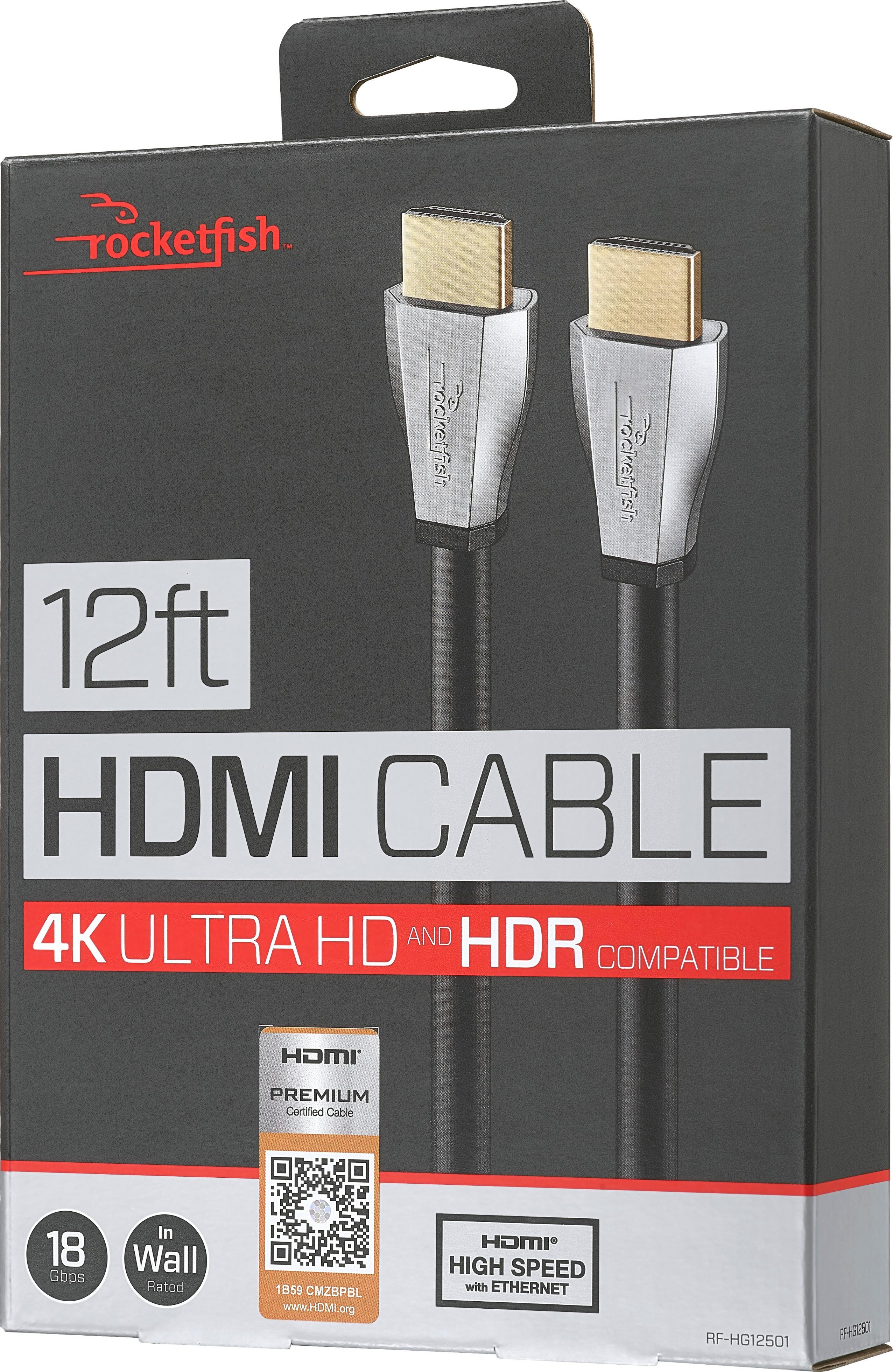
A:AnswerThe box is marked as a certified Premium Hi Speed HDMI cable and that it supports 18Gbps bandwidth. This means that HDMI 2.0b and all the rest would be supported.
A:AnswerYes, the higher your Antenna and sea level the better and the better your line of sight to the sky the better. No trees! Your Rabbit ears need to be compatible to TV stats, HD UHD ect.....
A:AnswerYou will need one HDMI cable from your Cable box to your TV (assuming TV has HDMI input and is not an old analog-only TV). It does not necessarily need to be this particular HDMI cable though--there are less expensive options that are shorter and/or are not in-wall rated to consider if you don't need these features.
So far as soundbar, there are several options, depending on which soundbar you have. Some have an HDMI input and output, so you then would need two HDMI cables. In this case, the soundbar would be in between the cable box and the TV (cable box HDMI output goes into soundbar HDMI input, soundbar HDMI output goes to TV HDMI input).
Many soundbars let you connect one HDMI cable from the cable box to the TV, then connect a cable from the TV to the soundbar, but there are options here too. The cable from the TV to soundbar could be that second HDMI, or it could be optical (Toslink), or regular analog (RCA or 1/8" stereo plug), depending on the soundbar. It is even sometimes possible to connect the audio directly from a cable box to a soundbar. Yes, I know, too many options!
At this point, you should just take the time to actually read the soundbar manual (if you lost it, google the manufacturer and model, you should be able to find it online). There are usually some nice pictures to illustrate what options are available.
A:AnswerI’m not sure if i understand what you’re asking. But if you’ll use WIFI you should not need this hdmi. This cable is to connect you 4K blu ray player to the tv. Now if you’re using your 4k player built in apps to watch it on your TV then you will need it since this cable is design to give you the right picture. If you want to connect your modem/router to you tv then you need an ETHERNET cable.