A:AnswerI believe so, though this will depend more on your cables than anything else. I push 1440p at 144Hz, so theoretically the data rates should be the same.As for distance, that will also depend on the quality of your cables. I would be pretty confident in saying 10-15ft provided the cable going into the splitter wasn't 15ft+
A:AnswerHi there.
We appreciate your Inquiry!
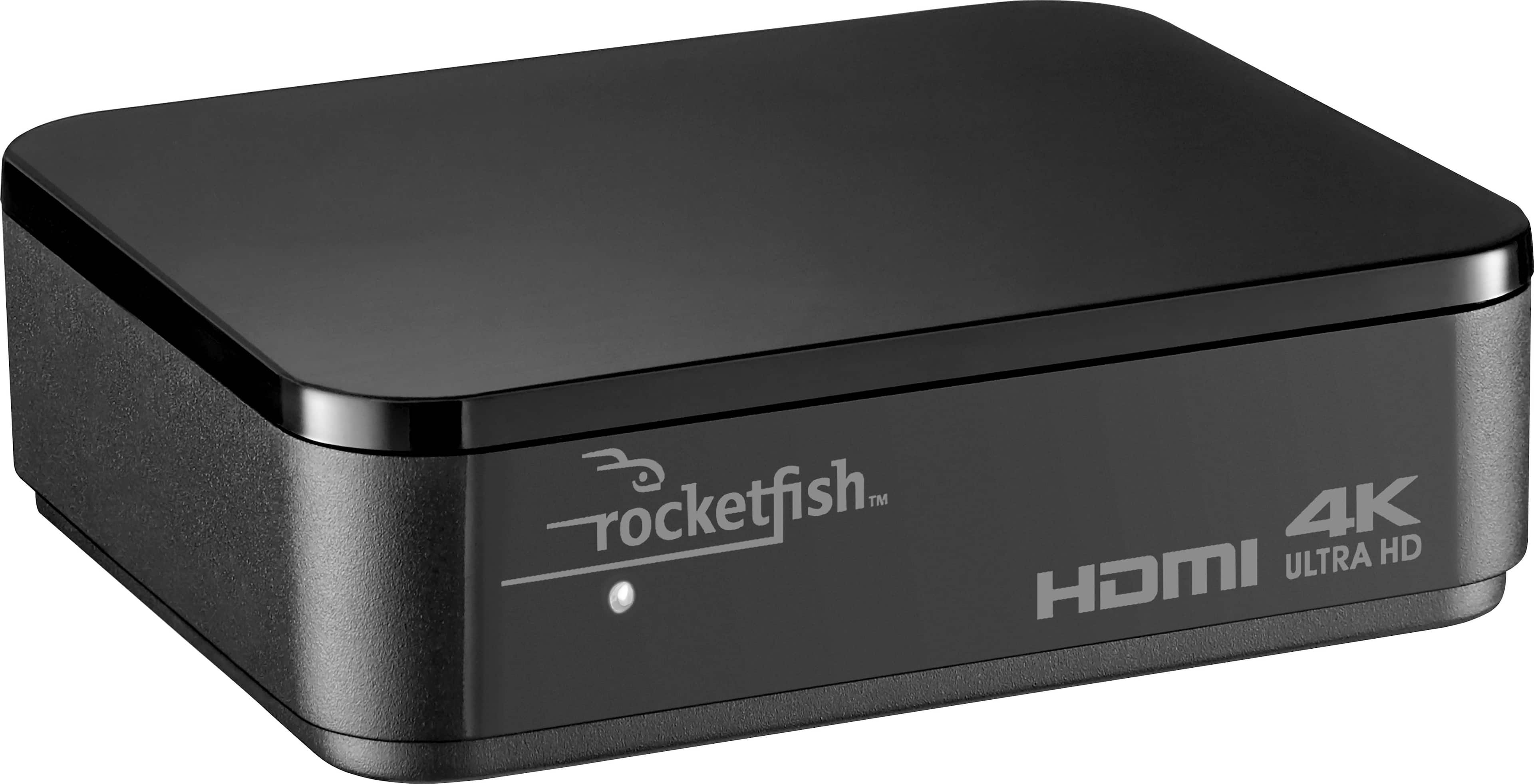
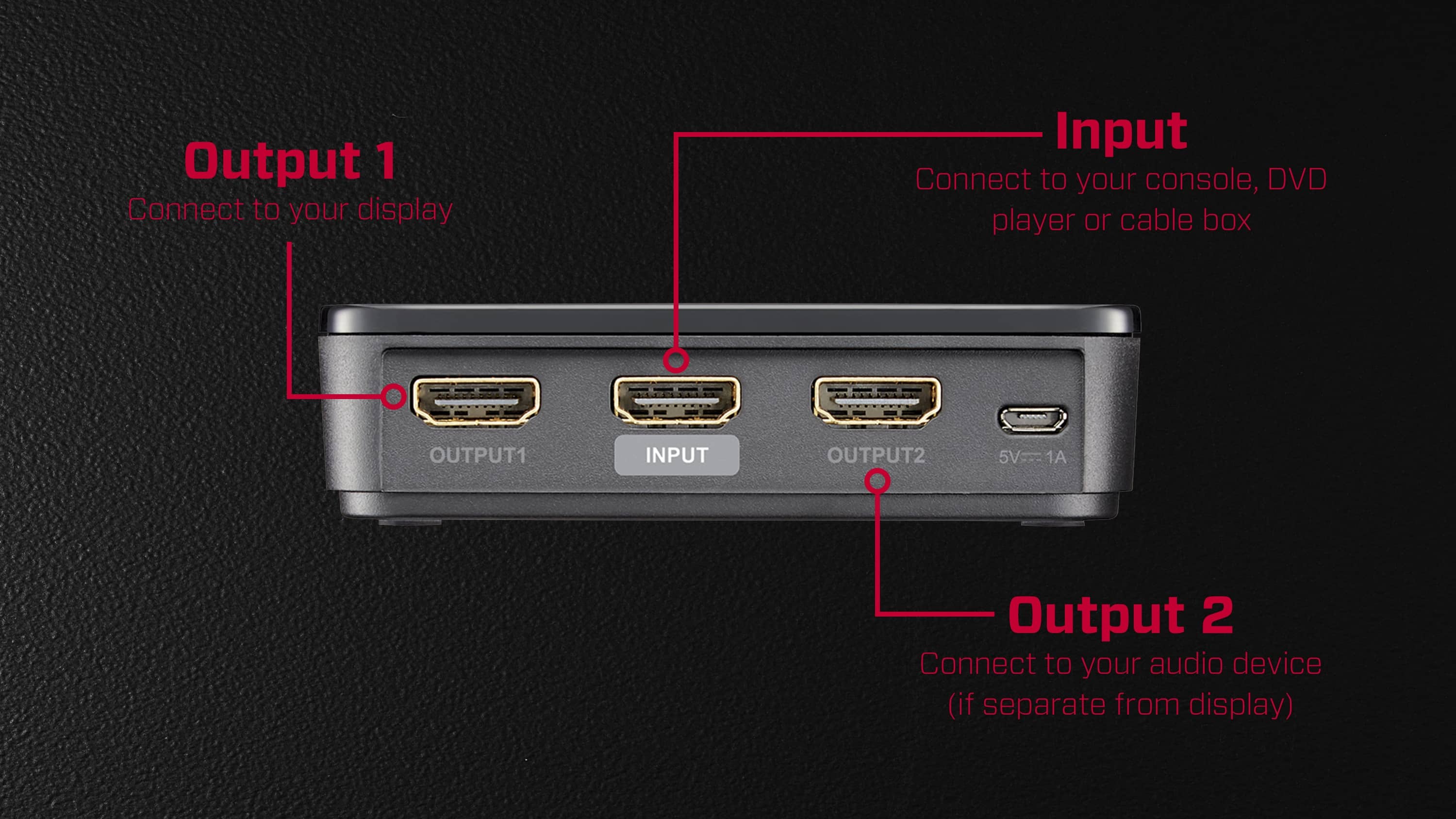
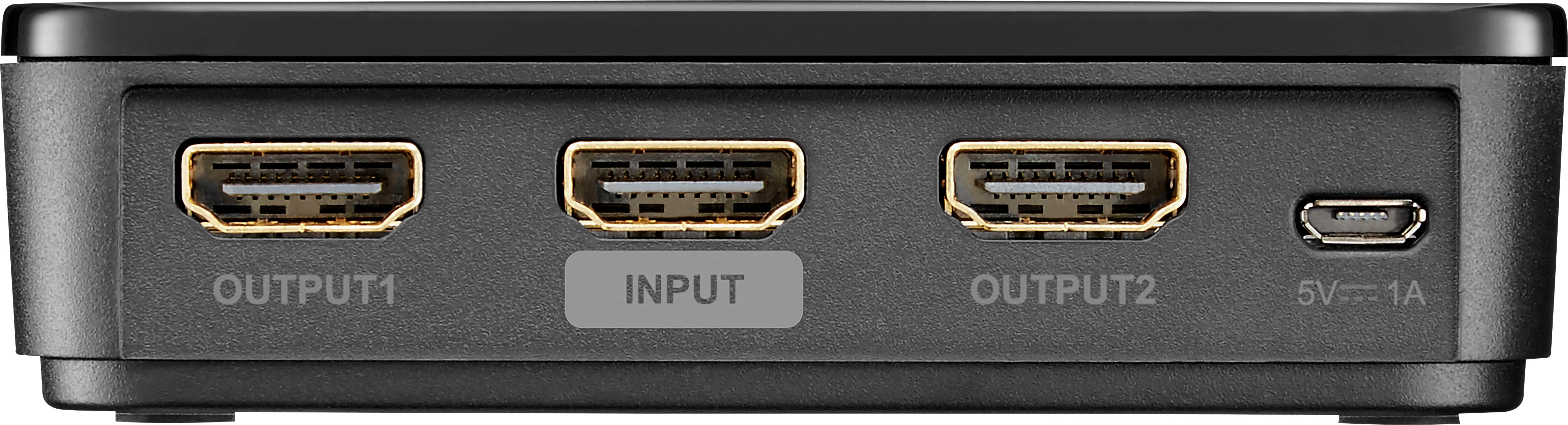
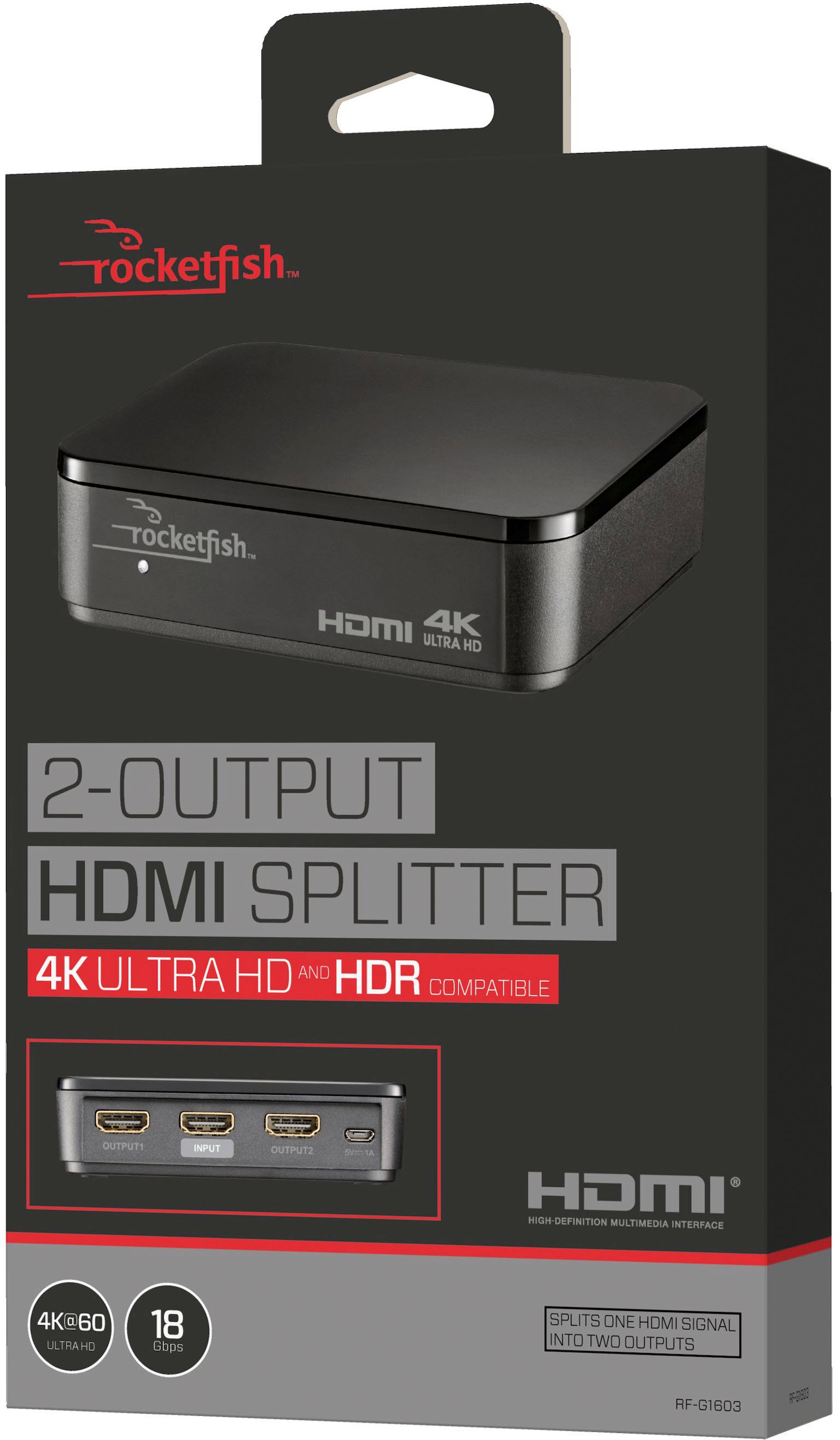
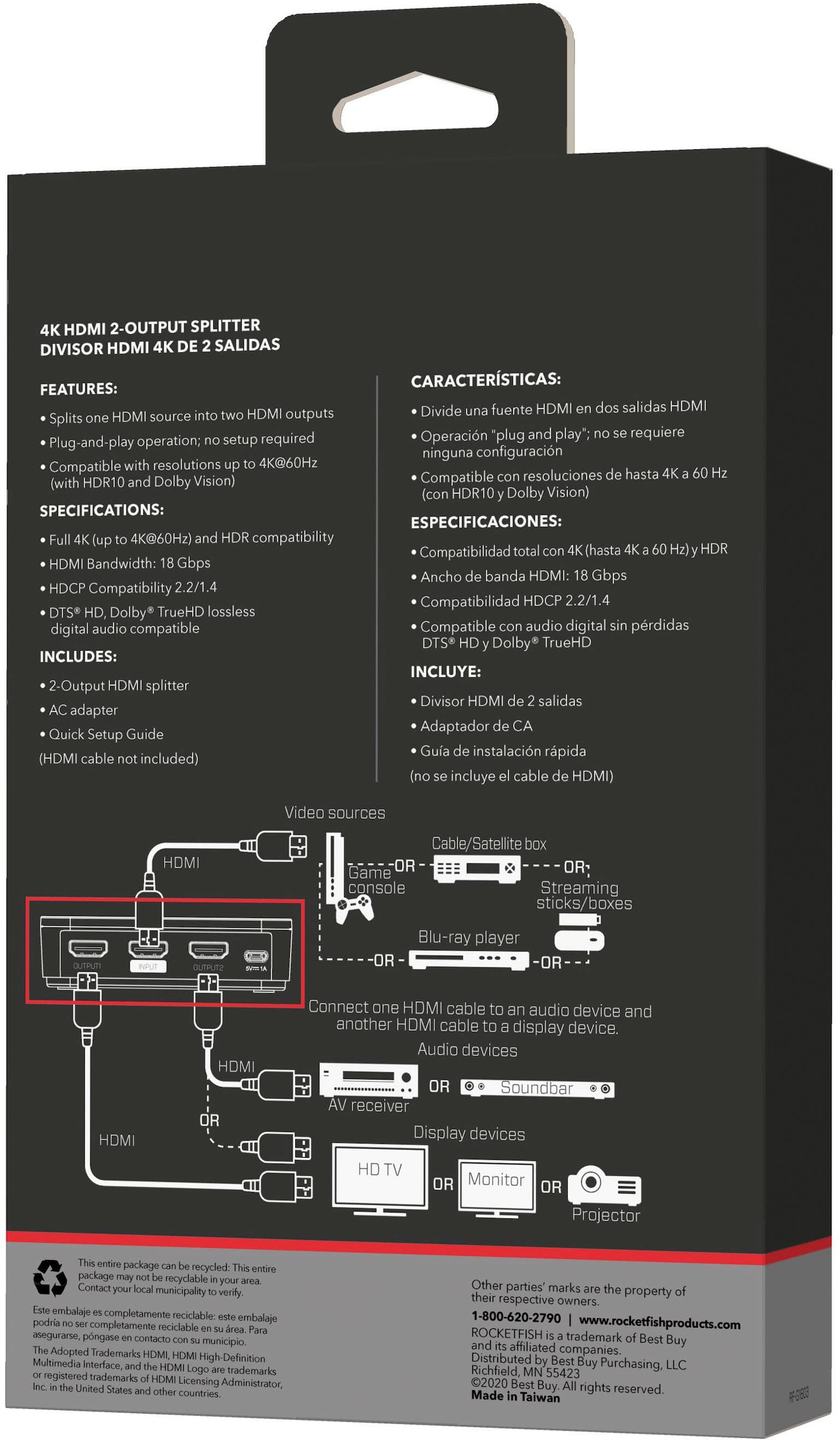
Thank you for reaching us out. The Rocketfish™ 2-Output HDMI Splitter is designed to split an HDMI signal from one source, such as a Blu-ray player or cable box, to two separate locations, like two TVs or a TV and an A/V receiver. Here are the key features of this splitter:
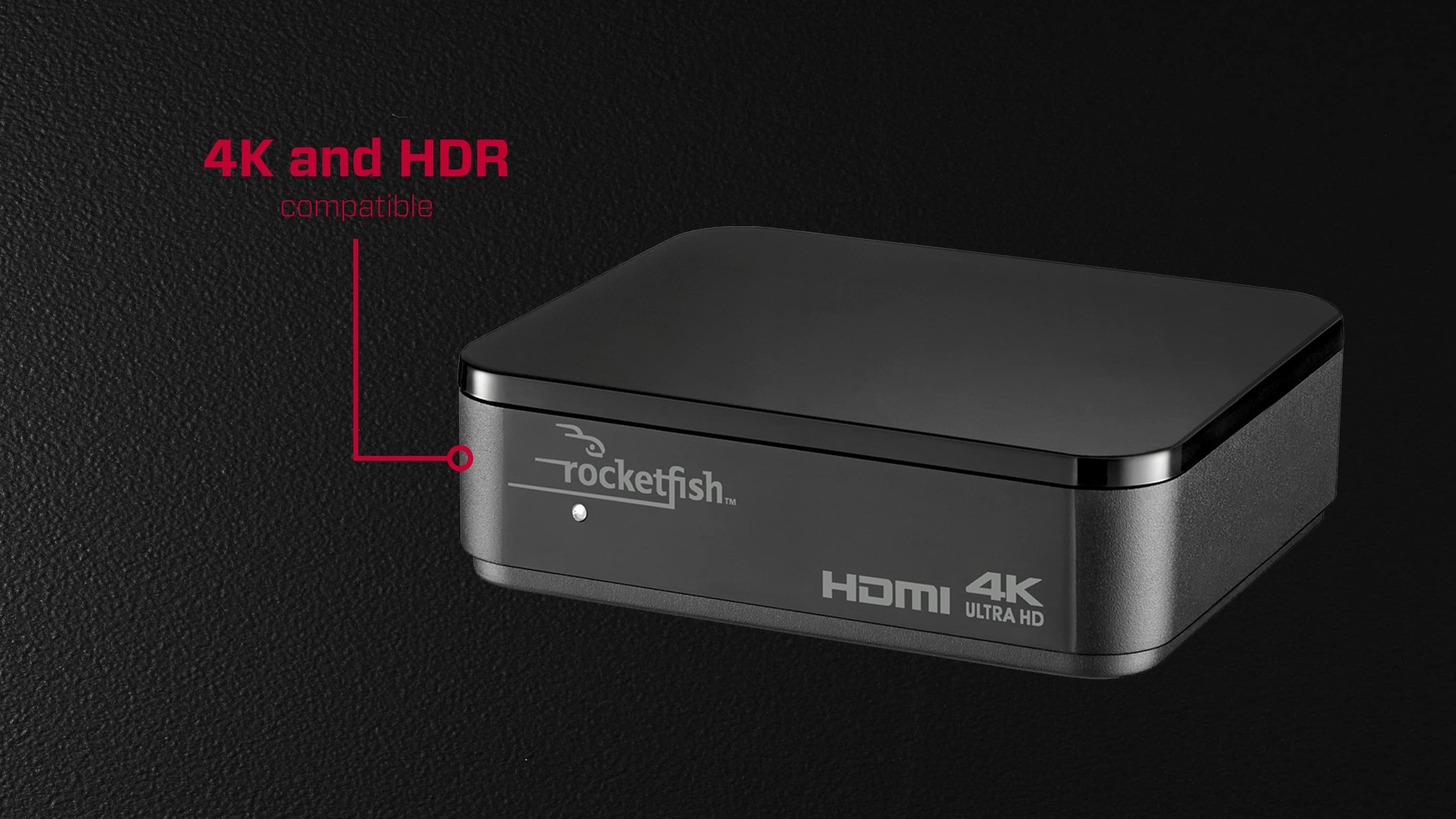
* Compatibility: It is compatible with HDMI 4K Ultra HD with HDR content and offers an 18 Gbps bandwidth for wide-ranging use.
* Resolution Support: It supports Full HD, 4K, and 3D video.
* HDCP Compliance: The splitter is HDCP 1.4 and 2.2 compliant, ensuring secure content transmission.
* Plug-and-Play: It has a simple plug-and-play operation, so no setup is necessary.
* Sound and Image Quality: This Rocketfish HDMI splitter retains the sound and image quality of the original input.
However, please note that this splitter does not allow you to extend or independently display different content on the connected devices. It duplicates the same signal to both outputs. If you need to switch between Xbox and PS5 game consoles on separate displays, you may want to consider an HDMI switch instead, which lets you choose between multiple input sources for a single output.
Yanne
Rocketfish Support
A:AnswerYou can use the Insignia - HDMI Audio Extractor Model:NS-HZ340 to easily extract audio signals for playback on a soundbar with 3.5mm aux or digital optical input.
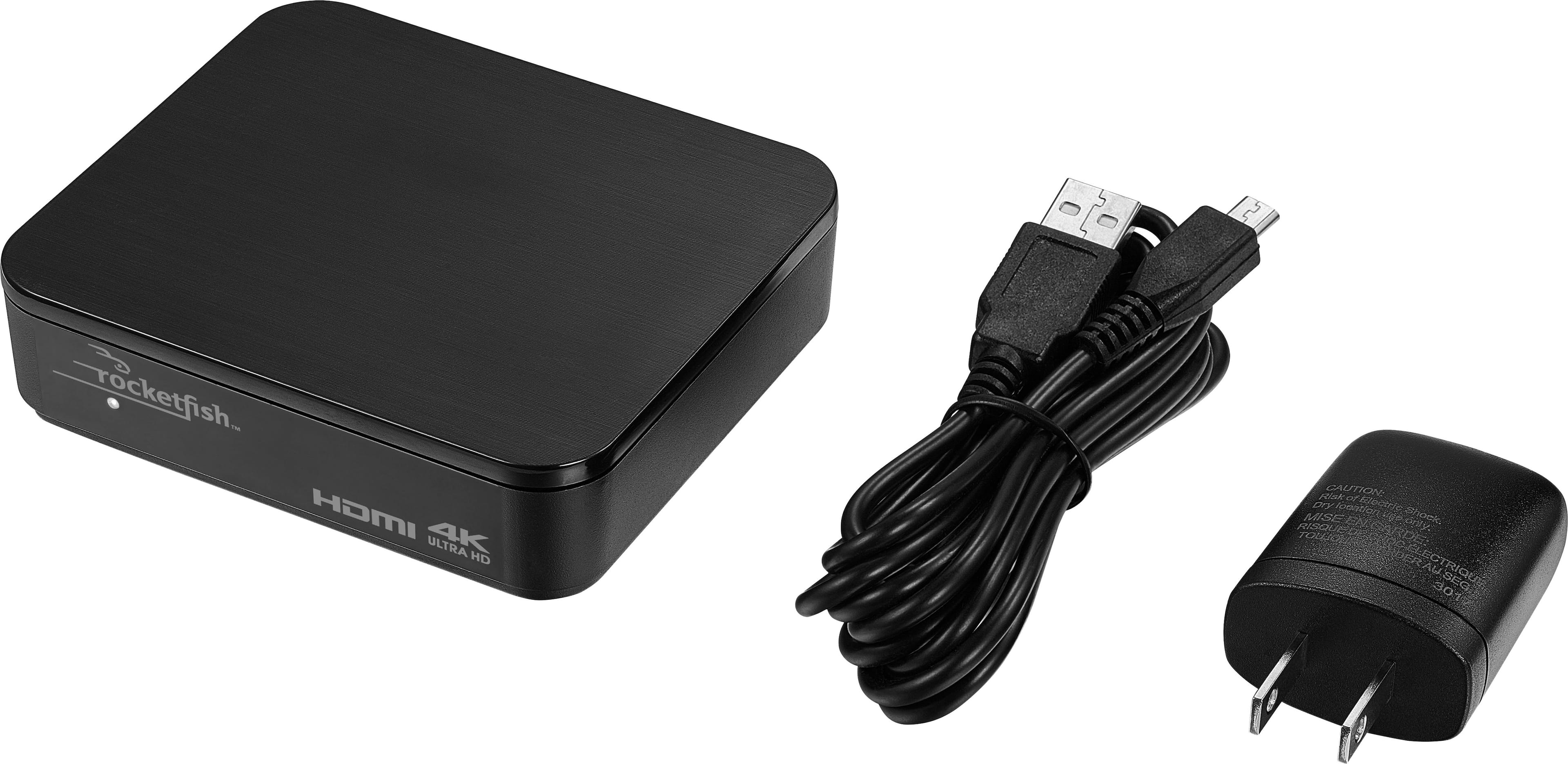
A:AnswerIt has a plug-and-play interface with no setup necessary, and it has full 4K and HDR compatibility to accommodate the latest visual displays. This Rocketfish HDMI splitter retains the sound and image quality of the original input.
A:AnswerI do not know. I am using it strictly as a splitter. I have a 36” cable going in and two 36” cables as outputs: one to my tv and one to my DVD recorder.
A:AnswerIf you have a dual output PC, you can already extend your desktop without this. If you have a single output PC then this will only duplicate the output, unless it is a laptop that has its own monitor and the hdmi output could be extended using this to extend to two additional monitors.
A:AnswerHi Koy,
VRR is only compatible with HDMI 2.1 TVs or Monitor and will not work with HDMI 2.0 displays. VRR support on PS5 is also not compatible with PS4 games that can be played on the next-gen console.
Rocketfish Products
Lisa
https://www.rocketfishproducts.com
A:AnswerYou don't need a splitter to extend your laptop output.
The "extend" feature is an option you select on the laptop. It puts the 1st half of the screen on the laptop and other half on the external screen (the HDMI).
You connect the HDMI output on your laptop directly to the HDMI input on the external screen (no splitter in between).
(To access the "extend" feature, go to Control Panel > Display.)
Therefore if you connect the splitter, the input to the splitter will be the 2nd half, so each of the two splitter outputs will display the 2nd half, so you get two 2nd halves.
That's my opinion based on logic. I have never used the extended screen option.