A:AnswerYes, the higher your Antenna and sea level the better and the better your line of sight to the sky the better. No trees! Your Rabbit ears need to be compatible to TV stats, HD UHD ect.....
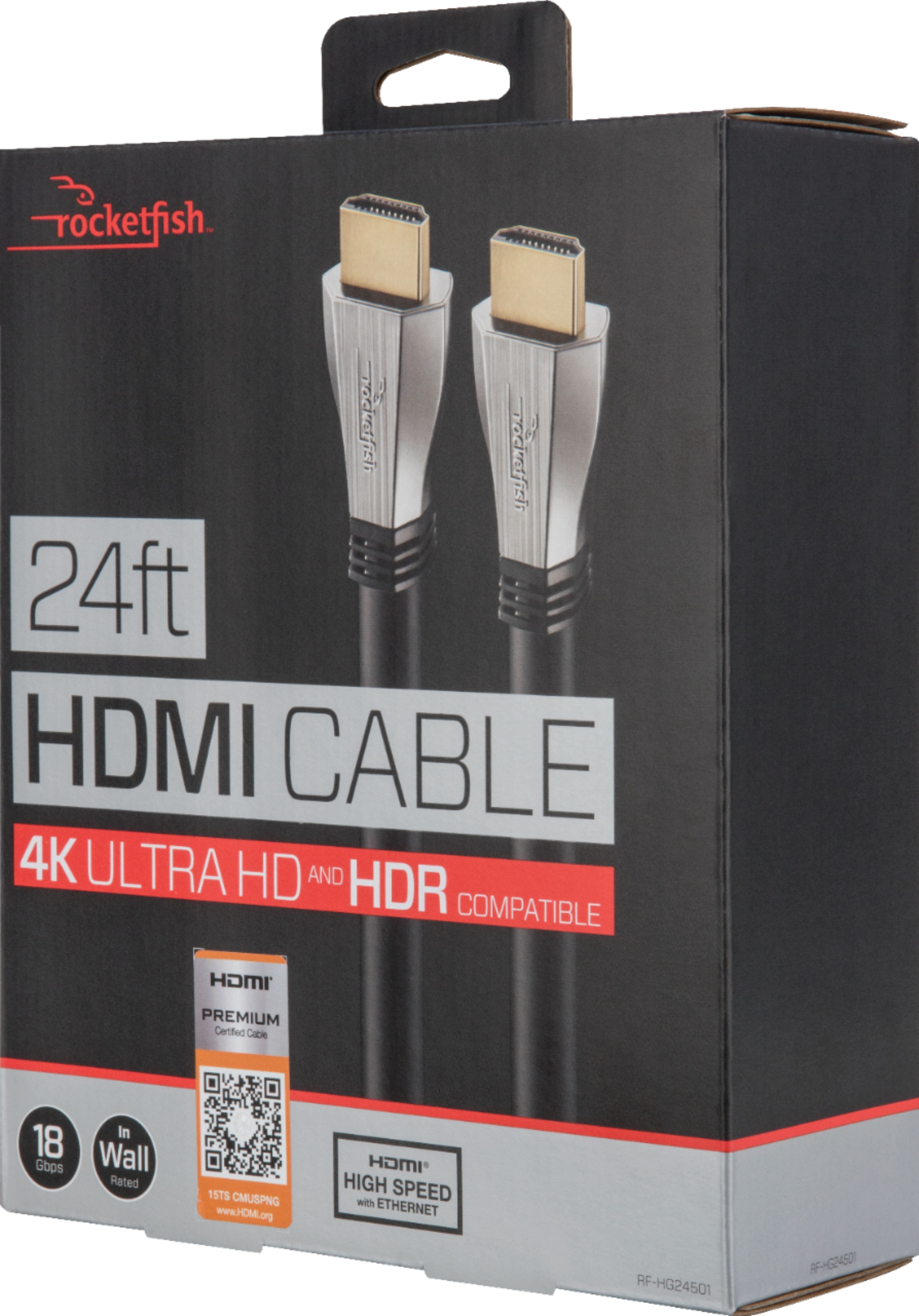
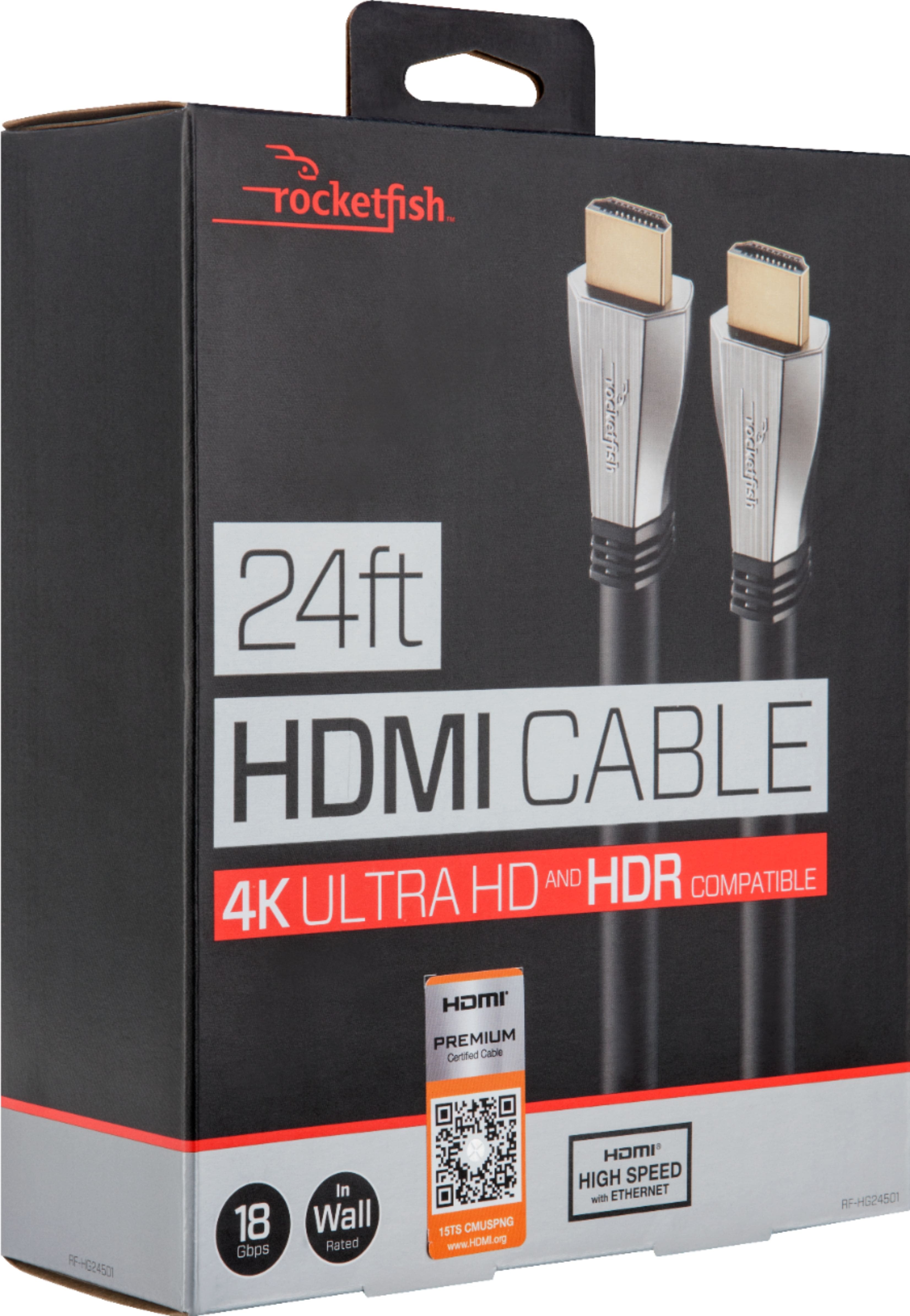
A:AnswerYou will need one HDMI cable from your Cable box to your TV (assuming TV has HDMI input and is not an old analog-only TV). It does not necessarily need to be this particular HDMI cable though--there are less expensive options that are shorter and/or are not in-wall rated to consider if you don't need these features.
So far as soundbar, there are several options, depending on which soundbar you have. Some have an HDMI input and output, so you then would need two HDMI cables. In this case, the soundbar would be in between the cable box and the TV (cable box HDMI output goes into soundbar HDMI input, soundbar HDMI output goes to TV HDMI input).
Many soundbars let you connect one HDMI cable from the cable box to the TV, then connect a cable from the TV to the soundbar, but there are options here too. The cable from the TV to soundbar could be that second HDMI, or it could be optical (Toslink), or regular analog (RCA or 1/8" stereo plug), depending on the soundbar. It is even sometimes possible to connect the audio directly from a cable box to a soundbar. Yes, I know, too many options!
At this point, you should just take the time to actually read the soundbar manual (if you lost it, google the manufacturer and model, you should be able to find it online). There are usually some nice pictures to illustrate what options are available.
A:AnswerI’m not sure if i understand what you’re asking. But if you’ll use WIFI you should not need this hdmi. This cable is to connect you 4K blu ray player to the tv. Now if you’re using your 4k player built in apps to watch it on your TV then you will need it since this cable is design to give you the right picture. If you want to connect your modem/router to you tv then you need an ETHERNET cable.
A:AnswerI have HDMI monster cables that cost $125 and the rocket fish for $40. I really can not see a big difference for the extra money. However no name cables on the internet that are not certified, I would stay away from them. You do not want your $400 playstation hooked up with a 10 dollar cable. Make sure your cables are rated at 600hz for 4K.
A:AnswerUhh, Like ya, you will be connecting one end of the cable to your Comcast Box (or whoever you have) and the other end to the TV, Like oh my gosh.
A:AnswerMy understanding is that HDMI cables are best at 25 feet or less. There are boosters that can help beyond 25'. I would talk to a technician to verify that.
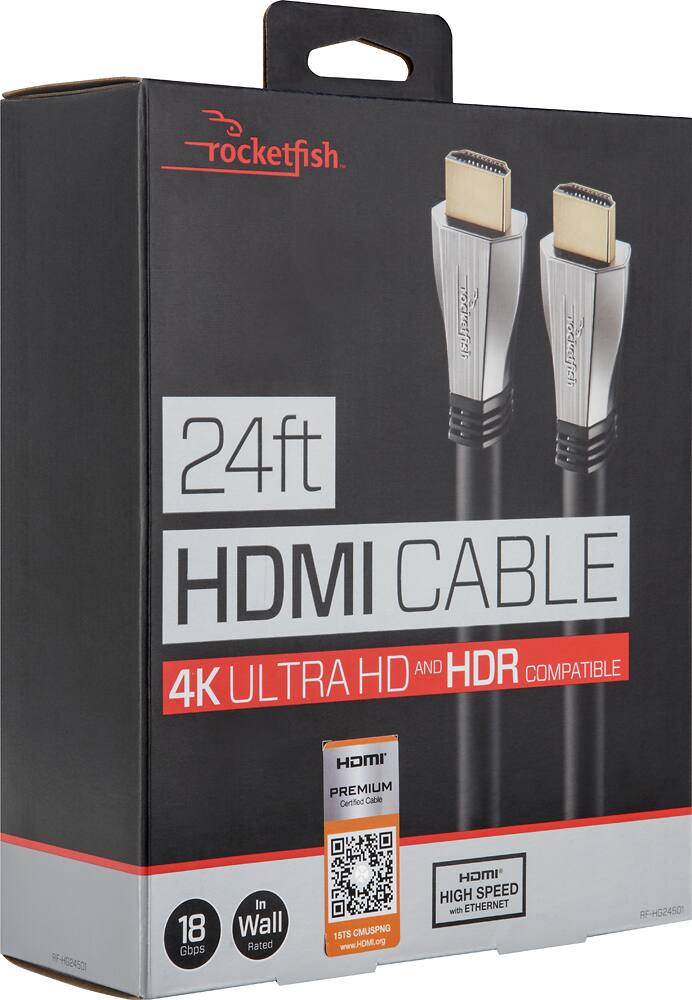
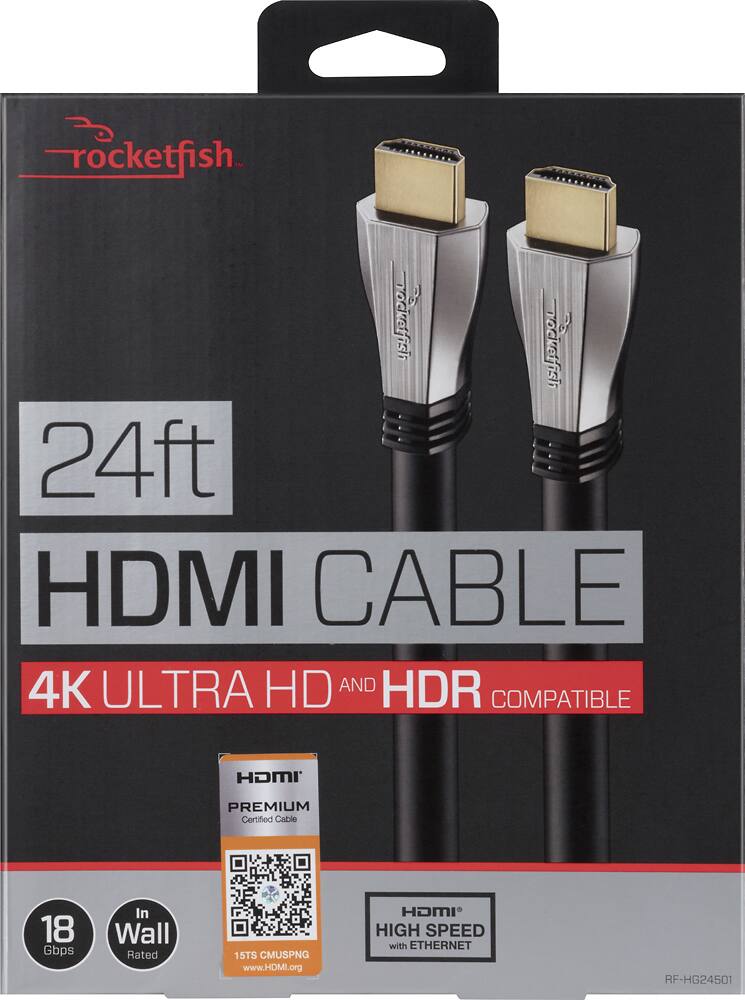
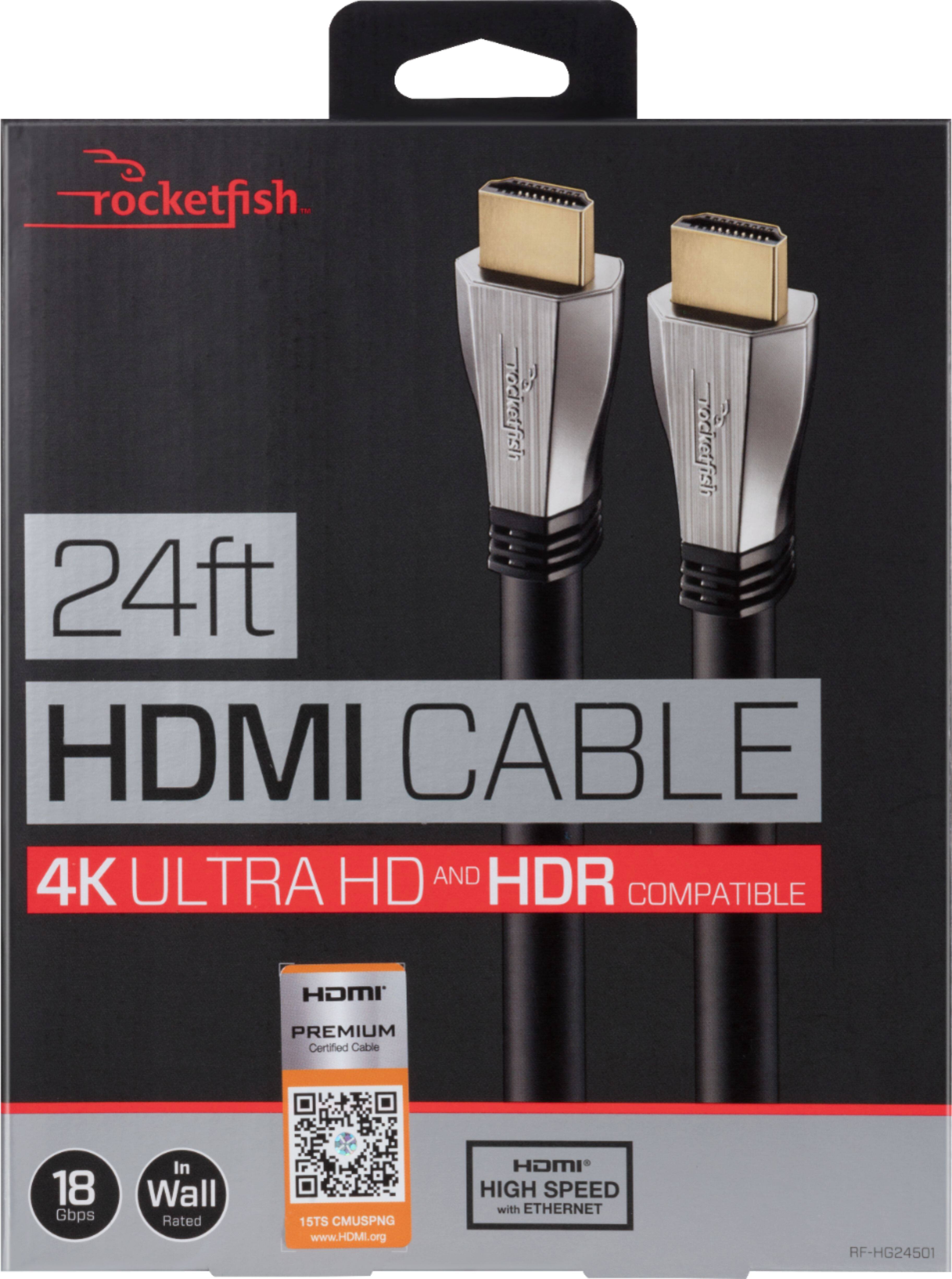
A:AnswerIt should work as it says its 18 Gbps, 4k/60FPS & HDR rated. The only thing higher in Gbps is something like a Monoprice 8K, 48Gbps HDMI cable but those are more expensive and are only as long as 6 feet.
A:AnswerIt does support Dolby Vision. I have this cable connected between a Sony STR-DN1080 receiver and Sony 65” X950G 4K TV with AppleTV 4K Dolby Vision selected and tested. AppleTV is connected to receiver. remember the source device to the TV and any device in-between must support Dolby Vision. Also many receivers and TV’s need the HDMI settings to be changed from standard to extended in the respected menus. Enjoy!