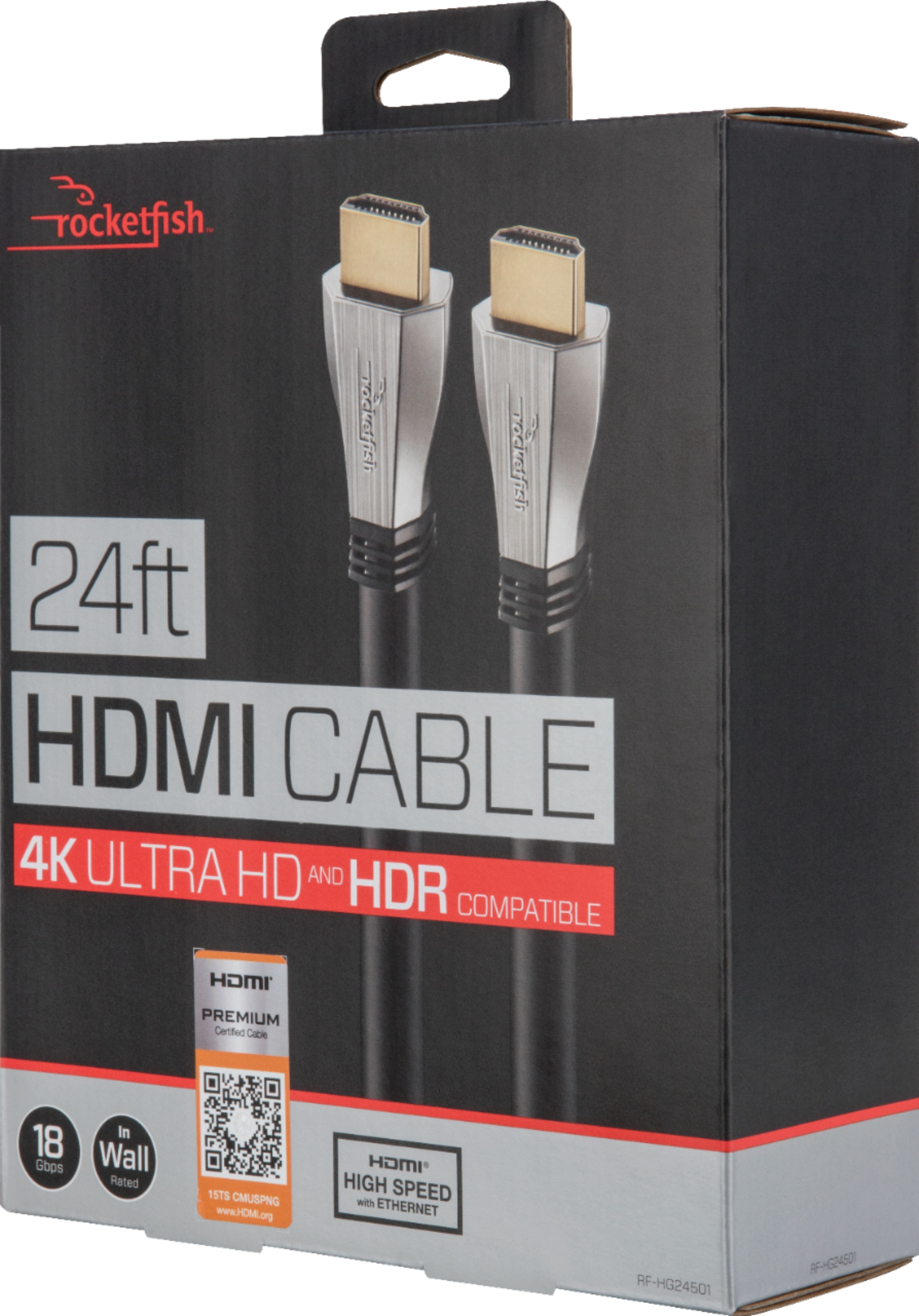
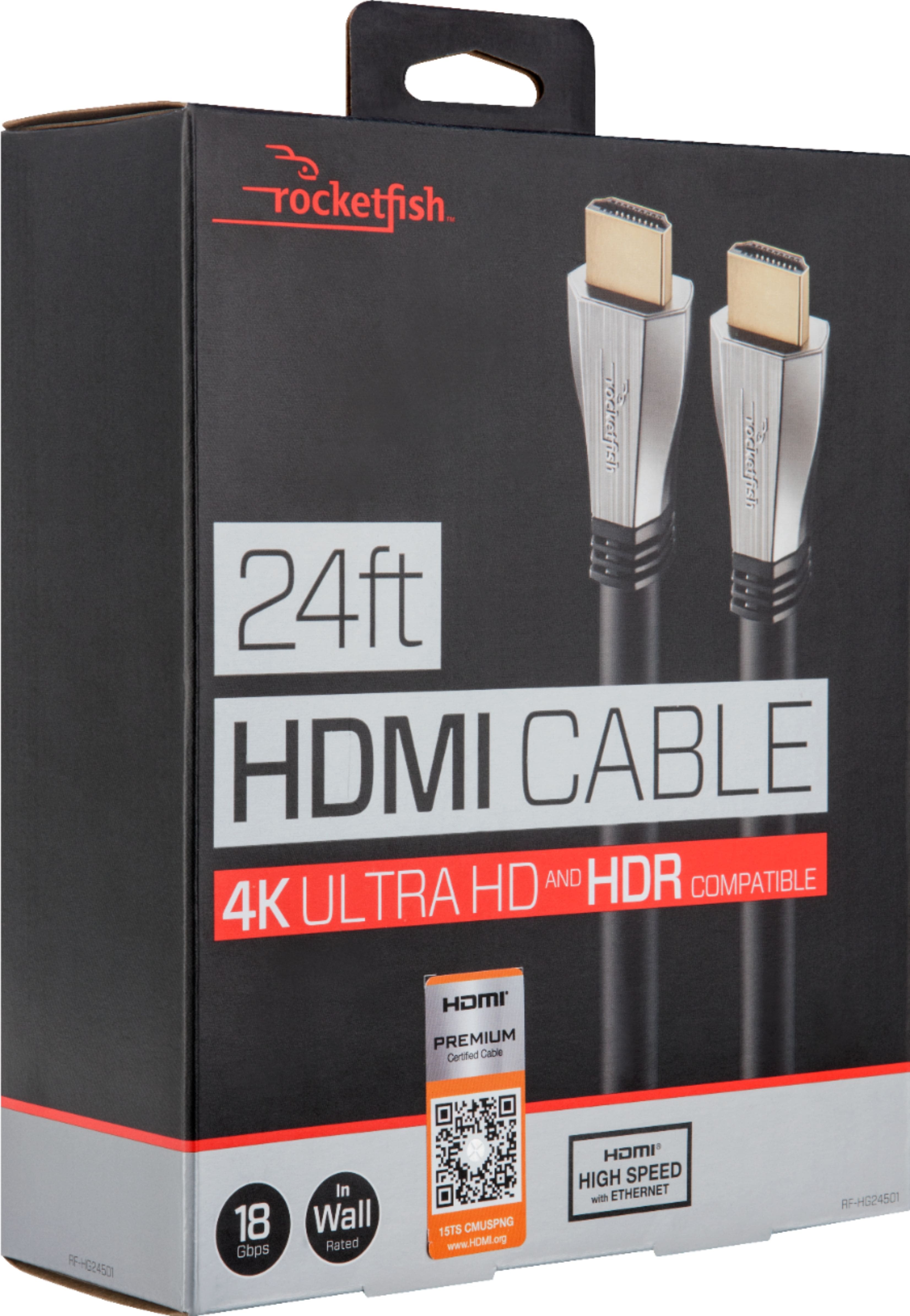
A:AnswerThe factory cable is sufficient, but an upgraded cable would improve overall experience & when playing online. If you're an avid-gamer who plans to purchase the PS5 coming out next year (Oct. - Dec.), I would put your money towards that purchase, and use the factory cable.
A:AnswerHi, if you want to watch, 4k movies you will need a 4k blu ray and a 4k hdmi, and check the setting on your tv, make sure to choose UHD Mode, an tv it will show from 480 720 1080, on regular tv.
A:AnswerThere are several factors to consider that would cause this to occur: quality of the cable/how old the cable is/if the cable is crinkled behind the TV against the wall/etc. HDMI cables usually last a few years, but of course, overall quality and wear and tear will determine the life of the cable.
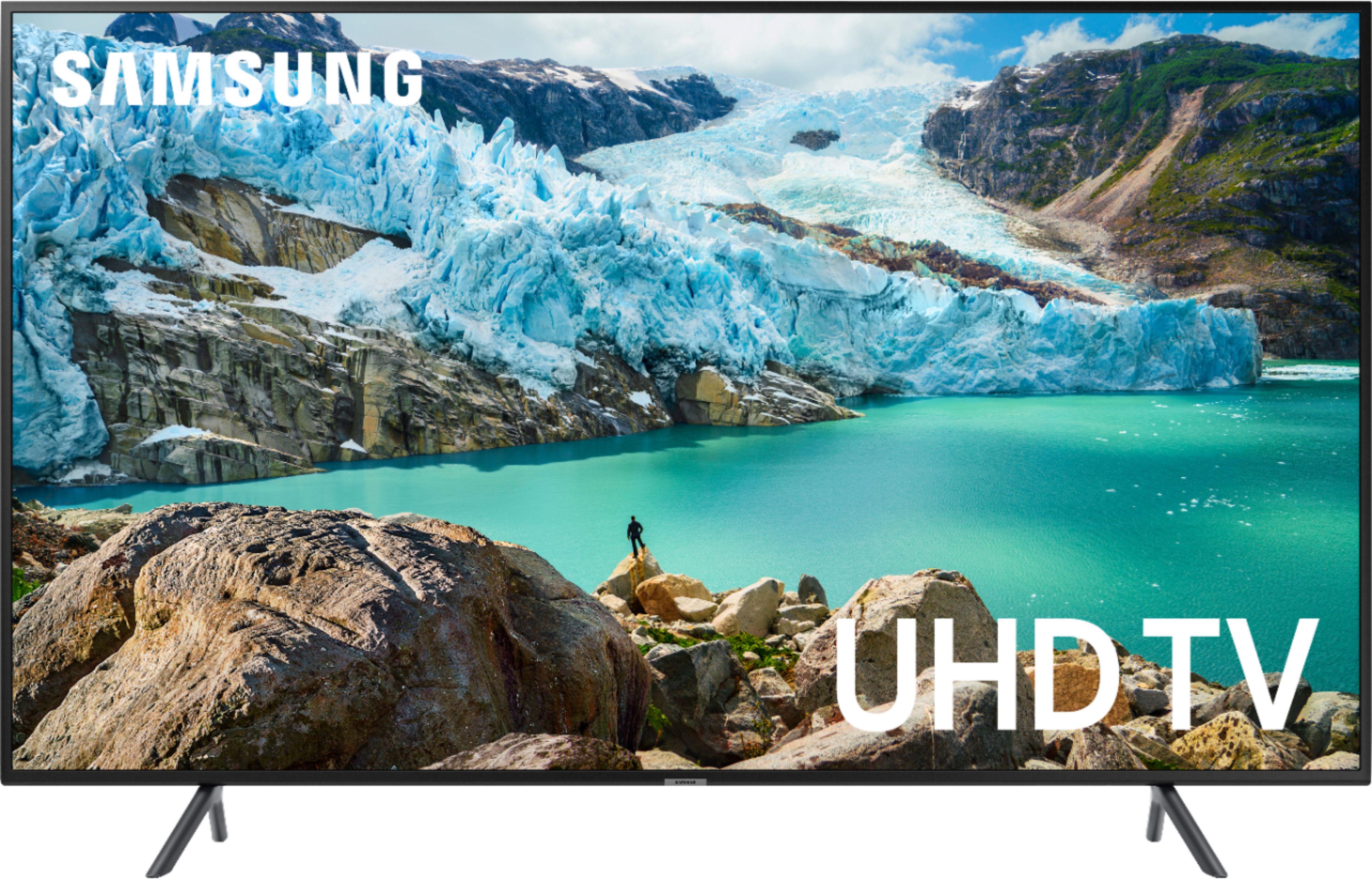
A:AnswerYes, the quality is wonderful with this HDMI cord. I have it connected to a Samsung UHD smart tv and Samsung 4k player and the picture is ridiculous! Gives you movie theater quality
A:AnswerThis is due to the viewing angle of the TV. Not all TVs have viewing that are 180 degrees. Some are like 178 or so and then there are some that are less than this. So if it is less than this, your picture will fade the closer you get to the side of the TV.
A:Answerif your cable box or whatever you have for viewing cable has this port on the back of it I highly recommend you up to this cable. The reason being is because it can send information from your box to your TV at a much faster rate of speed then a standard cable can. This could mean better color/picture, better sound, overall better quality. Now it is not a necessity but I highly recommend you buy one and use it if your cable box or whatever you use has the optional space for it
A:AnswerYou should be able to hook them up to the connections on the back of the TV. However, you need to make sure the model you have has those connections. I made sure the Sony $K TV had them when I purchased it. So my accessory hooked right up to it.
A:AnswerThe USB 3.0 to Dual HDMI Adapter increases your productivity by providing two displays. Get exceptional USB video performance to support your standard business applications. Pre & Post Sales Support. Comprehensive Selection. Certified.