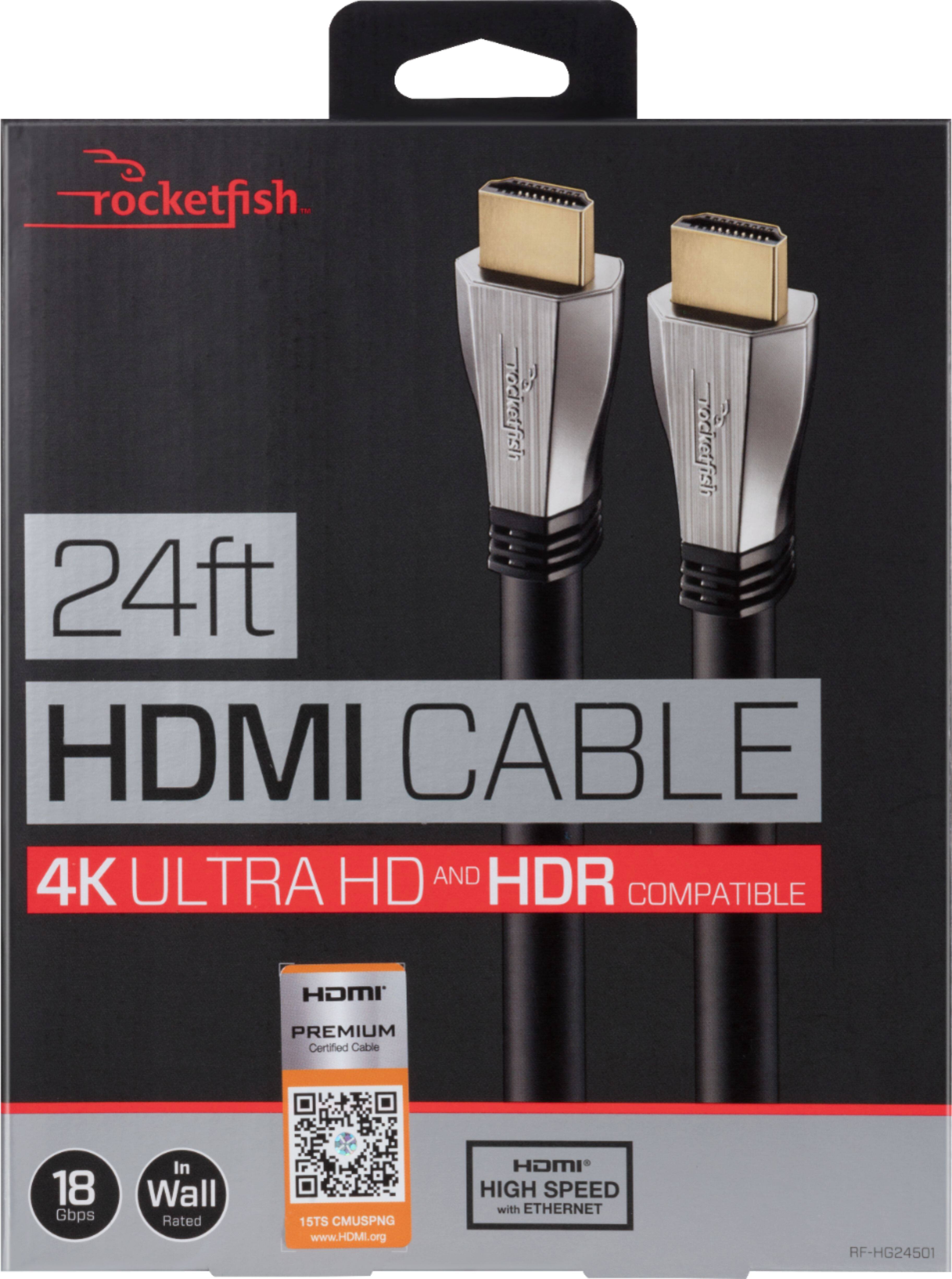
A:AnswerMost TV's now have multiple USB ports in the back. Use the recommended product below and plug your phone into one side and the USB in the TV. Unless of course you have a smart TV then just transmit it directly on Wi-Fi
A:AnswerThe HDMI cable should not make a difference. You should be able to change the audio settings on the TV so that the TV speakers are off, and that the sound bar becomes the primary source of sound. If you have XFINITY (not sure if this works for other cable providers), you are also able to program the XFINITY remote so that it can turn on / off both the sound bar and the TV at the same time. Hope this helps. Good luck.
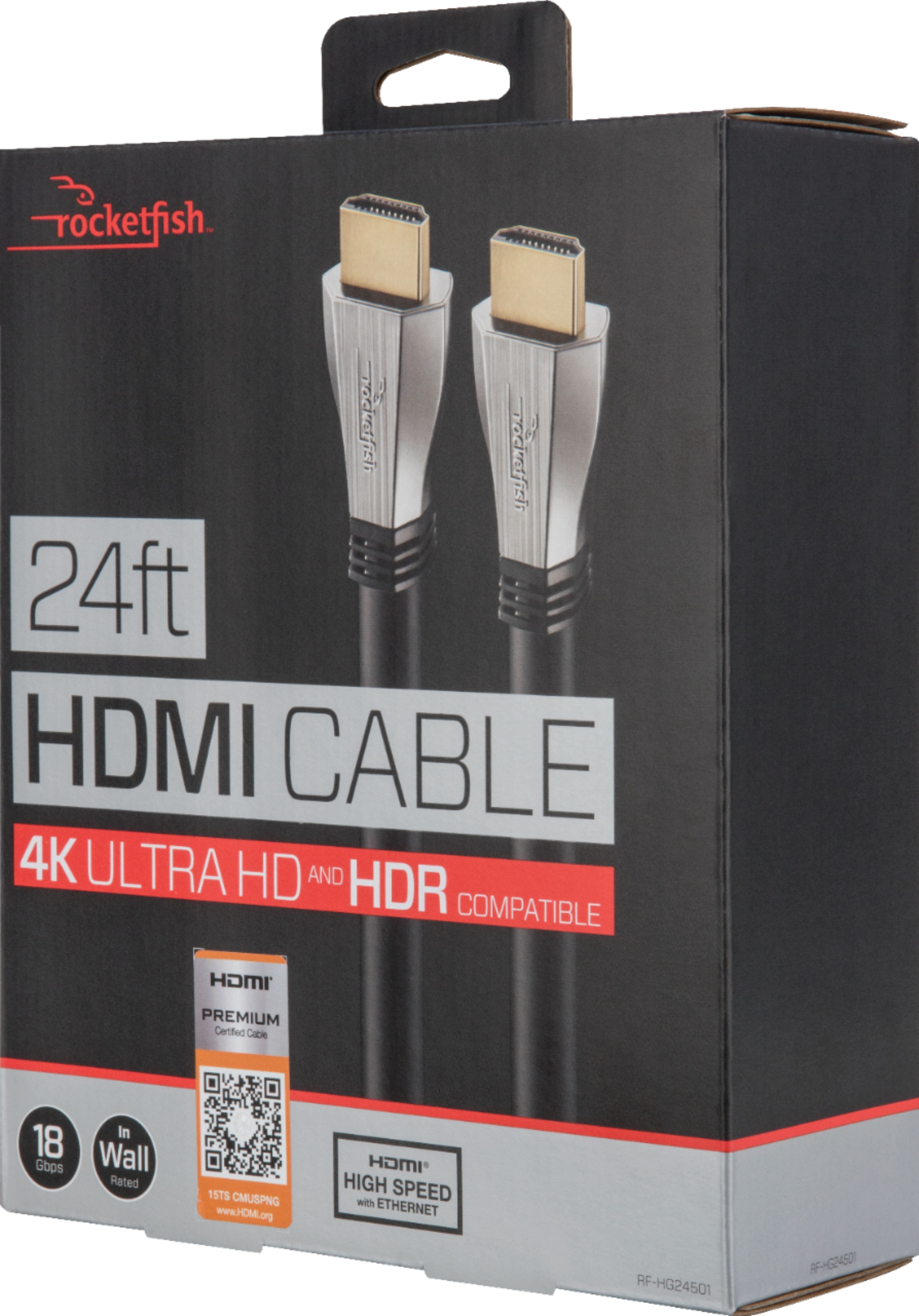
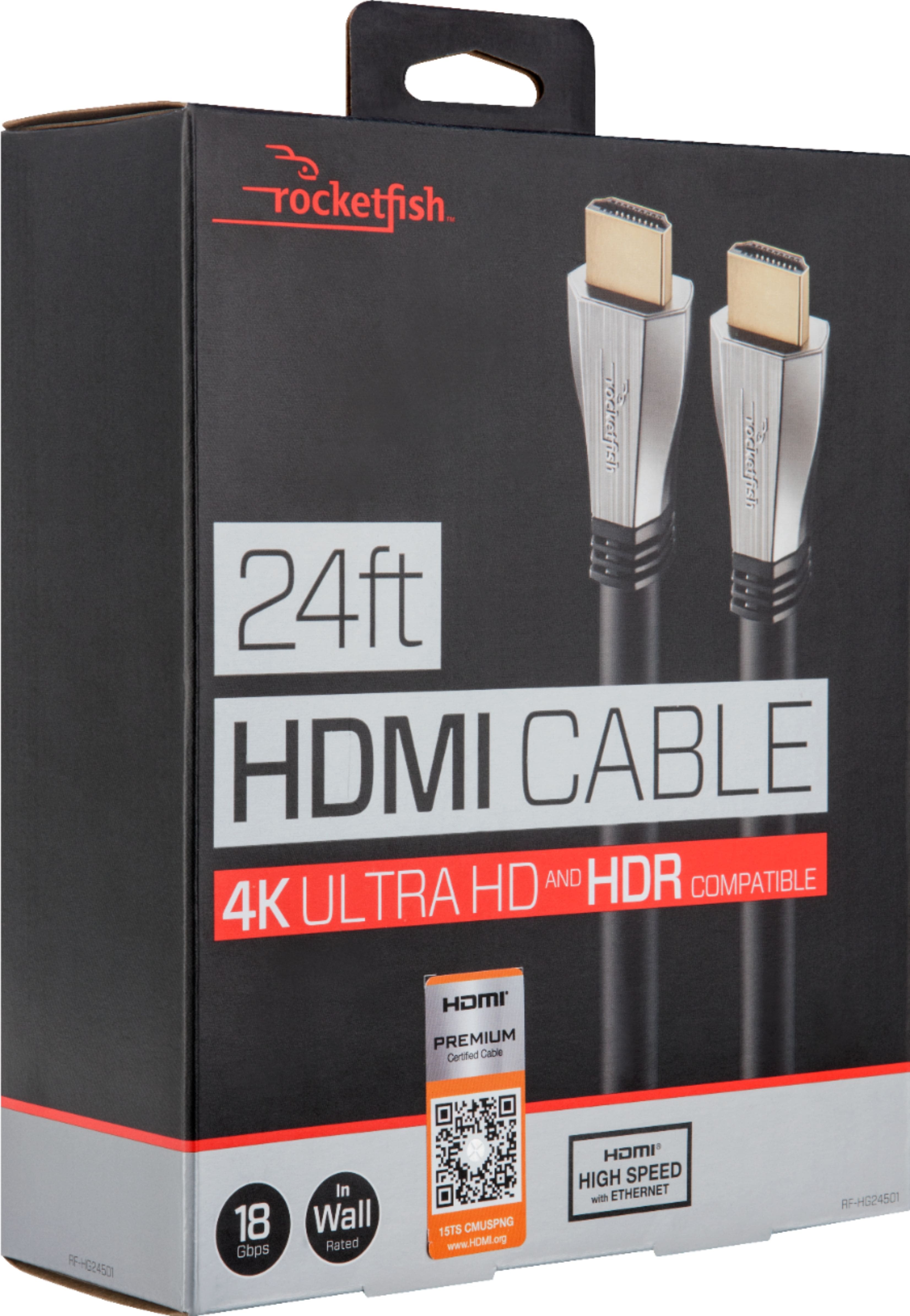
A:AnswerThere is only one way to find out, buy it and try it. I am pretty confident that the hdmi cable makes all the difference and paying a coupe extra bucks for a Rockerfish will prove to give you the look and sound you want.
A:AnswerCheck laptop for an HDMI hole.......and check in "settings" - display......use screens 1 & 2 and you can work on laptop screen 1 while netflix window is open on screen 2.
My laptop only has a USB. IF you need it.... I picked up a "dock" that has an HDMI and more USB slots (cable is a few inches long connected to a small square area with the hookups). Give laptop a sec to configure dock and plug in and go. Recommend a dock that is USB powered or powered by laptop (so you don't have to plug it into wall to work.
A:AnswerIt should... That said, it may be an interface and/or settings issue, not simply a cable. Not discounting that cheap cables can be a nightmare, just my two cents. You may need to look at your settings. I loop out to monitors all the time for both personal and professional use. Not sure if you went into your mac settings and checked monitor order, etc. That said, I would highly suggest hooking up via "thunderbolt" to hdmi as a port. Seems to work better... I am not expert, but it works well. So, maybe purchase one of those first, it would be about the same as a high end hdmi cable.
Andrew
A:AnswerNormal TV needs just about any wire. It needs very little to send a good picture. An expensive cable will not enhance the picture. However, do buy the better cable. You may, at some future date, want to watch a program with 4K, HDR and or up scaling. You won't have to run out and replace the cheap ones.
A:AnswerIt sounds like there is probably a problem with the dish box. It's possible you had a bad connector on the cable though. Since this is a year old you have probably sorted it all out by now though. But just in case someone else runs across this question I will say that the connectors on both ends should be the same. It's a standard size and shape.