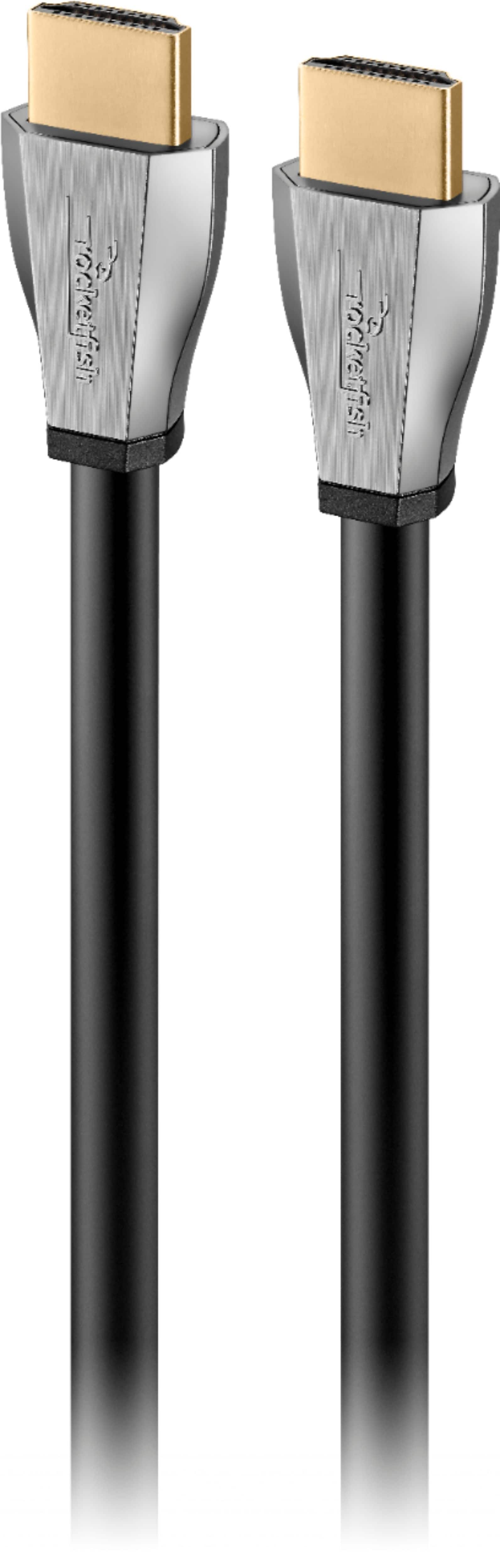
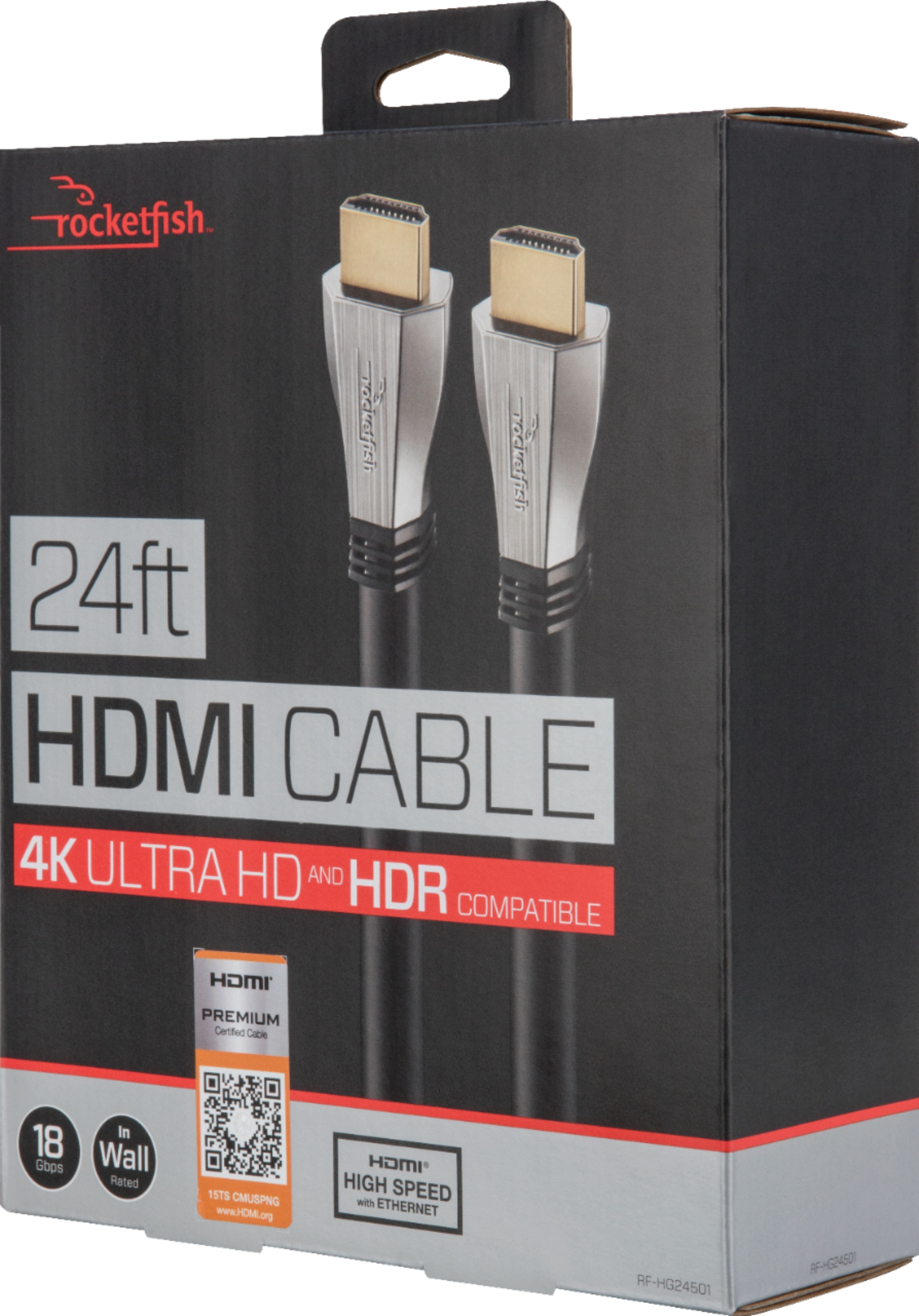
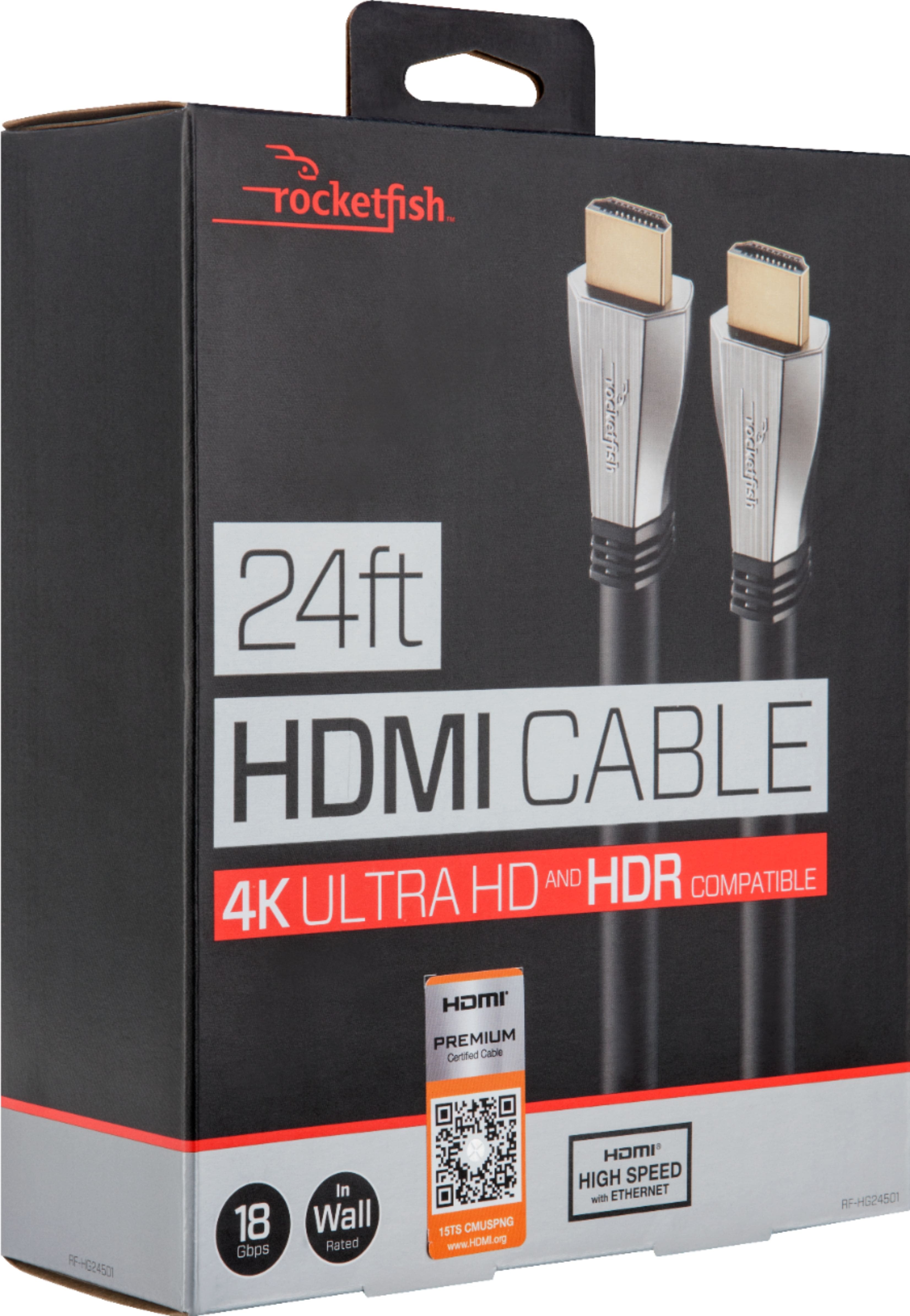
A:AnswerThat is an HDMI cable. That cable is used to simply transfer data from your consul to the TV. It has nothing to do with the HZ your TV is set at. Look at the display settings on your tv.
A:Answera 4K hdmi cord will work with any HDMI connection. You have to have a 4k tv for it to be in 4k remember. So the apple app a 4k hdr tv will do it, but the hdmi cord allows you to hook up a receiver or a roku
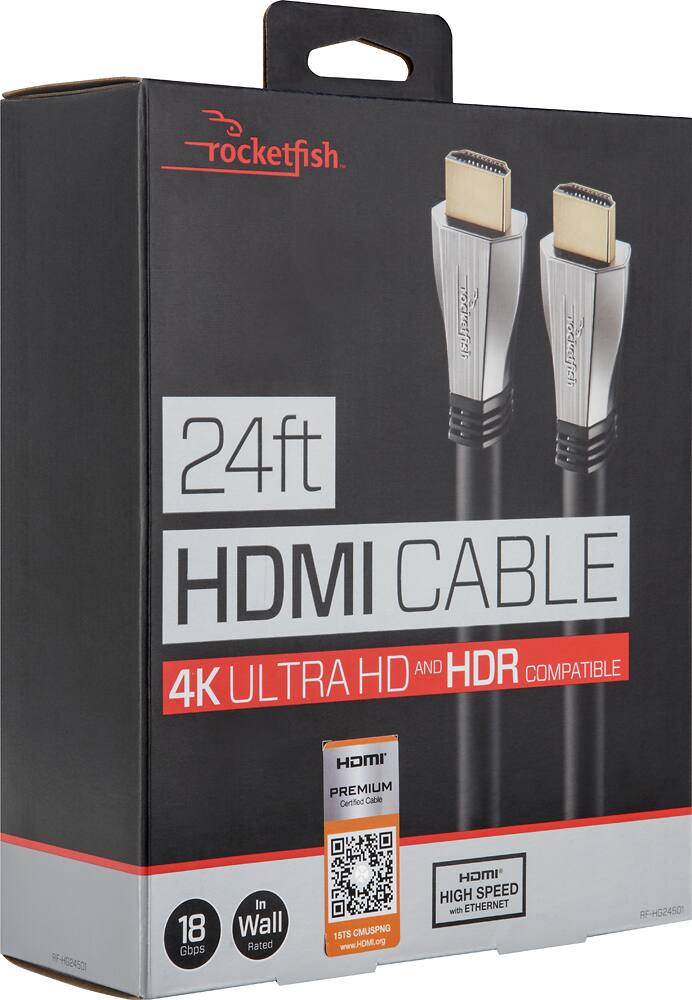
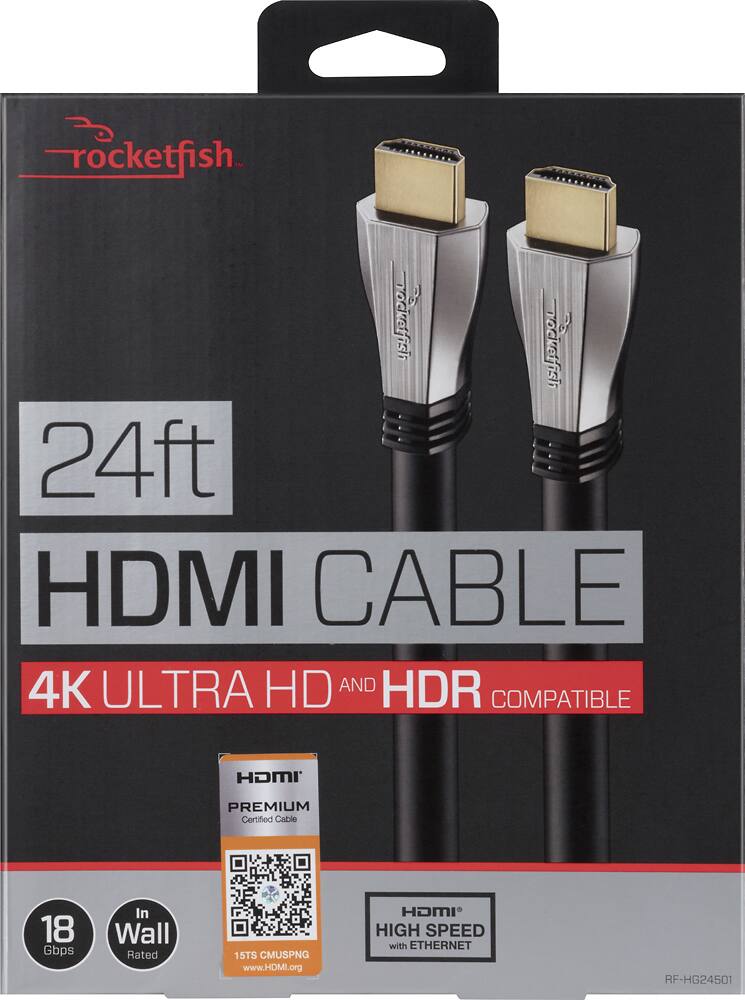
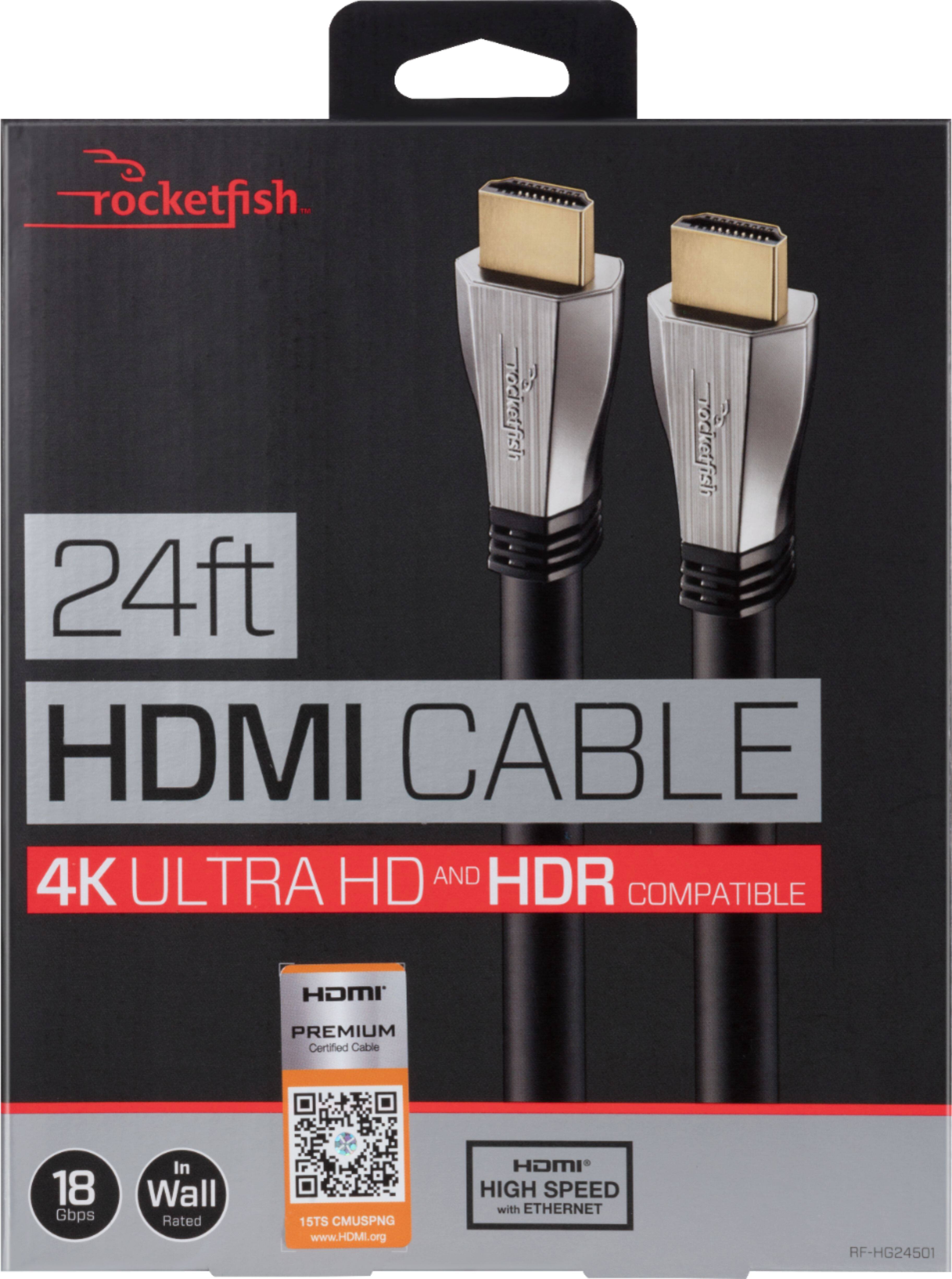
A:AnswerThese are 2.0b cables capable of 18 Gbps. The fastest they currently make and will support up to 240 hz refresh rate and HDR10. The only cables faster are the $200+ cables from AudioQuest until they make 2.1 cables.
A:AnswerI have a question. I just bought an Acer 27 inch 165hz monitor for my son for his alienware alpha r2. For some reason it doesn't work with this computer. But I hooked it up to his xbox 1 and it works fine. The monitor seems to just keep searching for a signal when hooked up to the alienware but works just fine wumith his xbox 1. Any ideas?
A:AnswerBecause the HDMI “Version” does not use a set standard, we don’t qualify our cables as such. What I can tell you is the HDMI features that are supported by this cable are
• 1080p and Ultra HD 4K x 2K resolution: Plus Deep Color
• Lip Sync, 3D TV
• 7.1 surround sound
• Dolby TrueHD and DTS-HD
• HEC (HDMI Ethernet Channel)
• ARC (Audio Return Channel)
• Most screen refresh rates for sharp visuals and audio.
A:AnswerI haven't found anything you can purchase at Best Buy that can play ProRes or anything higher than 4K30...Lossless files/ RED files/Transcoded...not going to play.