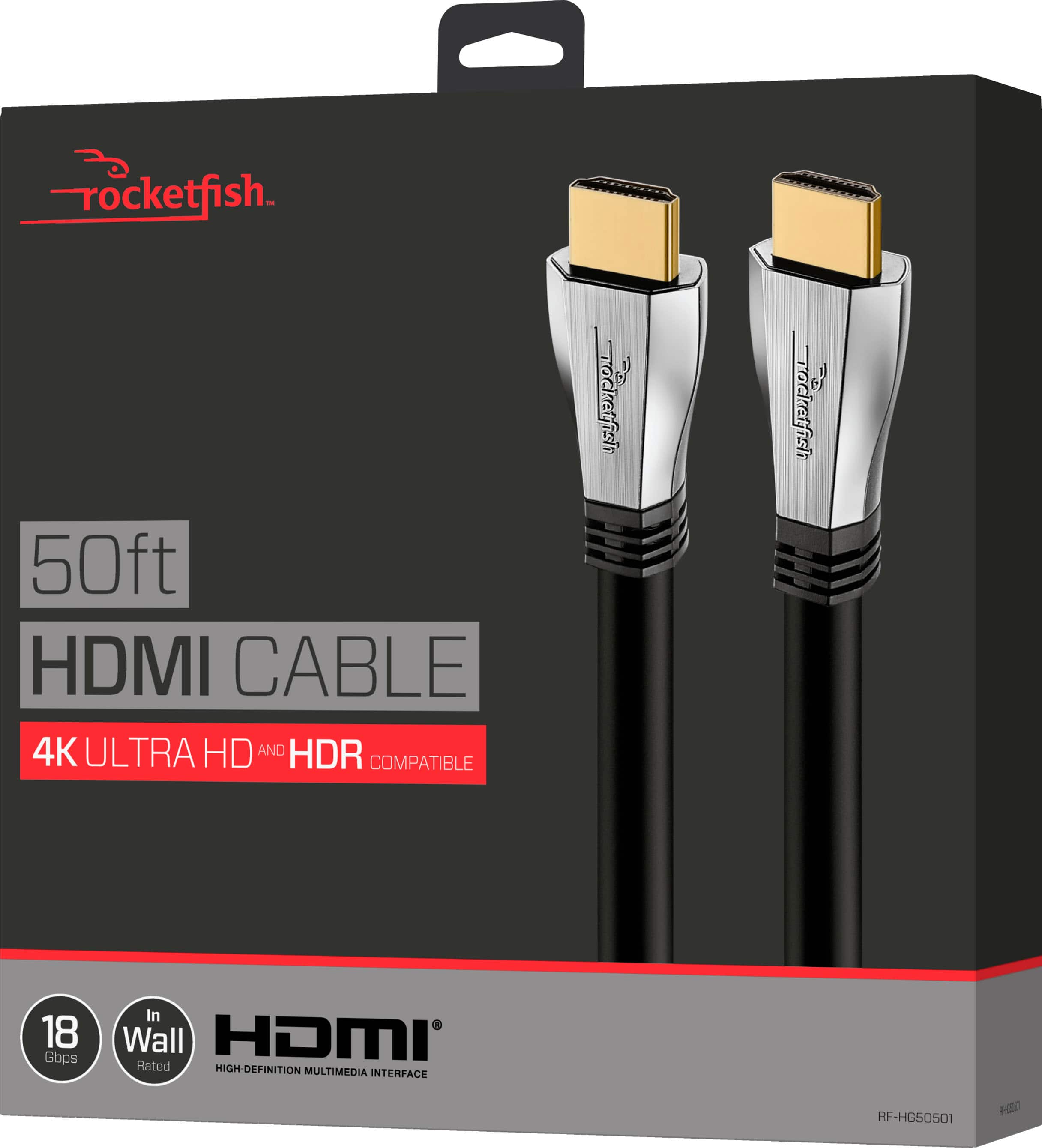
A:AnswerReally you just need an HDMI cord to connect the two from computer to t.v., but if your computer dosnt have HDMI support you will have to buy an adapter to connect the two
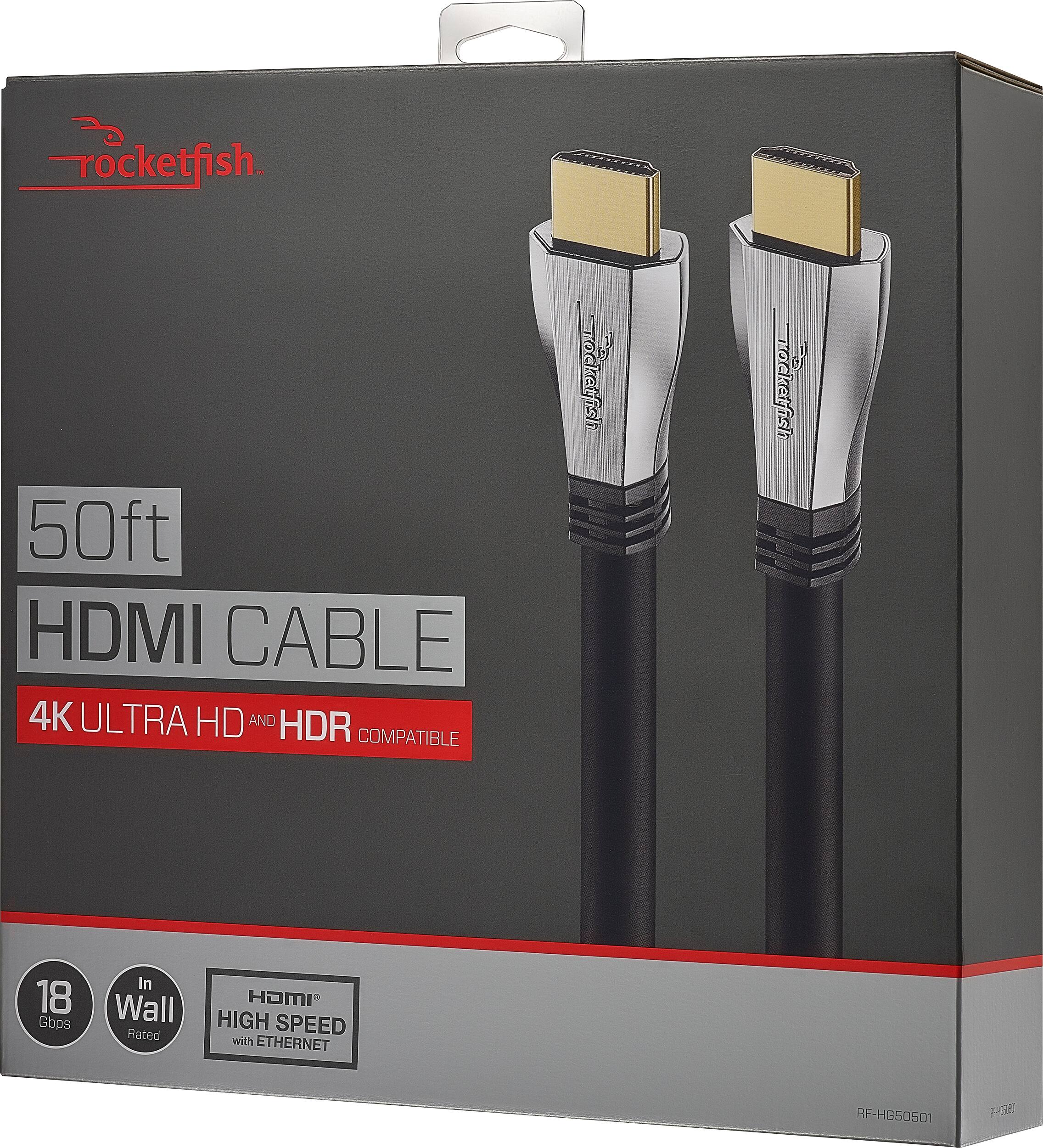
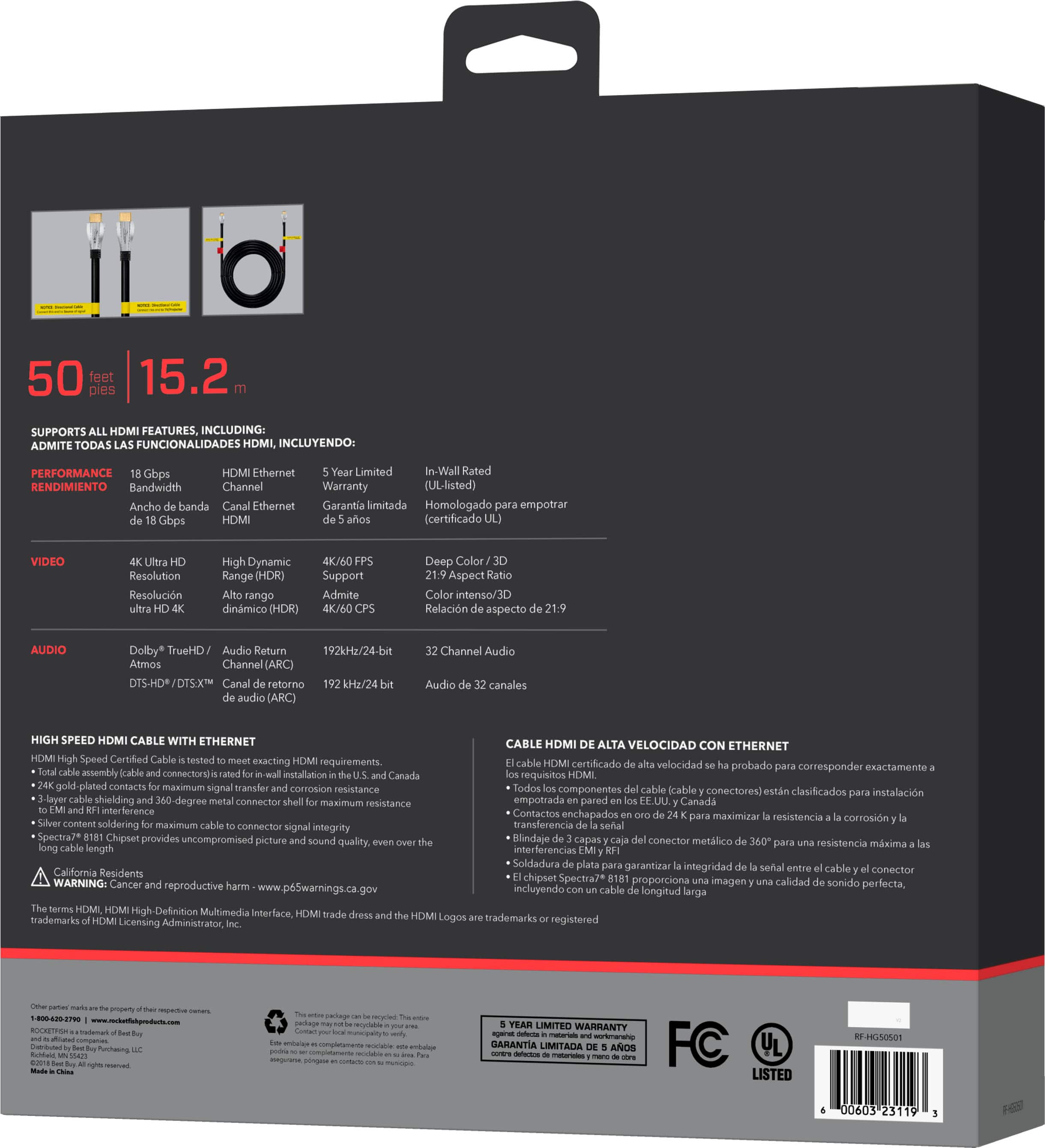
A:AnswerThe cable is a 2.0 cable rated at 18 GBps. Personal preference on being overkill is an individual choice.
With advances in technology, they may wind up being necessary in the future.
A:AnswerIf you mean "can this cable pass ARC signals", the answer is yes. I have the 12' version of this cable and it passes the ARC signal from my TV back to my AVR. You have to have it connected to the proper HDMI port of your TV and both your TV and AVR need to be ARC capable, but yes, the cable itself is not a limiting factor.
A:AnswerIt should, easily - Full HD 3D (FHD3D) signals have a bandwidth of 6.75 Gigabits-Per-Second (Gbps), while if these cables are actually able to handle 60 Frame-Per-Second (FPS) 4K Ultra-High Definition (UHD) video with High Dynamic Range (HDR), they're supposed to be rated for a bandwidth of 18 Gbps (HDMI 2.0). Since neither the online specs nor the box lists the throughput*, we kind of have to take it on faith that they can handle it.
Thankfully, the next step down, HDMI 1.4, has a throughput of 10.2 Gbps - more than enough for 3D.
---
*- Rocketfish's own site lists their Ultra-Thin 4K HDMI Cables and their in-wall HDMI Cables as having 18 Gbps throughput - but other cables are just "4K Ultra HD", which suggests a slower throughput.
A:AnswerFirst, I assume you are referring to Dolby Vision. There is no Adobe vision. The cable should not be an issue - it is capable of passing the proper signal between devices. The issue is either with your Xbox One X not being properly configured to send the Dolby vision signal, or with the LG tv not capable of receiving the Dolby vision signal.
A:AnswerAbsolutely. However, these cables are very short. But the longer Rocketfish versions (8') work perfect for your situation. I have these cables between an HDMI switchbox, a cable box, and also from the 4K blu-ray to the switchbox, and from the swithbox to the 4K TV. Perfect..