A:AnswerIf you have the premium PS plus subscription, you should be able to stream some ps5 games through the PS Plus App. It all depends what streamable games are available. Over all, Playstation games run very smooth.
You can download the PS Plus app from any browser on the ROG. You can then access it from Armoury Crate.
A:AnswerIts up to you what profile you use that will do on how long does the battery last and what games you use i haven played with a powerbank attached yet, but will do eventually
A:AnswerIt’s works fine for me. Just download curseforge program and get controller config for game. Should be a lot of YouTube videos on it. Get the extreme processor as that’s the one I have. It’s does crash sometimes for me though. Still playable and when it works it works great.
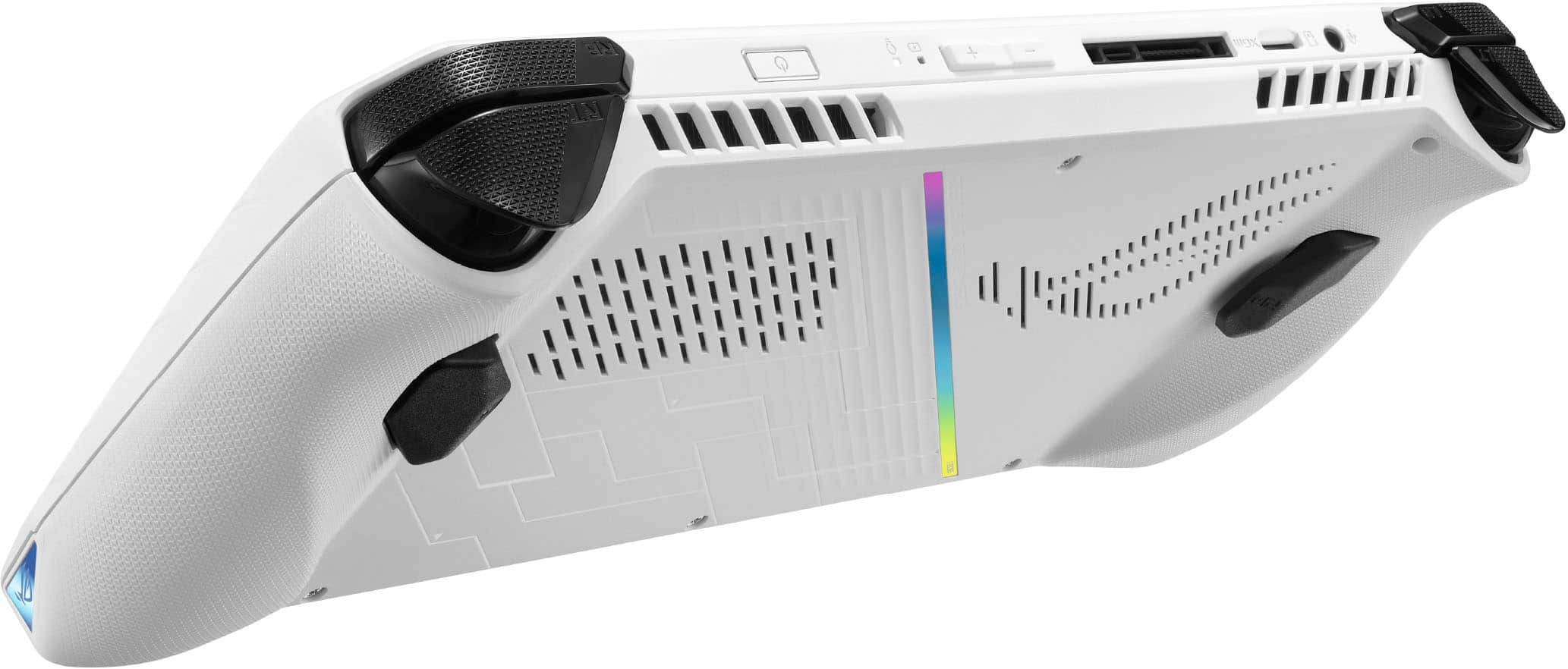
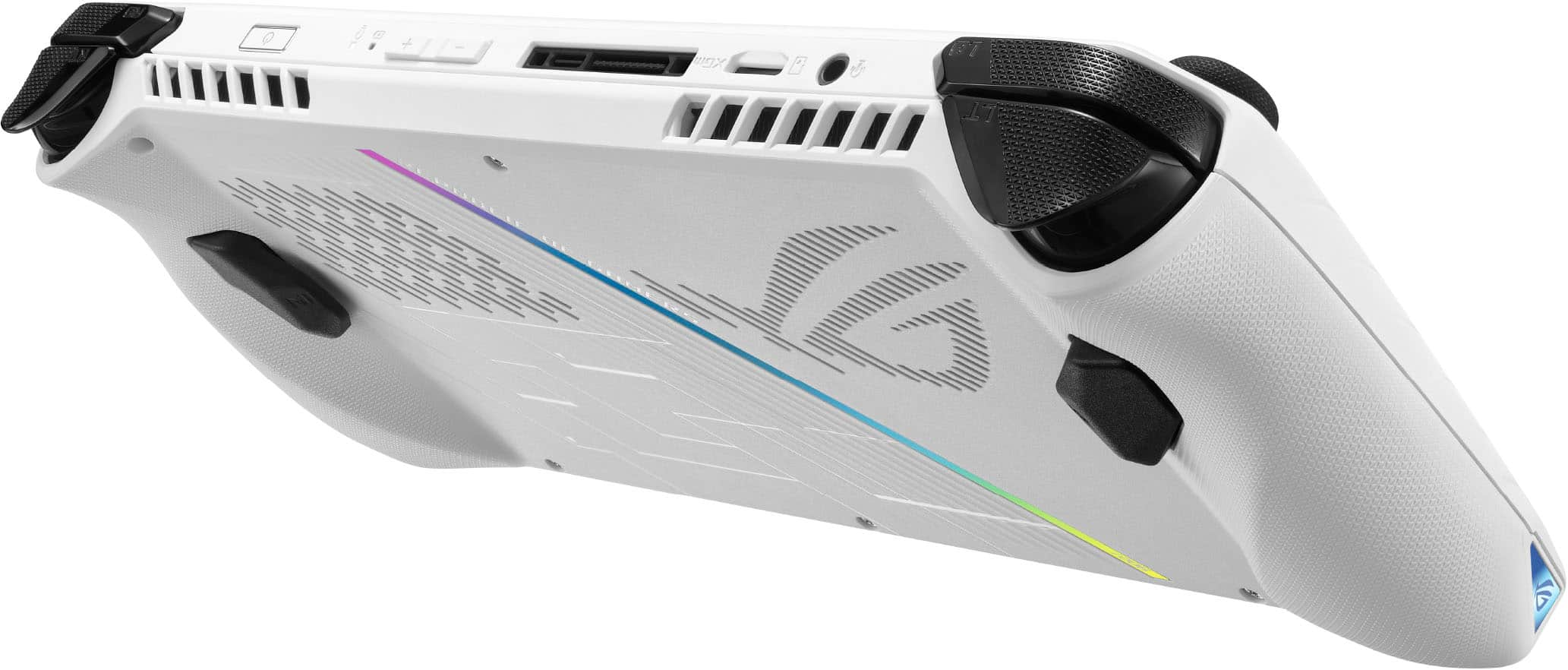
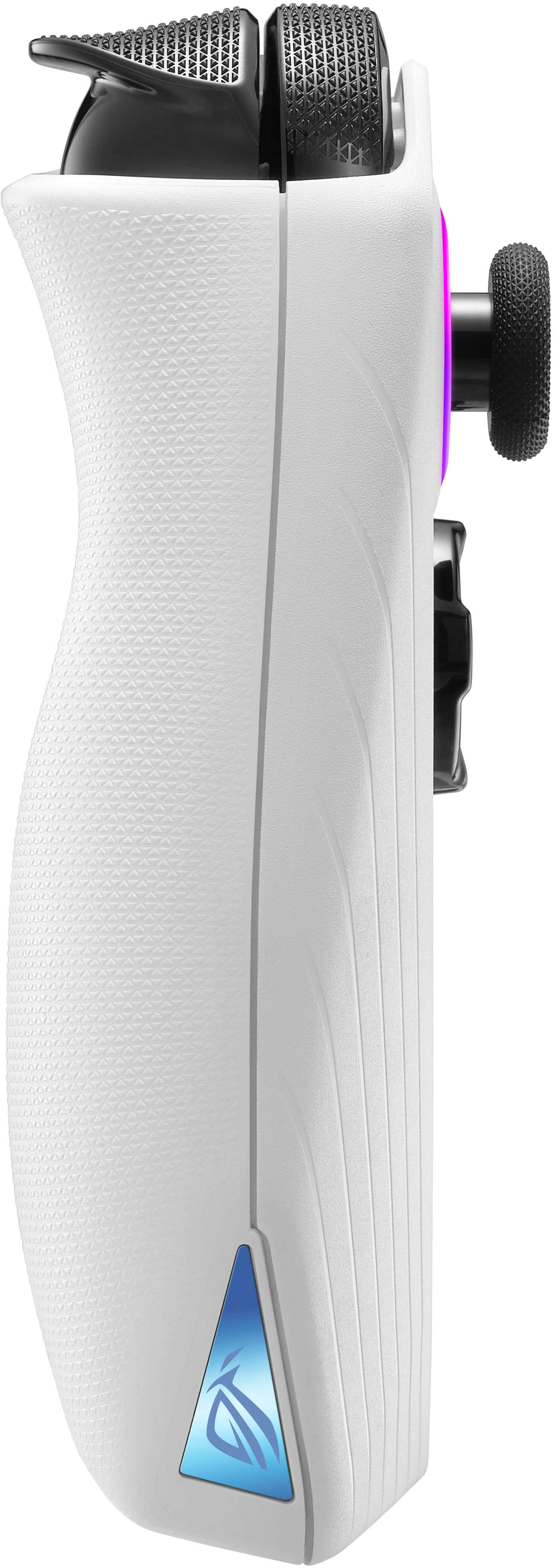
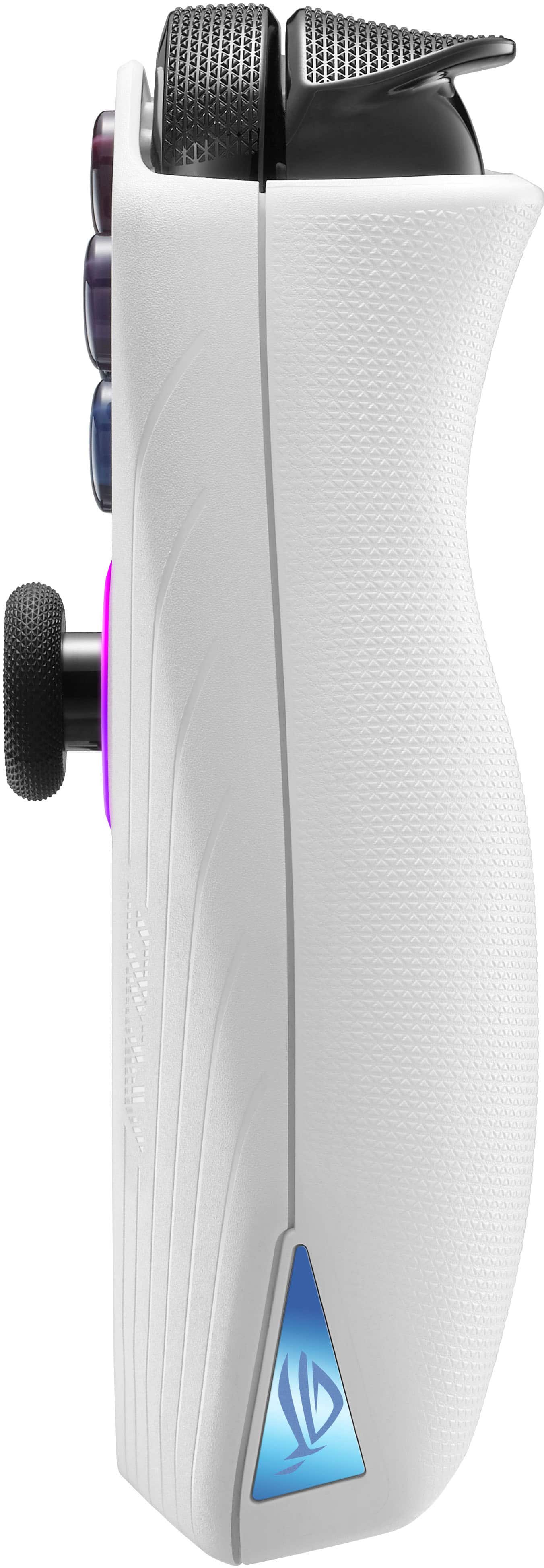
A:Answerthe only rubber i can find on it is on the joysticks themselves. the rest is all plastic textures. the rubber found on the sticks is the same as any xbox controller so if they are used to handling those controllers, they will be perfectly fine as far as allergies are concerned
A:Answerthey pushed out a bios update with adjusted fan curves but that won't fix the SD card being located right under one of the heat sink exhaust fins. You can further adjust the fan speeds in the software or run the device at lower wattage when playing less demanding games.
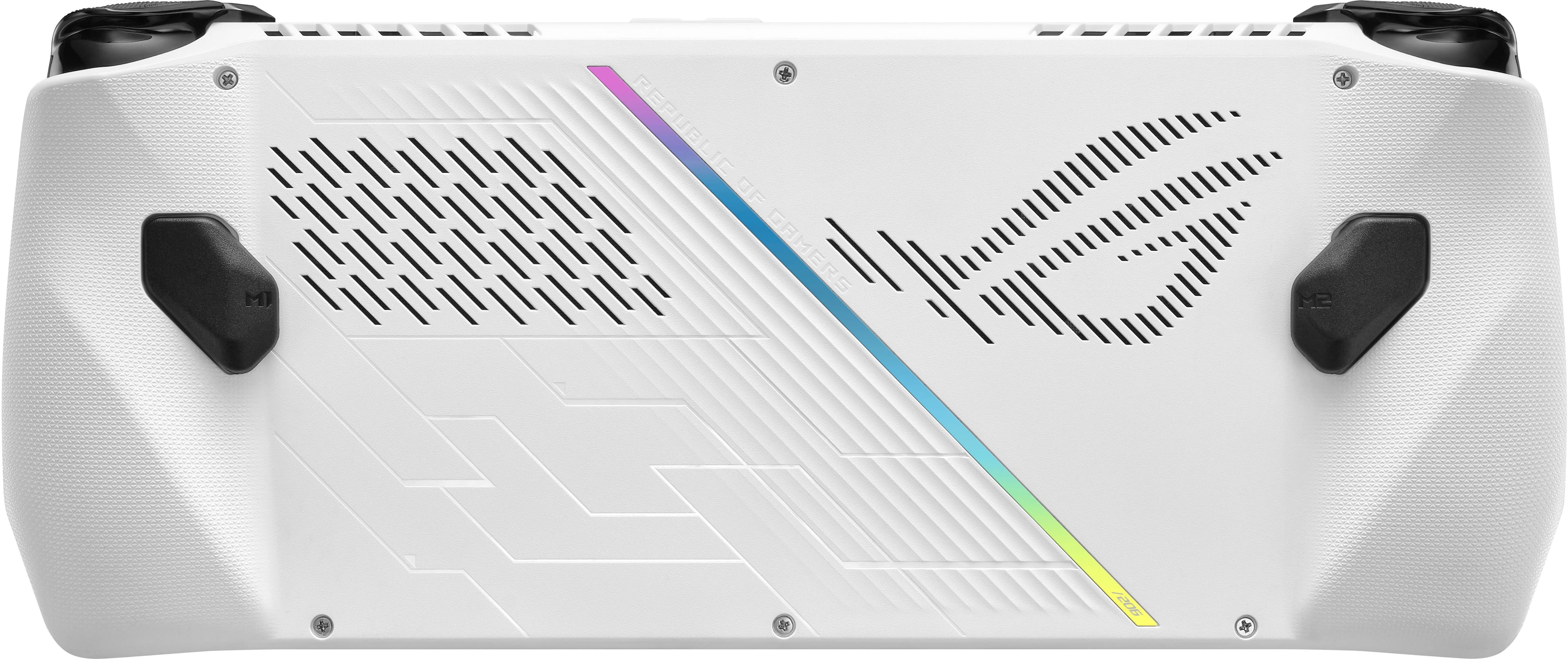
A:AnswerWhether you need an internet or hotspot to play a game depends on the game you’re playing, but yes, you’ll need some form of online connection to download and install PC games you own and want to have on your Ally. Taking screenshots is super easy, the default hotkey with Armory Crate is M1/M2 (either one of the back buttons) + the A button. This uses the Xbox Game Bar capture feature to take screenshots of your current screen. And since the Ally runs Windows, just use the Edge browser to navigate to the internet (which of course you’ll need an internet connection for).
A:AnswerYes sure I am in Turkey and I play all the games with xbox game pass where ever you are
Bien sur tu peux jouer touted les jeux que tu vuex ou que tu sois