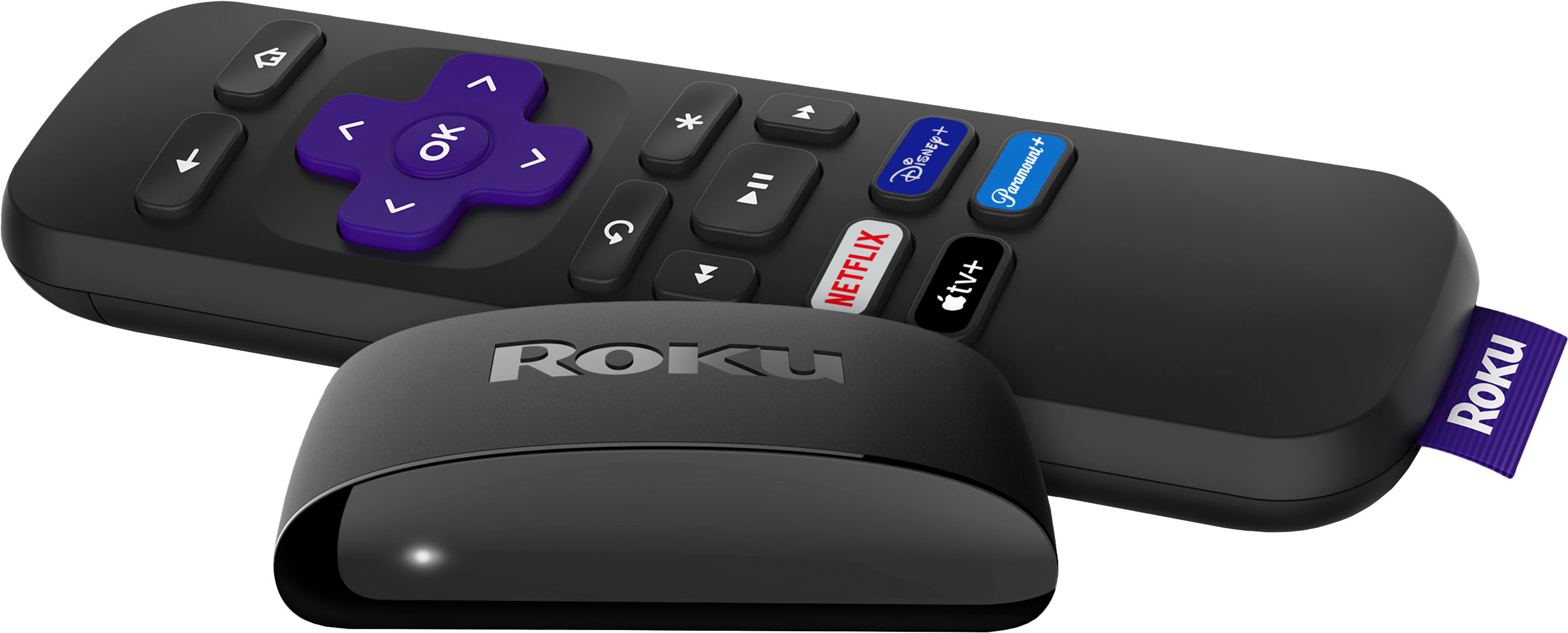
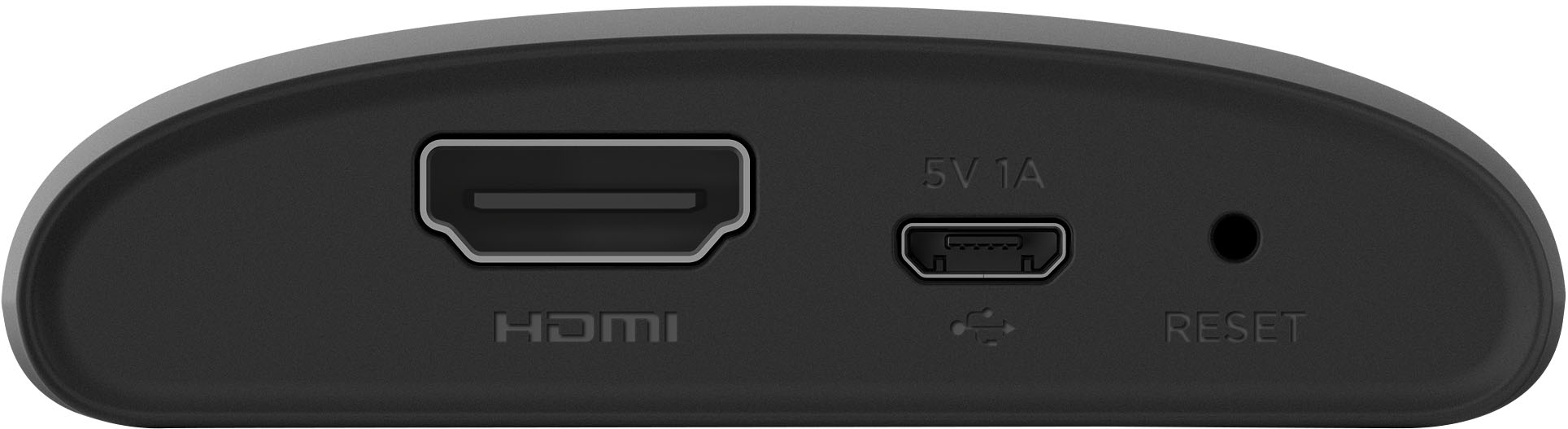
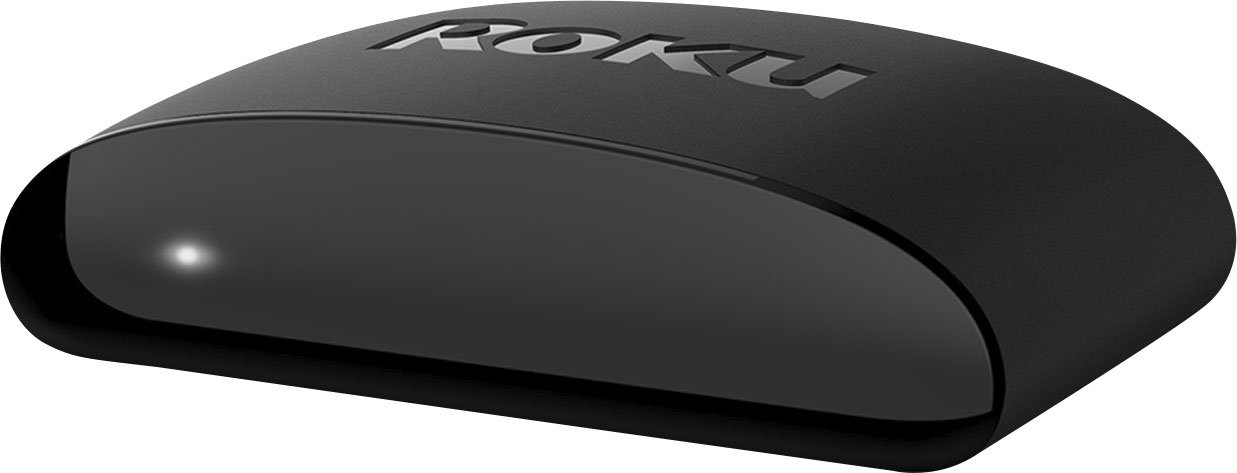
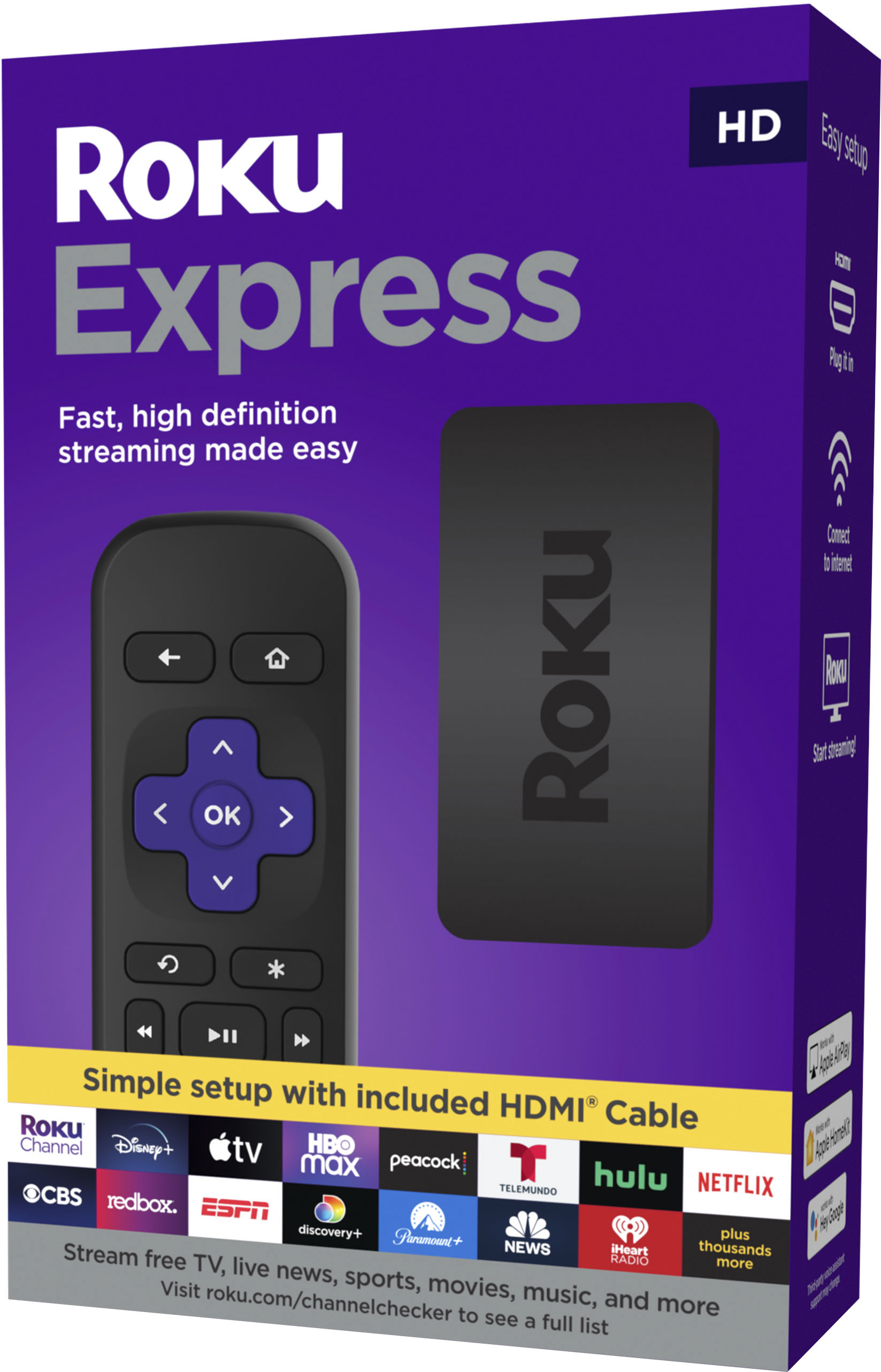
A:AnswerHi JerrySmith! Yes, the Roku Express (model 3930) is compatible with AirPlay. Please note your Roku Express must be running Roku OS 10.0 or higher to support Apple HomeKit and streaming with AirPlay 2.
A:AnswerYou should be able to download the app, and make sure your roku and phone are on the same network. Or Bluetooth. And have your phone discoverable. It should pop up the roku.
A:AnswerJust search Roku in Apple store and you should be able to find the right app. Been using 2 different roku devices on my iPhone, no issues at all.
A:AnswerHello! Yes, both Paramount+ and Hulu channels are available on the Roku channel store. Just like your smartphone accesses an “app store” to add new applications, your Roku streaming player accesses the Roku Channel Store to add new channels. Some channels require a paid subscription or a one-time charge, while many others are free. Browse the Roku Channel Store directly from your Roku device, or by visiting channelstore.roku.com. Channels can also be added when using the Roku mobile app on a compatible mobile device.
A:Answersince it will be a different Hdm1 port it should be good for any cable provider. I only change the hdm1 to go back and forth from Roku Tv to Cable Tv. Super easy.
A:AnswerYep you can use a Roku in place of the adapter box via there app
As for the device:
I would suggest buying a Roku that has both the 2.4 Ghz and 5 Ghz bands for streaming as the 5 Ghz band tends to keep the device from having hiccups
Questions to ask comcast before getting device would be:
How does it count against the internet streaming cap
What credit do u receive for using your own equipment.
What happens if you are using more than one device for the service.
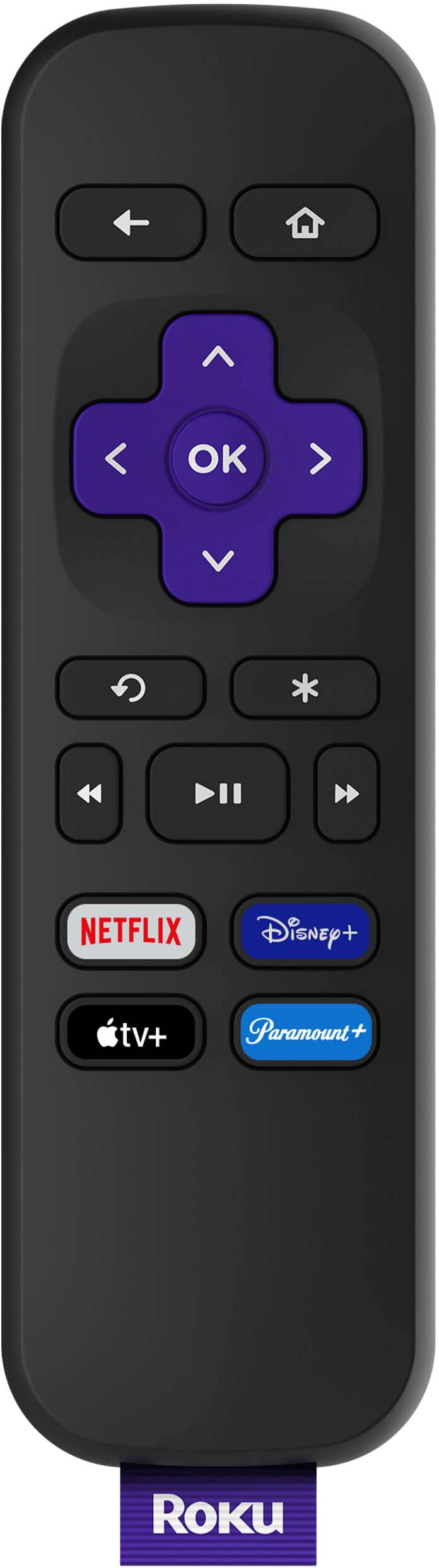
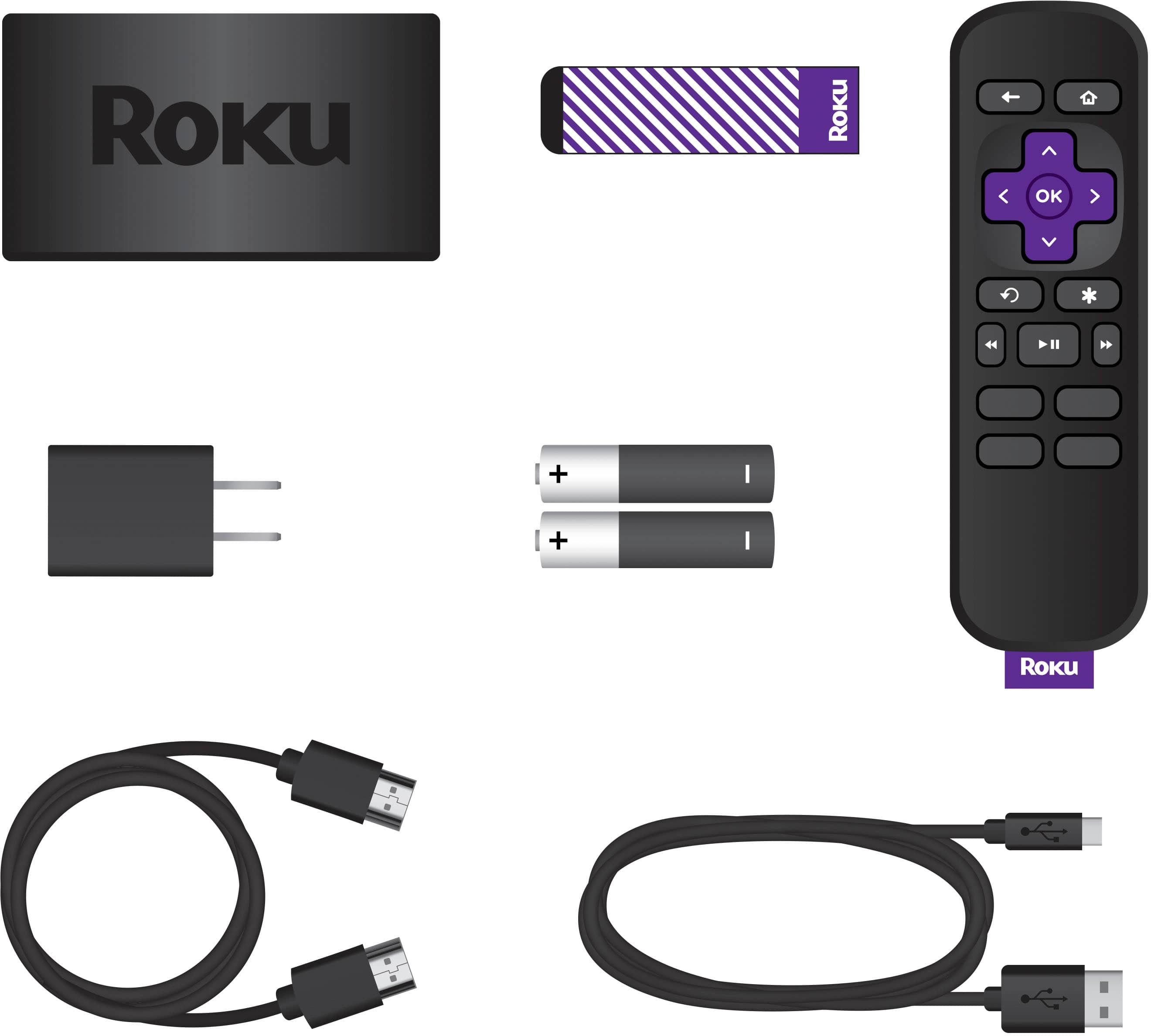
A:AnswerHi, Here is a link that will take you to the Roku Express Specs and also be able to view the images of the remote’s symbols and what they are. Hopes this helps!
https://www.roku.com/products/roku-express