A:AnswerOne per tv.
Fees are for subscribed services such as Netflix. No fees for the Roku services. Roku provides a significant amount of entertainment for free.
A:AnswerHello MikeB! There are no monthly fees for watching free channels or for using the Roku device. You only have to pay for subscription channels like Netflix, cable replacement services like Sling TV, or movie and TV show rentals from services like Apple TV. Adding a payment method lets you easily rent/buy movies on demand or subscribe to those popular services like Netflix.
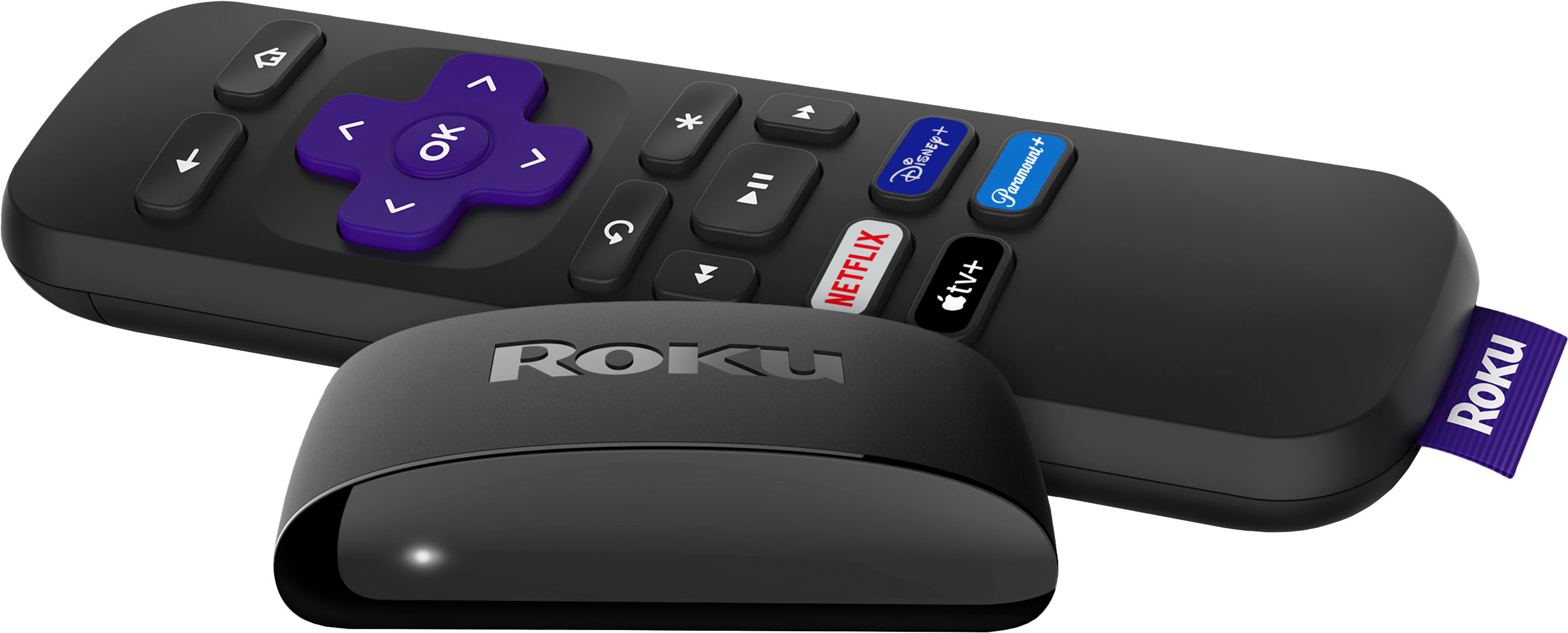
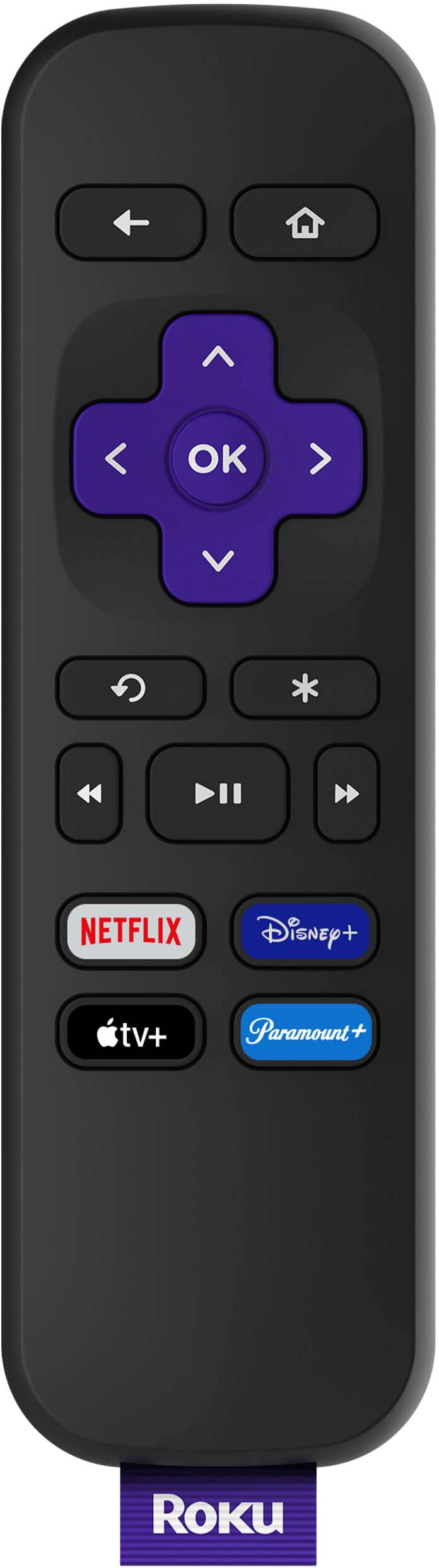
A:AnswerHello Will! The Roku Express HD comes with our Simple Remote which does not include TV controls. The Roku Express 4K+, Streaming Stick 4K, Streaming Stick+ HE (Headphone Edition), Ultra, Streambar and Streambar PRO all come with a remotes with TV controls.
A:AnswerHello Nucy! Any of our Roku models would work just fine with your TV, all you'll need is an available HDMI port and a reliable broadband internet connection.
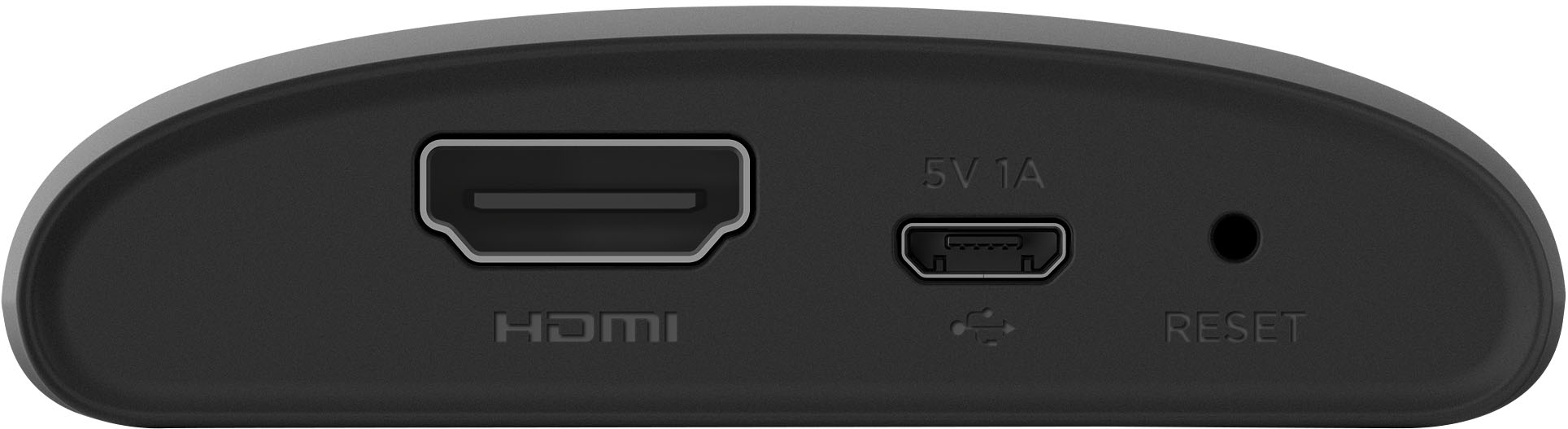
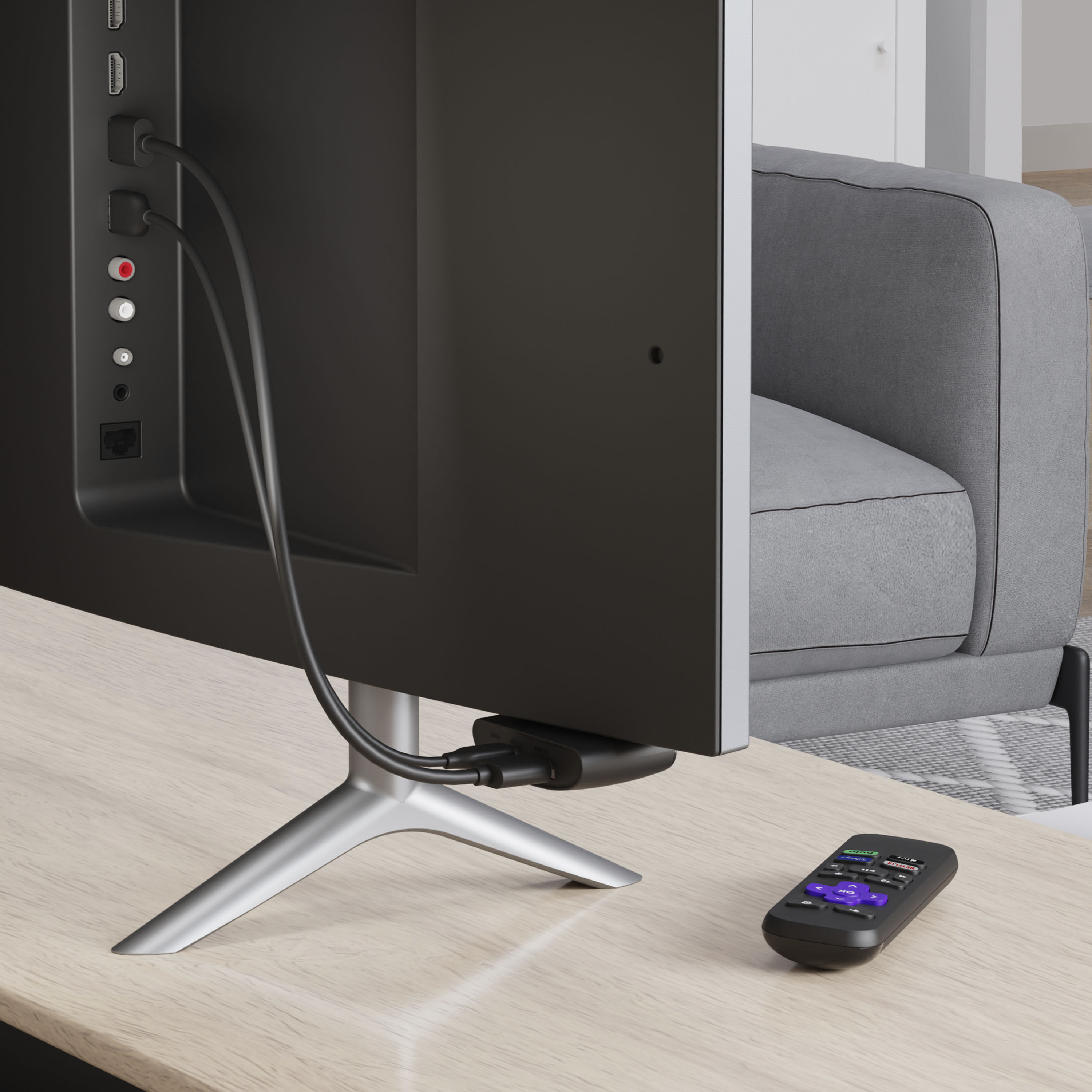
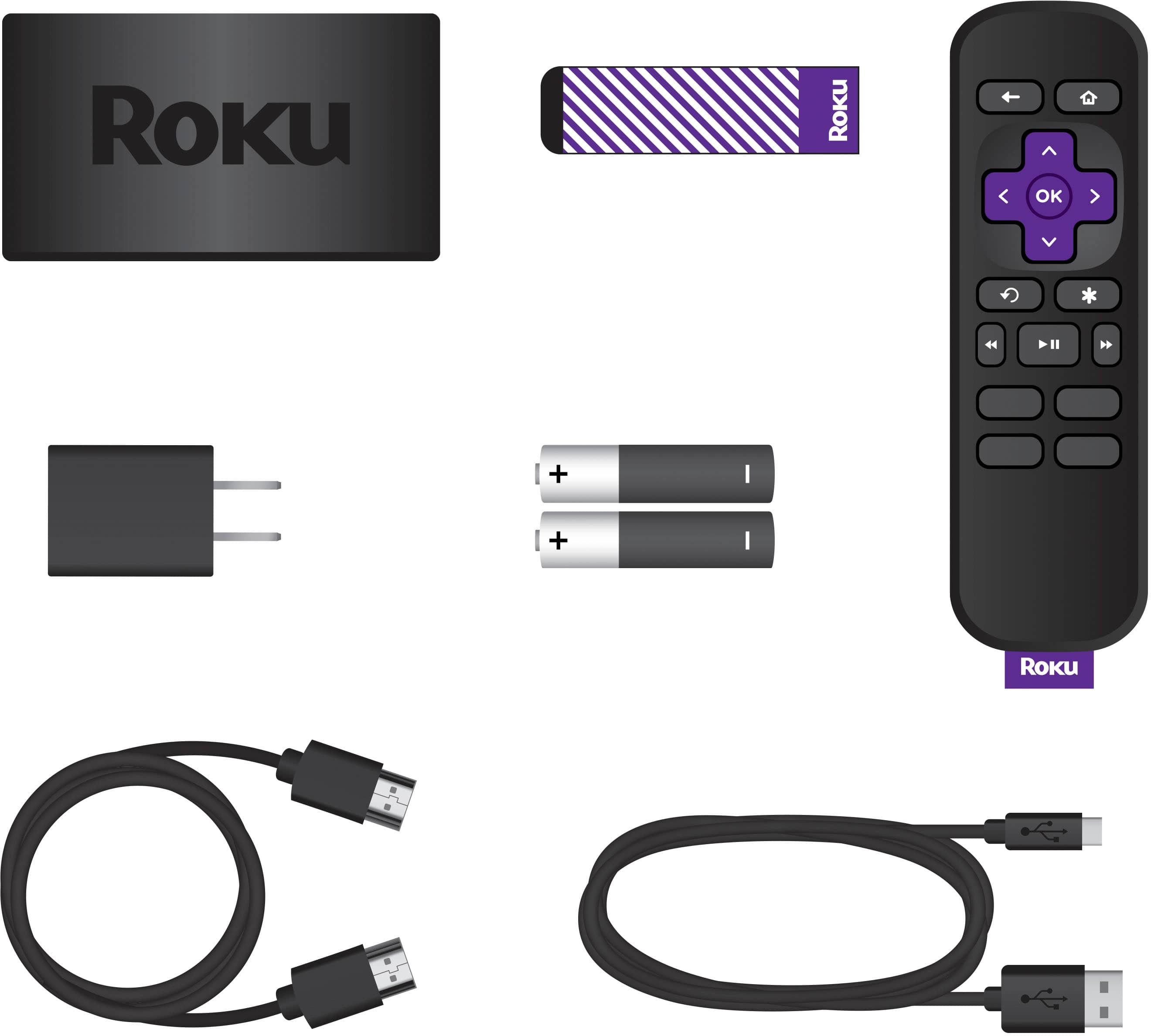
A:AnswerYou only need an HDMI cable to connect the roku to the back of your tv the other is the plug that comes on the box and that is it. It is pretty easy to use. Do you have a neighbor or someone who can help you connect it ? It is really easy ! Hope that helps !