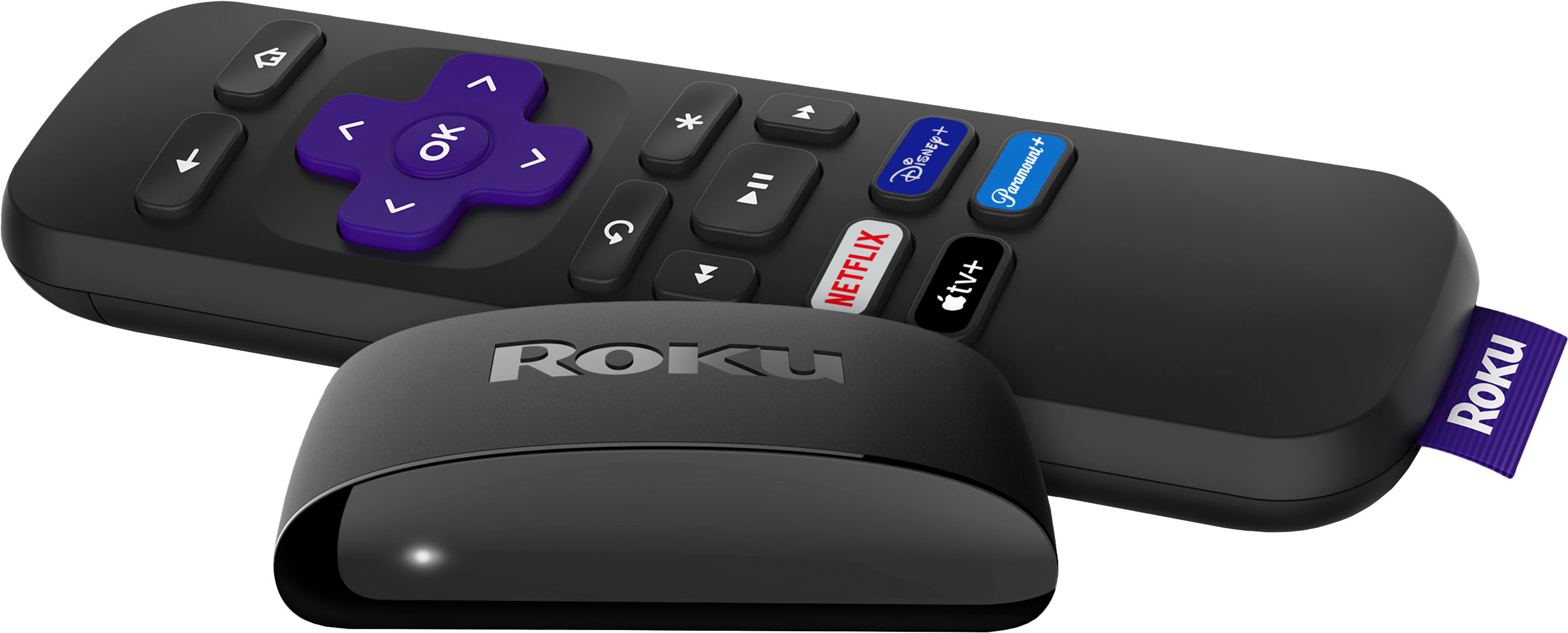
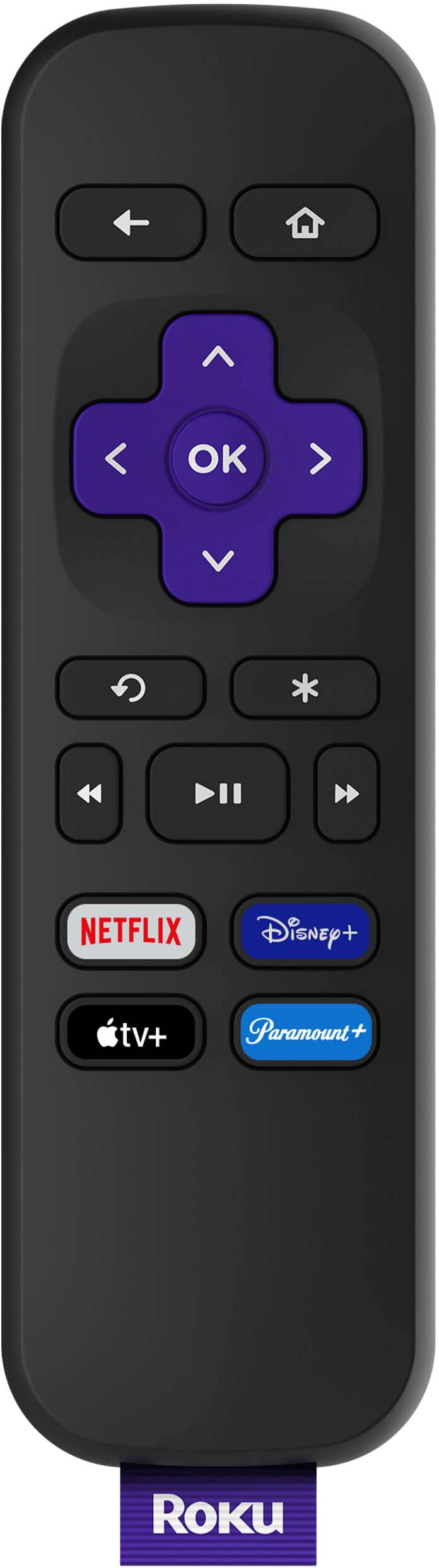
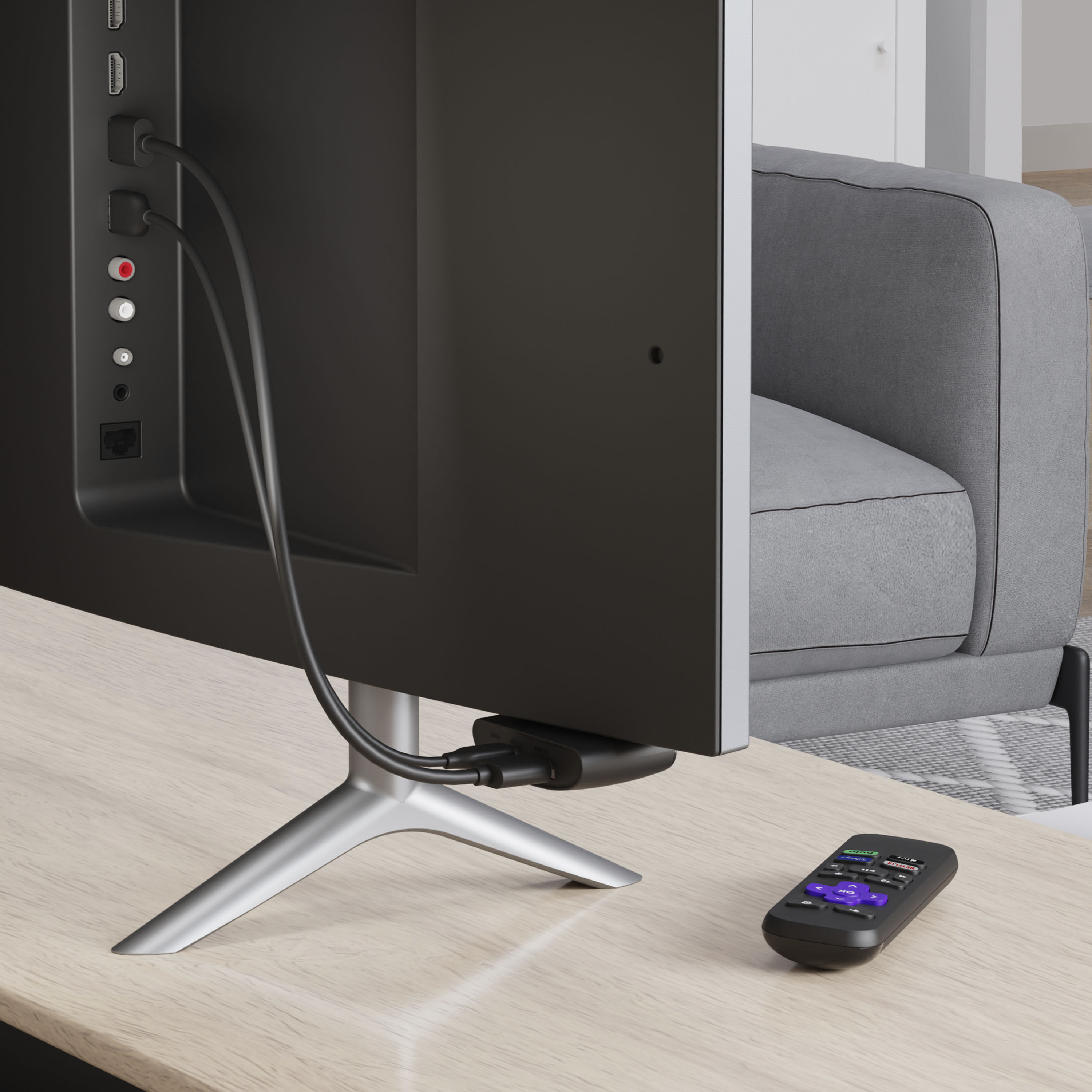
A:AnswerHi! If you're looking for a replacement remote you have a couple different options! First off we have three different replacement remotes. There is the Roku Simple remote which is a simple remote like the one that comes with the Roku Express, The Roku Voice Remote which has voice controls, TV power, Volume, and mute buttons, The Voice Remote Pro that is rechargeable battery, lost remote finder, hands free and push to talk controls, TV controls and personal shortcut buttons, it also has private listening. Lastly, you can download the Roku mobile app on your phone and use the remote via the app.
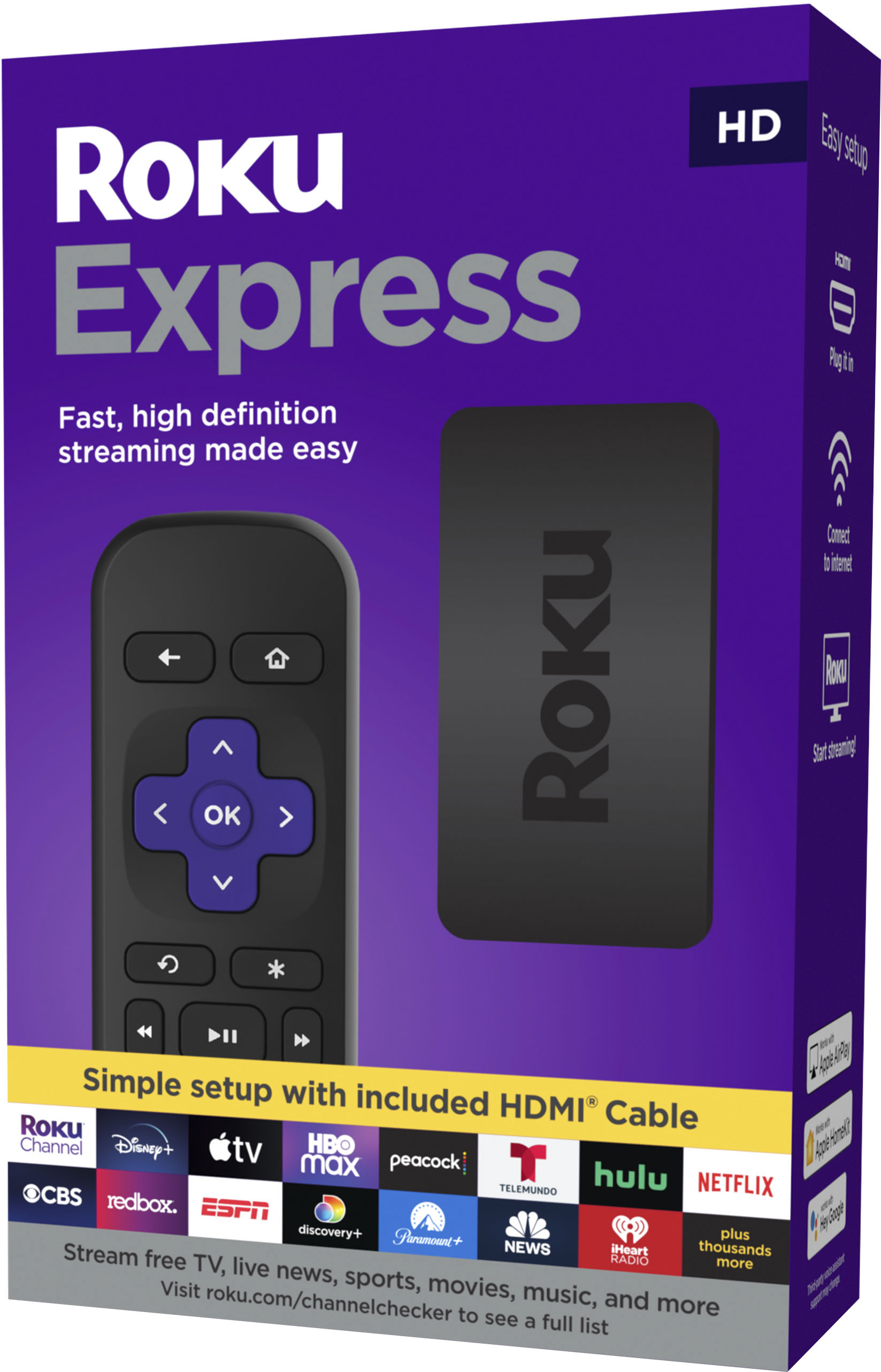
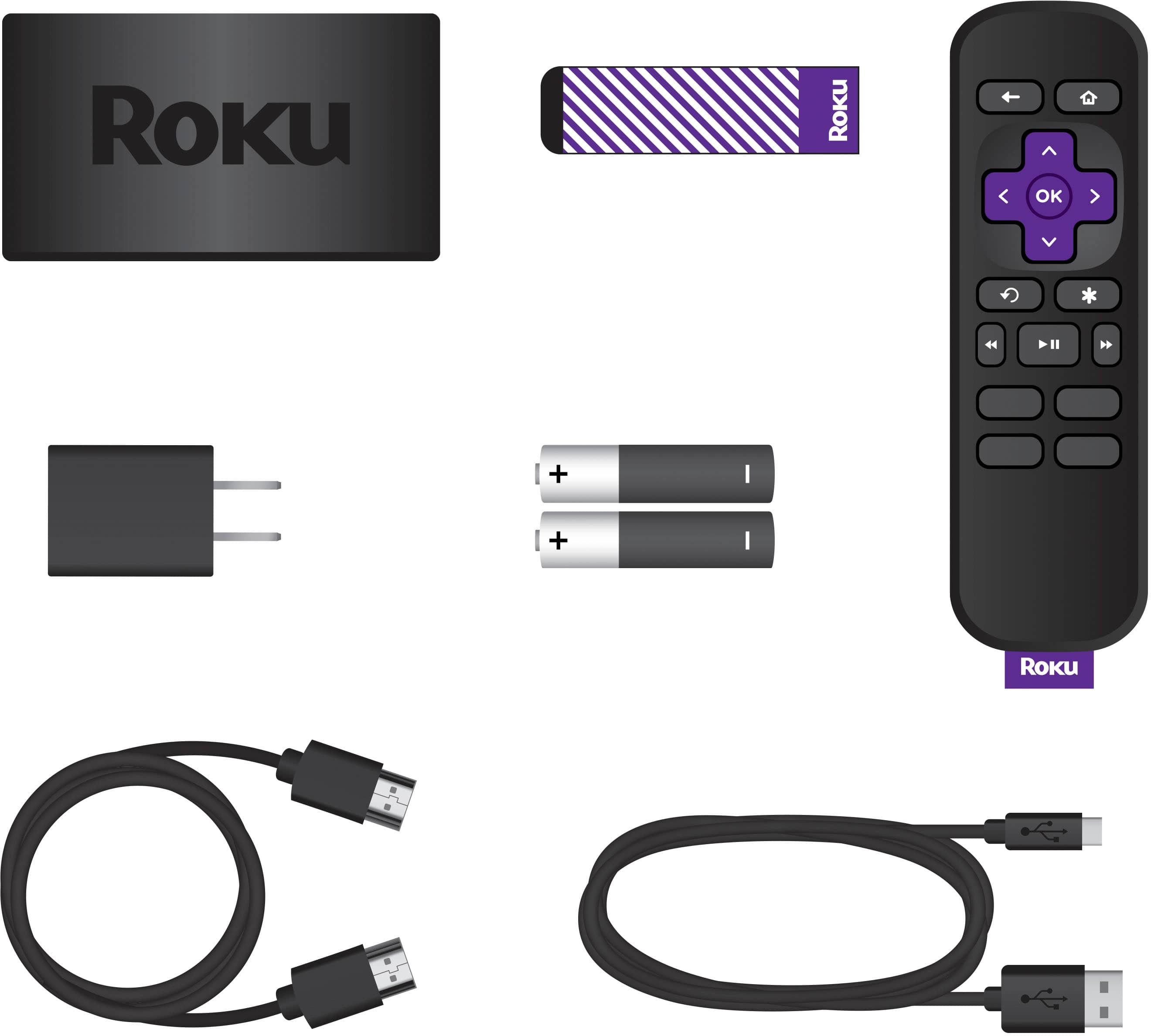
A:AnswerHi, Rogervw! The Roku Express comes with the Roku Simple remote which does not have the TV power, volume, or mute button. The Roku Express 4K+, Roku Streaming Stick 4K, Roku Ultra, and the Roku Streambar all come with a remote that has TV controls. You can also purchase one of the Roku Remotes we have the Roku Voice remote and the Roku Voice remote pro both have TV controls.
A:AnswerYour wireless download speeds will not support streaming adequately. This device will do nothing to improve your speeds. Either step up to a better wireless plan or get a router that provides better wireless speeds.
A:AnswerYou will get the all the stations on your spectrum subscription. Add the spectrum app, once added highlight the app, hit enter, then hit the left enter key on the remote and the channel guide will appear.
A:AnswerYes you can. Just turn on what you want to stream on your phone and then airplay it to your tv device. As long as your tv can receive airplay and be projected to.