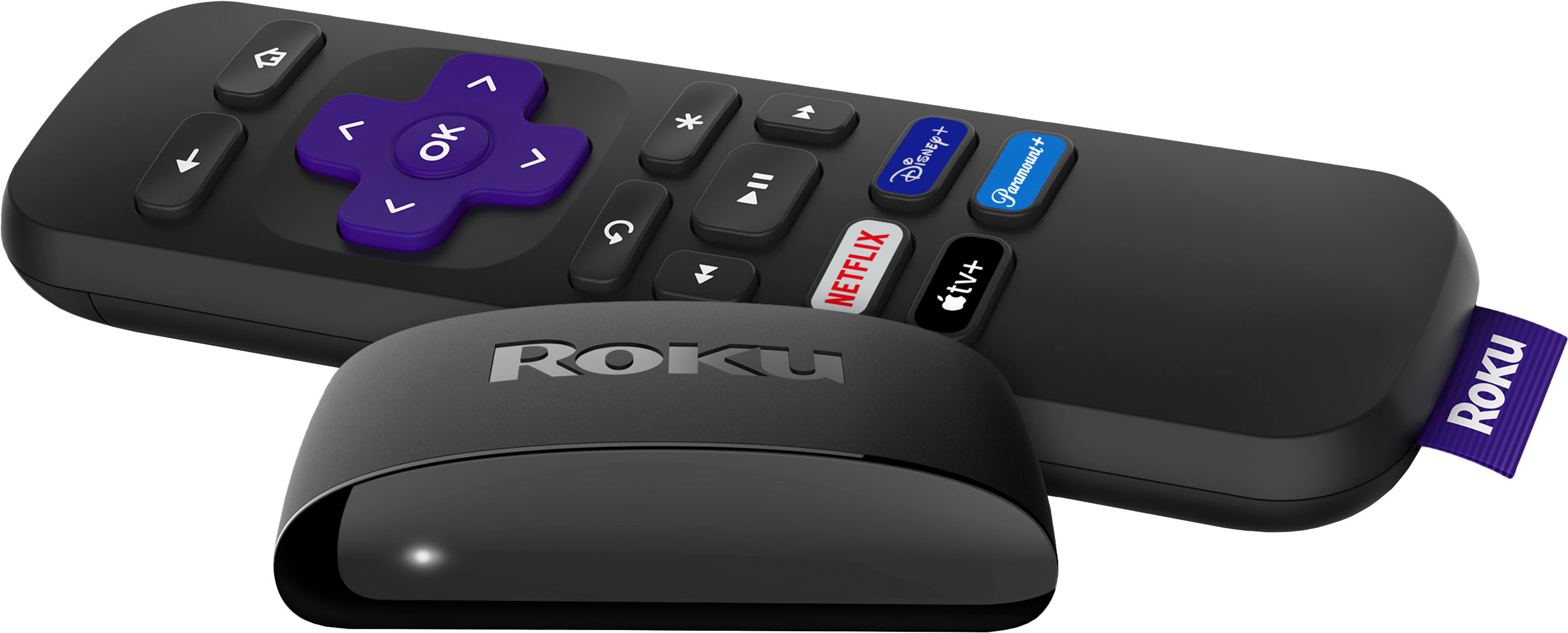
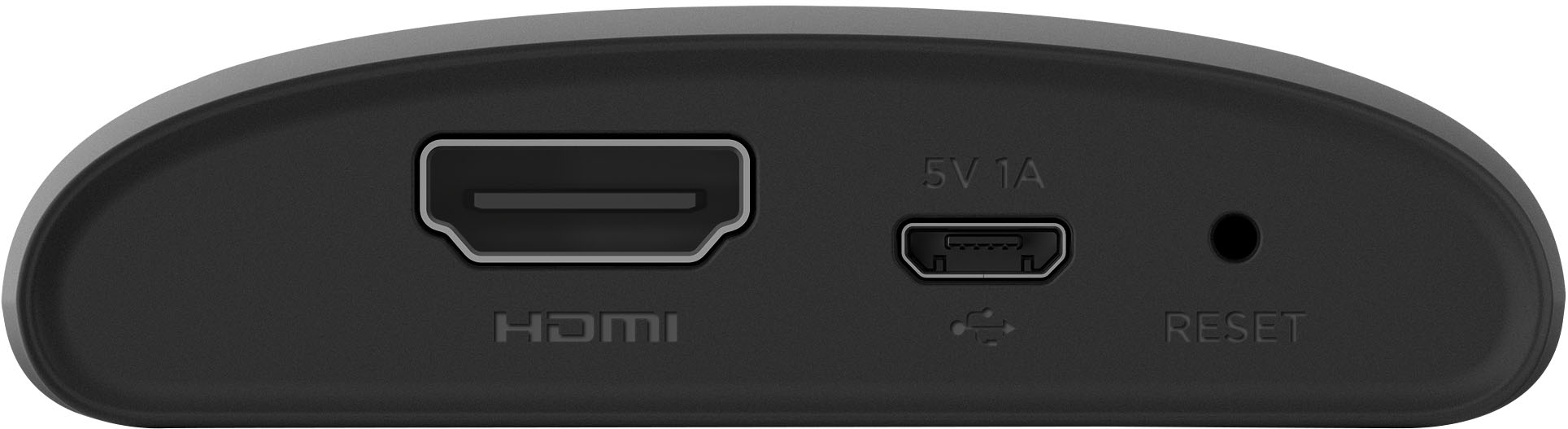
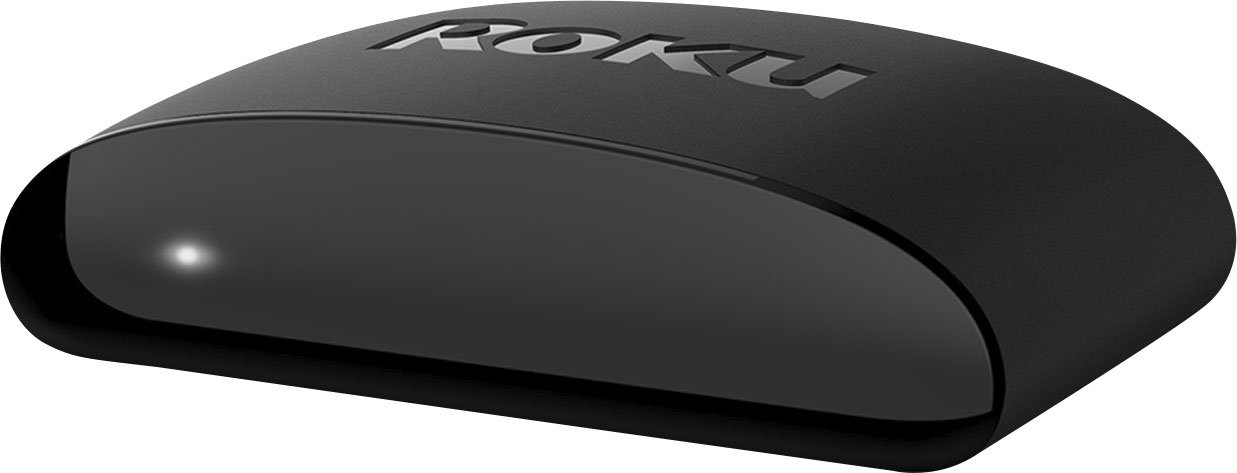
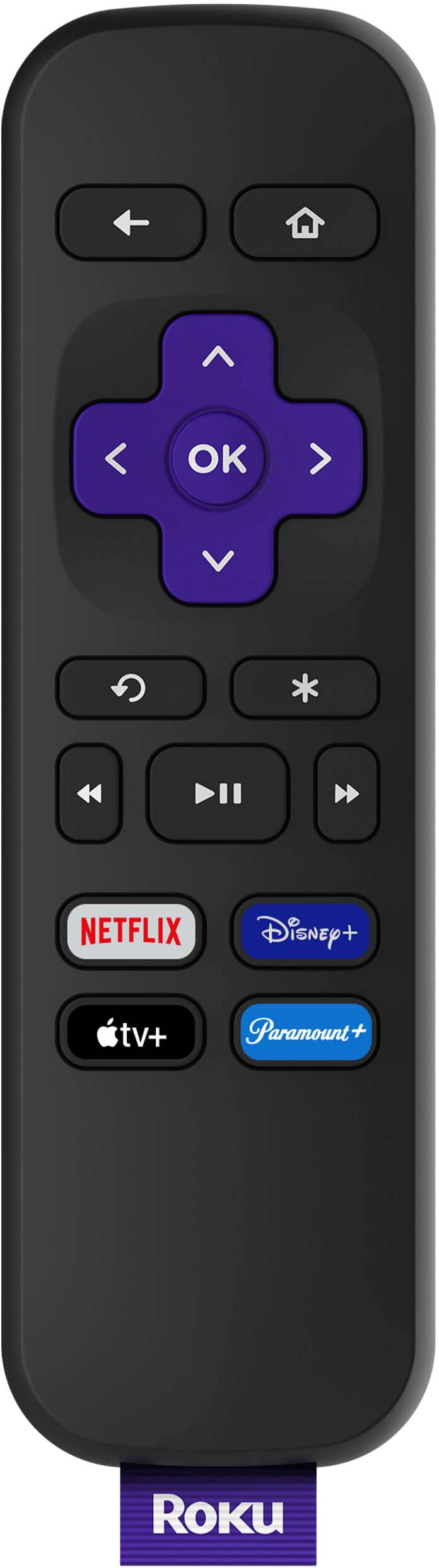
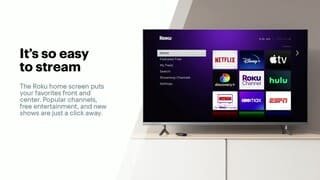
A:AnswerMarissa, yes YouTube TV is part of the Roku Channel lineup. Roku offers over 10,000 channels you can find the full list at https://channelstore.roku.com/browse
A:AnswerCurrently all Roku devices (Players, TVs and Smart Soundbar) get YouTubeTV. All devices have access to the same Roku content, the difference in models usually comes down to speed, WiFi range and remote control features. https://channelstore.roku.com/details/195316/youtube-tv
A:AnswerChris, right now TVision is not part of the the Roku Channel Store. It is more of a T-Mobile question is they will create an app for Roku.
https://channelstore.roku.com/browse
A:AnswerYes you need WiFi to connect the Roku to the internet. You can have either your cable company give you a router(with a monthly rental fee) or go to Best Buy to buy one.
A:AnswerIt’s not choosy . If it sees your WiFi grab it and use it . Don’t recommend streaming from a phone . For one thing it’s usually expensive and another it sucks as far as streaming movies . The lag on buffering would annoy the heck out of you .
A:AnswerI don't see why not. The ROKU is the middleman between the wi-fi signal and the receiver. In my situation, I have the ROKU installed on a TV and that receives the signal from the wi-fi. The signal is wireless. The TV doesn't have the ability on its own--the ROKU is I guess the "bluetooth" for the wi-fi.
A:AnswerI have the 4K Roku in my living room with my 65-inch 4K TV. I put the Roku Express on a small 1080 TV in my bedroom. I don't sense much if any difference in how quickly apps start up. If you want voice control, you can also download the app on your smartphone where you can use voice control. I like using their app over using the Roku remotes.
A:AnswerPSM, the Roku Premiere adds 4k streaming capabilities. The look and feel of the two models is very similar and will have access to the same channels. The Roku Premiere will support 4k content if your TV supports 4K.