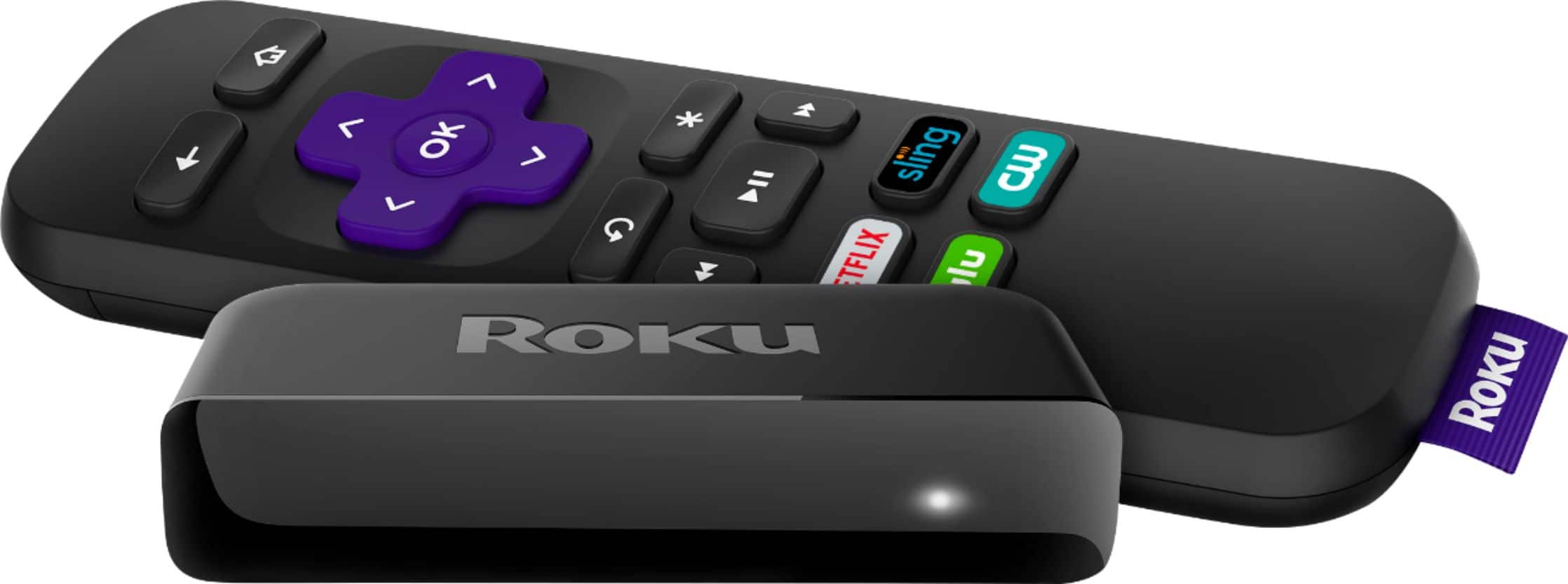
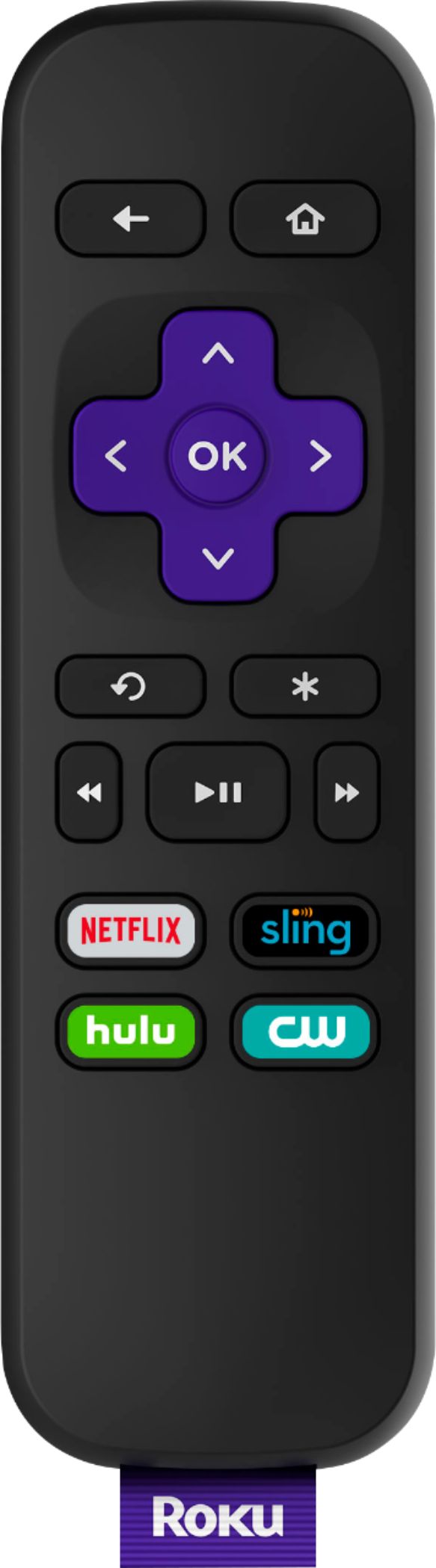
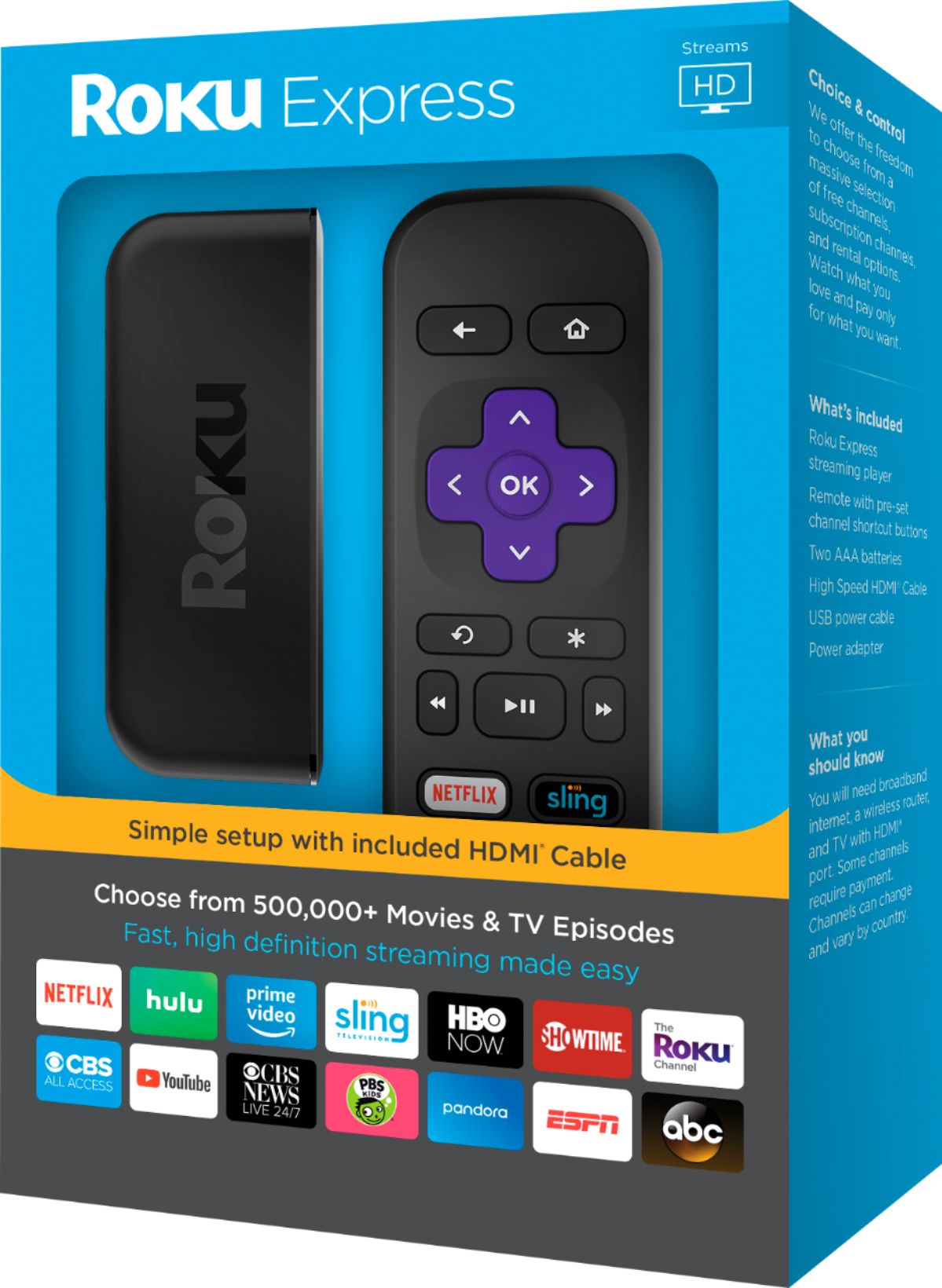
A:AnswerI have the Xfinity PrePaid cable tv, which you stream via a Roku or other device instead of the traditional cable boxes and I get Hallmark on my channel lineup.
A:AnswerThis is a public customer forum ma’am. You shouldn’t post your number on here or any private information. Delete it if you can.
This for customers mainly to ask/answer each others’ questions based on experience. If you have a Roku or Sling question I suggest you start with the place you bought your Roku from. Good luck.
A Friend.
A:AnswerFrom what I saw in order for you to use the Roku app on your smart phone you must have it connected to the same network as your Roku. Which I take to mean that you need home internet service, The Roku is meant to work with your TV. You can get the Roku app for your iPhone or IPad and or your android and use those but again you must be connected to the same network as your Roku. Having internet through your phone service probably won’t work as far as I know.
A:AnswerThe Roku device is wireless so if your modem supports wireless it should be able to use Xf;inity or Roku services (subscriptions required for some) but you would have to change the input to your TV from cable (Xfinity) to Roku for that device. This can be done from a remote each time you want to change the input source to the TV.
A:AnswerI have my roku express working off my exfinity/comcast internet so it is wireless. I do not know any other way to get pictures if you do not have internet? Maybe someone could give an awswer?