A:AnswerYes you have to download the app- full instructions are given during install. I don’t know about working on FireTV but I don’t know why it wouldn’t and you def can take with you- main reason I bought it was so I could bring on long vacations
A:AnswerRoku is just the programming input to the TV. It would take the place of the coax cable or HDMI cable from a cable box. The external speakers are outputs from the TV and have nothing to do with the Roku.
A:AnswerI use the Wi-Fi through a router on my cable provider (RCN) internet connection. There wasn't a problem. I don't think it matters who your cable provider is as long as you have an internet service through your provider and a router for Wi-Fi. Unless you're running a wire directly to your modem. But I had no issue with the Wi-Fi.
A:AnswerAs long as you have an internet connection with a Wi-Fi router there is no need for the cable box. I used my Roku stick in a bedroom without the cable box attached. Not sure about how it works if you are just connecting it to your modem or computer.
A:AnswerMadison Square Garden Networks unveiled its own streaming platform, MSG+, on Wednesday. The service will launch this summer with subscription costs at a $29.99 monthly rate, a $309.99 annual rate or a per-game rate of $9.99 for the New York Knicks, New York Rangers, New Jersey Devils and Buffalo Sabres.
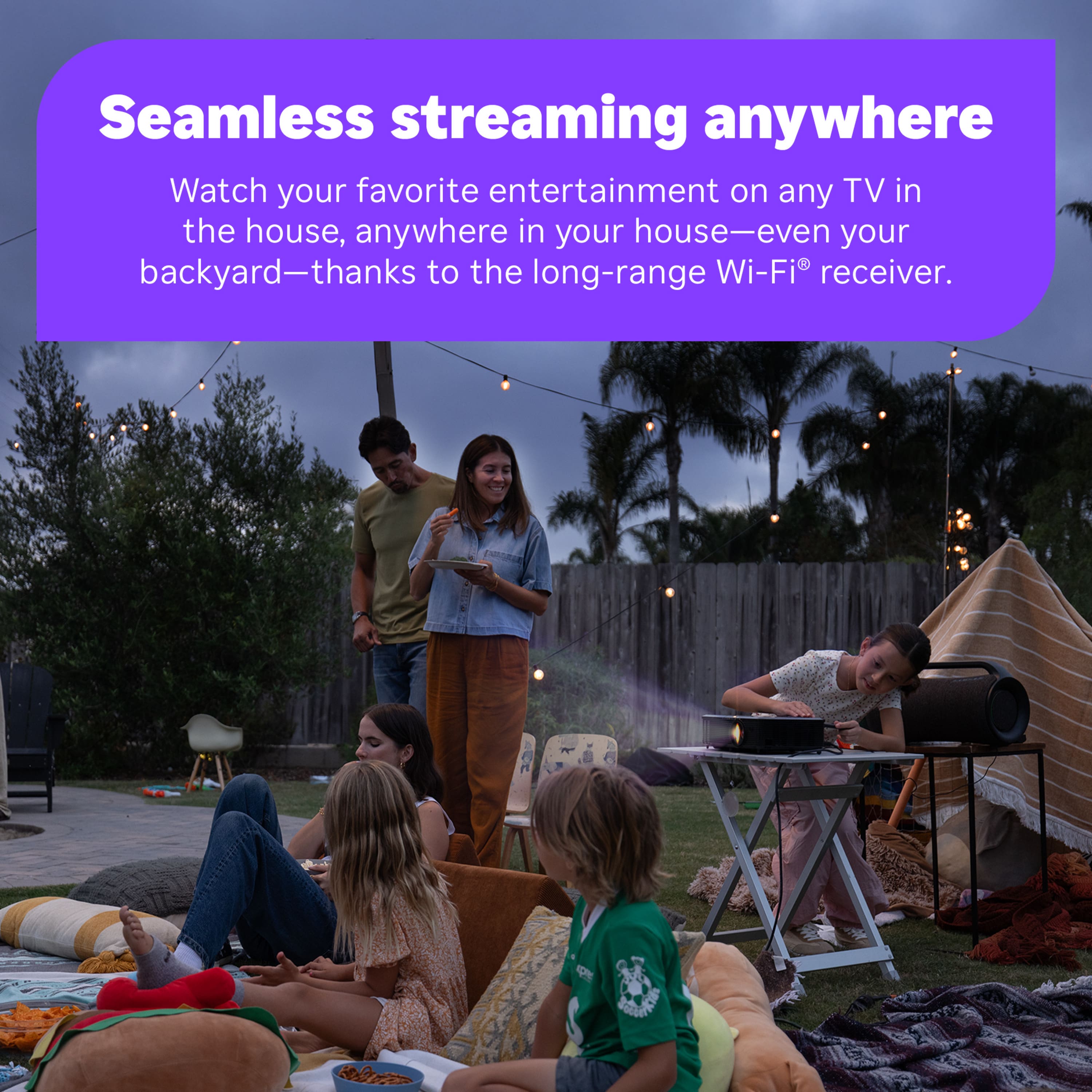
A:AnswerIt’s about the same as any WiFi device. It has a diagnostic that reports your WiFi signal strength. Depending on barriers, it’s usually around 59 ft.
A:AnswerThe answer to both of your questions is yes. I puchased the stick and removed the little comcast box and saved the $10 per month retal charge for the box. Stick works great.