A:AnswerIf you’ve done “everything” including contacting Roku you most likely have a bad remote or stick — Roku will tell you which or give you the solution — the manufacturer should be the 1st search not the last
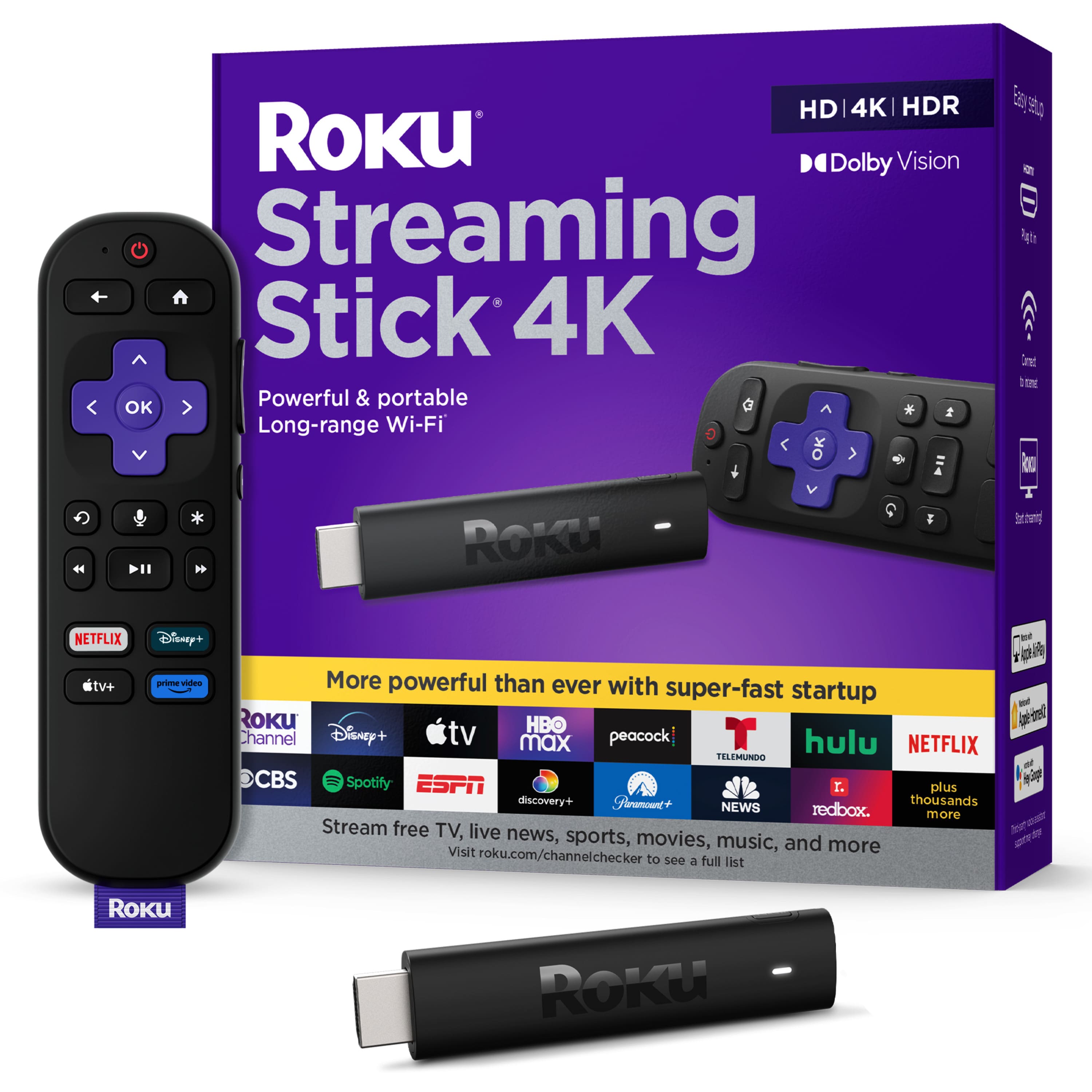
A:AnswerHi, PT! This will connect through your HDMI port on your TV. Since it is not a 4K TV you will not get the 4K resolution but if you ever decide to upgrade your Roku will be ready.
A:AnswerYou usually have favorite channels in the app. So, if you are a Sling subscriber you can flag all your favorites.
You can reorganize the Tiles to have your favorites at the top:Neflix, ESPN, NBA League pass.
A:AnswerYes, One of the apps will be Xfinity Stream. Open it & sign in and everything will be there including programs saved with the X1 box. You must keep 1 box (rented) from Xfinity but ditch the others and use ROKU boxes. They will pay for themselves in 2- 3 months.
A:AnswerYes it supports DD+ and Atmos. But you should use a certified high speed HDMI cable from TV to receiver and set the settings for the stick and on some apps
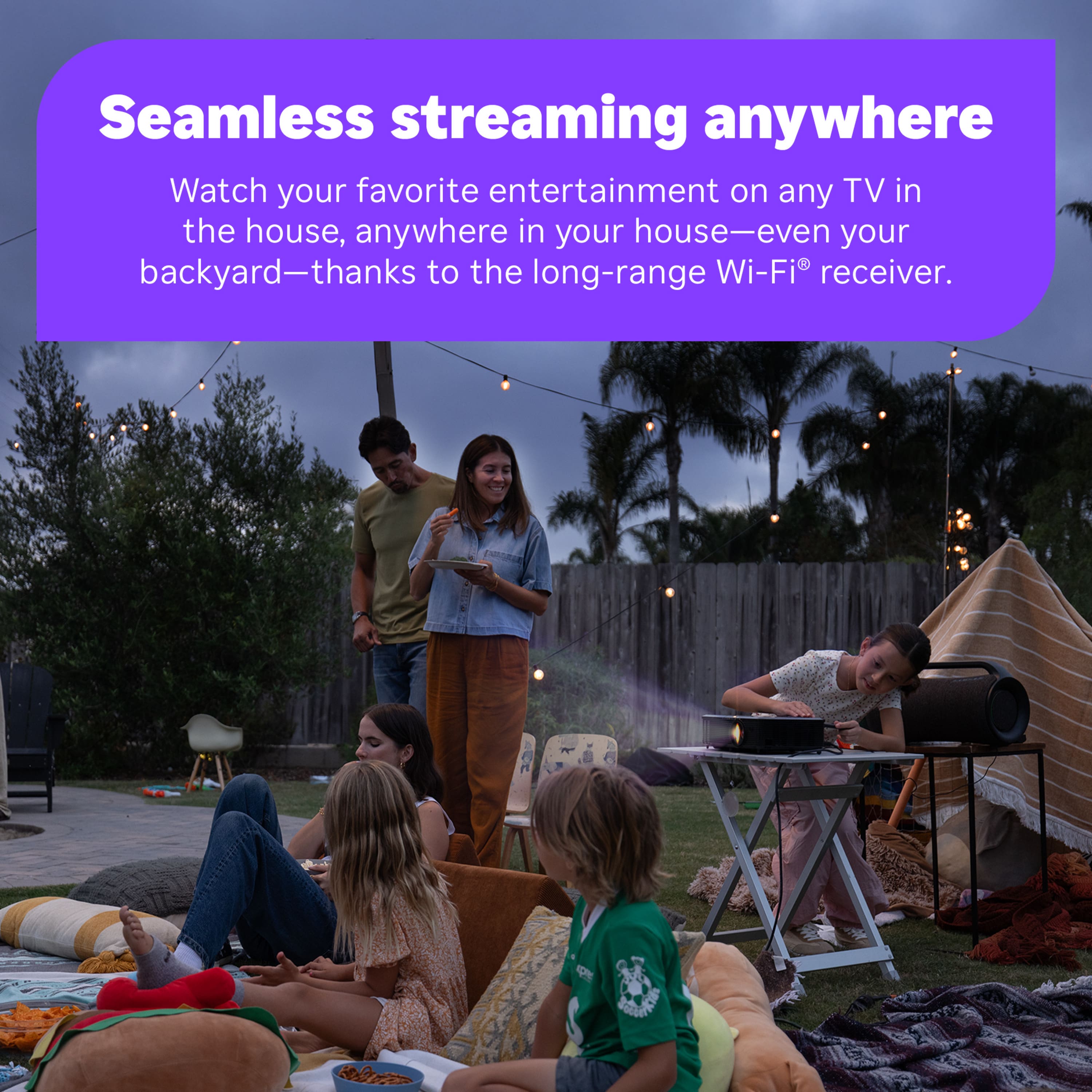
A:AnswerNo. You can jump up to the Ultra to get it, or you can get an annoying-to-navigate Fire TV Stick 4K Max, or consider the Apple TV 4K. || I'll assume that you have a WiFi 6 router or that you plan to get one in the near future, or you likely would not have asked the question. || We use this device to reach a spare bedroom behind several walls and several sources of potential interference, and we experience no lag at 4K with our Dolby Vision capable TV. || Also, be careful when buying a streaming device and make sure that it has at least a minimal amount of TV controls such as On/Off and volume controls.
A:AnswerSince the device has no mass storage and no cloud storage that I can find, the answer is no. || Since the Roku will work with Hulu + Live TV and YouTube TV, etc. that offer cloud storage, you can do it through those apps.
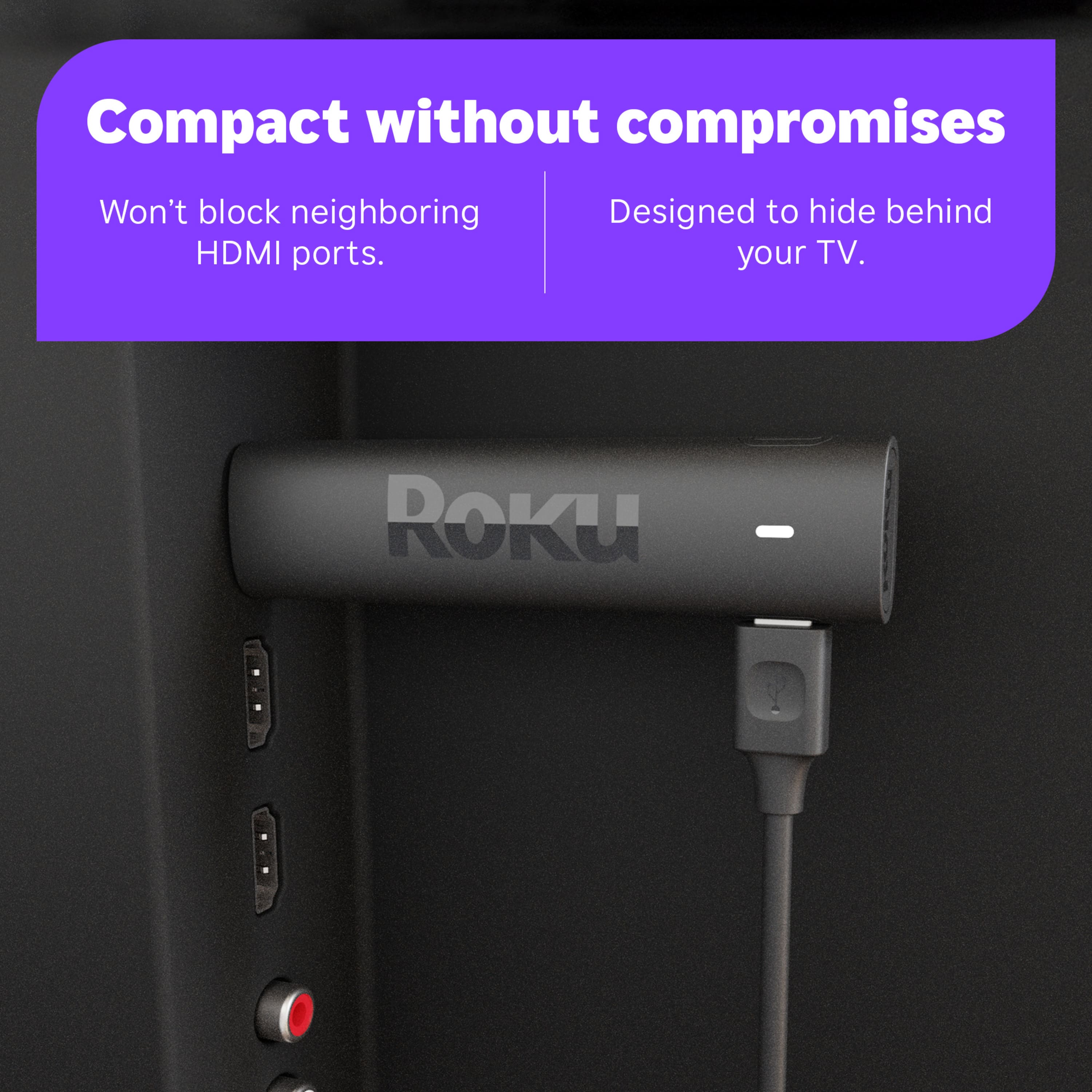
A:AnswerYes. Considering that the device will in almost all circumstances be plugged in to an HDMI port on the back of the TV, it stands to reason that you won't require line of sight... at least that's how it works in my home.
A:Answerapp is powered by Playmaker Media and is available on Apple iOS, Android and select Samsung devices, as well as on Amazon Fire, Apple TV, Chromecast, Roku, Win10 and Xbox.
Hulu + Live subscribers can stream NBC Sports Philadelphia to watch Philadelphia 76ers and Philadelphia Flyers games. Hulu + Live TV has over 75 channels to watch live sports, news, events, and more. The lineup includes FS1, FS2, NFL Network, Big Ten Network, TBS, SEC Network, and more.
A:AnswerYou can have both Roku and Spectrum at the same time using different HDMI ports. Spectrum offers a steaming service, as well as, a service which requires a cable box. I don’t know that you will be able to record off any cable channels, without a Spectrum option for recording, but you will certainly be able to record using Roku from numerous apps such as YouTubeTV and see them on any Roku TV in your house.
The issue is that, now, you are paying twice, in a lot of cases, to get the same content. I doubt that you will need Spectrum TV in the long run, just the internet connection. Run parallel for a month and decide which is better for you.
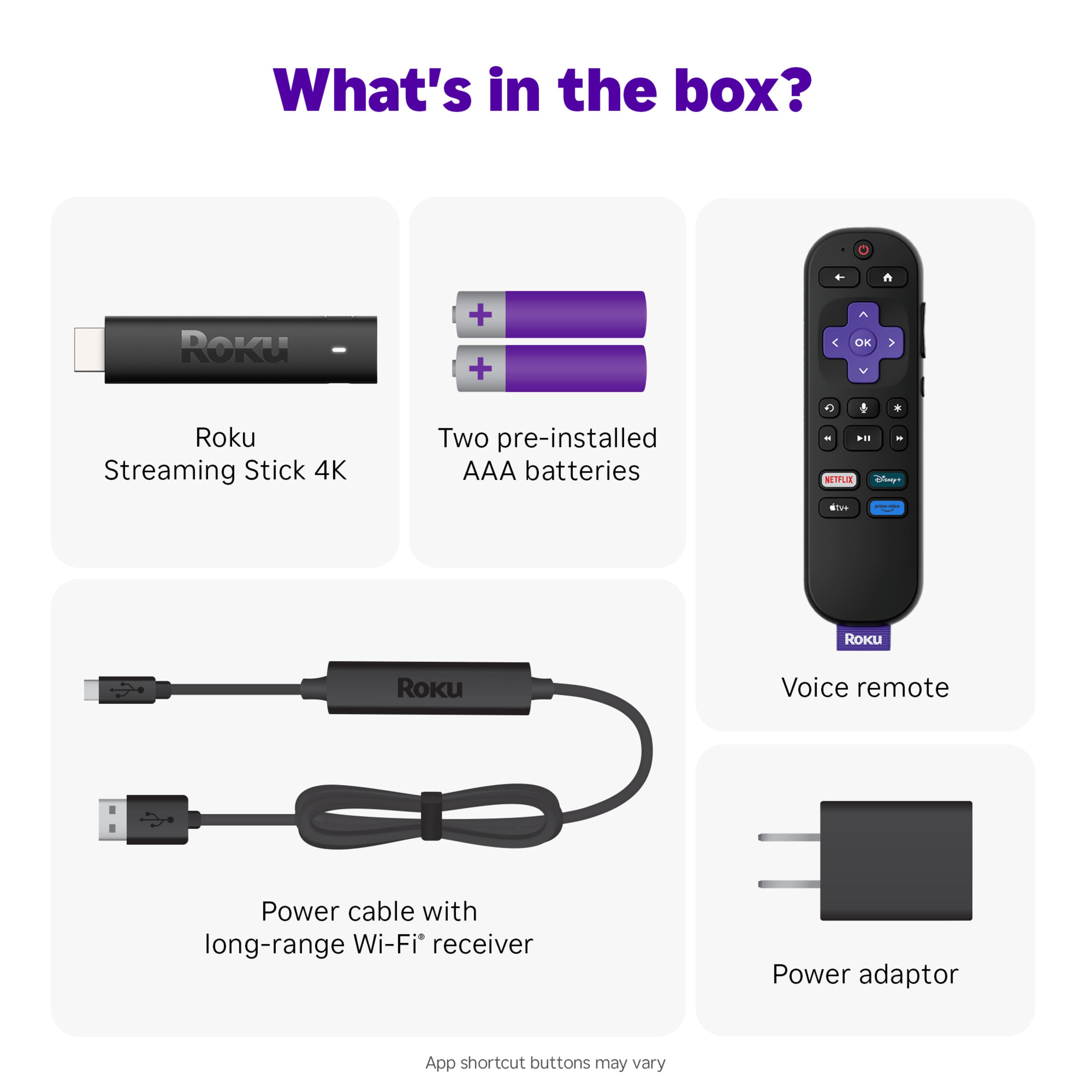
A:AnswerNo, all you need is a HDMI connection in the back of your TV. You will plug in the stick to the HDMI port. The stick will connect to your home's wireless internet connection.